
 AI Tools Review Editorial Team
Julian Goldie SEO covers Google Stitch in this video.
From Galileo to Stitch
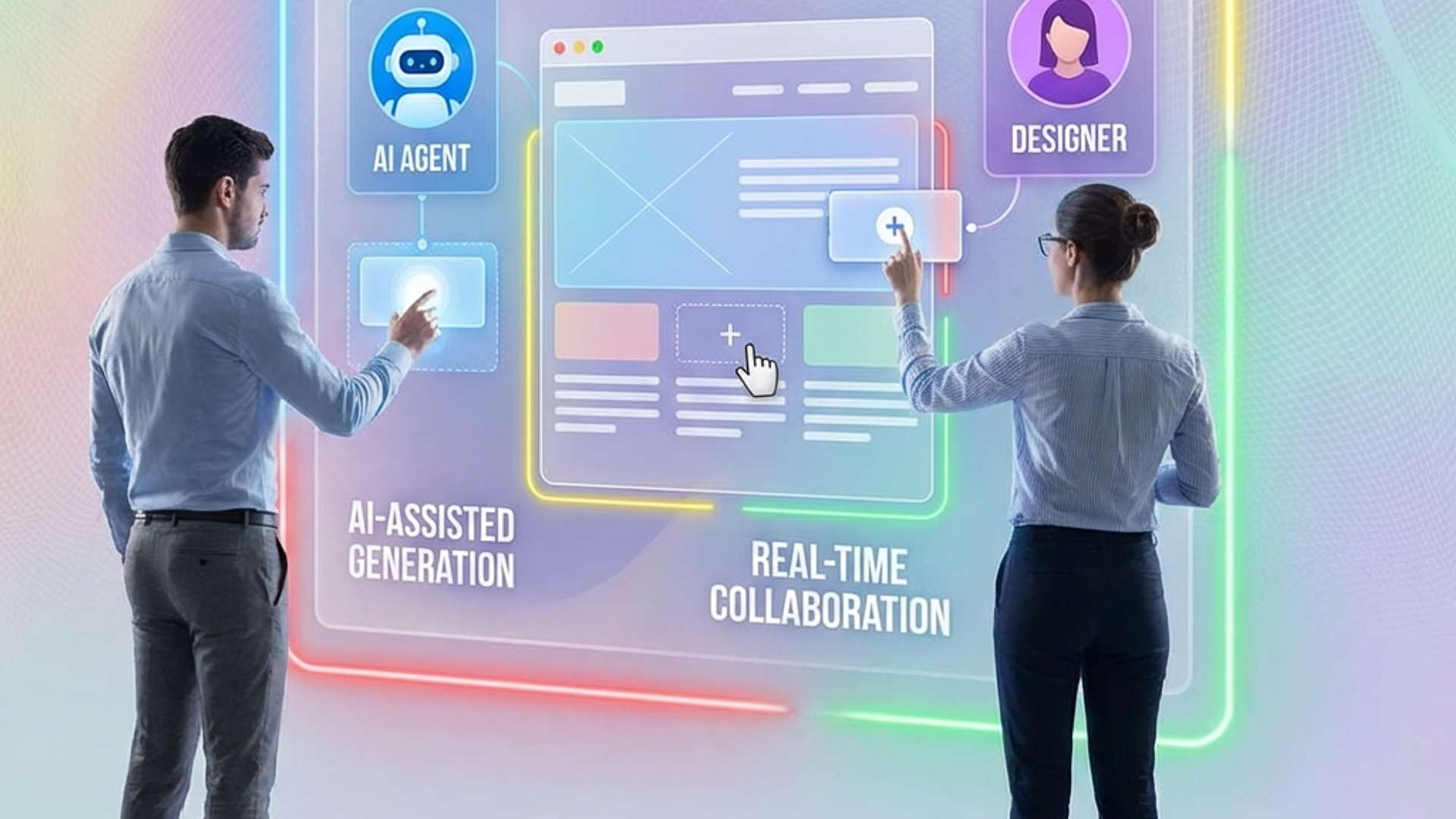
Google's latest AI tool isn't just another chatbot. Google Stitch is an ecosystem of specialised AI agents designed to automate the painful gap between design and development.
Launched at Google I/O 2025 and announced as the spiritual successor to Galileo AI but powered by Gemini 2.5 Pro, Stitch doesn't just generate images of apps, it builds them. The shift from a simple text-to-UI generator to an extensible platform with Agent Skills and MCP (Model Context Protocol) server infrastructure marks a fundamental transformation in the design-to-code workflow.
Text-to-UI & "Agent Skills"
At its simplest, Stitch allows you to describe an interface ("A dashboard for a crypto trading app with a dark theme and neon accents"), and it generates a fully layered, editable design using advanced Natural Language Processing (NLP) fine-tuned specifically for design tasks.
But the real magic lies in "Agent Skills". Stitch isn't a single model; it's a platform where developers can build custom, composable skills that chain together multi-step processes. Need a specific design system? An agent can be trained on it. Need adherence to WCAG accessibility guidelines? There's an agent skill for that. Want to generate React components with automatically generated Storybook documentation? You can chain those skills together.
This shift toward modularity means design automation is no longer limited to what Google ships out of the box, it becomes a programmable environment.
Stitch 2.0 and the Vibe Design Pivot
The version of Stitch described above is not the version you will open today. On 18/03/2026 Google rebuilt the product and repositioned it as an AI-native software design canvas rather than a prompt-to-screenshot generator. It is a bigger change than a version number usually implies, and it is the moment Stitch stopped being a novelty and started being a tool people structure work around.
The headline changes were these. An infinite canvas replaced the single-output view, so a project can hold early ideation and working prototypes in the same space rather than in a stack of discarded generations. A design agent reasons across how a project has evolved rather than treating each prompt as isolated, with progress tracking attached. An agent manager organises parallel explorations, which is the feature that makes "try five directions at once" practical rather than chaotic. Interactive prototypes convert static designs to clickable flows in place. And Stitch can now extract a design system from a URL, which turns "make it look like our site" from a paragraph of description into a single input.
The framing Google chose for all this was "vibe design": you begin with abstract concepts and emotional direction rather than a wireframe, and refine towards structure. Voice input, powered by Gemini Live, lets you talk to the canvas and receive real-time critique — a genuinely different interaction model from typing a prompt and waiting. A further update on 19/05/2026 added real-time design, voice input and shareable links through Google AI Studio.
The model layer moved too. Where the original Stitch split its work between Gemini 2.5 Flash for standard generations and Gemini 2.5 Pro for experimental ones, the 2026 product defaults to Gemini 3 Flash with Pro and Nano Banana available as alternatives. In practice, the default is fast enough that a multi-screen generation lands in around a minute, which matters more to how the tool feels than any benchmark does.
The MCP Server: Extensible Design Automation
The Stitch MCP (Model Context Protocol) Server and accompanying SDK allow external AI agents to programmatically interact with and modify designs. This opens up repeatable workflows that can be triggered via CLI, API, or even within CI/CD pipelines.
For example, a developer could write a script that automatically generates a mobile-optimised variant of every web component in their design library, applies brand tokens, and outputs Tailwind CSS. The Gemini CLI Extension further integrates Stitch into terminal workflows, enabling AI-driven design operations without ever opening a GUI.
What makes this more than a novelty is the set of clients it reaches. Google documents connecting Stitch through MCP to Cursor, Antigravity and Gemini CLI, and the same route works for other MCP-capable coding agents. The interesting consequence is directional: the connection is two-way, so a coding agent can read the design intent and feed implementation reality back, which is the part traditional handoff tools never solved. If you have been following the wider pattern — Antigravity Skills, agent-readable project files, design systems expressed as text — Stitch's MCP server is the same idea arriving in the design tool.
DESIGN.md: The Handoff Format
The quietest announcement of 2026 may turn out to be the most consequential. Alongside Stitch 2.0, Google introduced DESIGN.md, an agent-friendly Markdown file that carries a project's design rules, and open-sourced the format on 21/04/2026.
The workflow it enables is deceptively simple. A designer generates UI in Stitch and exports DESIGN.md. A developer drops that file into Claude Code, Cursor or Gemini CLI — directly, or via the Stitch MCP server — and the coding agent produces front-end code that matches the visual system without anyone having to describe it. Design rules can also be imported the other way, from other design and coding tools into Stitch.
This is the design-to-development handoff reframed as a text file that lives in your repository, which is exactly the shape that context-driven development has been converging on for code. The same logic applies: a convention that diffs, reviews and travels with the project beats a convention that lives in someone's head or in a chat log. Whether DESIGN.md specifically becomes the standard is uncertain, but the category — an agent-readable, version-controlled statement of design intent — now clearly exists.
Supported Frameworks & Code Export
Stitch generates clean, production-ready code across a wide range of modern frameworks:
- Web: HTML/CSS, React components, Vue.js components, Angular templates
- Native Mobile: Flutter widgets, SwiftUI views
- Design Tools: Direct export to Figma for fine-tuning by human designers
Unlike early code generation tools (looking at you, Photoshop's "Export to HTML" circa 2010) that produced messy, unmaintainable spaghetti code, Stitch's output is component-based, follows framework-specific best practices, and includes semantic HTML with proper accessibility attributes.
Advanced Prototyping & User Flows
The "Prototypes" feature, introduced in December 2025, takes Stitch beyond static screens. You can:
- Design multiple related screens (e.g. Login → Dashboard → Settings)
- Connect them with interaction hotspots
- Create navigable user flows with conditional logic
- Simulate the complete user experience in a browser
This feature effectively replaces tools like InVision or Marvel for low-to-mid fidelity prototyping, collapsing the gap between design exploration and functional proof-of-concept.
Design System Integration
Stitch can import existing design systems (Design Tokens in JSON format, Figma libraries, or Style Dictionaries) and apply them consistently across generated components. This ensures brand guideline adherence and design token consistency.
Since Stitch 2.0 it can also derive a design system straight from a URL, which is the fastest route from "here is our marketing site" to "generate screens that look like they belong to us". It is also the setup step most worth doing first, because reviewers consistently report that importing tokens before generating does more for output consistency than prompt refinement afterwards.
The obvious next step for tools in this category — design systems that adapt to observed user behaviour, so that a call-to-action nobody clicks triggers a suggestion rather than waiting for a designer to notice — remains speculative. Nothing Google has shipped to date does this, and it is worth treating claims to the contrary with scepticism until a release note says otherwise.
What It Costs and Where the Limits Bite
Stitch is free. There is no paid tier, and as of Google's own FAQ there is no way to pay for more capacity — which is simultaneously the most attractive and the most frustrating thing about it.
What you get instead is a credit allowance that Google has revised repeatedly. Early reporting described a monthly split of roughly 350 standard generations against a smaller experimental pool; later 2026 reporting describes a daily credit system resetting at midnight UTC, with third-party counts in the region of 400 design credits and a much smaller number of redesign credits per day. Because the figures have moved more than once and Google does not publish them prominently in-product, treat any specific number you read as indicative rather than contractual and check what your own account shows before planning a sprint around it.
For most individual designers and small teams the allowance is enough for real work. For a studio running client explorations all day, it is not, and the most-requested item on Google's own forums has for some time been a subscription option that does not exist. There is no service level agreement and the product still carries a BETA badge as a Google Labs experiment, which is worth weighing before it becomes load-bearing in a client process.
Where Stitch Falls Short
The enthusiasm above deserves a counterweight, because the gap between what Stitch does in a demo and what it does on your fourth iteration is real.
The output reads as AI-generated
This is the single most consistent criticism across user reports, and it is not a matter of taste. Generated interfaces tend towards a recognisable house style — safe spacing, conventional card layouts, a palette that feels drawn from the same well as everything else produced this year. For a first draft that is fine. For a brand that needs to look unlike its competitors, it is the whole problem. In one same-prompt comparison, Stitch ranked last against Claude Design, Claude Code and Figma Make, which is a useful corrective to the "kills Figma" framing.
Refinement means re-prompting
There is limited fine-grained editing after generation. If a font or a background is not right, the practical route is to re-prompt rather than to adjust, which is a poor fit for the last ten per cent of any design job — and the last ten per cent is where designers earn their money. This is also why the Figma export matters so much: for many teams the honest workflow is to generate in Stitch and finish elsewhere.
Consistency across screens is uneven
Multi-screen generation is a headline feature and it mostly works, but reviewers repeatedly note drift between pages in the same flow — a component that renders slightly differently on screen four than on screen one. Importing a design system helps materially. Relying on the model to remember its own decisions does not.
Reliability is Labs-grade
Generations occasionally hang indefinitely with no progress indication, which is tolerable in an experiment and less so when someone is waiting on a call. Budget for it.
The fair summary is that Stitch is the best free starting point for UI design available in 2026, and it is a starting point. Pair it with a tool or agent that can refine and ship the result — which, not coincidentally, is exactly what the MCP server and DESIGN.md exist to enable.
Verdict: The Death of Low-Fidelity Design
Google Stitch represents the industrialisation of UI design. For agencies and startups, it collapses weeks of prototyping into an afternoon. While it won't replace senior designers who understand deeply complex user flows, behavioural psychology, and edge cases, it absolutely obliterates the need for manual high-fidelity mockup creation.
The real question is: when every startup can generate a polished UI in 5 minutes, what becomes the new source of competitive differentiation? The answer is probably the same as it's always been, thoughtful UX research, deep domain knowledge, and understanding your users. Stitch just removes the grunt work.