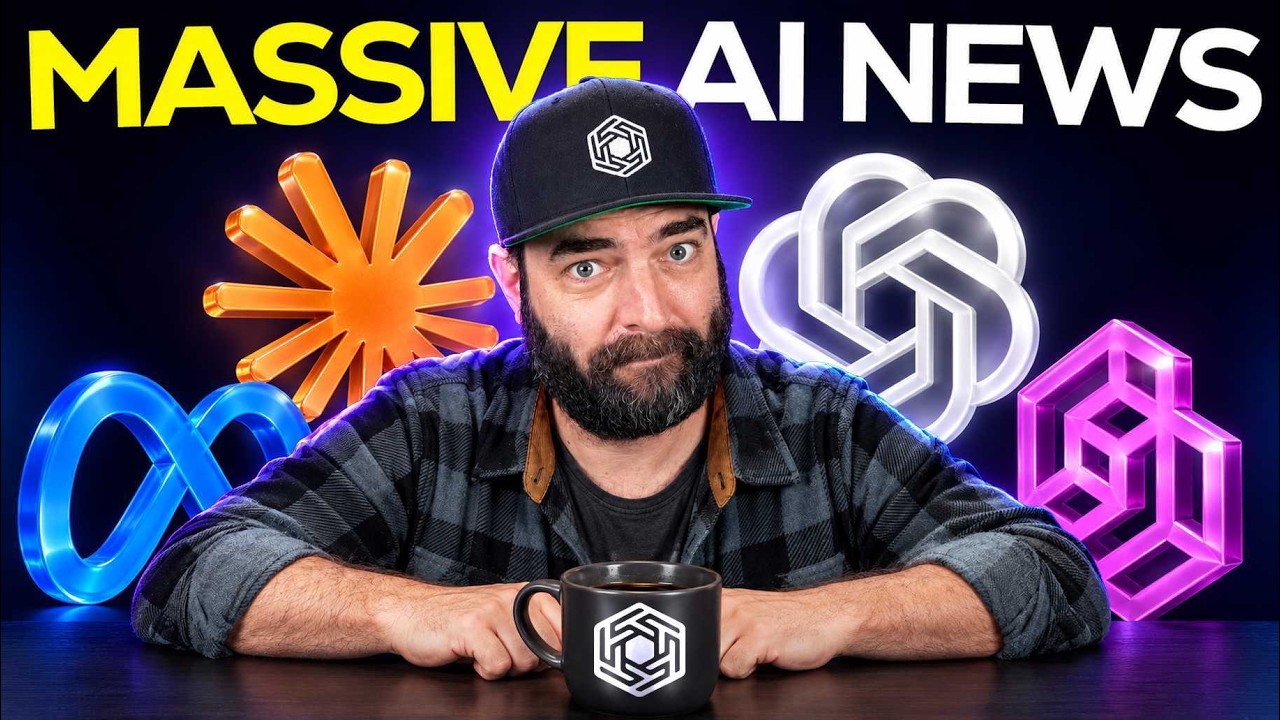
How to Automate Video Editing With Claude Opus 5.5
Get the Agent OS & Claude Masterclass 👉 https://www.skool.com/ai-profit-lab-7462/about Want to make money and save time with AI? Join here: https://www.skool.com/ai-profit-lab-7462/about Video notes + links to the tools 👉 https://www.skool.com/ai-profit-lab-7462/about Your video editor just got replaced by an AI agent. Watch Claude Opus 5.5 turn a raw, messy talking-head clip into a fully edited, auto-posted video — animations, captions, and all. If you're still editing by hand, this changes everything. 00:00 Intro – Automate video editing with Claude Opus 5.5 00:22 Auto-Post – Fully published video with captions 01:00 Before – Raw, unedited talking-head clip 01:23 Setup – Feed Opus 5.5 your footage + assets 03:12 Tools – Claude Code Desktop + editing skill (Hyperframes/Remotion) 03:59 Publish – MCP connector auto-posts from chat 04:52 Why It Works – Opus 5.5's design quality 06:07 Refine – One feedback round nails the style 06:40 Result – Replaces a full editing team
Watch on YouTube🤖AI Summary
Julian Goldie shows Claude Opus 5.5, run through Claude Code Desktop with a video-editing skill, turning a raw talking-head clip into a fully edited, captioned and auto-published video.