
Latest Videos
The Ultimate Beginner’s Guide to Hermes Agent (Step-by-Step)
👉 Join my community: https://www.skool.com/barts-ai-workshop-4507/about 👉 Try the same memory system I use: https://go.honcho.dev/bart (Code `bart` gets you a $10 Honcho credit) In this video I set up Hermes Agent from scratch on a 16GB M6 Mac Mini, running a local AI model (Gemma 4 12B) through LM Studio. We give it proper memory with Honcho, connect web search and Telegram so you can message it from anywhere, and set up its first scheduled task. I also show you the one Mac setting you need so your agent keeps running 24/7. 👉 All my local AI on Mac Mini videos: https://www.youtube.com/playlist?list=PLi7jtY2ZZqRZUBEsWt6kyHqwtQV2FplGj 👉 Work with me: https://workingmodels.ai/start 👉 Connect with me: https://x.com/bartslodyczka 🏆 Support the channel: https://www.youtube.com/channel/UC8F7X90NDmMr1mGx8897r_A/join 🤝 Affiliate links: 👉 AI Images & Videos: https://higgsfield.ai/s/claude-opus-5-5-yt-bartslodyczka-UaAqBW 👉 Web Hosting: https://www.hostinger.com/bart (Use code 'Bart' for 10% off) Timestamps 0:00 Intro 01:16 Installing Hermes Agent 02:08 Plugging in a local AI model (LM Studio) 07:50 Testing the first message 08:35 Skool community 09:06 Upgrading memory with Honcho 12:28 Web search with Brave 14:13 Connecting Telegram 17:34 First scheduled task 18:49 Keeping it running 24/7
Claude Code Motion Graphics Just Got a MASSIVE Upgrade (Opus 5.5)
👉 Make Claude Into Your Video Editor: https://www.skool.com/barts-ai-workshop-4507/about 👉 Get the FREE Skill: https://github.com/Barty-Bart/motion-graphics In this video I'll show you how to separate yourself, or any object, from the background of a video with a free Claude skill. Then I use it on a Mac mini unboxing to add text behind the object, dim the background and motion-track the ports. Along the way I share my golden nugget: the scene-by-scene review page I use to edit my own videos with Claude. This is the kind of edit you'd normally do in Adobe After Effects and pay a subscription for. Here, the separation runs on your own machine and Claude Opus 5.5 does the editing. 👉 Work with me: https://workingmodels.ai/start 👉 Connect with me: https://x.com/bartslodyczka 🏆 Support the channel: https://www.youtube.com/channel/UC8F7X90NDmMr1mGx8897r_A/join 🤝 Affiliate links: 👉 AI Images & Videos: https://higgsfield.ai/s/claude-opus-5-5-yt-bartslodyczka-UaAqBW 👉 Web Hosting: https://www.hostinger.com/bart (Use code 'Bart' for 10% off) 0:00 Intro: separating the subject from the background 1:21 How the object separation skill works 2:41 Using the skill in Claude Code 6:34 The result: Mac mini separated from the background 7:24 My editing workflow: the scene-by-scene HTML review page 12:55 The final edits: text behind, motion tracking, step labels 14:43 Wrap-up

I Combined Cloud AI and Local AI on My Mac... This Finally Makes Sense
Bart Slodyczka covers: I Combined Cloud AI and Local AI on My Mac... This Finally Makes Sense.
Can a 16GB M6 Mac Mini Really Handle Local AI?
Bart Slodyczka covers: Can a 16GB M6 Mac Mini Really Handle Local AI?.

Is The New 16gb M6 Mac Mini Good for Local AI? A Beginner's Guide
Bart Slodyczka tests the new 16GB and 24GB M6 Mac Mini for local AI, comparing M4 and M6 speeds and what memory size means for running models.
Claude Opus 5.5 Just Solved Motion Graphics (No More AI Slop)
I created a skill that makes Claude Opus 5.5 absolutely insane at Motion Design. This specific skill is for introducing b-roll into your existing videos. The graphics are polished, they match the rhythm of your words, and it uses a new technique where each shape is continuous and fuses into the next. This creates truly engaging graphics. Opus 5.5 + my skill make this entire process so easy. Hope you enjoy! 👉 Get the FREE skill here: https://github.com/Barty-Bart/motion-graphics 👉 One-on-one coaching, team coaching, or agent builds: https://workingmodels.ai/start 👉 Connect with me: https://x.com/bartslodyczka 🏆 Support the channel: https://www.youtube.com/channel/UC8F7X90NDmMr1mGx8897r_A/join 🤝 Affiliate links: 👉 AI Images & Videos: https://higgsfield.ai/s/claude-opus-5-5-yt-bartslodyczka-UaAqBW 👉 Web Hosting: https://www.hostinger.com/bart (Use code 'Bart' for 10% off)
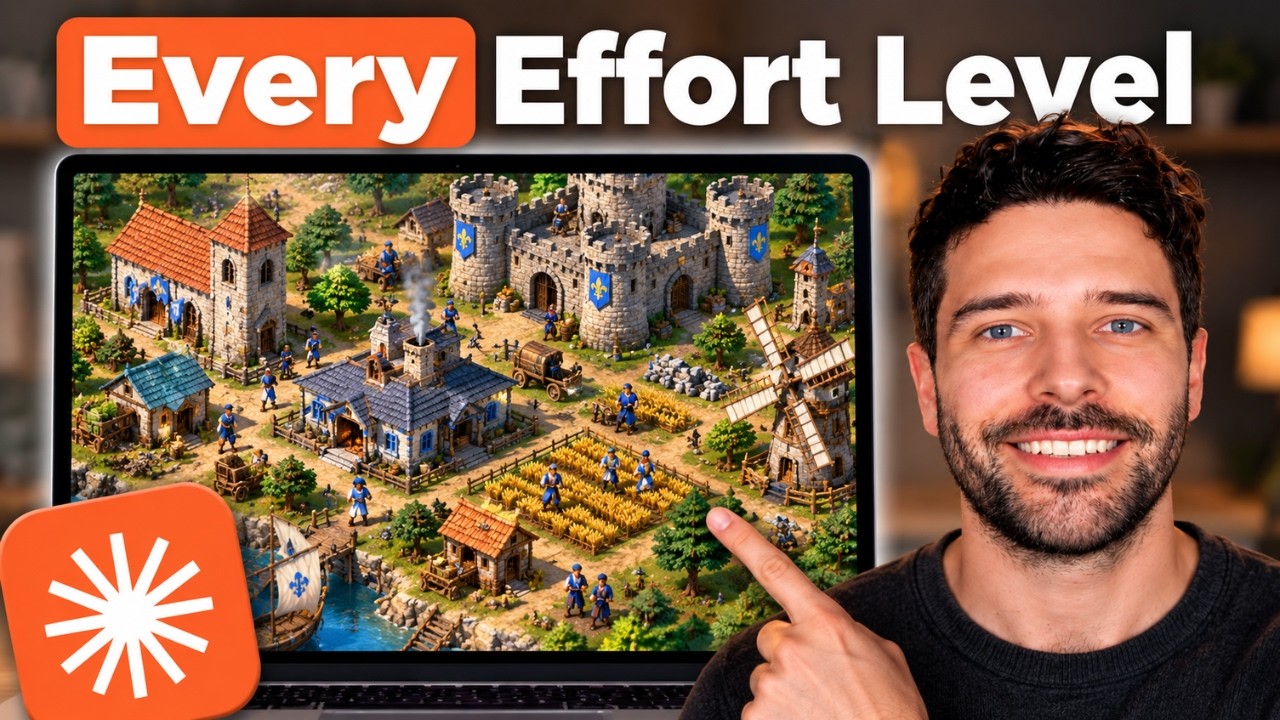
I Made Opus 5.5 Build The Same Game Across EVERY Effort Level
In this video I test Opus 5.5 across every effort level: low, medium, high, xhigh, and max. I gave each effort level the exact same prompt; to build a clone of Age Of Empires 2. I went through each of the results and compared differences. At the end, I made a master prompt based on all the findings and had Opus 5.5 on low build the master prompt. The hope was that increased instructions would give us results similar to High or Max effort. 👉 One-on-one coaching, team coaching, or agent builds:

Build a $10K Website With Claude Opus 5.5 (No Code, Full Tutorial)
👉 Build with Claude Opus 5.5: https://higgsfield.ai/s/claude-opus-5-5-yt-bartslodyczka-UaAqBW 👉 Get ALL the resources here: https://github.com/Barty-Bart/opus-55-10k-websites 🌏 Website hosting: https://www.hostinger.com/bart Use code 'Bart' for 10% off Learn how to build $10K websites with Claude Opus 5.5 in this step-by-step AI website design tutorial, from your first prompt to a polished, mobile-friendly website. I’ll show you how to combine Claude Opus 5.5 and Higgsfield for branding, AI-
Don't Waste Money — Higgsfield API vs Subscription Guide
👉 Try the Higgsfield API: https://higgsfield.ai/s/higgsfield-api-yt-bartslodyczka-jWSVRb 👉 Work with me: https://workingmodels.ai/start In this video, I compare Higgsfield's new API with its monthly subscription plans, covering cost per video and image, model access and included credits. I also show you how to set up a Higgsfield API account and connect it to ChatGPT.
I Tested DeepSeek V4.1 Flash vs GPT-6 Astra (RAW RESULTS)
👉 Work with me: https://workingmodels.ai/start 👉 What I used to render the trucks: https://higgsfield.ai/s/gpt-6-astra-yt-bartslodyczka-LWgnYe 👉 If you need to host your websites: https://www.hostinger.com/bart Use code 'Bart' for 10% off
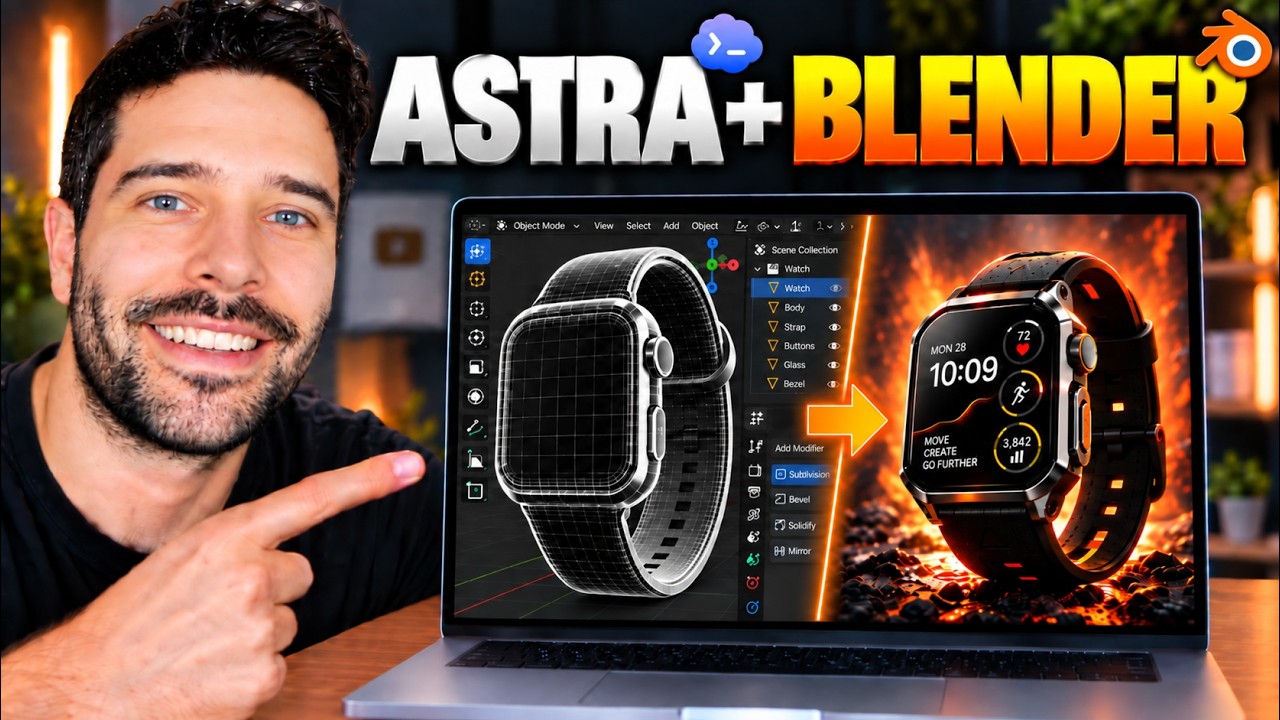
I tested GPT-6 Astra for 3D Product Animation (INSANE Results)
👉 Use Seedance 2.5 in Higgsfield: https://higgsfield.ai/s/higgsfield-x-blender-yt-bartslodyczka-vQZgVu 👉 Work with me: https://workingmodels.ai/start 👉 Get my original Blender file: https://github.com/Barty-Bart/youtube-resources/tree/main/blender/apple-watch-animation I recreated Apple’s Watch launch animation using ChatGPT Astra, Blender and Higgsfield’s Seedance 2.5. In this tutorial, I’ll show you how to build the movement in Blender, create product reference images and use them to guide an AI video with rotating watch faces and cinematic camera motion. 📺 Learn about the new GPT Images 2.5: https://youtu.be/dvpQHWwuaIo 📺 How to build $10k websites with GPT Astra: https://youtu.be/h2MjhbwVKLk 📺 How to create social media ads with GPT Astra: https://youtu.be/9YmuSZvT3QM 👉 Connect with me: https://x.com/bartslodyczka 🏆 Support the channel: https://www.youtube.com/channel/UC8F7X90NDmMr1mGx8897r_A/join
I Tested OpenAI's New Cloud Agents... What You Need To Know
👉 Work with me: https://workingmodels.ai/start In this video I go over the new OpenAI Agents API. OpenAI took the same harness that powers Codex and made it available in the cloud via an API call. This means you can run 24/7 Codex Agents in the cloud. I show you everything starting with how the Op
ChatGPT Image 2.5 Just Dropped — Here’s Everything That's New
In this video I break down ChatGPT Images 2.5 and test every big upgrade live. I try sketch-to-3D, precision multi-turn edits, combining multiple photos, and turning a mockup into a real website. You'll see what's actually new and what you can do with it right now. 👉 For 1-1 or team training: https://workingmodels.ai/start 👉 Connect with me: https://x.com/bartslodyczka 🏆 Support the channel: https://www.youtube.com/channel/UC8F7X90NDmMr1mGx8897r_A/join Timestamps 00:00 Images 2.5 Overview 00:29 Sketch To Room Layout 02:34 Precision Edits Test 06:53 Reference Photos Test 07:52 Composite Party Photo Test 14:40 Multi Turn Consistency 17:04 Website Template Test 18:48 Build Website
Automate Your Content Pipeline With GPT Astra (No Code, Full Tutorial)
👉 Generate more ads: https://higgsfield.ai/s/higgsfield-genjutsu-yt-bartslodyczka-JAchzo Try Genjutsu with unlimited generations for 7 days at 70% off Learn how to create AI video ads with ChatGPT, GPT Astra, and Higgsfield Genjutsu by turning one source video into multiple ad variations. This step-by-step tutorial covers the tools, manual editing, automating changes to backgrounds, clothing and characters, and finding inspiration for your next ad. 👉 One-on-one coaching, team coaching, or ...
Build a $10K Website With GPT Astra (No Code, Full Tutorial)
Build with GPT-6 Astra: https://higgsfield.ai/s/gpt-6-astra-yt-bartslodyczka-ZqPdIF Learn how to build $10K websites with GPT Astra in this step-by-step AI website design tutorial, from your first prompt to a polished, mobile-friendly website. I’ll show you how to combine GPT Astra and Higgsfield for branding, AI-generated images and video, visual storytelling, and responsive web design. 👉 Get ALL the resources here: https://github.com/Barty-Bart/gpt-6-astra-10k-websites 👉 One-on-one coaching
I Made GPT-6 Astra and Fable 5.1 Build the Same App (RAW RESULTS)
👉 One-on-one coaching, team coaching, or agent builds: https://workingmodels.ai/start I gave GPT-6 Astra and Claude Fable 5.1 the same five prompts and let them build a native Mac CRM, a Notion clone, a clothing brand with a store, a 3D model of Melbourne CBD and a replica of Age of Empires II. 👉 Connect with me: https://x.com/bartslodyczka 🏆 Support the channel: https://www.youtube.com/channel/UC8F7X90NDmMr1mGx8897r_A/join
I Built a 24/7 AI Voice Agent That Runs On Open Weight Models
👉 Sign up here: https://telnyx.com/sign-up?utm_source=sponsored&utm_medium=youtube&utm_campaign=Bart_Slodyczka Use code BARTSLODYCZKA25 for $25 in Telnyx credits. That's roughly 80 calls you can answer with Voice Agent. I built an AI phone agent using Kimi K3 that answers calls, checks a Google Calendar for a free slot, and books the job in. We set the whole thing up from scratch in Telnyx: pick a model, write the prompt, connect an n8n MCP server to Google Calendar, then buy a number and plug it in. The full call cost just under 15 cents, and the prompt and workflow are both on the GitHub below. 👉 Github resources: https://github.com/Barty-Bart/telnyx-ai-agent 🏆 Support the channel: https://www.youtube.com/channel/UC8F7X90NDmMr1mGx8897r_A/join 👉 One-on-one coaching, team coaching, or agent builds: https://workingmodels.ai/start 👉 Watch all my Local AI videos: https://www.youtube.com/playlist?list=PLi7jtY2ZZqRaidYBIucDnKnhD7Jmt-2sY 👉 Connect with me: https://x.com/bartslodyczka Timestamps: 00:00 Call Demo 01:29 Build The Telnyx Assistant 06:49 Setup MCP Connector For Calendar 09:07 Verify Account Buy Number 10:19 Buy Phone Number 12:25 Reviewing Calls Costs
OpenClaw 2.0 Is Finally Here — But Is It Worth Using?
OpenClaw 2.0 just dropped, so I read through the release notes and then did a completely fresh install using the new macOS app to see how much the setup process has actually changed. I walk through the new onboarding, the memory dreaming system, skills, automations, the lab features, connecting a Telegram channel, and plugging in a local Qwen model through LM Studio. I've only been testing this for a day, so if you want a proper deep dive after I've lived with it for a week, let me know in the comments. 🏆 Support the channel: https://www.youtube.com/channel/UC8F7X90NDmMr1mGx8897r_A/join 👉 One-on-one coaching, team coaching, or agent builds: https://workingmodels.ai/start 👉 Watch all my Local AI videos: https://www.youtube.com/playlist?list=PLi7jtY2ZZqRaidYBIucDnKnhD7Jmt-2sY 👉 Connect with me: https://x.com/bartslodyczka
Use DeepSeek Harness for FREE — No VRAM, No Paid API
In this video I show you how to use DeepSeek Harness completely free by routing requests through OmniRoute instead of paid Claude/ChatGPT APIs or running local AI. You get ~1.5B tokens/month (and ~2B in the first month with sign-up bonuses). 🏆 Support the channel: https://www.youtube.com/channel/UC8F7X90NDmMr1mGx8897r_A/join 👉 One-on-one coaching, team coaching, or agent builds: https://workingmodels.ai/start 👉 Watch all my Local AI videos: https://www.youtube.com/playlist?list=PLi7jtY2ZZqRaidYBIucDnKnhD7Jmt-2sY 👉 Connect with me: https://x.com/bartslodyczka
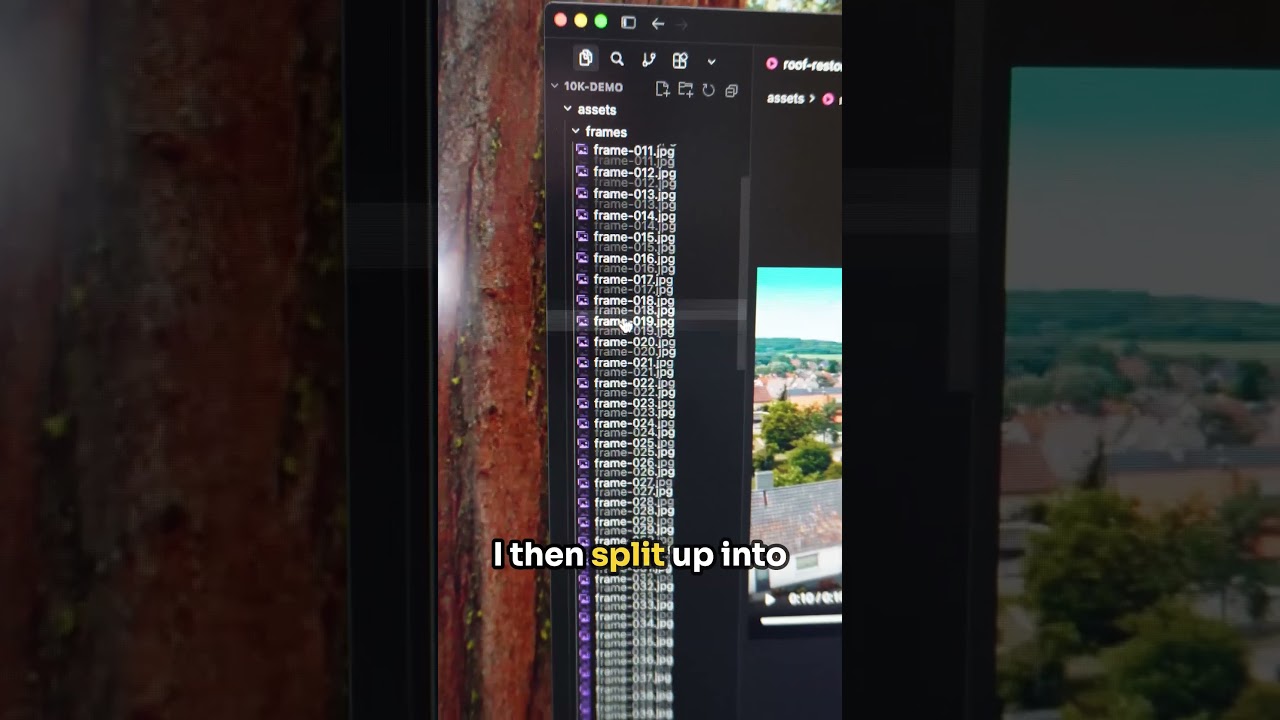
How To Build 3D Websites With Qwen 3.8 27b
Learn how to build beautiful websites using local AI models. Try Higgsfield here: https://higgsfield.ai/s/higgsfield-general-campaign-bartslodyczka-DWgNWR Full video: https://youtu.be/0Yin3Er9DX0
I Tested Ornith's New 35b MoE on Mac — Here's How It Goes
I tested Ornith-1.5 35B MoE at 4-bit on MLX with one-shot prompts: invoice vision, a tower defense game, a spreadsheet with live formulas, and a Three.js FPS. Vision hit 98%, the games and spreadsheet mostly worked, and Three.js broke every time on a single missing character. All prompts and results are in the GitHub repo linked in the comments. 👉 All tests in my Github repo: https://github.com/Barty-Bart/ornith-1.5-35b-tests.git 👉 One-on-one coaching, team coaching, or agent builds: https://workingmodels.ai/start 👉 Learn how to build 3D animated websites with Qwen 3.8: https://youtu.be/0Yin3Er9DX0 👉 Try Higgsfield here: https://higgsfield.ai/s/higgsfield-general-campaign-bartslodyczka-DWgNWR 📬👀 Subscribe to my blog for more tests, tips, and walkthroughs: https://blog.workingmodels.ai/ 👉 Watch all my Local AI videos: https://www.youtube.com/playlist?list=PLi7jtY2ZZqRaidYBIucDnKnhD7Jmt-2sY 👉 Connect with me: https://x.com/bartslodyczka
You Can Now Build $10,000 Websites Using Qwen 3.8 27B (Ultimate Guide)
In this video I show you how to build animated websites using Qwen 3.8 27b, pi.dev, and Higgsfield AI. Try Higgsfield here: https://higgsfield.ai/s/higgsfield-general-campaign-bartslodyczka-DWgNWR This is my take on the popular 'Build $10k Website With Claude Code' video format, where we use local AI models to do the work. I built this site using Qwen 3.8 27b 4-bit MLX and Higgsfield AI. We used Higgsfield to generate our images and videos. The video was needed so we could add the scroll-scrub effect within the website, where as you scroll, you flick through the frames, and give the 3d visual. Very surprised with the 4-bit quant on this build as I didn't run into any issues. No looping, no errors with code generation. And in general, Qwen was smart, capable, and proactive. I also ran this same process with DeepSeek V4 Flash 0731 and it was just as amazing. Local AI models are getting really good. 👉 One-on-one coaching, team coaching, or agent builds: https://workingmodels.ai/start 📬👀 Subscribe to my blog for more tests, tips, and walkthroughs: https://blog.workingmodels.ai/ 👉 Watch all my Local AI videos: https://www.youtube.com/playlist?list=PLi7jtY2ZZqRaidYBIucDnKnhD7Jmt-2sY 👉 Connect with me: https://x.com/bartslodyczka Timestampes 00:00 Website Preview 00:30 Quant & Tools 00:48 Connecting Qwen to Pi.dev 01:45 Setting Up Higgsfield MCP 02:42 Generate Reference Image 06:20 Website Part 1 08:23 Generate Scroll Scrubbing Video 10:28 Embed Video Onto Website 12:52 Website Edits 03:44 Anthropic Front End Design Skill
Qwen 3.8 27B vs DeepSeek V4 Flash — I Built the Same Apps With Both Locally
Qwen 3.8 27B just dropped, so I ran it against DeepSeek V4 Flash 0731, a model ten times its size, with both downloaded and running locally on my Mac Studio. I gave them three coding tasks of increasing difficulty: a weather dashboard pulling live data, a tower defense game, and an Excel style spreadsheet with working formulas. The 27B model held its own and on the hardest test it was the only one that produced something that actually worked. 👉 Github Repo for all tests, results, machine specs, and model performance specs: https://github.com/Barty-Bart/qwen-vs-deepseek-local-coding 👉 One-on-one coaching, team coaching, or agent builds: https://workingmodels.ai/start 📬👀 Subscribe to my blog for more tests, tips, and walkthroughs: https://blog.workingmodels.ai/ 👉 Watch all my Local AI videos: https://www.youtube.com/playlist?list=PLi7jtY2ZZqRaidYBIucDnKnhD7Jmt-2sY 👉 Connect with me: https://x.com/bartslodyczka
Local AI Just Got Dangerous: DeepSeek-V4-Flash-0731 Tutorial
In this video I run DeepSeek V4 Flash 0731 locally on my Mac Studio M3 Ultra and test whether it can do real work. It scores 52 on the Frontier Language Model Intelligence Index, which puts it level with GPT 5.4 and ahead of Claude Sonnet 4.6, so I plug it into the Pi agent harness (pi.dev) and give it three tasks I do every week: diagnose and fix a broken n8n workflow and make it production ready, build a multi part inventory reorder report from Excel, and audit a ClickUp workspace to find repe
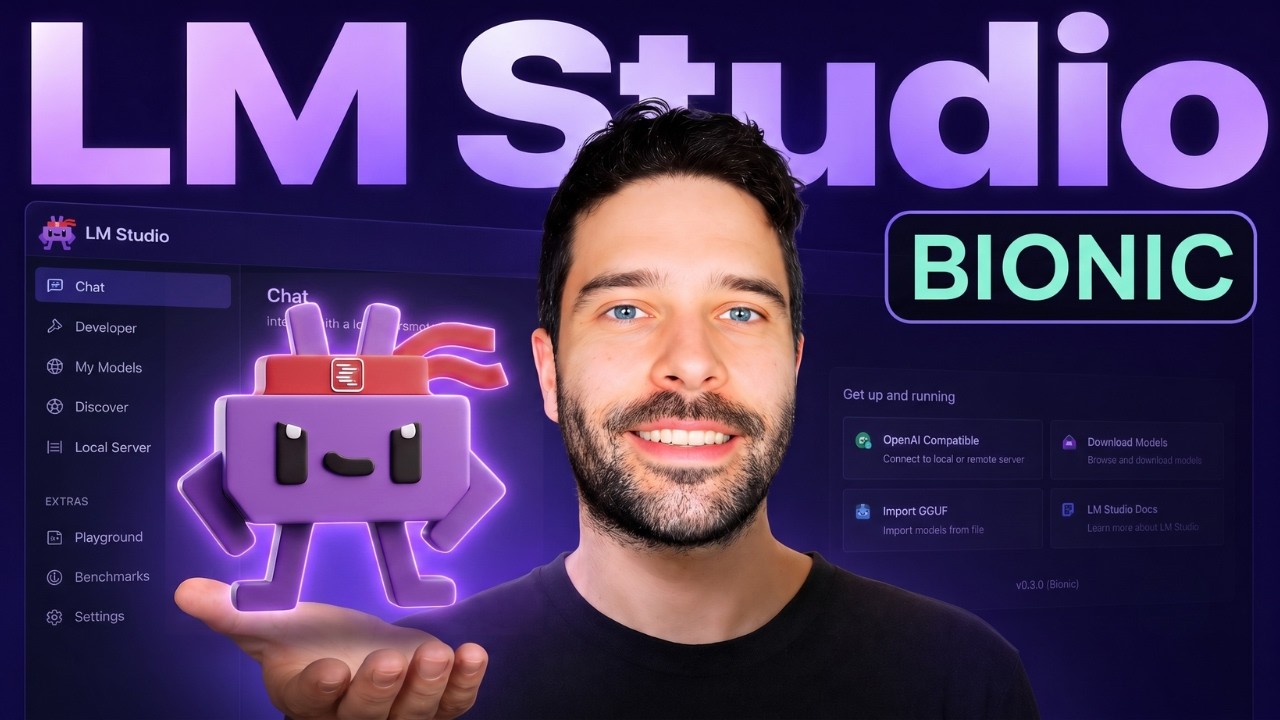
LM Studio Just Got a Huge Upgrade — This Changes Everything (Bionic)
In this video I give you an overview of LM Studio Bionic. Bionic is a free local AI app that replaces Claude Code and Claude Cowork with built-in Work Mode, Code Mode, real-time voice transcription, MCP integrations, and local web search. You can run both local AI models you download on your computer, and other open models like Kimi K3, GLM 5.2 and more. This is a super exciting new local AI app! Enjoy :) 👉 Get in touch: [email protected] 🤔 Do you want a course on this topic? https://www.workingmodels.ai/survey/ 📬 Subscribe to my blog for more tests, tips, and walkthroughs: https://blog.workingmodels.ai/ 👉 Connect with me: https://x.com/bartslodyczka Watch Next: Local AI Playlist https://www.youtube.com/playlist?list=PLi7jtY2ZZqRZUBEsWt6kyHqwtQV2FplGj
Qwen 3.6 + Pi Agent: Build Your Own AI Assistant (Full Setup)
In this video I build an AI employee that runs my customer support inbox using Pi (pi.dev), the open source agent harness that powers OpenClaw. It's powered by a local AI model running through LM Studio (Qwen 3.6 35B), reads new Zendesk tickets, and sends customer responses. Then I set up a cron job with Pi's print mode so it works 24/7 on its own, and the same setup works for Gmail or Outlook, fully local and private with no API costs. 🤔 Do you want a course on this topic? https://www.working
New Agentic Coding Model Ornith 9B — Is It Worth Running Locally?
In this video I test out the new open source agentic coding model Ornith 1.0 9b on my 16gb M4 Mac Mini. We load it up in Lm Studio and understand the full memory requirement for weights + context, we plug it into pi agent harness to run it through a coding task, we then compare results to that of the bigger Ornith 35b model, and finally we understand if the 9b is worth running locally for coding tasks. 📬👀 Subscribe to my blog for more tests, tips, and walkthroughs: https://blog.workingmodels.
Local AI Coding With Qwen 3.6
Head to my channel for more local AI vids Or read my blog for my ai experiments: https://blog.workingmodels.ai/
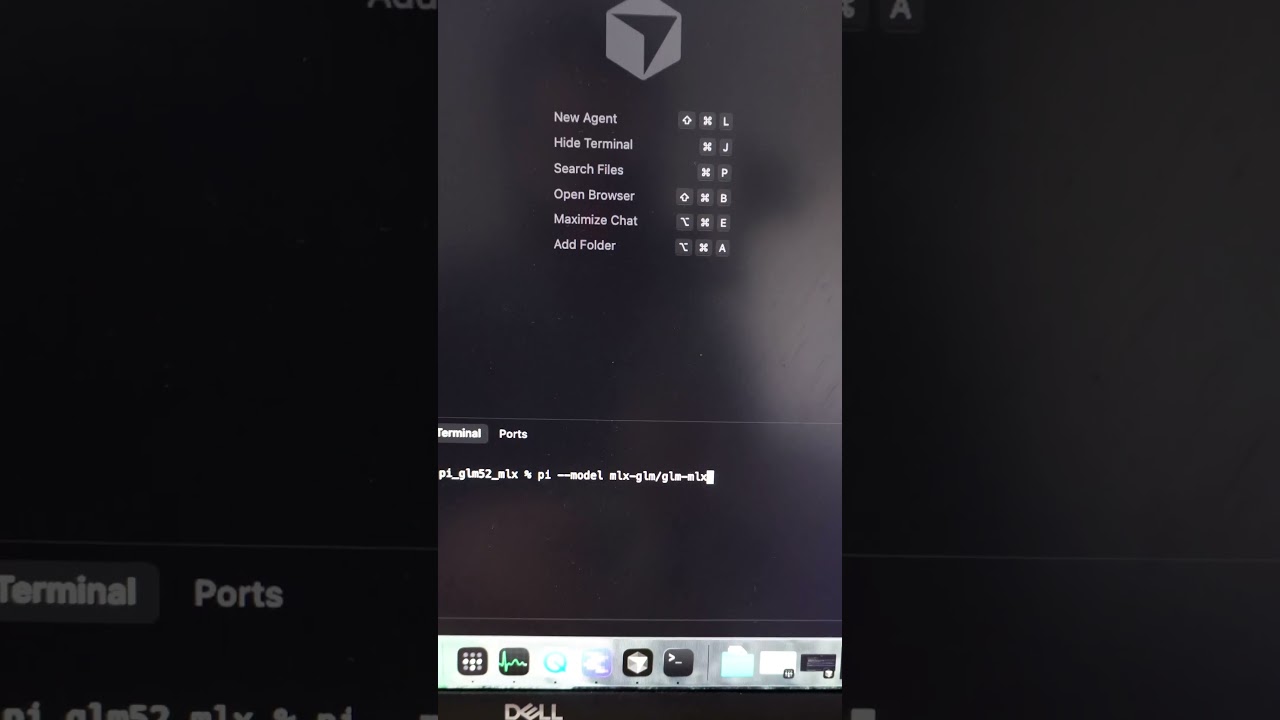
Running GLM 5.2 on Mac Studio M3 Ultra
Read more: https://blog.workingmodels.ai/p/glm-5-2-local-mac-studio
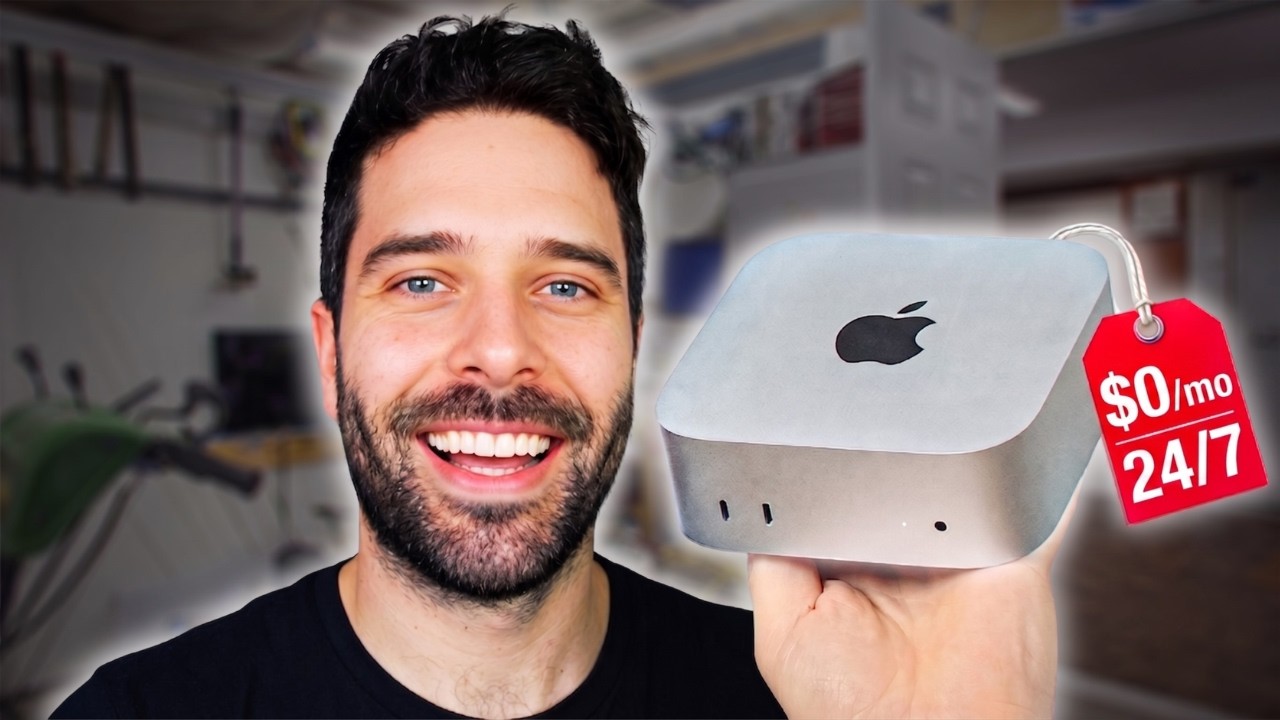
Gemma 4 12B + Hermes Agent: Build Your Own AI Assistant
In this video I use Claude Code to set up Hermes Agent on a 16GB Mac Mini and plug it into a local Gemma 4 12B model, so the whole thing runs 24/7 with no API bills. I let Claude do everything from the terminal: changing the Mac's settings to stay always-on, installing and wiring up the agent, and connecting it to 3rd Party Tools so the agent actually does real work. 📬👀 Subscribe to my blog for more tests, tips, and walkthroughs: https://blog.workingmodels.ai/ 👉 Connect with me: https://x.c
5 Thing To Try With Claude Fable 5
Fable 5 is leaving the Claude Sub on June 22. We have 10 days left. Stop building flashy things and start building stuff you will actually use. Here are 5 things I am doing. If you are financial able to, you should consider trying the same.
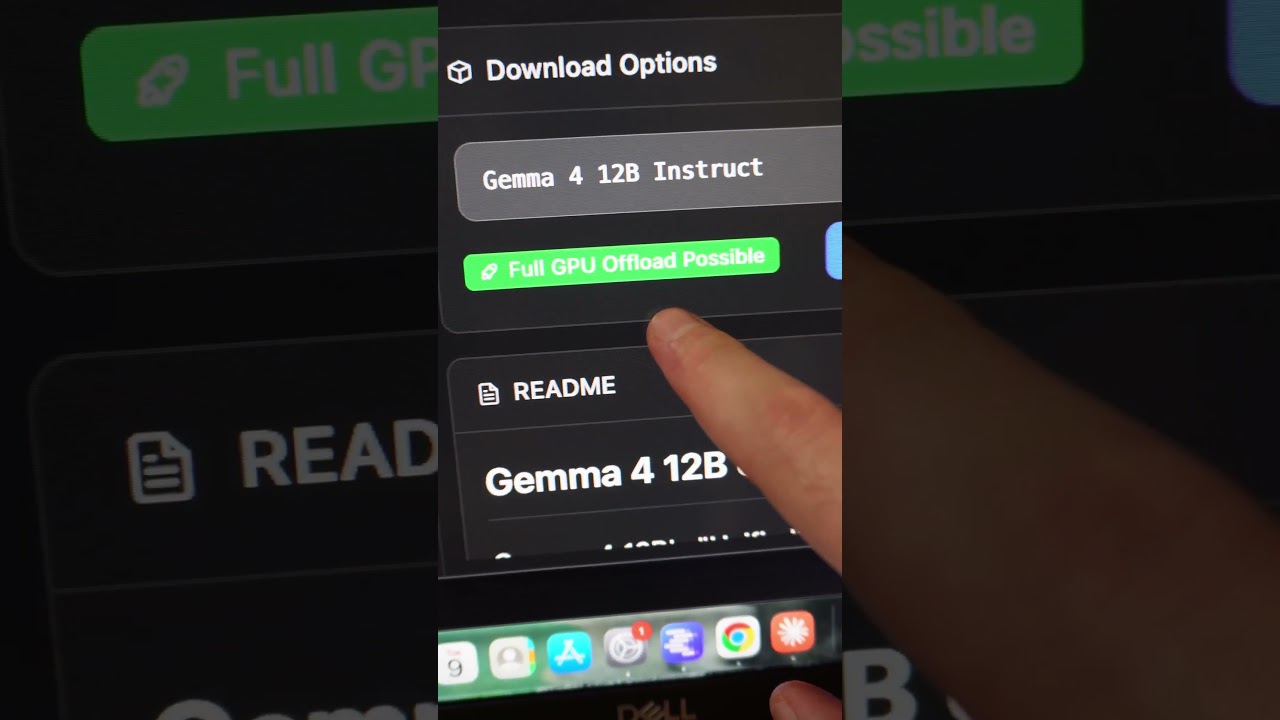
Running Gemma 4 12b on my 16gb Mac Mini
Testing the new Gemma 4 12b on my 16gb M4 Mac Mini. This is a free AI model you can download and run on your computer. Can get around 40k context window. Follow for more Gemma 4 videos!
Gemma 4 12B on a 16GB Mac Mini Is Surprisingly Capable
Google just dropped Gemma 4 12B, a free open-source model small enough to run on a 16GB Mac Mini, and in this video I give you an honest breakdown. We use LM Studio to run the model and VS Code to preview the HTML app we build. 📬👀 Subscribe to my blog for more tests, tips, and walkthroughs: https://blog.workingmodels.ai/ 👉 Watch all my Local AI videos: https://www.youtube.com/playlist?list=PLi7jtY2ZZqRZUBEsWt6kyHqwtQV2FplGj 👉 Connect with me: https://x.com/bartslodyczka 👉 Get in touch: b
Claude Code + LM Studio: FREE Unlimited AI Agents (Don't Pay $200/month)
In this video I run Claude Code's new Dynamic Workflows feature to spin up 1000 AI agents on one task, completely free, using local models in LM Studio instead of the paid Anthropic API. I walk through the full setup start to finish: the Claude desktop Gateway, loading a local Gemma model, the alias trick that makes Claude find it, adding web search with an MCP, and firing a /deep-research workflow that runs hundreds of autonomous agents on your own computer. Works with Ollama and cloud models l
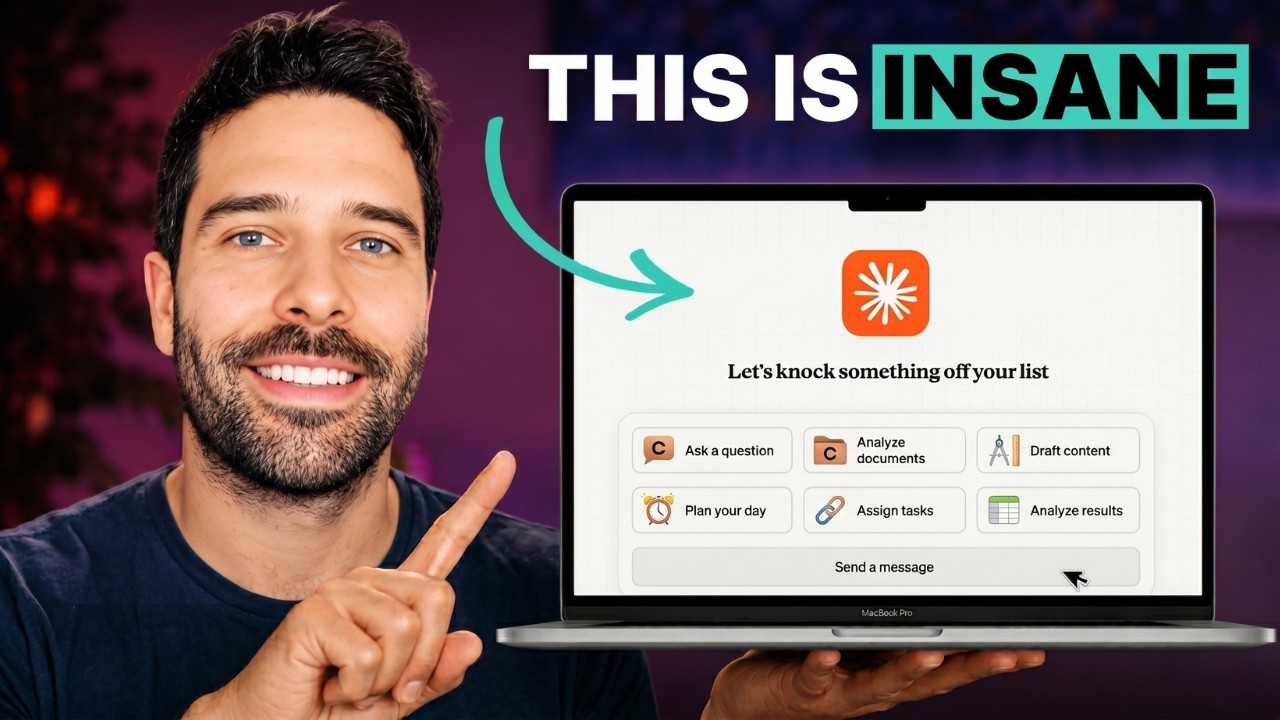
Claude Cowork Is a Game Changer (If You Do This)
Most people use Claude Cowork at a fraction of what it can do because they treat it like a chatbot. You ask, it answers, you still do the work. The shift happens when you stop running sessions and start running projects, with connectors, context, and scheduled tasks wired in so Cowork carries the work for you. In this video I walk through how to think differently and set up your first real project. 📬👀 Subscribe to my blog for more tests, tips, and walkthroughs: https://blog.workingmodels.ai/
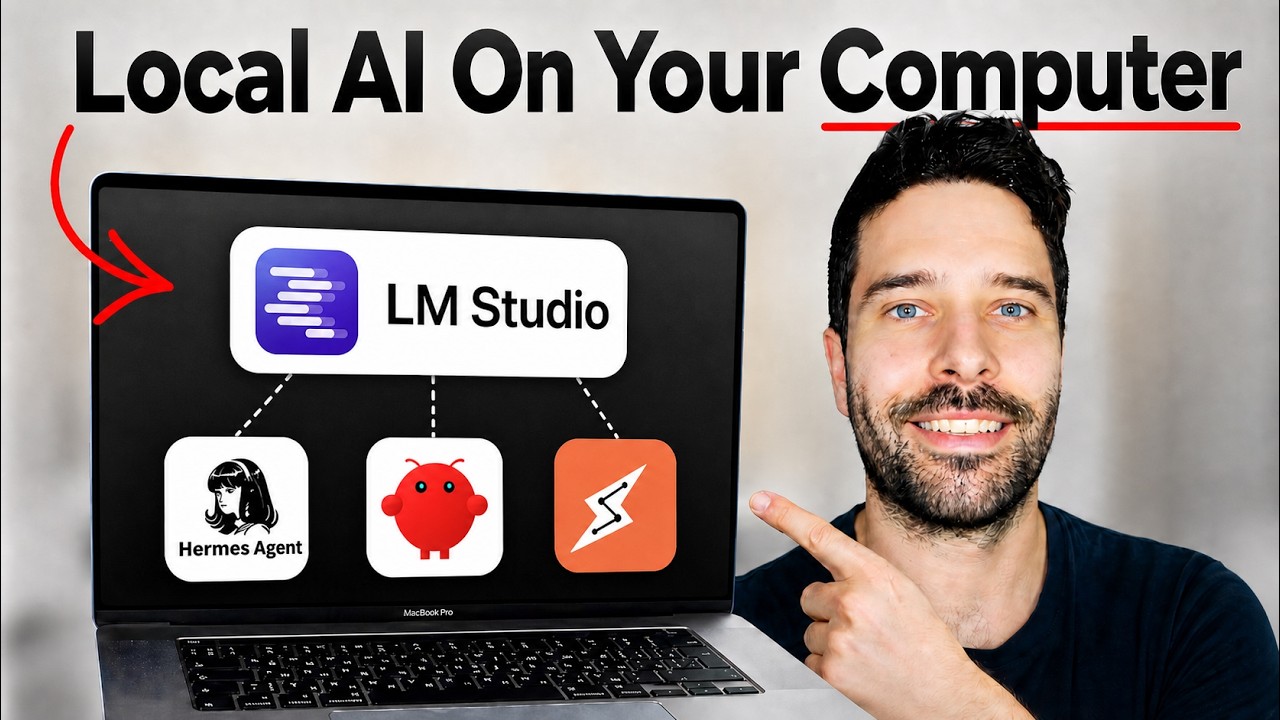
LM Studio Is Getting Insane — Start Using It Now
Local AI is getting insane. This video shows you exactly how to run free, private AI models on your own computer using LM Studio — no internet needed, no monthly fees, your data never leaves your device. What you'll learn: - The difference between cloud AI (ChatGPT, Claude) and local AI - How to pick a model your hardware can actually run - Setting up LM Studio and downloading your first model - Adding MCP tools to your local AI: • Brave Search — web search inside the chat • Playwright —
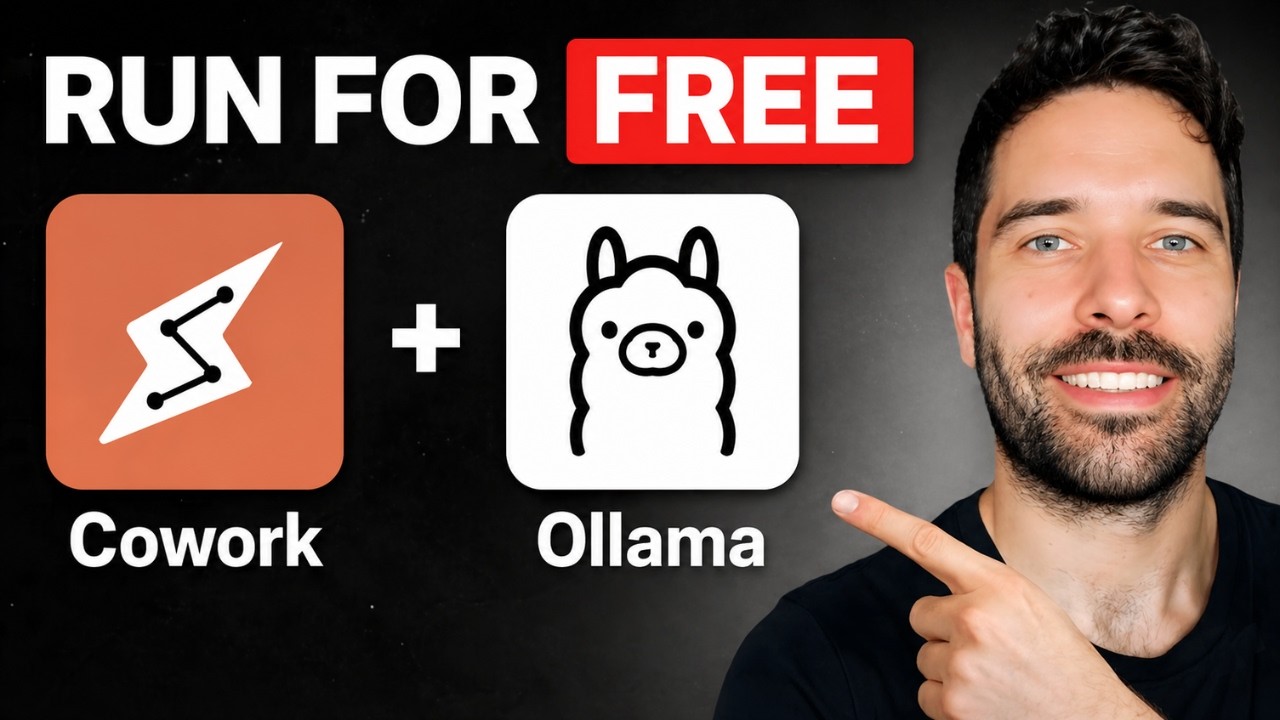
Claude Cowork + Ollama = 100% FREE & PRIVATE (Full Setup)
In this video I show you how to run Claude Cowork 100% free and 100% private using Ollama and local AI models that run on your own computer. This is the new Cowork on 3P. I also show how to connect OpenRouter to Claude Cowork to access hundreds of other cloud AI models. 📬👀 Subscribe to my blog for more tests, tips, and walkthroughs: https://blog.workingmodels.ai/ ** THIS METHOD IS NOW OUTDATED - WATCH THIS VIDEO TO MAKE IT WORK**: try this: https://youtu.be/ah_Bl_aGQF0 👉 Watch all my Claud
Full Tutorial: How To Automate 99% Of Your Work With Claude Cowork
In this video, I break down how to use Claude Cowork as a virtual assistant that can automate 99% of your tasks — from installing the desktop app and choosing the right plan, to understanding the critical difference between Claude Chat, Cowork, and Code. I then walk you through my exact workflow for creating projects, loading them with context so Claude actually understands your world, and setting up scheduled tasks that run autonomously (like tracking flight prices daily on Skyscanner). By the
Claude Cowork Full Tutorial: How to Use Claude Cowork Better Than 99% of People
In this video, I break down everything you need to know to use Claude Cowork like a pro — from setting it up for the first time to building a structur...