 AI Tools Review Editorial Team
Google Antigravity has fundamentally changed how developers interact with AI coding assistants. With the release of version 1.14.0, Google introduced Agent Skills, a game-changing feature that allows users to extend and customize their AI agent's capabilities through reusable knowledge packages. This comprehensive guide explores everything you need to know about Antigravity Skills, from basic concepts to advanced implementation strategies.
Get the OpenClaw Masterclass Guide 2026
Inside: 50+ Custom Skills, Advanced Secure Sandboxing configurations, and the exclusive "Self-Healing Agent" scripts. Delivered instantly to your inbox.
Understanding Google Antigravity: The Agent-First IDE
Before diving into skills, it's essential to understand what Google Antigravity actually is. Launched on November 18, 2025, Google Antigravity represents Google DeepMind's vision for what software development looks like in an agent-first paradigm. It's a fully-featured AI-powered integrated development environment (IDE) that combines intelligent coding assistance with browser automation, knowledge management, and rich artifact generation.
The platform integrates seamlessly with Chrome, offers an Agent Manager view for orchestrating multiple AI agents, and provides comprehensive tools for modern development workflows. Since its launch, Antigravity has received steady updates, including Gemini 3 Flash support in December 2025, Secure Mode for enhanced security, and now Agent Skills for unprecedented customizability.
What Are Agent Skills?
Agent Skills are an open standard for extending what your AI coding assistant can do. At their core, skills are reusable packages of knowledge that tell the agent how to approach specific types of tasks. Each skill contains instructions, best practices, conventions to follow, and optionally, scripts and resources the agent can utilize.
Think of skills as specialized training modules. Just as a human developer might have expertise in React patterns, security auditing, or database design, skills give your AI agent domain-specific knowledge that makes it more effective at particular tasks.
How Skills Work
When you start a conversation with Antigravity, the agent sees a list of available skills along with their names and descriptions. The agent uses progressive disclosure, it first scans the available skills, then if one looks relevant to your current task, it reads the full instructions and follows them throughout your session.
This happens automatically. You don't need to explicitly tell the agent which skill to use; it intelligently selects based on context. However, you can always mention a skill by name if you want to ensure it's applied.
The SKILL.md Standard
Every skill is defined by a SKILL.md file, a Markdown document with YAML frontmatter that contains the skill's metadata and instructions. This format has become an emerging standard across AI coding tools, making skills portable between different platforms.
A basic SKILL.md file looks like this:
---
name: my-skill
description: Helps with a specific task. Use when you need to do X or Y.
---

# My Skill

Detailed instructions for the agent go here.

## When to use this skill
- Use this when...
- This is helpful for...

## How to use it
Step-by-step guidance, conventions, and patterns the agent should follow.
The name field provides a unique identifier (lowercase with hyphens), while the description tells the agent when the skill should be activated. Writing clear descriptions with relevant keywords is crucial because this is what the agent reads when deciding whether to apply a skill.
Where Skills Live
Antigravity supports two types of skill locations, each serving different purposes.
Workspace Skills
<workspace-root>/.agent/skills/Specific to individual projects. Ideal for team-specific workflows, custom deployment processes, and project coding conventions.
Global Skills
~/.gemini/antigravity/global_skills/Work across all your workspaces. Use these for personal utilities, general-purpose tools, and workflows you want available everywhere.
Building Your First Skill
Creating a skill involves setting up the right folder structure and writing clear instructions.
Folder Structure
While SKILL.md is the only required file, you can include additional resources to make your skill more powerful:
.agent/skills/my-skill/
├── SKILL.md       # Main instructions (required)
├── scripts/       # Helper scripts (optional)
├── examples/      # Reference implementations (optional)
└── resources/     # Templates and other assets (optional)
Example: A Code Review Skill
Here's a practical example of a skill that helps the agent review code:
---
name: code-review
description: Reviews code changes for bugs, style issues, and best practices. Use when reviewing PRs or checking code quality.
---

# Code Review Skill

When reviewing code, follow these steps:

## Review checklist
1. **Correctness**: Does the code do what it's supposed to?
2. **Edge cases**: Are error conditions handled?
3. **Style**: Does it follow project conventions?
4. **Performance**: Are there obvious inefficiencies?

## How to provide feedback
- Be specific about what needs to change
- Explain why, not just what
- Suggest alternatives when possible
The Antigravity Awesome Skills Collection
The open-source community has embraced Agent Skills enthusiastically. The Antigravity Awesome Skills repository on GitHub provides over 233 battle-tested skills covering virtually every aspect of modern development.
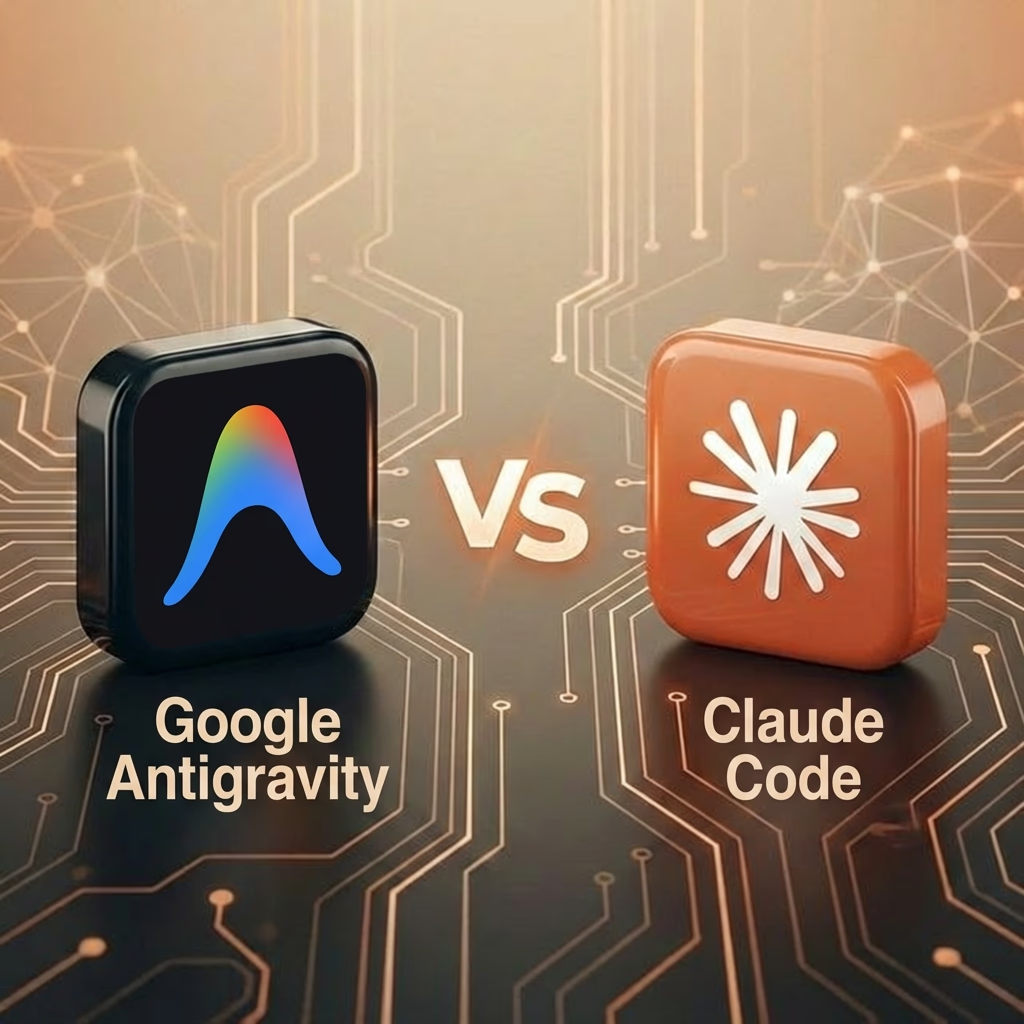
One of the most remarkable aspects of the SKILL.md format is its portability. These skills work across multiple AI coding assistants, including Claude Code from Anthropic, Gemini CLI from Google DeepMind, Codex CLI from OpenAI, GitHub Copilot, Cursor, and OpenCode. Most tools auto-discover skills in the .agent/skills/ directory, making installation straightforward.
Skill Categories
- ● Autonomous and Agentic Skills: Loki Mode, subagent-driven development, planning with files.
- ● Integration and API Skills: Stripe, Firebase, Supabase, Vercel, Twilio, AWS.
- ● Cybersecurity Skills: Ethical hacking, functionality testing, Metasploit, cloud penetration testing.
- ● Creative and Design Skills: UI/UX design, p5.js art, D3 visualizations.
- ● Development Skills: TDD, React patterns, systematic debugging, architecture principles.
Antigravity's Evolution: A Timeline
November 18, 2025 (v1.11.2)
Original launch with fully-featured AI-powered IDE, Agent Manager, and Chrome integration.
November 20, 2025 (v1.11.5)
Introduced Nano Banana Pro for UI mockups and system diagrams.
December 8, 2025 (v1.11.17)
Introduced Secure Mode to prevent autonomous execution of sensitive actions.
December 17, 2025 (v1.12.4)
Added Gemini 3 Flash support with latest model architecture.
December 2025 (v1.14.0)
Completed the year with Agent Skills, updated tab model, and new settings.
Best Practices for Working with Skills
Keep Skills Focused
Do one thing exceptionally well. Build a collection of specialized skills rather than monolithic ones.
Write Clear Descriptions
This is the most important field. Include keywords that help the agent decide when to activate the skill.
Include Decision Trees
For complex skills, add sections that help the agent choose the right approach based on the situation.
Test Your Skills
Verify across various scenarios to ensure the agent interprets your instructions correctly.
Integration with Other Features
Skills don't exist in isolation, they interact with Antigravity's broader feature set.
Knowledge Management
Antigravity's knowledge management system lets you add documentation and design docs. Skills can reference this knowledge, creating workflows where the skill provides the methodology and the knowledge base provides project-specific context.
Artifacts
Skills can specify what kinds of artifacts (diagrams, mockups, documentation) the agent should produce. A "documentation templates" skill might instruct the agent to always generate README files with specific sections.
The Agent Manager
For complex projects, Antigravity's Agent Manager allows orchestrating multiple agents. Each agent can have different skills active, enabling parallel work on different aspects of a project (e.g. one for security auditing, another for frontend design).
Comparing AI Coding Assistants
| Assistant | Skill Support | Path |
|---|---|---|
| Claude Code | Full Support | .claude/skills/ |
| Gemini CLI | Full Support | .gemini/skills/ |
| Cursor | Full Support | .cursor/skills/ |
| GitHub Copilot | Partial Support | .github/copilot/ |
Last updated: January 2026.