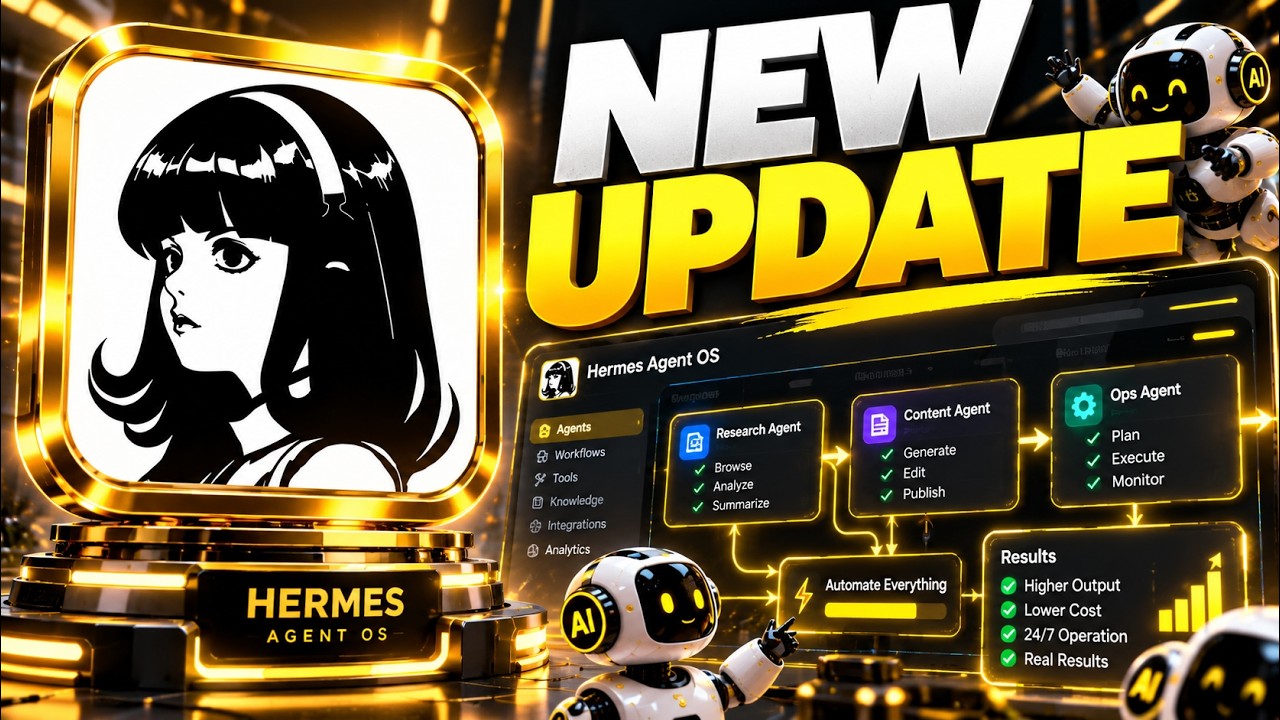
The Ultimate Beginner’s Guide to Hermes Agent (Step-by-Step)
👉 Join my community: https://www.skool.com/barts-ai-workshop-4507/about 👉 Try the same memory system I use: https://go.honcho.dev/bart (Code `bart` gets you a $10 Honcho credit) In this video I set up Hermes Agent from scratch on a 16GB M6 Mac Mini, running a local AI model (Gemma 4 12B) through LM Studio. We give it proper memory with Honcho, connect web search and Telegram so you can message it from anywhere, and set up its first scheduled task. I also show you the one Mac setting you need so your agent keeps running 24/7. 👉 All my local AI on Mac Mini videos: https://www.youtube.com/playlist?list=PLi7jtY2ZZqRZUBEsWt6kyHqwtQV2FplGj 👉 Work with me: https://workingmodels.ai/start 👉 Connect with me: https://x.com/bartslodyczka 🏆 Support the channel: https://www.youtube.com/channel/UC8F7X90NDmMr1mGx8897r_A/join 🤝 Affiliate links: 👉 AI Images & Videos: https://higgsfield.ai/s/claude-opus-5-5-yt-bartslodyczka-UaAqBW 👉 Web Hosting: https://www.hostinger.com/bart (Use code 'Bart' for 10% off) Timestamps 0:00 Intro 01:16 Installing Hermes Agent 02:08 Plugging in a local AI model (LM Studio) 07:50 Testing the first message 08:35 Skool community 09:06 Upgrading memory with Honcho 12:28 Web search with Brave 14:13 Connecting Telegram 17:34 First scheduled task 18:49 Keeping it running 24/7
Watch on YouTube