
 AI Tools Review Editorial Team
Quick Answer:
The Supabase connector lets Claude manage your Supabase backend in plain English - executing SQL, designing and modifying schemas, generating TypeScript types, creating projects, applying migrations and more. It exposes roughly 20-30+ tools through MCP, so you can describe the database work you need instead of clicking through the dashboard. Supabase is an official Claude connector; see it in the Claude Connectors Directory.
Backend work is full of repetitive, fiddly tasks - create a table, tweak a policy, sync your types. The Supabase connector lets you describe them instead of doing them.
For full-stack builders, it turns Claude into a database engineer that works inside your project.
Overview
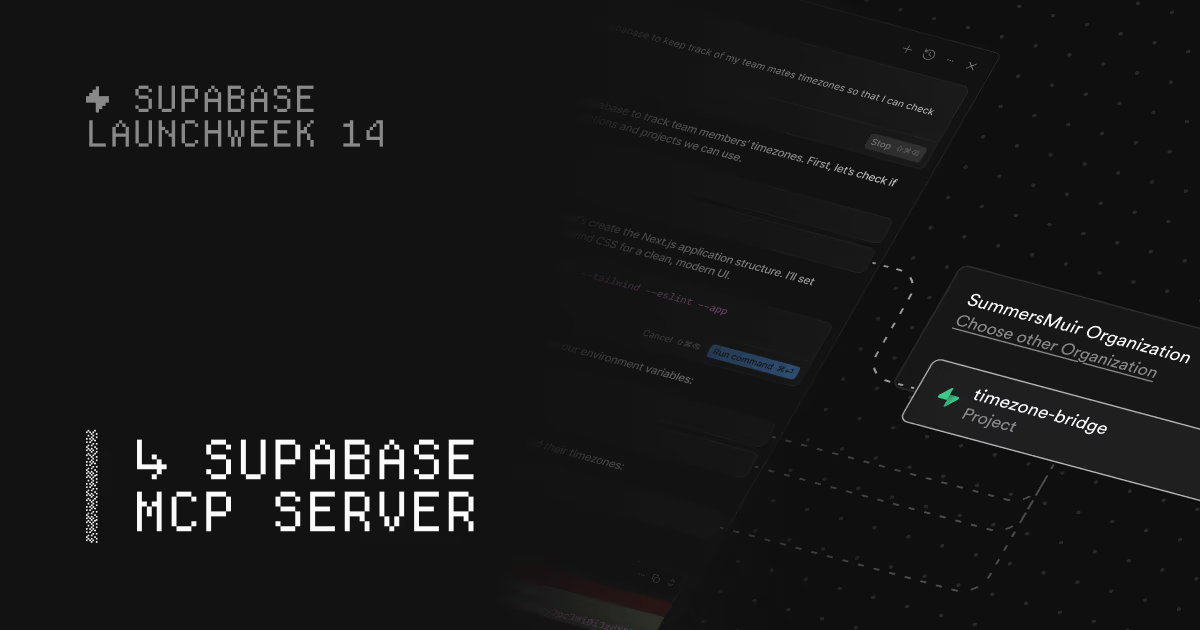
The Supabase MCP server bridges the gap between AI tools and your Supabase projects, enabling natural-language commands and agent-like experiences for database management. It standardises how language models communicate with Supabase, so tools like Claude, Cursor and Windsurf can spin up projects, design tables, query data and manage configuration through one unified protocol.
Supabase made the integration official as a Claude connector, reflecting how naturally backend work maps onto the connector pattern: describe the change you want, and Claude executes it against your project.
There are actually two server flavours in Supabase's documentation. The hosted server at https://mcp.supabase.com/mcp covers your cloud projects, whilst local development with the Supabase CLI gets its own MCP endpoint at http://localhost:54321/mcp - handy when you want the agent working against a local stack before anything touches the cloud. Authentication is flexible too: dynamic client registration is the default (the server registers itself with your Supabase organisation, no token-pasting), personal access tokens passed as a bearer header cover CI environments without a browser, and you can create a manual OAuth app in the organisation dashboard for clients that support neither.
What Is Supabase?
Supabase is a popular open-source backend platform - often described as an open-source Firebase alternative. It provides a hosted PostgreSQL database, authentication, storage, edge functions and auto-generated APIs, giving developers a complete backend without managing servers. It has become a default choice for full-stack and indie developers building modern web and mobile apps.
Because so much of building on Supabase involves schema design, SQL and configuration, it is an ideal target for an AI connector that can take those actions for you.
Under the hood Supabase is just Postgres, which is what makes the connector so powerful: anything you can express in SQL - tables, indexes, row-level-security policies, functions, triggers - the agent can write and run. Auth, storage and edge functions sit on top of that database, so a single connector reaches most of the platform. That breadth is also why scoping matters: the same tool that scaffolds a table can drop one.
What the Claude Connector Does
The connector exposes a broad set of tools - reported at around 20 to 30-plus - covering the main areas of Supabase work:
- Database management: execute SQL queries, design and modify table schemas, and generate TypeScript types.
- Project operations: list and create projects, and pause or restore them.
- Branching and migrations: create development branches, merge changes and apply migrations.
- Storage and edge functions: manage files and serverless functions.
- Documentation search: answer questions grounded in Supabase's docs.
In short, Claude can handle most of what you would otherwise do by hand in the Supabase dashboard or CLI.
Tools and Feature Groups
The official server ships 32 tools organised into feature groups, and you choose which groups to enable. This matters: rather than handing the agent everything, you turn on only the surfaces a task needs. The groups are:
- Database: run SQL, list tables and extensions, design and modify schemas, generate TypeScript types.
- Account/Project: list and create projects, estimate cost, pause and restore, read real-time logs.
- Branching: create development branches, merge, rebase and reset them.
- Migrations: list and apply migrations safely.
- Edge Functions: list, deploy and manage serverless functions.
- Storage: manage buckets and files - disabled by default, enable it explicitly.
- Docs: search Supabase documentation for grounded answers.
Every group except Storage is on by default. You enable or disable them with the features parameter, so a read-only analytics agent and a full migration agent can use the same server with very different surface areas.
Real Use Cases
- Schema scaffolding: "Create tables for a blog with posts, authors and comments, with the right relationships" - and Claude builds it.
- Querying data: ask questions in natural language and have Claude write and run the SQL.
- Type sync: generate up-to-date TypeScript types so your frontend stays in sync with the database.
- Safe iteration: work on a development branch, apply migrations, then merge - without clicking through multiple dashboard screens.
- RLS and config: describe a row-level-security policy or configuration change instead of hand-editing it.
- Debugging from logs: ask Claude to pull recent project logs and explain an error, rather than tailing them in the dashboard.
- Edge function deploys: draft a serverless function and deploy it to your project without leaving the chat.
The common thread in every one of these is that the work is well-specified but tedious. Schema migrations, type generation and policy edits are exactly the kind of mechanical, error-prone steps where an agent that can both reason about intent and execute the change earns its keep - provided you keep it pointed at a development environment.
Real-World Experience
Developer reception has been notably positive, especially among full-stack and "vibe coding" builders who pair the connector with Claude in tools like Claude Code and Cursor. Supabase's own framing captures the appeal: instead of clicking through the dashboard to create tables or tweaking RLS policies across multiple screens, you describe what you need and Claude handles the execution.
Community guides (Shinzo, Merge, Composio and others) document fast setups and real workflows - scaffolding schemas, keeping types in sync, and running queries without leaving the terminal. The recurring theme is friction removal: the repetitive backend chores that interrupt flow get handed to the agent. The standard caution applies - it can modify your database, so scope and review matter.
How to Set It Up
Supabase runs a hosted HTTP server at https://mcp.supabase.com/mcp. It uses dynamic client registration with OAuth, so you do not need to create and paste a personal access token by hand - you authorise in the browser instead. The two parameters you almost always want are project_ref (scope the agent to one project) and read_only (run every query as a read-only Postgres user).
Find your project_ref under Project Settings → General (a string such as abcdefghijklmnop). Then add the server. In Claude Code:
claude mcp add --transport http supabase \ "https://mcp.supabase.com/mcp?project_ref=abcdefghijklmnop&read_only=true"Or as a JSON config entry for Claude Desktop and other clients:
{
  "mcpServers": {
    "supabase": {
      "type": "http",
      "url": "https://mcp.supabase.com/mcp?project_ref=abcdefghijklmnop&read_only=true&features=database,docs"
    }
  }
}
Add the features query parameter to narrow the enabled groups (here, just database and docs). Authorise in the browser when prompted, then describe the work you need - schema changes, queries, migrations - and Claude executes it.
Common Problems and Fixes
- Pointing at production: the number-one mistake. Supabase's own guidance is blunt - do not connect the server to production. Use a development project, ideally seeded with non-production or obfuscated data.
- Forgetting read-only: if you must touch real data, set
read_only=true. It runs all SQL as a read-only Postgres user and disables mutating tools likeapply_migration,create_project,deploy_edge_functionand branch operations. - Storage tools missing: the Storage group is disabled by default. If file tools do not appear, add
storageto thefeatureslist. - Wrong project scope: omit
project_refand the agent can see every project on the account. Always scope it to the one you are working on. - Prompt injection via data: because the agent reads rows it could be fed malicious instructions; read-only mode plus a scoped project sharply limits the blast radius.
Security and Permissions
This is a write-capable connector that can run SQL and alter schemas, so treat it with care. Favour development branches over production, grant the least access a task needs, and review the changes Claude proposes before applying anything irreversible. Supabase's branching and migration tooling is your friend here - it lets the agent iterate safely off your live data.
Supabase's own documentation names prompt injection as the primary risk - untrusted instructions living inside user content that the agent then reads - and its recommended safeguards are layered: avoid connecting to production, enable manual approval of tool calls in your MCP client, run in read-only mode when touching sensitive data, scope each server to a specific project, lean on database branching for testing, and restrict the enabled tool groups to what the task actually needs. Note one useful side effect of scoping: setting project_ref does not just narrow visibility, it disables the account-management tools entirely.
Limitations
- Power means risk: the ability to execute SQL and modify schemas requires careful permissioning.
- Supabase-specific: it manages Supabase projects, not arbitrary databases.
- Judgement still required: complex schema and policy decisions benefit from human review.
- Prompt injection surface: Supabase documents this as the key risk for a database-reading agent - mitigate with read-only mode, project scoping and manual tool-call approval.
Pricing and Limits
The MCP server is free and open source (the supabase-community/supabase-mcp project). You pay only for your Supabase plan and usage as normal - the connector adds no separate cost. The practical limits are your project's compute and the standard Postgres connection limits: a chatty agent running large queries consumes the same resources any client would, so on the free tier expect to hit compute ceilings faster than on a paid plan.
Branching - which the connector leans on for safe iteration - is a paid feature, so teams that want the agent to work entirely off production data will need a plan that includes it.
Who It Is For
Full-stack developers, indie builders and teams who run their backend on Supabase - especially anyone using Claude Code or an AI IDE. If Supabase is your backend, this connector removes a large chunk of repetitive work and keeps you in flow.
The Bottom Line
The Supabase connector turns Claude into a database engineer for your project - scaffolding schemas, running queries, syncing types and applying migrations from natural language. For anyone building on Supabase, it removes a constant stream of dashboard busywork.
Use development branches, scope access, and review changes - then let Claude do the repetitive backend work. Explore more in the complete Claude Connectors Directory.
Sources: Supabase (supabase.com/docs/guides/ai-tools/mcp, supabase.com/features/mcp-server, "Supabase is now an official Claude connector"), github.com/supabase-community/supabase-mcp, Shinzo, Merge, Composio. Image: Supabase. Last updated: June 2026.