 AI Tools Review Editorial Team
Quick Answer:
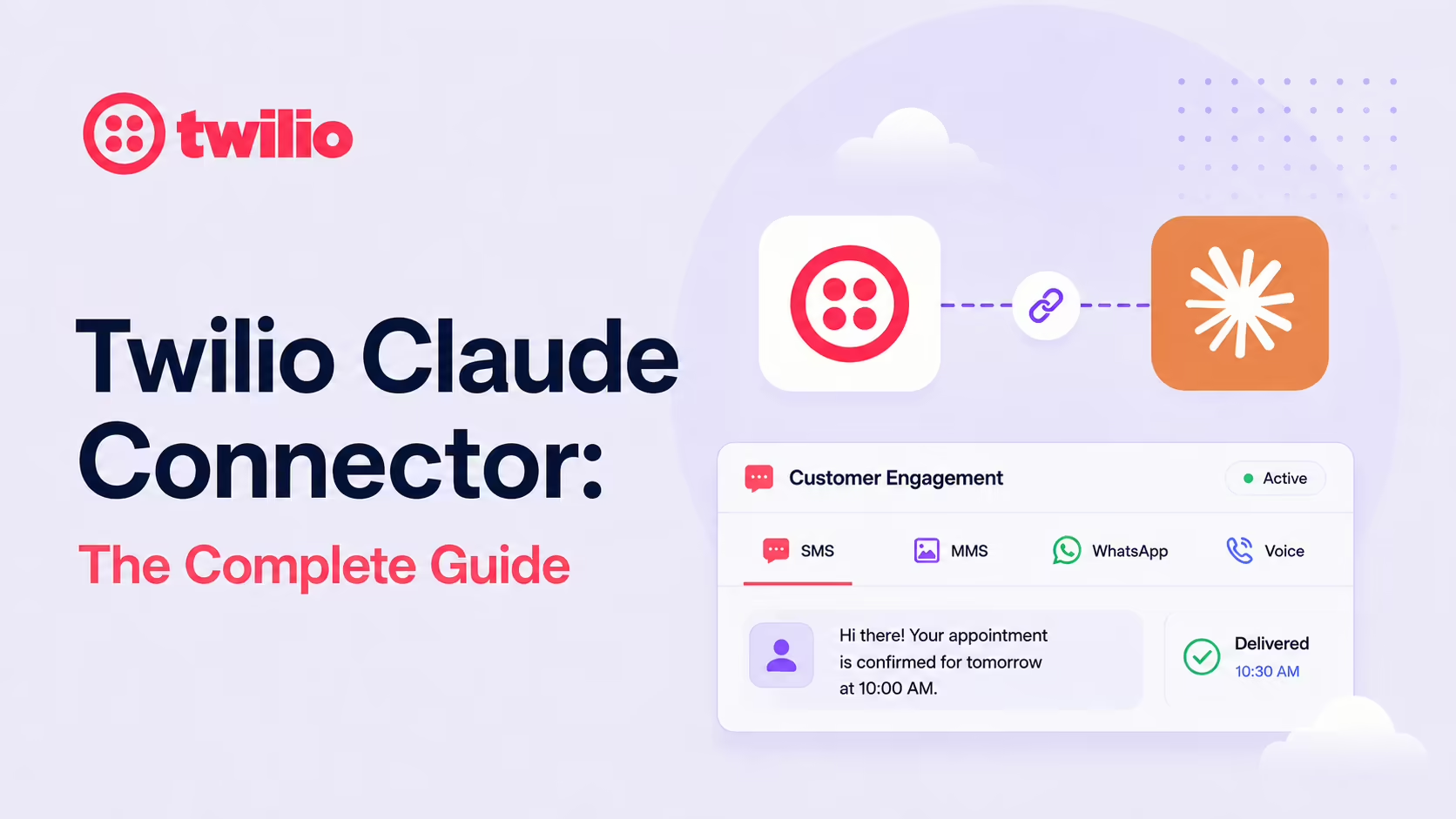
Twilio's official MCP server gives Claude secure, real-time access to its communications platform - SMS, MMS, WhatsApp, voice calls, Conversations, plus logs, delivery status, phone-number management and usage metrics. Twilio published the Connector for Claude and a Claude Code plugin on its blog, with a Twilio Alpha MCP for dev automation alongside. Find it in the Claude Connectors Directory.
Twilio quietly powers a huge slice of the customer-facing messaging on the internet. The MCP makes that power one prompt away.
SMS, WhatsApp, voice - all reachable from a Claude conversation, with the right safety rails baked in.
Overview
The Twilio MCP server is the official integration that lets Claude, Cursor and other AI agents send SMS, MMS, WhatsApp messages and place voice calls - all through natural-language prompts. The Twilio Connector for Claude gives Claude secure, real-time access to Twilio's communications platform, so teams can go from a natural-language request to a working customer engagement workflow without leaving their AI workspace.
Twilio's documentation also describes a hosted, no-credentials companion: a docs-focused MCP server at https://mcp.twilio.com/docs. It exposes just two tools in a deliberate "search-then-retrieve" workflow - twilio__search takes a natural-language query and returns ranked API operations and documentation articles, and twilio__retrieve takes the resulting IDs and returns the complete parameter and response schemas. Because it indexes only publicly available API specifications, it requires no Twilio account or API keys at all, and a filter.version parameter lets you pin a specific API version (for example Programmable Messaging's legacy v2010 versus the current v1) rather than defaulting to the latest. It is the lowest-risk way to give Claude accurate Twilio knowledge before you connect anything that can actually send.
What the Claude Connector Does
- Send and receive SMS and MMS.
- Trigger WhatsApp messages.
- Place and manage voice calls.
- Access chat sessions through Twilio Conversations.
- Inspect message logs and check delivery status.
- Manage phone numbers.
- Query usage metrics - all without exposing API keys in prompts.
Real Use Cases
- Two-factor auth flows: ask Claude to verify a phone number by generating a one-time code and sending it via SMS.
- Customer notification dashboards: an agent monitors your systems and auto-sends alerts via SMS or WhatsApp based on triggers.
- Bulk outreach: compose batches of personalised messages in Claude, send them through Twilio, track delivery programmatically.
- Sentiment-driven follow-ups: AI analyses customer sentiment during calls and automatically sends follow-up resources via SMS.
- AI call routing: dynamically route incoming calls based on AI analysis of caller history and issue severity.
Twilio Agent Connect: Cross-Channel Continuity
One of the more interesting patterns Twilio enables: keep conversations continuous across channels. A customer can start on a phone call and pick up later over SMS with full context - orchestrated through Twilio Agent Connect. For support and sales teams that's the holy grail; the MCP lets a Claude agent be one of the participants in that conversation.
Twilio Alpha MCP for Dev Automation
Beyond runtime messaging, Twilio also publishes a Twilio Alpha MCP Server aimed at automating development workflows themselves - scaffolding services, generating configs and so on. For Twilio-heavy teams the Alpha server complements the runtime connector by accelerating the platform engineering around Twilio adoption.
Real-World Experience
Reception across Twilio's own blog ("Introducing the Twilio MCP Server and Skills", "Twilio Brings Customer Engagement Workflows into Claude", "Use the Twilio Alpha MCP Server to Automate Development"), DEV community write-ups, QuickMCP's build tutorial, MCP Market's Twilio Claude Code skill and the YiyangLi/sms-mcp-server community repo has been strongly positive. The repeated theme: communications automation that used to require custom code becomes a one-line prompt.
Honest counterpoint: messaging at volume carries real cost and real compliance obligations (10DLC in the US, opt-in flows, WhatsApp templates). The connector accelerates the engineering; it doesn't replace the policy work.
How to Set It Up
The simplest local route is the @twilio-alpha/mcp package, which runs as a stdio server authenticated with your Account SID and an API key/secret pair. In Claude Desktop, open Settings → Developer → Edit Config and add the server:
{
  "mcpServers": {
    "twilio": {
      "command": "npx",
      "args": [
        "-y",
        "@twilio-alpha/mcp",
        "YOUR_ACCOUNT_SID/YOUR_API_KEY:YOUR_API_SECRET"
      ]
    }
  }
}
Generate the API key and secret in the Twilio Console (never use your primary auth token), restart Claude Desktop, and the Twilio tools appear. To narrow the surface area, pass a --services filter so Claude only sees the products you intend to use rather than the entire API.
Claude Code and the one-click connector
For Claude Code, install the Twilio Plugin for Claude Code per Twilio's blog announcement. For Claude Desktop or claude.ai with no terminal, search the connector directory for "Twilio", add it, and complete authentication in the browser. Whichever route you take, pilot on a test subaccount before pointing the connector at production messaging - this is a connector that spends real money on every send.
Security and Permissions
The connector operates with your Twilio auth and does not expose API keys in prompts - a key safety property for a connector that can spend real money. As ever, scope tightly, prefer test subaccounts during pilot, and audit messaging actions when you scale.
Common Problems and Fixes
- Too many tools, exhausted context: Twilio's API is enormous, and loading every product floods the tool list. Use the
--servicesflag to expose only the products you need (for example SMS and Verify) so Claude isn't choosing between hundreds of operations. - Auth failures on startup: the credential string must be
ACCOUNT_SID/API_KEY:API_SECRET. A common mistake is using the account auth token in place of an API secret - generate a dedicated API key/secret pair in the Console instead. - Prompt-injection risk from other servers: Twilio explicitly warns against running untrusted community MCP servers alongside the Twilio server. A malicious tool description in another server could coax the agent into sending messages. Keep the Twilio server isolated to a trusted toolset.
- Messages silently undelivered: a send can succeed at the API level but fail downstream - missing 10DLC registration in the US, an un-templated WhatsApp message, or a number without messaging capability. Check message logs and delivery status, which the connector can read for you.
- npx not found: the stdio server runs through
npx, so Node must be on the PATH Claude Desktop launches with. If tools never appear, point the command at an absolute Node path. - Unexpected spend during testing: every send costs money. Pilot on a test subaccount with a low balance so a runaway loop can't drain your production account.
Pricing and Availability
The MCP server and the Claude Code plugin are free - there is no charge for the connector itself. What you pay for is the underlying Twilio usage: every SMS, MMS, WhatsApp message and voice minute is billed at Twilio's standard per-message and per-minute rates, plus any number rental and 10DLC registration fees. Those costs are identical whether you call the API directly or through Claude.
The @twilio-alpha/mcp package is, as the name suggests, in alpha - capabilities and flags are still evolving. The Twilio Connector for Claude is generally available through the connector directory, and the Twilio Alpha MCP for development workflows is published separately. Standard Twilio API rate limits apply to all of them.
Limitations
- Real money, real compliance: messaging at volume needs the same care as any messaging integration.
- Channel quirks: WhatsApp templates and SMS regulations (10DLC) still need configuration.
- Powerful actions: placing calls and sending messages affect real people - prompt design and confirmation flows matter.
- Docs server is read-only: the hosted server at
mcp.twilio.com/docsonly searches and retrieves public API specifications - it cannot execute API calls, and search defaults to the latest API versions unless you filter explicitly.
Who It Is For
Developers shipping communications, customer engagement and support teams, and operators currently writing one-off Twilio scripts. The Twilio Alpha MCP extends the audience to platform engineers automating Twilio deployments themselves.
The Bottom Line
The Twilio connector makes a huge category of communications work reachable from a Claude conversation - SMS, WhatsApp, voice, with logs and delivery status to close the loop. Pair it with Twilio Agent Connect for cross-channel continuity and the Twilio Alpha MCP for dev automation, and you have communications fully integrated into agentic workflows.
Pilot in a test subaccount, scope your auth, and let Claude carry the boring half of customer engagement work. Browse more in the complete Claude Connectors Directory.
Sources: Twilio (twilio.com/docs/ai/mcp, twilio.com blog series on MCP + Claude), DEV community write-up, QuickMCP, MCP Market, YiyangLi/sms-mcp-server. Images: Twilio. Last updated: June 2026.