
 AI Tools Review Editorial Team
Quick Answer:
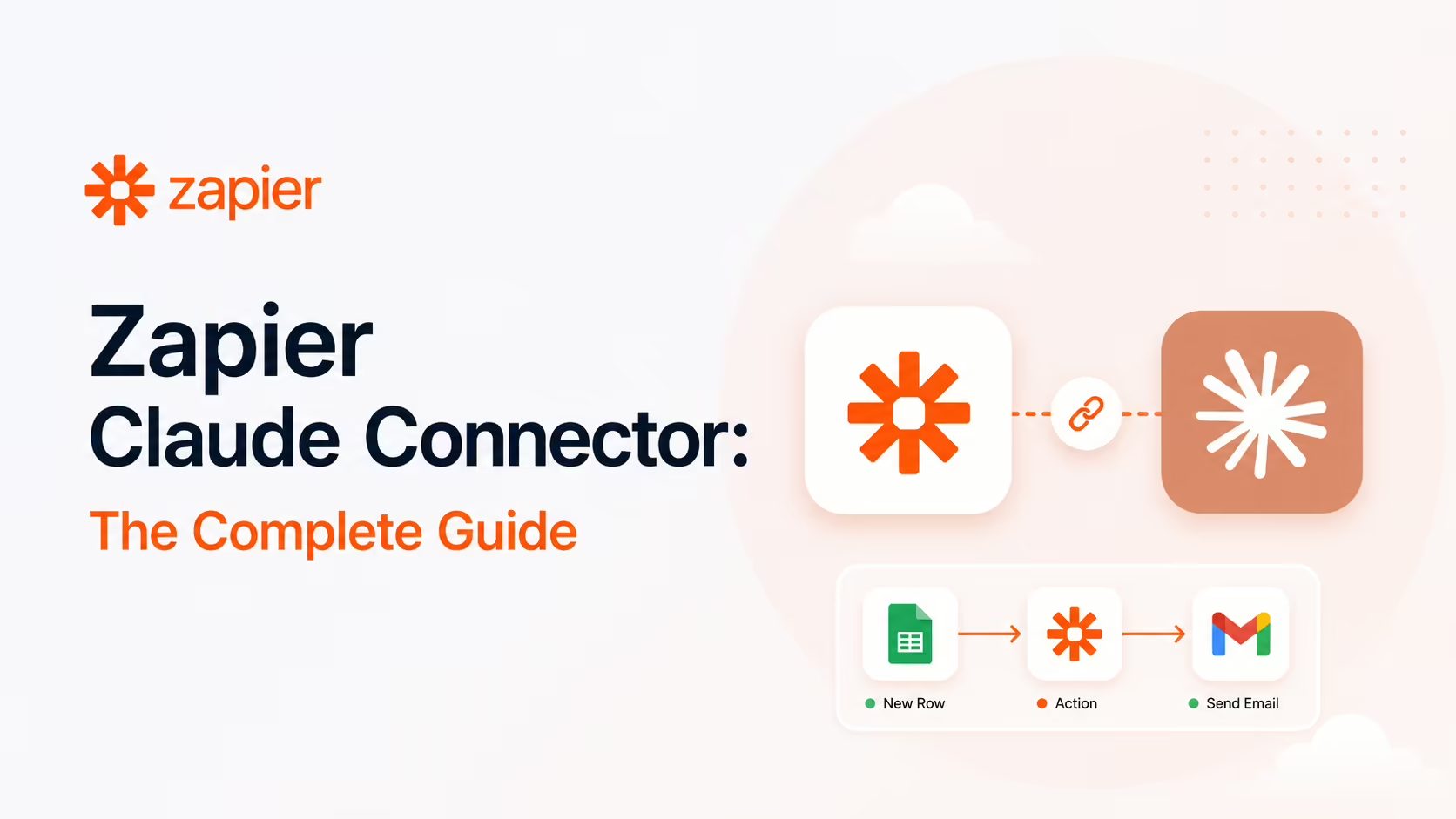
The Zapier connector is one of the most powerful entries in the Claude Connectors Directory. It plugs Claude into your Zapier account, giving it access to 30,000+ actions across 9,000+ apps - Gmail, Slack, Salesforce, HubSpot and thousands more - through the Model Context Protocol (MCP). You instruct Claude in plain English; Zapier handles the authentication and execution. One connector, and Claude can act across your entire stack.
Most connectors link Claude to a single service. Zapier links it to almost everything - because Zapier itself is the integration layer for the modern software stack.
That makes the Zapier connector less a single integration and more a master key. Here is exactly what it does, how teams are using it, and how to set it up safely.
Overview
Zapier has spent over a decade building connections between web apps. With Zapier MCP, it exposes that entire library to AI assistants like Claude through a single, standardised protocol. Where you might otherwise enable a dozen individual connectors, Zapier offers one endpoint that reaches everything you have already connected in your Zapier account.
The result is a force multiplier. According to Zapier, the connector provides access to more than 30,000 actions across 9,000+ apps, all callable from Claude in natural language and all without writing integration code.
Commercially, Zapier positions MCP as a feature rather than a product: it is included with all existing Zapier plans, currently labelled an open beta, with no separate pricing tier, minimum commitment or new procurement step. Your existing app connections carry over automatically, and Zapier leans on its established credential-management infrastructure - the company points to its SOC 2 Type II compliance and more than thirteen years of handling app authentication - rather than asking you to trust a new authentication layer.
What Is Zapier?
Zapier is the best-known automation platform on the web. Its core idea is simple: connect two or more apps so that an event in one ("a new lead in your CRM") triggers an action in another ("post a message in Slack"). Over the years it has grown into an integration backbone used by millions of individuals and businesses, with connections to the overwhelming majority of popular SaaS tools.
That breadth is exactly why the Zapier connector is so valuable to Claude. Zapier has already done the hard work of integrating with Gmail, Slack, Salesforce, Notion, HubSpot, QuickBooks and thousands of other services. The connector simply lets Claude tap into that work.
What the Claude Connector Does
Zapier MCP is a server endpoint that connects your Zapier account to an AI client such as Claude. Once connected, Claude can take actions in the apps you use every day - creating records, sending messages, updating spreadsheets, drafting emails - using the same automation logic you have already configured in Zapier.
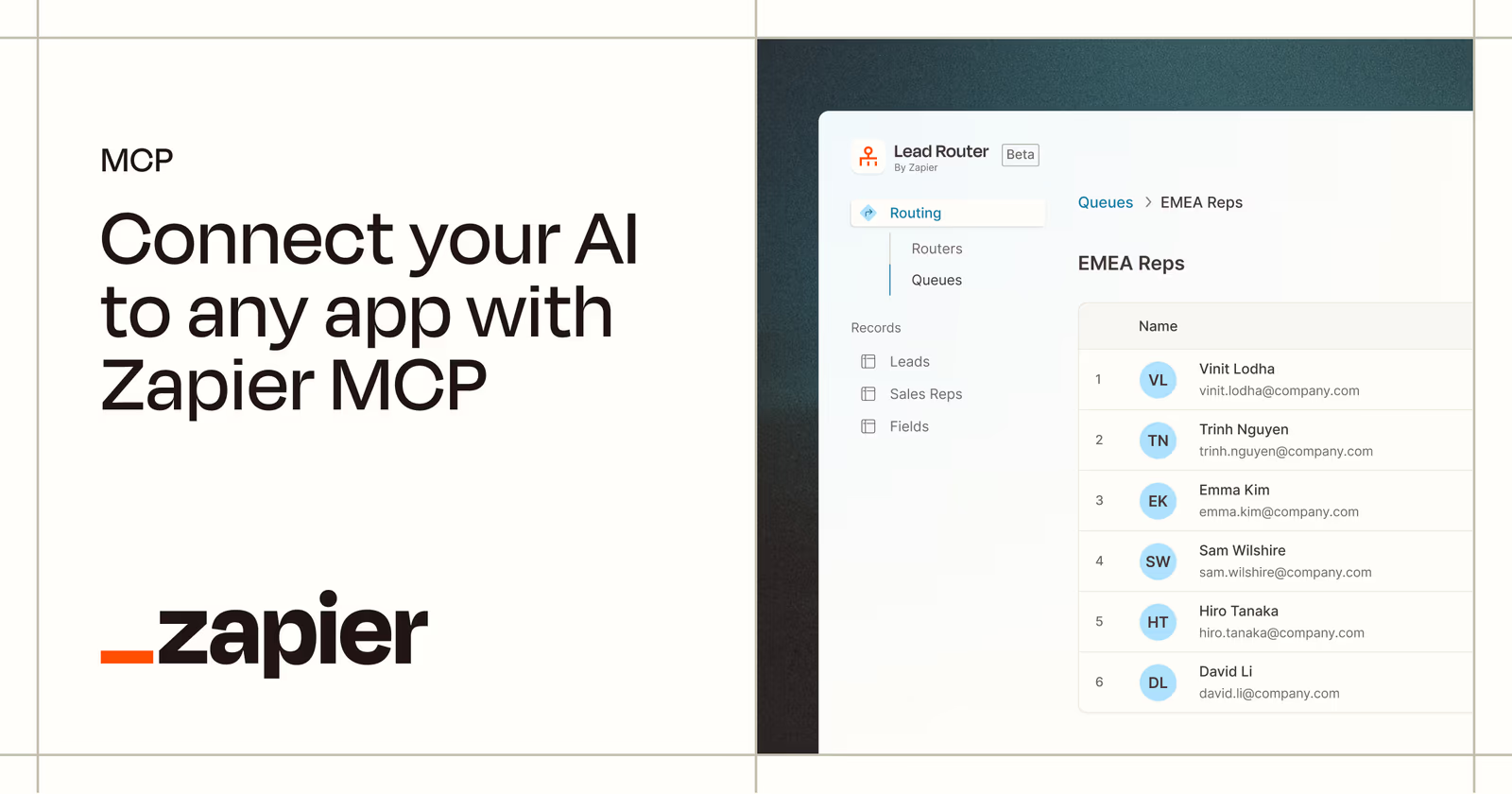
Crucially, Zapier brings in your existing app connections automatically. Anything you have already authenticated in Zapier - Gmail, Slack, Salesforce - is ready to go. You decide which of those actions to expose to Claude, and from then on a natural-language instruction like "summarise today's new leads and post them to the sales channel" becomes a chain of real actions across real apps.
The connector also works beyond the chat window. Zapier has added support for Anthropic's Messages API and for Claude Code, so developers can build the same capability into their own Claude-powered applications and agents.
Real Use Cases
Because the connector reaches thousands of apps, the use cases are effectively open-ended. A few that recur in Zapier's own documentation and customer write-ups:
- Lead qualification and outreach: Claude checks whether a new lead fits your ideal-customer profile, posts a summary to Slack, and drafts a personalised outreach email - end to end.
- Support triage: ask "what tickets came in about the API timeout issue?" and Claude pulls the data from your connected help desk and summarises it.
- Cross-app reporting: gather data from a CRM, a spreadsheet and an email tool, then compile a summary into a document or message.
- Routine admin: create calendar events, update CRM records, file documents and send notifications - the repetitive glue work that fills a working day.
The common thread is orchestration: the connector is at its best when a task spans several apps that would otherwise require manual copying and pasting between tabs.
Real-World Experience
The reception has been strong, with the most enthusiastic reports coming from teams that automate multi-app workflows. In one widely-shared case study, the agency GrowwStacks documented connecting Claude to its stack via Zapier MCP and reported that it freed roughly 46% of its calendar by offloading routine coordination to the agent.
Zapier's own materials highlight the speed: in one demonstration, Claude posted qualified lead details and drafted a personalised email in around eight seconds. That responsiveness is the difference between automation you wait on and automation that feels instant.
The honest counterpoint, noted by several reviewers, is that reliability depends on clear instructions and well-scoped actions. Like any agentic setup, the Zapier connector rewards thoughtful configuration and benefits from a capable underlying model such as Claude Opus 4.8.
How to Set It Up
Setup is deliberately code-free and takes only a few minutes:
- Go to
mcp.zapier.com, open the Connect tab, and create a new MCP server. Zapier issues a unique, secret endpoint URL tied to your account. - On that server, enable the specific actions you want Claude to have - for example "Gmail: Send Email". Each enabled action becomes a dedicated tool (so "Gmail - Send Email" surfaces in Claude as a
gmail_send_emailtool). - Add the endpoint to Claude. For a hosted connector, paste the URL under Settings → Connectors; the OAuth 2.0 connect flow lives at
https://mcp.zapier.com/api/v1/connect. - Instruct Claude in natural language; it calls the Zapier actions on your behalf.
For Claude Code, add the same endpoint as a custom server:
claude mcp add --transport http zapier https://mcp.zapier.com/api/mcp/...Because Zapier already holds your app authentications, there are no per-app credentials to wire into Claude. The key design choice is curation: rather than exposing all 30,000 actions, you hand-pick the handful each server needs, which keeps the tool list focused and the blast radius small.
Security and Permissions
For a connector this powerful, the security model matters. Zapier's design keeps you in control: you choose which apps the AI can access and which actions are permitted, Zapier handles authentication, encryption and rate limiting so the agent never handles your credentials directly, and every action is logged in your History tab for after-the-fact review.
The practical advice mirrors any agentic deployment: expose the minimum set of actions a task needs, prefer read or low-risk actions when you are getting started, and review the action log. A master key to 9,000 apps deserves deliberate permissioning. For organisations that need formal assurance, Zapier maintains SOC 2 Type II compliance, and enterprise accounts can impose account-level restrictions and managed connections so individual users cannot expose actions the organisation has not sanctioned.
Common Problems and Fixes
- Claude can't find a tool you expected: tools are opt-in per server. If
gmail_send_emailisn't available, you haven't enabled that action on the MCP server in the Connect tab - add it, then refresh the connection in Claude. - Too many enabled actions confuse the agent: each enabled action is a separate tool, and a server with dozens of them makes Claude's selection less reliable. Keep each server scoped to a coherent workflow and spin up separate servers for unrelated jobs.
- Actions fail with an auth error: the underlying app connection in Zapier has expired or been revoked. Re-authenticate the app inside Zapier itself - the MCP server inherits those connections, it doesn't hold separate credentials.
- An action ran with the wrong field values: Zapier's "AI guess" fills fields the prompt didn't specify. For anything consequential, pin the fields explicitly in your instruction rather than letting the model infer them.
- Unexpectedly hitting task limits: every executed action consumes a Zapier task. An agent in a loop can burn through a plan fast - watch the History tab and start on low-volume actions.
- Leaked endpoint URL: the server URL is a secret bearer credential. If it leaks, regenerate it from the Connect tab immediately - anyone with the URL can invoke your enabled actions.
Pricing and Availability
Zapier MCP is available to Zapier users, and there is a free tier to try it. The cost model is the same as the rest of Zapier: every action Claude executes consumes tasks, and tasks count against your plan's monthly allowance. Per Zapier's MCP page, each tool call uses two tasks from your plan's existing quota, so an agent that fires fifty actions in a session has consumed a hundred tasks. High-volume agentic use can therefore get expensive quickly, so it pays to start on the free or a low tier and watch consumption in the History tab before scaling.
Because MCP is bundled into existing plans rather than sold separately, the upgrade path is simply your normal Zapier plan ladder - there is nothing extra to buy, and enterprise customers get account-level restrictions and managed connections layered on top.
The connector works across Claude.ai, Claude Desktop and Claude Code, and Zapier has added support for Anthropic's Messages API so developers can wire the same capability into their own Claude-powered apps. There is no separate charge from Anthropic for the MCP endpoint beyond your normal Claude access.
Limitations
- Task limits: actions consume Zapier tasks, which count against your plan - high-volume automation can get costly.
- Depends on your Zapier setup: the connector reaches the apps you have already connected; it is only as broad as your account.
- Instruction-sensitive: ambiguous prompts can lead to the wrong action; clear, scoped requests matter.
- Action coverage varies: not every app exposes every action through Zapier, so some tasks may not be available.
Who It Is For
The Zapier connector is ideal for anyone whose work spans many apps - operations, sales, marketing and support teams especially - and for developers who want to give a Claude agent broad action capability without building each integration by hand. If you already live in Zapier, it is close to essential. If you only need Claude to touch one or two services, a dedicated connector for those tools may be simpler.
The Bottom Line
The Zapier connector is the closest thing the directory has to a universal adapter. By exposing 30,000+ actions across 9,000+ apps through one MCP endpoint, it turns Claude into an agent that can act across your whole toolset - safely, if you scope it well.
Start narrow, watch the action log, and widen access as you build trust. For teams drowning in multi-app busywork, it is one of the highest-leverage connectors available. Browse the rest in the complete Claude Connectors Directory.
Sources: Zapier (zapier.com/mcp and Zapier blog), GrowwStacks case study, No Code MBA. Image: Zapier. Last updated: June 2026.