 AI Tools Review Editorial Team
Quick Answer:
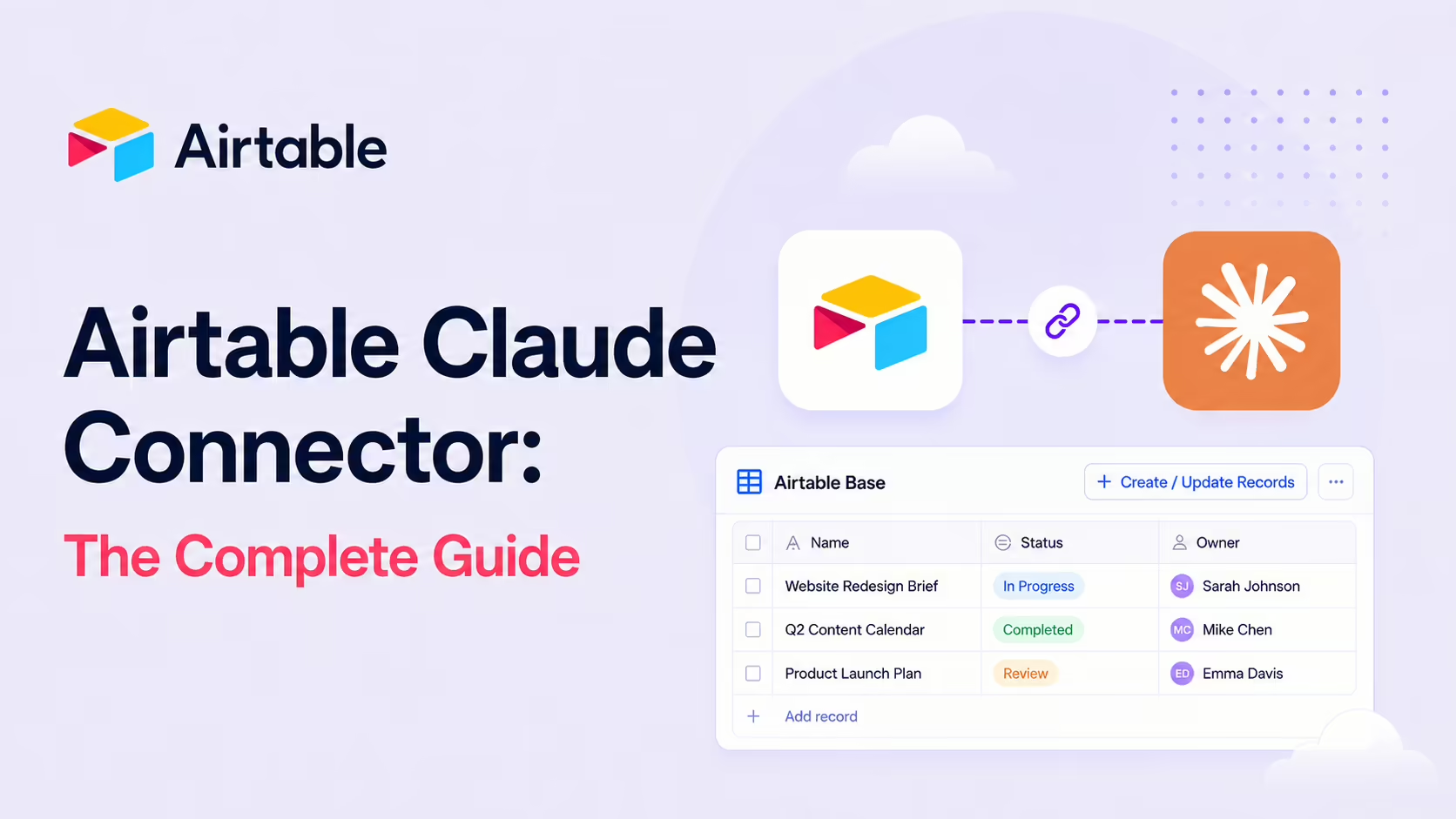
The Airtable MCP server connects Claude to your Airtable bases: list and read records, create tables and fields, update records, delete or clear comments - all in natural language, without knowing field names or table IDs. Existing Airtable permissions are respected (read-only stays read-only). Find it in the Claude Connectors Directory.
Airtable is the spreadsheet that grew up to become a database - and the place a lot of teams quietly run their actual operations.
The MCP lets Claude be a co-pilot inside it: building tables, updating records, answering questions about live data - in plain English.
Overview
Airtable's MCP server lets you connect AI tools directly to your Airtable bases. Once connected, you can ask questions about your data, create and update records, and analyse information - all through natural conversation with AI tools like Claude, ChatGPT and Cursor. Airtable publishes the official MCP server documentation in its support hub, and there's a strong open-source ecosystem (felores/airtable-mcp is one of the most-starred examples).
Under the bonnet, the hosted server at mcp.airtable.com/mcp exposes a documented set of nineteen tools. The names map cleanly onto what you'd expect: list_workspaces, list_bases and search_bases for discovery; list_tables_for_base and get_table_schema for structure; list_records_for_table and search_records for reads; create_base, create_table, create_field, create_records_for_table and update_records_for_table for writes; plus record-comment tools and interface-page tools such as list_pages_for_base. Airtable's support docs list Claude, Claude Code, ChatGPT, Cursor, Codex and Amazon Quick as supported clients, and confirm the integration is available on all plans.
What the Claude Connector Does
- Read from bases - list records, pull details from tables.
- Create new content - tables, fields and records.
- Update records - change task statuses, fill in missing fields.
- Delete records or clear comments.
- Batch actions - create or delete many records in one go for repetitive maintenance.
- Plain-English navigation - you don't need to know field names or table IDs.
Supported Field Types
Out of the box, the connector supports the field types you actually use day-to-day:
- Single-line text
- Multi-line text area
- Email address
- Phone number
- Numeric fields with optional precision
The lean supported-field set is deliberate - it keeps the agent reliable while letting you express most operational schemas.
Real Use Cases
- Roadmap-aware agents: have Claude pull feature specs and acceptance criteria from a roadmap base and use them as context for writing code.
- Base scaffolding: create a fully structured base - tables, field types, relationships, sample records - from a plain-English brief.
- Live data Q&A: query records, update fields, create entries and analyse data with the live base.
- Bulk maintenance: batch operations for repetitive data hygiene that would take an hour by hand.
- Cross-team triage: have Claude summarise statuses across multiple bases.
A Worked Example: Build a Base in One Prompt
- You ask Claude: "Build me an Airtable base for managing a content pipeline - articles, statuses (idea/draft/review/published), owners, due dates and source notes."
- Claude creates the tables and fields with appropriate types.
- It seeds sample records so you can see the shape immediately.
- You follow up: "Add five real-looking sample articles for the next two weeks." - records populated.
- Total time: a couple of minutes instead of an hour of UI work.
Real-World Experience
Reception across Airtable's official docs, the Airtable community ("Using Airtable MCP in a Claude Project", "Practical no-code implementation"), Composio's setup guides, Merge.dev's walkthrough, Business Automated's "Build an Airtable base in minutes" tutorial and the MCP Market Claude Code Skill is strong - particularly for the base-scaffolding pattern and the live-data Q&A.
The honest caveat: complex Airtable schemas (formula fields, computed fields, linked-record cascades) still benefit from human design. The agent is a brilliant accelerator on the routine 80%, not a replacement for thoughtful schema design on the tricky 20%.
Two documented behaviours are worth knowing before you standardise on it. First, the rich record-display experience is client-dependent: per Airtable's support docs, the display_records_for_table tool "is not available by default and is only enabled for clients that support interactive apps" - so the same prompt that renders an interactive record view on claude.ai may fall back to plain list_records_for_table output in a simpler MCP client. Second, Airtable explicitly flags the server as a moving target: tool names, behaviours and capabilities may change. That's normal for a young surface, but it means anything brittle - saved prompts that name tools directly, or automations that assume a specific response shape - should be revisited periodically rather than treated as permanent.
How to Set It Up
Airtable's official remote MCP server arrived in early 2026, and it needs no API key - authentication is handled by OAuth. For Claude Code, add the hosted endpoint and authenticate in the browser:
claude mcp add --transport http airtable https://mcp.airtable.com/mcpRun /mcp inside Claude Code, choose Airtable, and complete the OAuth flow. During authorization you pick exactly which bases Claude can access - a clean way to scope the agent to a single base for a pilot.
Claude.ai and the self-hosted route
On claude.ai, go to Settings → Connectors (or Integrations), find Airtable, click Connect, authorise with Airtable OAuth, and select your bases. If you prefer to self-host and audit the source, the community felores/airtable-mcp repo runs as a local stdio server configured with a personal access token. Either way, start narrow and expand once you trust the behaviour.
Security and Permissions
The MCP server respects your existing Airtable permissions. If you have read-only or comment-only access to a base, you'll be able to read that data via MCP but you won't be able to create or update records. The implication: plan your access. The agent's writes will only be possible where your account already had write access; for shared workspaces, that's the right safeguard.
The OAuth grant itself is explicit about what it covers. Per Airtable's support docs, the connection requests the scopes data.records:read, data.records:write, schema.bases:read, schema.bases:write, data.recordComments:read, data.recordComments:write and workspacesAndBases:read - records, schema, comments and workspace listing, nothing beyond. One documented quirk to know: bases owned by a development app return 403 permission errors via MCP, so keep agent workflows pointed at ordinary workspace bases.
Common Problems and Fixes
- Claude can't see a base: the OAuth flow only grants access to the bases you select during authorization. If a base is missing, reconnect and tick it in the base picker - the agent can't reach bases you didn't share.
- Writes fail silently on a shared base: the server inherits your Airtable permissions. Read-only or comment-only access means reads work but creates and updates don't - check your collaborator role on that base.
- A computed field won't update: formula, rollup, lookup and autonumber fields are read-only by design. Asking the agent to set them fails - write to the source fields they derive from instead.
- Exotic field types behave oddly: the agent is most reliable on common types (text, number, email, phone, single/multi-select). Linked-record cascades and complex field configs still benefit from human setup.
- Batch operations hit rate limits: Airtable's API caps requests per base. A large bulk create or delete can throttle - break it into smaller batches if you see rate-limit errors.
- Self-hosted server token errors: the
felores/airtable-mcproute needs a valid personal access token with the right scopes. A 401 usually means the token lacksdata.records:writeor schema scopes for the base.
Pricing and Availability
The official Airtable MCP server is free and works on every Airtable plan tier - there is no separate charge and, on the remote server, no API key to manage. What the agent can read and write is bounded by your plan's normal limits (records per base, automation runs and so on) and by your collaborator permissions. The self-hosted community server is open-source and also free, trading the managed OAuth flow for a personal access token you control.
Standard Airtable API rate limits apply to all routes, so very high-volume automation should still be planned around those caps. On the Claude side, the connector works with your normal Claude access across Desktop, Code and claude.ai.
Limitations
- Field-type coverage: simple types out of the box; the more exotic Airtable field types may need attention.
- Write batch size: per Airtable's docs, record creation is limited to 10 records per request - bulk seeding happens in chunks, which is slower than it looks in the demo videos.
- Standard API rate limits: MCP calls count against Airtable's normal API rate limits, so sustained high-volume automation throttles like any other API client.
- Quality follows schema: messy bases get messy agent outputs.
- Permission-bounded: the agent can only do what your account can.
- Interactive display is client-dependent: the
display_records_for_tabletool is only enabled for clients that support interactive apps - other clients get plain record lists. - Evolving surface: Airtable's docs note that tool names, behaviours and capabilities may change, so hard-coded automations need periodic review.
Who It Is For
Anyone whose work lives in Airtable - product teams, marketing ops, content pipelines, customer success - especially anyone maintaining many bases or doing repetitive data hygiene. The base-scaffolding pattern alone makes it worth installing for builders who spin up new bases regularly.
The Bottom Line
The Airtable connector turns Claude into a base-builder, data analyst and data-hygiene worker rolled into one - inside the platform a lot of teams quietly run their ops on. For Airtable-first teams it's a one-line install for a daily quality-of-life win.
Pilot on a single base, scope your permissions, and let Claude do the routine 80%. Browse more in the complete Claude Connectors Directory.
Sources: Airtable (support.airtable.com/docs/using-the-airtable-mcp-server), Airtable Community, github.com/felores/airtable-mcp, Composio, Merge.dev, Business Automated. Images: Airtable / GitHub. Last updated: June 2026.