 AI Tools Review Editorial Team
Quick Answer:
The Apify MCP server exposes thousands of pre-built Actors - scrapers, crawlers and automation tools from the Apify Store - as MCP tools Claude can discover and call directly. Hosted at mcp.apify.com, OAuth-authed, no separate fee (Actor runs use your normal Apify credits, including a free monthly allowance). Real-time web data extraction inside an agent loop, no custom code. Find it in the Claude Connectors Directory.
The web is the world's largest dataset; Apify is its most prolific scraper marketplace. The MCP lets Claude shop the store directly.
Thousands of Actors, one connector, agent-callable in a sentence.
Overview
The Apify MCP server enables AI agents to extract data from social media, search engines, maps, e-commerce sites or any other website using thousands of ready-made scrapers, crawlers and automation tools available on the Apify Store. The official server is hosted at mcp.apify.com with source at github.com/apify/apify-mcp-server.
Out of the box the hosted server loads a deliberately lean default toolset rather than the whole Store: search-actors to find Actors in the Apify Store, fetch-actor-details to inspect an Actor's inputs and pricing, the general-purpose apify/rag-web-browser for browsing and extracting web data, search-apify-docs and fetch-apify-docs for documentation lookups, and get-actor-output to retrieve results from a run. On clients that support dynamic tool discovery, the agent also gets an add-actor tool - so Claude can search the Store mid-conversation, inspect an Actor's required inputs, bolt it on as a new tool and execute it without any reconfiguration. You can customise the exposed surface with a query parameter (for example https://mcp.apify.com?tools=actors,docs,apify/rag-web-browser), and opt out of telemetry with ?telemetry-enabled=false.
Apify Actors as MCP Tools
The clever architectural choice: Actors are MCP tools. Each pre-built scraper or automation in the Apify Store becomes a tool Claude can discover, parameterise and call. No custom coding required - the AI triggers real web-data extraction, processing and automation on Apify's cloud infrastructure.
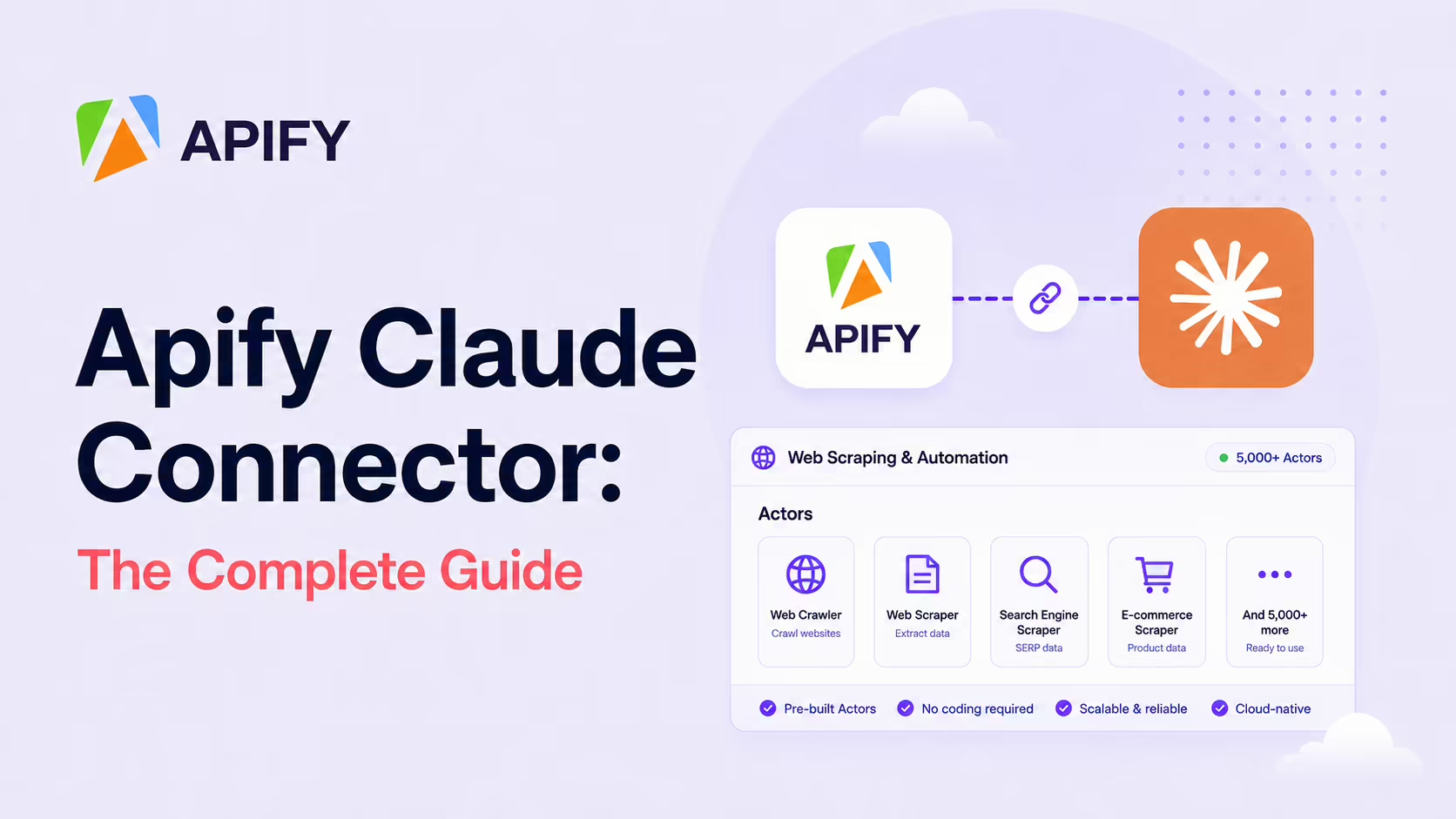
That turns the Apify Store (5,000+ Actors and growing) into a marketplace of capabilities the agent can browse, which is qualitatively different from connectors that expose a fixed surface.
What the Claude Connector Does
- Scrape any modern website - via the Web Scraper MCP or category-specific Actors.
- Social media extraction - Facebook Posts Scraper, Instagram Scraper for posts, profiles, places, photos, comments.
- Maps and contacts - Google Maps Email Extractor.
- Search engines - Google Search Results Scraper.
- E-commerce - product, pricing and listing scrapers across major platforms.
- Documentation indexing - turn entire doc sites into machine-readable corpora.
Real Use Cases
- Competitor pricing intelligence: have Claude scrape rivals' pricing pages and produce a comparison table.
- Documentation comparisons: extract and compare docs across vendors as part of a build-vs-buy review.
- Lead generation: Google Maps Email Extractor surfaces contact information for a specific niche.
- RAG indexing: scrape entire documentation sites and feed the markdown to your embedding pipeline.
- Sentiment monitoring: social-media Actors return raw content for Claude to summarise.
- Search-engine SERP analysis: Google Search Results Scraper feeds SEO and brand-monitoring workflows.
Apify + Embeddings: Live RAG Pipelines
One of the most powerful patterns the connector enables: feeding scraped markdown to embedding models and vector databases for retrieval. You point Claude at an Apify Actor that crawls a documentation site, pipe the output to your embedding pipeline, and now you have grounded, up-to-date answers in your agent without standing up a custom crawler.
For teams building RAG over external knowledge, this is one of the cleanest pipelines you can wire up.
Cost: The Honest Picture
There is no separate MCP fee. You pay normal Apify usage for Actor runs - compute, memory and per-Actor pricing as published. The free plan includes monthly credits, which is enough to test MCP with small runs.
For production volume, model it carefully - a recurring scrape on a large site can run real costs. The MCP doesn't change that economics, it just makes triggering the work easier.
Real-World Experience
Reception across Apify's own product pages, the apify-mcp-server GitHub repo, Use-Apify's beginner walkthroughs and setup guides, a2a-mcp.org's "Connect Claude and AI Agents to 5,000+ Web Scrapers" overview and Composio's Cowork integration is consistent: the connector turns "I need to scrape X" from a multi-day engineering task into a chat message.
Honest counterpoint: Actors vary in quality. Test the specific one you plan to depend on before wiring it into a production loop.
How to Set It Up
There are two routes. The hosted remote server is the recommended path for 2026 - it auto-updates, keeps no token in a local file and authenticates via OAuth. The local stdio server gives you a pinned, scriptable install with an explicit Actor whitelist.
Option A: Hosted remote server (recommended)
The official endpoint is https://mcp.apify.com, served over Streamable HTTP. (Note: the legacy SSE transport was removed on 1 April 2026 - if a guide tells you to use an /sse URL, it is out of date.) In Claude Code:
claude mcp add --transport http apify https://mcp.apify.comOn first use Claude opens an OAuth flow; sign in with your Apify account and approve. In Claude Desktop or Claude.ai, add it from Settings → Connectors instead - no token is stored locally, and Apify pushes server updates automatically.
Option B: Local stdio server
Requires Node.js v18+ on your PATH and an API token from the Apify Console (Settings → API & Integrations). Use the --actors flag to whitelist exactly the Store Actors you want exposed, which keeps the tool list small and the agent focused:
{
  "mcpServers": {
    "apify": {
      "command": "npx",
      "args": [
        "-y", "@apify/actors-mcp-server",
        "--actors", "apify/rag-web-browser,apify/instagram-scraper"
      ],
      "env": { "APIFY_TOKEN": "your_apify_token" }
    }
  }
}
Then browse the Apify Store for the Actor you need, and ask Claude to call it with your parameters.
Common Problems and Fixes
- Still using an /sse URL: the SSE transport was retired on 1 April 2026. Switch to the Streamable HTTP endpoint
https://mcp.apify.com(no/ssesuffix). - "command not found: npx" on the local server: Node.js isn't on your PATH. Install Node 18+ and confirm with
node --version, or just use the hosted remote server, which needs no local runtime. - Claude can't see your Actor: on the local server the
--actorswhitelist is exact - if the Actor isn't listed, it isn't exposed. Add itsusername/actor-nameslug and restart. - Run fails with "insufficient credits": Actor runs draw on your normal Apify balance. The free plan's monthly credits cover testing; heavy or recurring scrapes need a paid plan.
- Too many tools overwhelm the model: exposing the whole Store floods the context with tool definitions. Whitelist a handful of Actors (local) or ask Claude to use a specific one by name (remote).
- Scraper returns empty or blocked results: some sites are heavily JS-rendered or anti-bot-protected. Test the specific Actor in the Apify Console first, and prefer Actors with proxy/anti-blocking support for tough targets.
- OAuth loop on the remote server: clear the cached connector auth and re-add it; make sure you're signing into the same Apify account that holds your credits.
Security, Compliance and Scraping Ethics
Auth is OAuth via Apify - the agent operates with your Apify account access. The bigger consideration is scraping responsibility: legal and ethical compliance for what you scrape is yours, not the connector's. Respect each site's terms of service, robots.txt and applicable laws. The connector makes the engineering trivial; the policy work is unchanged.
Limitations
- Actor quality varies: test the specific Actor before depending on it.
- Real cost: heavy scraping uses real credits.
- Legal responsibility: scraping compliance is yours.
- Dynamic sites: some heavily JS-rendered or anti-bot-protected sites are harder.
- Rate-limited: the hosted server allows up to 30 requests per second per user - generous for chat, but a ceiling for aggressive agent loops.
- Local server is less capable: per Apify's docs, the local stdio server does not support the output-schema inference the hosted version has - another reason to prefer
mcp.apify.com.
Who It Is For
Data engineers, growth and research teams, anyone building RAG over external data, anyone running competitive intelligence or lead-gen pipelines. The "5,000+ scrapers as MCP tools" framing makes Apify uniquely useful for agents that need broad web reach.
The Bottom Line
The Apify connector turns the web into a callable tool surface. Thousands of Actors as MCP tools, OAuth auth, normal Apify pricing - and Claude as the orchestrator. For anyone whose work depends on getting external web data into an agent loop, it is one of the highest-leverage connectors available.
Pilot a small Actor, model the cost on your real volume, and respect each target site's terms. Browse more in the complete Claude Connectors Directory.
Sources: Apify (mcp.apify.com, apify.com, apify.com/integrations), github.com/apify/apify-mcp-server, Use-Apify guides, a2a-mcp.org, Composio. Images: Apify. Last updated: June 2026.