 AI Tools Review Editorial Team
Quick Answer:
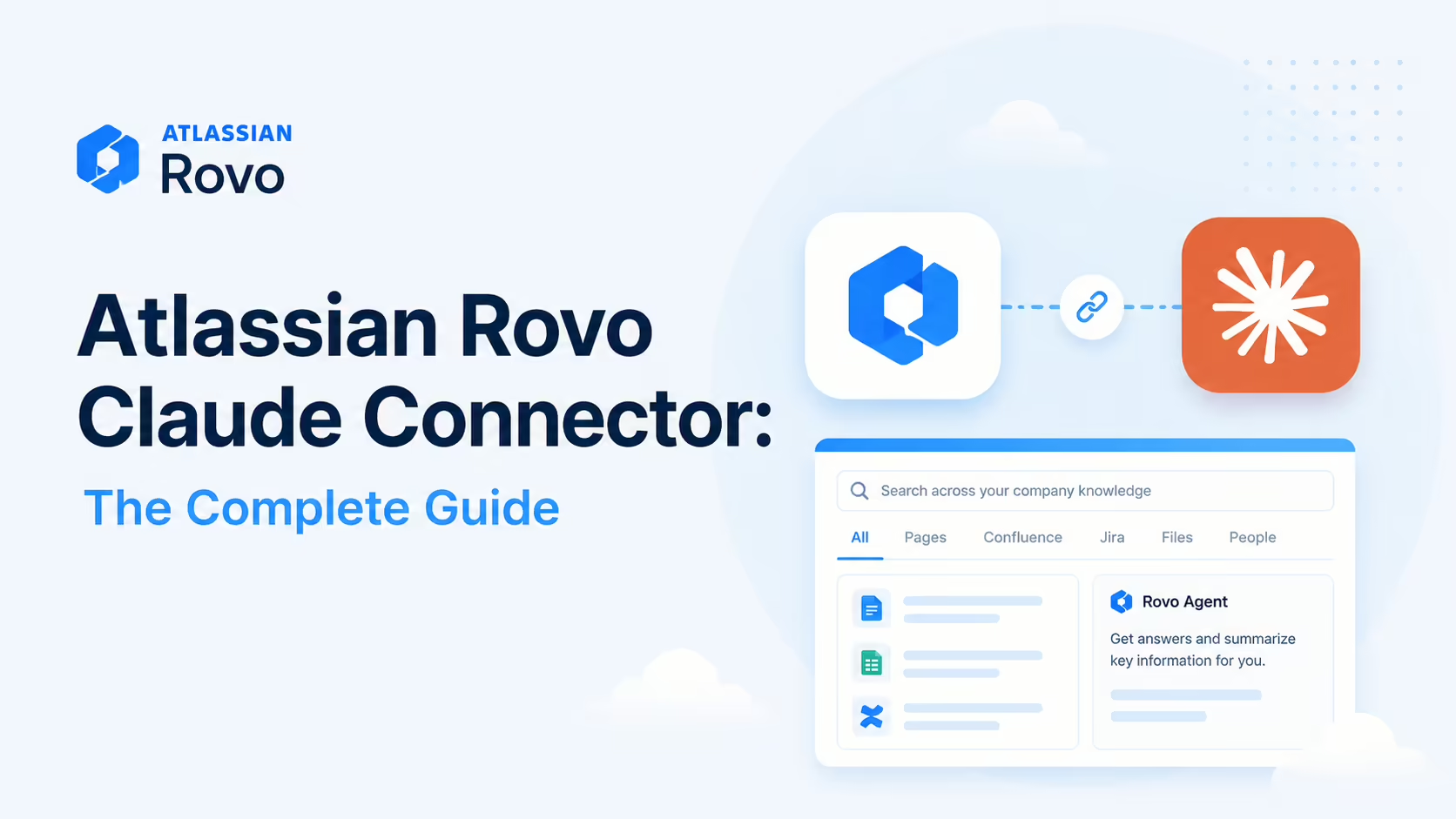
The Atlassian Rovo MCP connector is a cloud bridge between your Atlassian Cloud site and AI clients like Claude - giving Claude semantic search across Jira, Confluence and Compass, plus the ability to create and update issues and pages, link items, summarise content and drive agent workflows. Now generally available; agents operate inside Jira's existing permission structures with full traceable history. Find it in the Claude Connectors Directory.
Software teams spend half their day moving between Jira and Confluence. The Rovo connector lets Claude do it for them.
Now generally available, it's one of the most consequential MCP releases of the year for enterprise development.
Overview
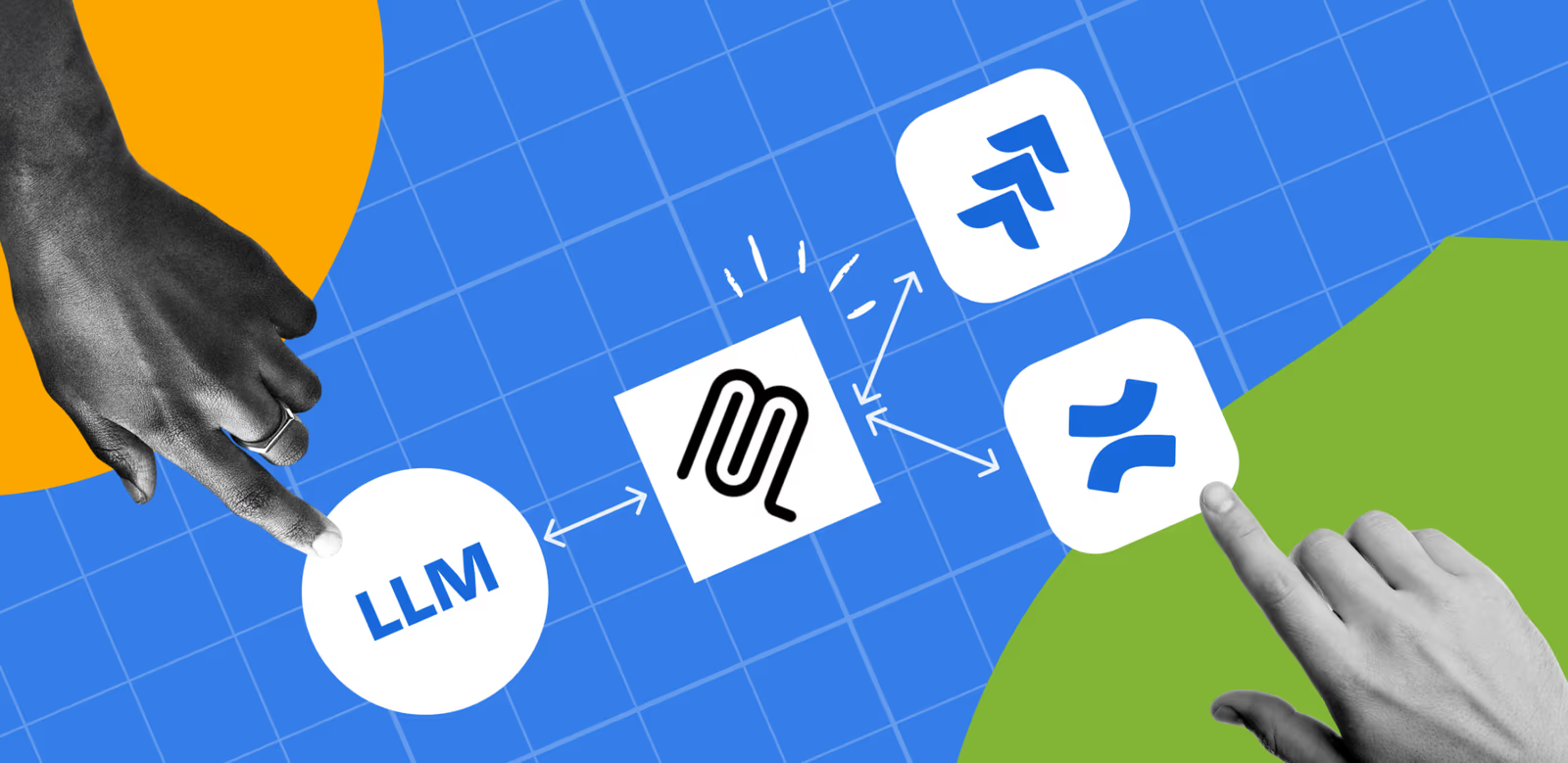
The Atlassian Rovo MCP Server is a cloud-based bridge between your Atlassian Cloud site and compatible external tools, enabling them to interact with Jira, Compass and Confluence data in real time. Now generally available, it gives a broad set of AI clients - Claude, ChatGPT, Cursor, VS Code and more - a single secure way to work with the Atlassian stack.
Atlassian's support documentation spells out the capability surface per product: for Jira, searching plus creating and updating issues, including bulk creation; for Confluence, summarising content, creating pages and viewing the spaces you can access; and for Compass, creating service components, querying dependencies and bulk-importing components. The documented client list runs wider than most connectors - ChatGPT, Claude, Docker, GitHub Copilot CLI, Google Gemini, Amazon Quick Suite and any local MCP-compatible client that can run on localhost (desktop clients need Node.js v18 or later, plus a modern browser for the OAuth flow).
What the Claude Connector Does
- Semantic search across Jira, Confluence and Compass - pull the right issues, pages and services into a conversation.
- Create and update Jira issues in the correct project from natural-language commands.
- Create and update Confluence pages - turn a drafted spec into a real page in the right space.
- Link items together automatically - epics, related issues, and the Confluence pages that motivate them.
- Summarise content across tools without switching context.
Real Use Cases
- Spec to epic: draft a spec in Claude, have it published as a Confluence page and an epic with related issues in the correct Jira project - all linked.
- Meeting notes to tickets: generate Jira tickets directly from meeting notes or recordings.
- Knowledge retrieval: "What did we decide about the auth rollout?" - Claude searches Confluence and surfaces the relevant decisions.
- Sprint status: summarise where every issue stands without opening a board.
- Customer-support triage: agents triage new tickets, suggest responses from your knowledge base and past cases, and auto-create Jira issues for bugs.
Agent-Based Workflows
Beyond ad-hoc queries, Rovo agents monitor tasks, summarise their status, and suggest next actions based on what's on track, at risk or blocked. Because they operate inside Jira's existing permission structures, approved agent updates are captured alongside human work-item history - which gives compliance and audit functions the traceable logs they need when AI takes action inside a business process.
A Worked Example: Spec to Shipped
The workflow that makes the Rovo connector click for software teams is the one that crosses the Jira/Confluence boundary - the boundary that normally forces three browser tabs and a lot of copy-paste:
- You draft a feature spec in conversation with Claude. When it's right, you say: "Publish this as a Confluence page in the Platform space."
- Claude creates the page in the correct space and returns the link.
- "Now create an epic in the PLAT Jira project from this spec, with stories for each workstream, and link them back to the page." - Claude creates the epic and child issues and links them to the Confluence page that motivated them.
- Weeks later someone asks "what did we decide about the auth rollout?" - Claude semantically searches Confluence and surfaces the decision, then shows the linked epic's current status from Jira.
- At the end of the sprint you ask Claude to summarise where every story under the epic stands, without opening a board.
Because the page and the epic stay linked, the "why" (the spec) and the "what" (the work) never drift apart - and every change the agent makes lands in the standard Jira history for audit. That connective tissue between documentation and delivery is the connector's signature capability.
Real-World Experience
Reception across Atlassian's blog, the community forums, Builder.io's Claude Code + Jira guide and MCP Manager's installation best-practices write-up has skewed strongly positive, particularly for the GA release. The standout points are cross-tool search (no more "where did we write that down?"), spec-to-implementation linking (the Confluence page that motivated an epic stays linked) and the audit posture that makes the connector enterprise-credible.
How to Set It Up
The Rovo MCP server is cloud-hosted by Atlassian. Mind the endpoint: the older https://mcp.atlassian.com/v1/sse URL is no longer supported after 30 June 2026, so new setups should use the Streamable HTTP endpoint https://mcp.atlassian.com/v1/mcp. Authentication is OAuth 2.1 (an interactive consent flow), with API-token auth available as an optional headless path if your admin enables it.
Admin prerequisite
Before anyone can connect, an Atlassian org admin must enable the Rovo MCP server in the org's security and access policies. If your connection is refused outright, this setting is the usual cause.
Claude Code
Add the remote server and authenticate in the browser:
claude mcp add --transport http atlassian https://mcp.atlassian.com/v1/mcpRun /mcp to complete OAuth 2.1, then claude mcp list to confirm. You'll be asked to pick which Atlassian Cloud site and products (Jira, Confluence, Compass) to authorise.
Claude Desktop and claude.ai
Open Settings → Connectors, choose the Atlassian connector (listed at claude.com/connectors/atlassian) or add the custom URL above, and complete the OAuth consent in a modern browser. Start with search and read tasks before enabling write actions on production projects.
Security and Permissions
Agents in Jira operate inside Jira's existing permission structures - so the connector cannot see or change anything you couldn't. Approved agent updates appear in the standard issue history, making after-the-fact review and audit straightforward. For enterprises, that "no special agent permissions, full audit trail" posture is one of the most important design choices.
The authentication story is OAuth 2.1 by default - Atlassian's docs describe it as "secure OAuth 2.1 authorization, which ensures all actions respect the user's existing access controls" - with API-token authentication available as an optional, admin-enabled path for headless scenarios. Around that sits a proper enterprise control set: org admins must allowlist the client domains that may connect, IP allowlists are honoured if your site uses them, key MCP actions are captured in audit logging, and access can be revoked at any time from the Connected apps dashboard. In other words, the agent surface is governed by the same machinery as any other third-party app on your Atlassian Cloud site.
Common Problems and Fixes
Most Rovo MCP friction is admin policy and endpoint version rather than bugs. These recur across Atlassian's support docs and community threads.
Connection refused / "not enabled for your organization"
The Rovo MCP server is gated by an org-level setting. If you cannot connect at all, an Atlassian org admin needs to enable the Rovo MCP server in the organisation's security and access policies. This is the most common blocker in larger companies, where the default is often off.
Old SSE endpoint stops working
If a previously working config breaks, check the URL. The legacy v1/sse endpoint is deprecated and unsupported after 30 June 2026 - migrate to https://mcp.atlassian.com/v1/mcp. Tokens and behaviour differ between the two, so re-run OAuth after switching.
Search returns nothing useful
The connector cannot see anything the authenticated user can't. If semantic search comes back empty, confirm you have access to the relevant Jira project or Confluence space - a restricted space is invisible to the agent. Sometimes the right fix is to widen the user's access, not to re-prompt.
Wrong site when you have several
Organisations with multiple Atlassian Cloud sites must authorise the specific site they want. If Claude is acting against the wrong instance, reconnect and pick the correct site during the OAuth step, and name the project or space explicitly in prompts.
Writes land on live boards unexpectedly
Rovo can create and update real issues and pages. During a pilot, keep to read and search, and when you enable writes, ask Claude to confirm the target project and the change before it runs. Every action is captured in the standard issue history, so mistakes are traceable - but prevention beats cleanup.
Pricing and Availability
The Rovo MCP server is generally available for Atlassian Cloud sites and is included with your Atlassian subscription - there is no separate licence to connect Claude. The agent works within the products and data your existing Jira, Confluence and Compass licences already cover, and its actions count as your own.
Note the deployment boundary: the Rovo MCP server is Cloud-only. Teams on Atlassian Data Center or Server cannot use it and would need a community or self-hosted MCP server instead. Availability of specific Rovo agent features can also depend on your Atlassian plan and on whether your admin has enabled Rovo across the org.
Limitations
- Cloud-only: the Rovo MCP server is for Atlassian Cloud sites.
- Admin-gated: domain allowlisting by an org admin is a prerequisite - without it, no client connects, however well configured.
- Visibility-bounded: the connector cannot bypass Jira/Confluence permissions - sometimes you'll need to widen access for the agent to be useful.
- Write care needed: structured changes to live boards still benefit from review on rollout.
Who It Is For
Any organisation that runs work in Atlassian Cloud - engineering, IT, support, product. The biggest wins are for teams that already use Confluence as their source of truth and Jira as their work tracker, because the connector finally lets Claude treat both as one connected system.
The Bottom Line
The Atlassian Rovo connector turns Claude into a context-aware collaborator across Jira, Confluence and Compass - searching semantically, drafting and linking artefacts, and acting with your existing permissions and full audit history. Enterprise teams finally get an MCP-class integration that reflects the way Atlassian is actually used.
Pilot with search, expand into write workflows once you've validated behaviour, and let Claude do the cross-tool work that used to need three browser tabs. Explore more in the complete Claude Connectors Directory.
Sources: Atlassian (atlassian.com platform/remote-mcp-server and Inside Atlassian blog posts), github.com/atlassian/atlassian-mcp-server, claude.com/connectors/atlassian, Builder.io, MCP Manager. Image: Atlassian. Last updated: June 2026.