 AI Tools Review Editorial Team
Quick Answer:
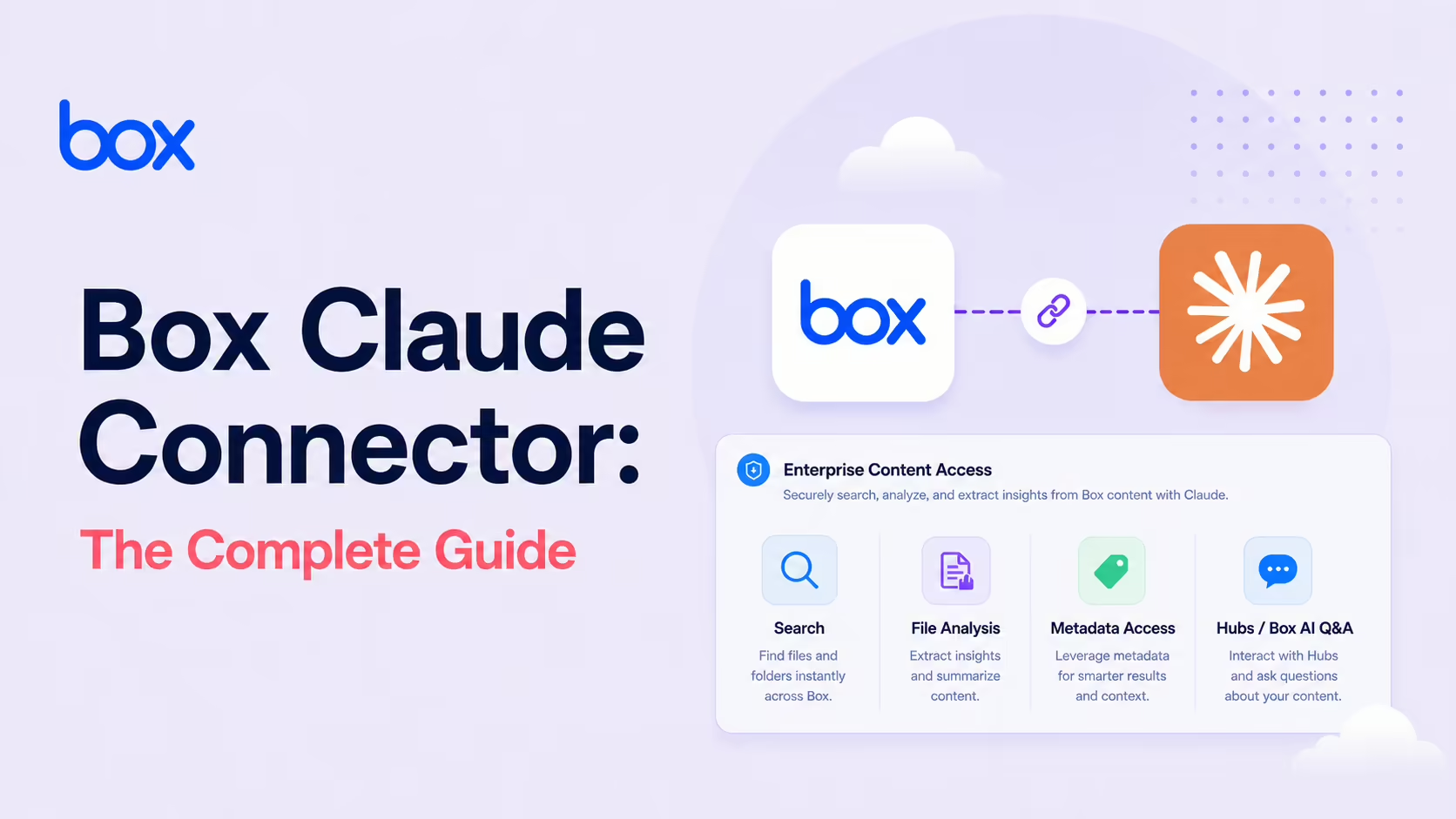
The Box MCP server gives Claude secure, governance-aware access to enterprise content - advanced search (search_files_keyword), multi-file analysis, metadata extraction, comments and tasks, and Knowledge Hubs grounding via list_hubs and ai_qa_hub. Box's native permissions and governance are enforced automatically. Box AI is now available inside Claude Enterprise Search. Find it in the Claude Connectors Directory.

Box MCP Server
Secure AI agent access to enterprise content
Enterprises store their crown jewels - contracts, board materials, customer files - in Box. The MCP server is the governed bridge that lets Claude reason over them.
Critically, without bypassing the permissions and policies your security team has spent years putting in place.
Overview
The Box MCP server provides AI tools with secure access to content, connecting third-party agents to your enterprise knowledge in Box. This lets agents perform advanced search, multi-file analysis and metadata extraction across your files, delivering richer context for more intelligent agentic experiences.
Box was one of the names referenced in Anthropic's original Model Context Protocol announcement, and now runs an official MCP server with a dedicated product page (box.com/mcp-server) plus continuing coverage on the Box blog.
What the Claude Connector Does
- Search and discovery: with
search_files_keyword, agents perform advanced searches using keywords and metadata filters to locate specific files in your enterprise repository. - Multi-file analysis: agents can reason across related files rather than single-document Q&A.
- Metadata extraction: pull structured metadata to ground responses.
- Collaboration:
create_file_commentandlist_taskslet agents drive workflows forward - leaving feedback or assigning tasks directly from the AI interface. - Knowledge Hubs:
list_hubsandai_qa_hubground responses in curated, high-value context.
Box Hubs as Agent Context
The Hubs integration is one of the most interesting parts of the connector. A Box Hub is a curated collection of files and policies; pointing an agent at a Hub is a clean way to scope what the AI can see while keeping the answers grounded in vetted content. For customer-support, HR or legal use cases - where "use only approved content" matters - this turns a generic RAG conversation into a governed one.
Box AI in Claude Enterprise Search
Beyond agent tooling, Box AI is now available inside Claude Enterprise Search. Instead of searching tools one by one, your team asks Claude a single question and gets a comprehensive answer - from one place - that pulls from your Box files, team conversations, emails and more. For enterprises where knowledge is fragmented across stacks, that single-front-door pattern is the holy grail of internal AI.
Real Use Cases
- Contract intelligence: ask "find every NDA referencing IP indemnity over £1M" and have Claude reason over the actual contracts.
- Customer 360: pull related customer files across contract, comms and renewals to brief a meeting.
- HR knowledge: ground a Q&A agent on a Hub of approved policy docs.
- Workflow nudges: have the agent create a Box comment or assign a task as part of a deal review.
- Unified enterprise search: one question, one answer, multiple systems (files, conversations, emails).
Real-World Experience
Reception across Box's own blog series, Strac's secure-setup guide, Composio's Claude Agent SDK toolkit, Merge.dev's connector overview and Obot AI's MCP roundup is positive, with two themes: governance done right and Hubs as a quietly killer feature. Box's involvement going back to the MCP announcement also signals long-term commitment.
The honest caveat: Box is an enterprise product, and the connector inherits enterprise complexity. Get your permissioning right before scaling AI access.
How to Set It Up
Box runs a remote MCP server, so the fastest path is to add it as a hosted connector - Claude reaches it from Anthropic's cloud rather than your local machine, which means it works across claude.ai, Claude Desktop, Cowork and mobile. In Claude Code, add the endpoint directly:
claude mcp add box --transport http https://mcp.box.comRun /mcp, choose Box, and authenticate against your Box org - the connector inherits your Box permissions and governance. For the no-code path, open Settings → Connectors → Add custom connector on claude.ai and paste the same URL.
Registering the OAuth app
Enterprises that want tighter control register a Box OAuth app with only the scopes the use case needs (for example root_readwrite, or manage_managed_users for broader deployments) and supply the OAuth Client ID and Secret under Advanced settings when adding the connector. Then, optionally, point agents at specific Box Hubs to scope what they can see. Start narrow and widen as you validate behaviour.
Security and Governance
The connector acts as a single, governed bridge - enforcing Box's native permissions and governance rules. Agent-based document access, search and analysis preserve your Box security policies. For regulated enterprises that's the necessary precondition; nothing else matters if AI bypasses the controls you've already deployed.
Box's developer documentation enumerates the tool surface precisely, which makes security review tractable. Beyond the search and Hubs tools, the catalogue spans read tools (get_file_content, get_file_details, get_folder_details, list_folder_content_by_folder_id), write tools (upload_file, create_folder, move_file, copy_folder, metadata setters), Box AI tools (ai_qa_single_file, ai_qa_multi_file, ai_extract_freeform and structured-extraction variants), Hub management (create_hub, add_items_to_hub) and Doc Gen (create_docgen_batch, create_docgen_template) - with who_am_i to confirm exactly which Box identity the agent is operating as. One documented guardrail matters in practice: the write tools only operate on items with no external collaborators and no shared links, on the item itself or any parent folder. That quietly prevents an agent from modifying anything exposed outside your organisation.
Common Problems and Fixes
- Claude can't see files you can see: the connector enforces Box permissions and depends on the OAuth scopes granted to the app. If whole folders are missing, the app scope is too narrow - re-register with the scope the use case needs and reconnect.
- Search returns nothing for known content: Box search indexes on a delay and respects collaboration boundaries. A newly uploaded file or one you're not collaborated on won't surface - check sharing and give indexing time.
- Hub Q&A is thin or off-topic:
ai_qa_hubonly grounds on the Hub's curated content. If answers are weak, the Hub is missing the source docs - add them rather than widening the agent's general access. - Admin hasn't enabled the server: in many orgs the Box MCP server must be turned on at the admin level before any user can connect. If authentication fails outright, that org-level enable is usually the blocker.
- Over-broad scopes during pilot: granting
root_readwriteacross the whole enterprise is a large blast radius. Scope to a folder or Hub for the pilot, then expand. - Huge multi-file requests stall: asking the agent to reason over hundreds of files at once is slow and noisy. Narrow by metadata filter or Hub so the analysis stays focused.
Pricing and Availability
The MCP server is part of Box - there is no separate charge for the connector itself. The capabilities you get depend on your Box plan and on Box AI being enabled for your org; the richer features (Box AI Q&A, Hubs, enterprise governance controls) are enterprise-tier. The server is officially available to Claude alongside Microsoft Copilot Studio, Azure API Center and Mistral Le Chat, with Salesforce Agentforce and GitHub Copilot announced as coming.
Box AI usage may count against your Box AI allowances, so heavy automated Q&A should be planned with that in mind. On the Claude side, the enterprise-search integration is part of Claude's enterprise offering; the standard connector works with your normal Claude access.
Limitations
- Enterprise-shaped: the value scales with your Box deployment - and so does the configuration work.
- Permissioning matters: the agent sees what your auth sees; tighten access before you scale.
- Write tools refuse externally shared items: by design, writes only work on items with no external collaborators or shared links anywhere in the path - safe, but surprising mid-workflow if you don't know it.
- Scope-dependent AI and Doc Gen: the recommended OAuth scopes include
ai.readwriteanddocgen.readwritealongsideroot_readwrite- omit them and the corresponding tool families simply don't work. - Box-bounded: deep on Box, narrower on cross-system orchestration without complementary connectors.
Who It Is For
Enterprises that store sensitive content in Box - financial services, healthcare, legal, government and large corporates more broadly. If "the content lives in Box and the security team won't let us export it" is your status quo, this connector is the clean answer.
The Bottom Line
The Box connector is the cleanest enterprise-content story in the directory. Governance done right, Hubs as a quietly killer feature, and now Box AI inside Claude Enterprise Search for that "one question, one answer" experience. For Box-first enterprises, this is one of the most strategically important connectors available.
Tighten your permissions, pilot on a Hub, and expand from there. Browse more in the complete Claude Connectors Directory.
Sources: Box (box.com/mcp-server, blog.box.com series on Box AI and the Claude connector), Anthropic Model Context Protocol announcement, Strac, Composio, Merge.dev, Obot AI. Image: Box. Last updated: June 2026.