 AI Tools Review Editorial Team
Quick Answer:
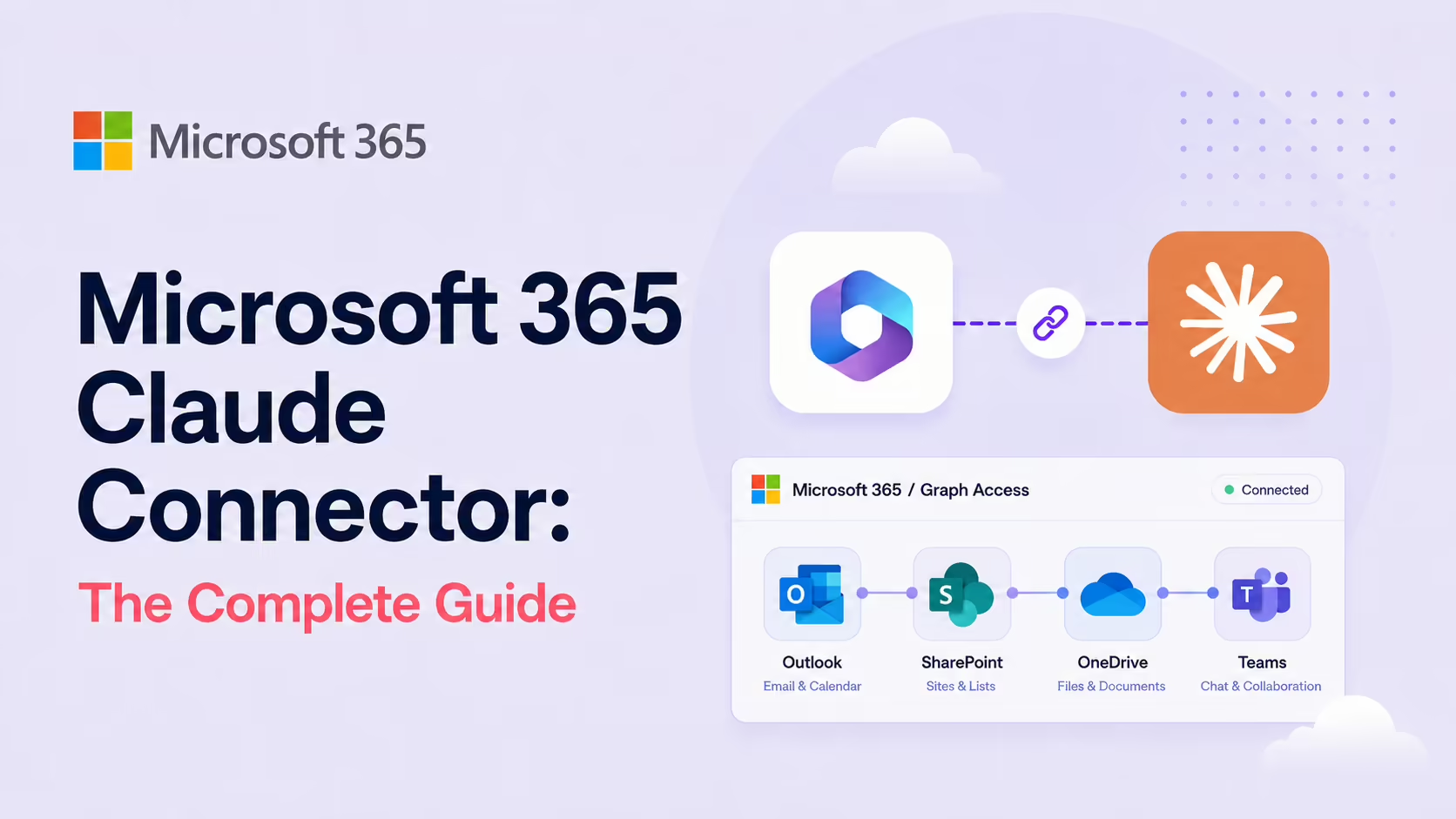
The Microsoft 365 connector gives Claude delegated Graph access to Outlook, SharePoint, OneDrive and Teams. It can search documents across SharePoint and OneDrive, analyse Outlook threads, surface decisions from Teams chats and meetings, and provide calendar insights - without manual file uploads. Available on all Claude plans (including free). Read-leaning by design. Find it in the Claude Connectors Directory.
Enterprise work happens in Outlook, SharePoint, OneDrive and Teams. Anthropic's M365 connector lets Claude search and reason across all four.
And it does it through delegated Microsoft Graph permissions - so Claude only sees what you can see.
Overview
The Microsoft 365 Connector for Claude securely accesses Microsoft 365 services through user-delegated permissions. It's available on all Claude plans, including the free tier - which is itself notable for a first-party enterprise-grade integration.
Anthropic publishes setup and security docs at support.claude.com (the "Set up the Microsoft 365 connector" and "Microsoft 365 connector security guide" articles), and the M365 Connector for Claude is listed on the Microsoft Marketplace. Independent guides from Office365 IT Pros, Syracuse University ITS, the AI Corner and Ryze.ai all walk through configurations and prompts.
How It Works: Delegated Graph Permissions
Under the hood, Anthropic uses an MCP server to access Microsoft 365 workloads via delegated Graph permissions granted to the "M365 MCP Server for Claude" and "M365 MCP Client for Claude" apps. The MCP server app publishes tools to interact with M365 - like the ability to search SharePoint Online or read Teams chats - while the MCP client app handles authentication.
The crucial property: delegated means the agent operates with your account's access - not an application-wide elevated identity. Claude can only see what you can see.
What the Claude Connector Does
- Outlook: access email threads, analyse communication patterns, extract insights from correspondences (project status, client feedback, team alignment).
- Teams: search chat conversations, channel discussions and meeting summaries to surface decisions and updates.
- SharePoint and OneDrive: search and analyse documents across sites and libraries - project specs, plans, runbooks - without manual uploads.
- Calendar: get calendar insights and surface scheduling context.
How It Differs From Word / PowerPoint / Excel
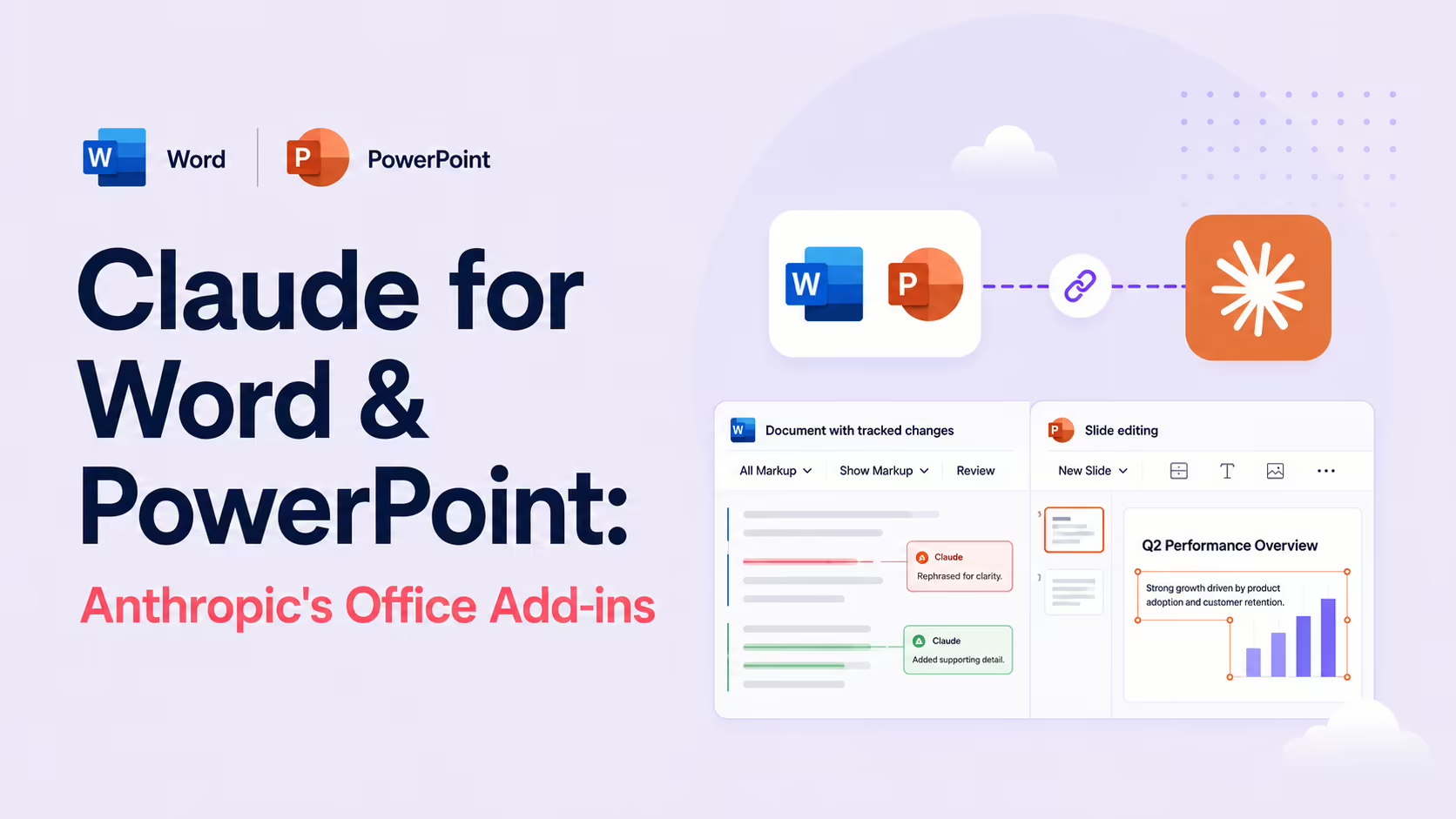
Easy to confuse but worth keeping straight. The Microsoft 365 connector here is the cross-app data/search surface - Outlook, SharePoint, OneDrive, Teams. The Word, PowerPoint and Excel add-ins are different first-party products that work inside the document - tracked changes in Word, template-aware edits in PowerPoint, formula models in Excel.
Most M365-heavy teams want both: the connector for "search across my whole tenant" and the add-ins for "edit this specific document with Claude". They complement each other.
Real Use Cases
- Enterprise search across M365: "Find me everything we wrote about the Q3 reorg" - across SharePoint, OneDrive, Outlook and Teams.
- Meeting prep: Claude summarises the Teams chat history with a client and pulls the latest SharePoint contract.
- Inbox triage assistance: "What's the status of every project mentioned in my unread Outlook?" - no replies sent, just analysis.
- Knowledge surfacing: "Find the SOP for onboarding" - SharePoint search returns the right doc.
- Calendar context: "Who am I meeting with this week and what did we last discuss?" - calendar + email context combined.
Real-World Experience
Reception across Office365 IT Pros (one of the most respected M365-admin blogs), the AdminDroid setup walk-through, Syracuse University ITS's user-facing rollout doc, the Ryze.ai 2026 setup guide and the Microsoft Community Hub discussion has been positive on the design - particularly the delegated-permission model, which makes the connector deployable in regulated tenants without bespoke compliance work.
Honest caveat: search quality scales with the cleanliness of your tenant. Sprawling SharePoint sites with messy permissions are still messy under MCP - the connector inherits both your access and your tenant's structure.
How to Set It Up
The setup path depends on your plan. A hard prerequisite for everyone: a Microsoft Entra (Azure AD) tenant on a Microsoft 365 Business plan. Personal accounts (@outlook.com, @hotmail.com) are not supported.
Team and Enterprise plans
- An organisation Owner opens Settings → Organization → Connectors and enables Microsoft 365 for the org.
- Approve the "M365 MCP Server for Claude" and "M365 MCP Client for Claude" apps in your Entra tenant (the admin-consent step).
- Individual members then go to Settings → Connectors and click Connect, signing in with their work account.
Free, Pro and Max plans
- Open Settings → Customize → Connectors (or the Connectors gallery).
- Find Microsoft 365 and click Connect.
- Sign in with your work/school account and approve the delegated Graph permissions; your tenant admin may still need to consent.
Anthropic's official walkthrough lives at support.claude.com/en/articles/12542951; read the companion security guide before scaling to a whole tenant.
Common Problems and Fixes
- "Can't connect a personal account": the connector requires a Microsoft Entra tenant on a Business plan. Personal
@outlook.com/@hotmail.comaccounts are unsupported - use your work/school account. - Connect button does nothing / admin consent error: the M365 MCP apps need tenant-level approval first. Have a Global Admin grant admin consent before users try to connect.
- Claude can't find a document you know exists: access is delegated - if your own account can't see that SharePoint site or library, neither can Claude. Check your Microsoft permissions, not the connector.
- "Why won't it send this email / create this file?": the connector is read-only by design. It cannot create, edit, delete or send anything. Use the Word/PowerPoint/Excel add-ins for write actions.
- Noisy or irrelevant search results: quality reflects tenant hygiene. Sprawling sites with messy permissions return messy results - narrow the prompt to a specific site, person or date range.
- Connector missing from the gallery on Team/Enterprise: an org Owner hasn't enabled it yet in Organization → Connectors; members can't self-enable it.
Pricing and Availability
The Microsoft 365 connector is available on every Claude plan - Free, Pro, Max, Team and Enterprise - at no additional Anthropic charge, which is unusual for a first-party enterprise integration. What you must have is a paid Microsoft 365 Business subscription with an Entra tenant; the connector rides on your existing Microsoft licensing and respects each user's existing Microsoft permissions. There is no separate per-seat connector fee from Anthropic.
Security and Permissions
Delegated permissions are the design choice that matters. Claude's access is limited to whatever the signed-in user can access - exactly the right model for enterprise. Anthropic publishes a dedicated security guide; for regulated tenants, route the rollout through your M365 admin and reference Anthropic's docs as part of your compliance review.
That guide is unusually specific. The connector requests an enumerated set of read-only Graph scopes - Mail.Read, Calendars.Read, Chat.Read, ChannelMessage.Read.All, Files.Read.All, Sites.Read.All and meeting scopes such as OnlineMeetingTranscript.Read.All, anchored by User.Read for sign-in. Authentication uses OAuth 2.0 On-Behalf-Of with PKCE in a two-stage exchange: you authenticate to obtain a token for the MCP server, which then exchanges it for Graph access - per Anthropic, "not even the user or their Claude client has access to the OBO tokens". Tokens are encrypted while cached on the Claude backend; access tokens expire within 60-90 minutes under Entra defaults, and refresh tokens lapse after 90 days of inactivity.
For governance teams, the guide also confirms that every Graph call the connector makes lands in your Microsoft 365 audit log - timestamp, user, operation and resource - that delegated access inherently respects your existing DLP policies, and that Conditional Access policies (MFA, device compliance, IP restrictions, group-based access) apply to the connector exactly as they do to any other sign-in.
Limitations
- Read-leaning: Claude cannot create new documents, chats, emails or messages through this connector - Anthropic's security guide lists "no write capabilities" as a deliberate property.
- Tenant hygiene matters: search quality reflects how organised your tenant is.
- Admin approval required: the MCP apps need tenant-level consent before users can connect.
- SharePoint scope is tenant-wide: SharePoint search requires the tenant-wide
Sites.Read.Allpermission - per-site filtering of what the connector can search is not available. - User-level access only: service-principal (application) authentication is unsupported, so there is no headless tenant-wide agent - every session belongs to a signed-in user.
Who It Is For
Any organisation that runs on Microsoft 365 - particularly large or regulated tenants where compliance teams need to bless integrations carefully. The delegated-permission model and Anthropic's dedicated security guide make this one of the most deployable enterprise connectors in the directory.
The Bottom Line
The Microsoft 365 connector turns Claude into a tenant-wide search and reasoning surface across the apps your organisation already uses - with the delegated-permission model that makes it deployable in regulated environments. Pair it with the first-party Word, PowerPoint and Excel add-ins for a complete Office story.
Get admin approval, pilot read-only, and let Claude work where your enterprise data already lives. Browse more in the complete Claude Connectors Directory.
Sources: Anthropic (support.claude.com Microsoft 365 setup + security guides, claude.com/connectors/microsoft-365), Microsoft Marketplace, Office365 IT Pros, AdminDroid, Syracuse University ITS, Ryze.ai, Microsoft Community Hub. Images: Anthropic / Office365 IT Pros. Last updated: June 2026.