 AI Tools Review Editorial Team
Quick Answer:
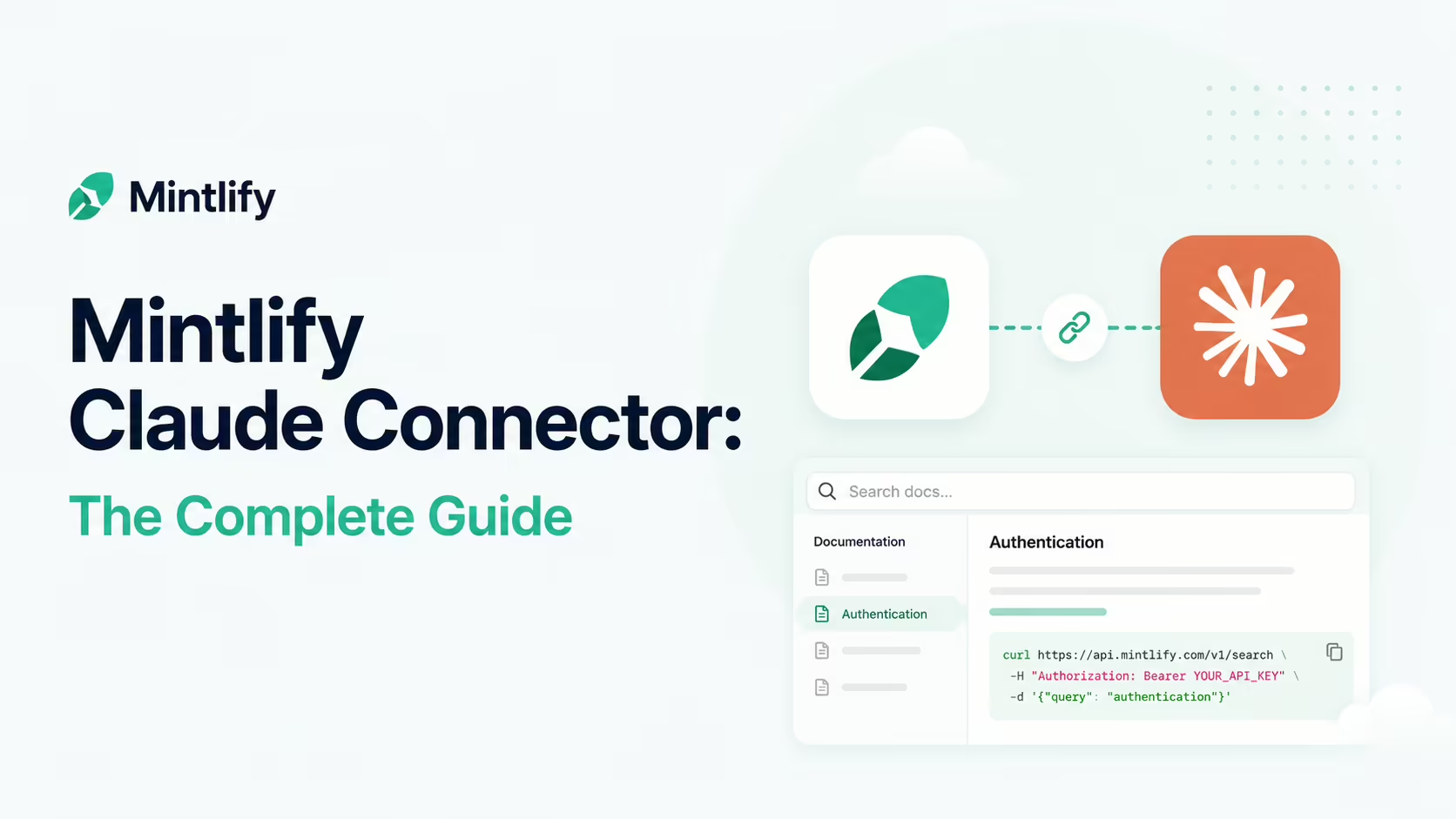
Mintlify generates a search MCP server for your docs site, so when Claude is connected it can search your content and retrieve full pages while generating answers. Calls happen during generation - not after - so the response uses up-to-date information from your site instead of training data or generic web search. Anthropic itself uses Mintlify for Claude Code's docs. Find it in the Claude Connectors Directory.
Most "AI answers questions about your product" demos quietly fall back on web search or training data. Mintlify's connector is the opposite premise.
Your docs become first-class context for the agent - searched in real time, with full pages retrieved into the answer.
Overview
Mintlify is a documentation platform - the polished modern descendant of GitBook/Docusaurus - that ships with first-class AI integration. As part of every site it generates a search MCP server, preparing your docs to plug into the broader AI ecosystem. When an MCP-compatible application like Claude connects, it can search your content and pull in full pages as it generates responses.
Concretely, the generated server exposes two tools. The first, search, queries across your site and returns relevant snippets with titles and links. The second is a docs filesystem tool that, in Mintlify's words, "reads and navigates your site's virtual filesystem using shell-style commands" - so an agent can list, open and traverse pages the way a developer would explore a repository, rather than being limited to keyword hits. The pairing covers both retrieval styles: targeted search when the agent knows what it wants, and structured browsing when it needs to understand how your documentation is organised.
What the Claude Connector Does
The Mintlify MCP exposes a small, focused tool surface centred on retrieval:
- Search your indexed content with a query.
- Retrieve full pages in response to a user's prompt.
- Filter by version and language where applicable.
It deliberately keeps the surface small. The point is to be a clean, fast information source the agent can call mid-generation - not to expose a complex docs admin API.
Proactive Retrieval (and Why It Matters)
Mintlify highlights a property that's worth pulling out: the AI application can proactively search your content while generating a response, even if you haven't asked it to. The model decides when to call the tool based on the conversation and the relevance of your content.
That matters because it changes the failure mode. Without retrieval, Claude tends to fall back on training-data knowledge - which for fast-moving products is often months out of date. With Mintlify MCP, the agent quietly checks the current docs and uses today's truth in the answer. Each tool call happens during generation, not after, which is what keeps the response coherent and grounded.
Version and Language Filtering
The MCP search tool supports optional filtering parameters that AI applications can use to narrow results - version filters (e.g. v0.7) and language codes (e.g. en, zh, es). The agent decides when to apply them based on context.
That's how a developer on v0.7 doesn't get a v2 answer, and how a Mandarin-speaking customer gets the Mandarin docs rather than a translated English one. Small properties; meaningful for support and onboarding.
Real Use Cases
- Always-current product answers: Claude answers customer or internal questions grounded in today's docs, not last year's training data.
- In-IDE help: developers using Claude Code get the right framework guidance pulled in mid-flow.
- Multi-version products: customers on different versions get the right docs without you maintaining different chatbots.
- Localised support: the right docs in the right language without parallel chat configs.
- Internal knowledge: any team that already publishes runbooks on Mintlify gets them as agent context.
Anthropic Uses It Too
The strongest endorsement: Anthropic uses Mintlify for Claude Code's documentation, with coverage describing how the company built AI-native docs for 1.5 million monthly developers on the platform. When the maker of Claude chooses your docs tool, you're not picking a vendor in a vacuum - you're picking the same one the Claude team did.
It also tells you something about how Anthropic thinks about agentic docs: documentation isn't just for humans anymore - it's the primary surface an agent will hit to answer the question at hand. A docs platform that ships an MCP server out of the box reflects that reality.
MCP vs Skills
Mintlify explicitly addresses the relationship between MCP and Claude Skills, and the distinction is useful: MCP gives the agent access to your content; a Skill instructs the agent how to use that content effectively. They are complementary - retrieval plus orchestration.
For most teams the right pattern is: ship the MCP so Claude can read your docs, and define one or two Skills that codify the policies and patterns you want the agent to apply when it does.
Real-World Experience
Reception is unsurprisingly positive - the connector is short, focused, and solves a real problem. Mintlify's own product page and blog post on memory + MCP, the entrepreneurloop coverage of Anthropic's deployment, StackOne's connector overview, Apigene's setup guide and the wider Mintlify ecosystem are consistent on the wins: faster answers, fewer hallucinations on product specifics, real-time freshness without re-training.
The honest caveat: the answer quality is bounded by your docs. Sparse or stale docs produce sparse or stale answers - the connector won't invent context that isn't there.
How to Set It Up
Every Mintlify site automatically exposes a hosted search MCP server at https://<your-subdomain>.mintlify.app/mcp (or your custom docs domain plus /mcp). Setup is unusually small for the value.
Claude.ai / Claude Desktop
- Open Settings → Connectors and click Add custom connector.
- Give it a name and paste your docs MCP URL (your docs domain +
/mcp). - Ask Claude a question that should be grounded in your docs and watch it call the search tool mid-generation.
Claude Code
Add it with one command. Use project scope (--scope project) to write the entry into a shared .mcp.json so your whole team inherits it:
claude mcp add --transport http --scope project mintlify https://your-docs-domain.com/mcpThe Admin MCP: Editing Docs by Chat
Distinct from the per-site search server, Mintlify also runs an admin MCP at https://mcp.mintlify.com that gives Claude write access to your docs content and settings. Add it in Claude Code with:
claude mcp add --transport http mintlify https://mcp.mintlify.comWith it connected you can drive your documentation in natural language: "check out a new branch", "create a getting-started page", "find every page that mentions the deprecated apiKey field", or "reorganise the API reference by resource". Crucially, every change lands on a branch and requires a pull request to merge - nothing the agent writes goes live without human review. This is the editing counterpart to the read-only search server.
Common Problems and Fixes
- Claude can't find the MCP URL: the search endpoint is your docs domain plus
/mcp- notmintlify.com. Confirm the exact path in your dashboard, including any custom domain. - Answers are stale or thin: retrieval quality is bounded by your docs. If a topic isn't documented (or is out of date), the agent can't ground on it - fix the docs, not the connector.
- Wrong-version answers: ask Claude to apply the version filter (e.g.
v0.7) so it doesn't return content from a different release. - Wrong-language results: pass the language code (
en,zh,es) so localised customers get the right docs. - Confusing the two servers: the per-site server is read-only search;
mcp.mintlify.comis the admin/write server. Use the right one for the job. - Admin edits don't appear live: that's by design - admin changes go to a branch and need a PR merge. Check your repo's open pull requests.
Pricing and Availability
The MCP server ships with every Mintlify site at no extra charge - there is no separate connector fee. What you pay for is your Mintlify documentation plan itself, which is governed by Mintlify's normal pricing tiers (free Hobby tier through paid Pro and Enterprise plans). If your docs are already on Mintlify, the connector is effectively free; if they aren't, this connector isn't applicable to you.
Usage is rate-limited rather than metered: Mintlify's documentation sets the public search MCP at 10,000 requests per hour, the authenticated endpoint at 5,000 requests per hour, and a per-user ceiling of 5,000 requests per hour. Those are generous allowances for conversational use - a support team's worth of Claude sessions will not graze them - but worth knowing if you plan to wire the endpoint into a high-volume automated pipeline.
Security and Permissions
The MCP exposes your docs, which are typically already public - so the security surface is small. If your Mintlify site has private docs, the access model follows your Mintlify auth. As ever, treat the MCP endpoint as a public read surface unless you've explicitly locked it down at the platform level.
For sites with authenticated content, Mintlify runs a separate /authed/mcp endpoint with its own OAuth flow (under /authed/mcp/oauth/*): users must authenticate before connecting, and client-credential access against that endpoint returns content from both public and authenticated pages. Keep the distinction straight when handing out URLs - the plain /mcp endpoint serves only what the world can already see.
Limitations
- Quality follows docs: sparse or out-of-date docs produce sparse or out-of-date answers.
- Retrieval-only: the connector is for getting content out, not for managing it.
- Mintlify-specific: if your docs aren't on Mintlify, this isn't your connector.
Who It Is For
Any product team or developer-tools company whose docs live on Mintlify - which increasingly includes some of the most respected AI and developer brands. For Anthropic-adjacent tooling in particular, this is one of the highest-leverage connectors in the directory, because it makes the docs work the same way Anthropic's own docs work.
The Bottom Line
The Mintlify connector is small in surface area and large in effect. It quietly makes Claude answer from your real, current docs - mid-generation, with version and language awareness - instead of training data or generic web search. The Anthropic-uses-it-too signal makes it an easy yes for product teams already on the platform.
Add the connector, write good docs, and let the agent ground its answers in them. Explore the rest in the complete Claude Connectors Directory.
Sources: Mintlify (mintlify.com/docs/ai/model-context-protocol, mintlify.com/blog), entrepreneurloop.com (Anthropic + Mintlify), StackOne, Apigene. Images: Mintlify. Last updated: June 2026.