 AI Tools Review Editorial Team
Quick Answer:
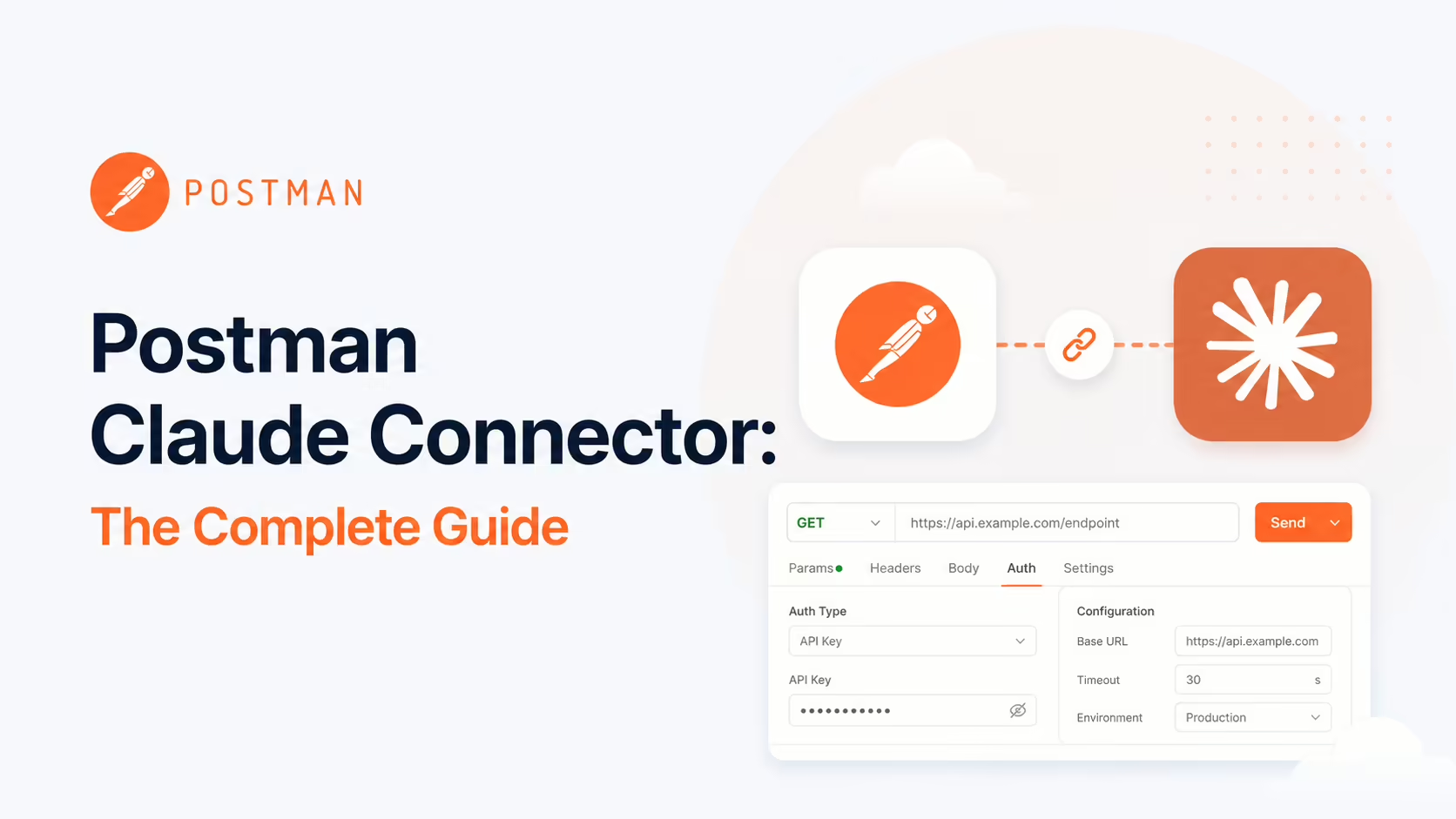
The Postman MCP connector lets Claude work across your Postman API platform: workspaces, collections, environments, mocks, monitors; test APIs by running collections; sync code with specs; manage variables; and generate client code. Postman ships configurable tool surfaces (Minimal, Full and Code), an official plugin for Claude Code, and is listed on claude.com/connectors/postman. Find it in the Claude Connectors Directory.

Postman is where most of the world's APIs are built and tested - 40 million developers' worth of collections, specs and environments.
The connector turns all of that into something Claude can act on inside your editor.
Overview
The Postman MCP Server connects Postman to AI tools, giving AI agents and assistants the ability to access workspaces, manage collections and environments, evaluate APIs and automate workflows through natural-language interactions. It enables clients like Claude, Cursor and VS Code to manage Postman resources including workspaces, collections, specifications, mocks and monitors.
Postman has been deliberate about positioning: it announced bringing AI-native API development to its 40 million developers via Claude on Amazon Bedrock, and launched a dedicated Postman Plugin for Claude Code. The MCP is the platform-level surface that ties those products together.
The official docs are explicit about why the remote server is the default recommendation: "the remote server supports OAuth for the best developer experience and fastest setup, and doesn't require an API key". Client coverage is wide too - Postman publishes named setup instructions for Claude Code, Cursor, Visual Studio Code, Codex, Windsurf, GitHub Copilot CLI, Gemini CLI and Kiro, so the same server serves whichever agent each engineer prefers. Both US and EU regions expose all three tool configurations as separate paths (/minimal, /code and /mcp for full), making the configuration choice a one-line URL change rather than a reinstall.
What the Claude Connector Does
- Access workspaces - the top-level container for collaboration.
- Manage collections and specs - create, tag, document, update.
- Run tests - "Run the authentication test collection against our staging environment."
- Sync code with collections and specs - keep generated artefacts aligned with source-of-truth definitions.
- Manage environments and variables - create workspaces and environments; tune variables.
- Generate client code - "Generate Python client code for the user management API endpoints."
- Update documentation - add comments, refine collection and request docs.
Tool Configurations: Minimal, Full, Code
One of Postman's most useful design choices is the tool-configuration system. Rather than dropping 100+ tools into the agent's context, you pick the right surface for the job:
- Minimal (default) - essential tools for basic operations. Best when you want a low-overhead, high-signal agent.
- Full - all available Postman API tools (100+). Ideal for advanced collaboration and platform-level work.
- Code - the tools focused on generating high-quality client code from API definitions. The right pick when you're scaffolding SDKs from specs.
This is the same anti-tool-budget-bloat philosophy you see in other big-platform MCPs (Cloudflare's two-tool API surface, for example). It keeps the agent fast and on-task.
Real Use Cases
- Continuous test runs: "Run the auth test collection against staging" - Claude executes and reports.
- Spec-to-SDK: "Generate Python client code for the user management endpoints" - Code config produces idiomatic SDKs.
- Doc upkeep: "Update the collection docs for these endpoints" - keep the team's source of truth fresh.
- Workspace bootstrapping: "Create a workspace and environment for the new service" - one prompt, structured.
- Cross-collection ops: tag, comment or refactor across multiple collections without leaving the editor.
- Security checks: via the Claude Code plugin, run security checks across collections as part of a coding session.
A Worked Example: From Spec to Code
- You add or update an endpoint in a Postman API spec.
- You ask Claude (with the Code config): "Generate the Python client for these user-management endpoints."
- Claude reads the spec, generates idiomatic code, and drops it into your project.
- You ask: "Run the user-management collection against staging." - tests execute and results return.
- You update docs: "Add response examples to the new endpoints."
- The whole loop - spec → SDK → tests → docs - happens in one Claude session.
Real-World Experience
Reception has been strong, with Postman's own blog, the DEVOPSdigest write-up, BusinessWire's coverage of the Claude-on-Bedrock announcement and Composio's Claude Code integration guide echoing the same theme: API work that used to require switching between code, Postman and Anthropic's chat now happens in one place. The tool-configuration system gets particular praise from teams that have been burned by overstuffed MCP servers in the past.
Honest counterpoint: the Full config is powerful but easy to overuse - 100+ tools is a lot of agent context. Most teams should stick to Minimal or Code and only widen scope when a workflow demands it.
How to Set It Up
Remote server (OAuth, recommended)
For the fastest setup, use the remote server with OAuth - no API key to manage. The endpoints map to the tool configurations: https://mcp.postman.com/minimal (default), https://mcp.postman.com/mcp (full, 100+ tools) and https://mcp.postman.com/code (client-code generation). EU customers use mcp.eu.postman.com. In Claude Code:
claude mcp add --transport http postman https://mcp.postman.com/minimalLocal server (API key)
The local npm package and the EU remote server authenticate with a Postman API key instead of OAuth. Add it to Claude Code with the key passed as an env var, plus an optional --code or --full flag to switch configuration:
claude mcp add postman --env POSTMAN_API_KEY=YOUR_KEY -- npx @postman/postman-mcp-server@latestFor Claude Code you can also install the dedicated Postman Plugin for Claude Code, which wires your workspace in within minutes. Whichever route, pick the narrowest tool configuration that covers the job and widen only when a workflow needs it.
Common Problems and Fixes
- Agent context bloat: the Full config drops 100+ tools into context, which slows the agent and muddies tool selection. Default to Minimal or Code and only switch to Full for genuine platform-level work.
- OAuth vs key mismatch: OAuth works on the main remote server only. The EU remote server and the local npm package require a Postman API key - using the wrong auth for the wrong endpoint is a common first-run failure.
- Wrong region: EU-resident teams must use
mcp.eu.postman.com; pointing at the US endpoint can fail on data-residency grounds. - Writes hit a shared workspace: collection edits and doc changes are visible to the whole team. Pilot in a personal or test workspace before letting the agent write to shared ones.
- Plan-gated features: mocks, monitors and some collaboration tools depend on your Postman plan; a tool returning "not available" usually means a plan limit, not a bug.
Headless Postman: Automation at Scale
Postman's blog post "Headless Postman: Automating the API Lifecycle with the MCP Server" outlines a broader pattern: using the MCP server to drive the whole API lifecycle programmatically, with Claude as the orchestrator. For teams building large API surfaces - design, test, document, monitor - it points to a future where each step is reachable from the same prompt the developer is already in.
Security and Permissions
The connector operates with your Postman authentication - it can see and act on the workspaces your account can. As ever, scope tightly during pilot, prefer read on shared workspaces while you build trust, and review what the agent posts or modifies. Test environments are the natural place to pilot risky write actions.
The two auth modes carry different risk profiles. OAuth on the US remote server means no long-lived credential sits in your client config at all. API-key auth - required by the EU remote server and the local npm package - sends the key as a bearer token in the Authorization header, and that key carries the full access of your Postman account, including any shared team workspaces. Treat it like a password: keep it in an environment variable rather than a committed config file, and rotate it if it is ever exposed.
Limitations
- Tool budget if you go Full: 100+ tools is a lot for a single agent context - pick configs deliberately.
- Shared-workspace risk: writes are visible to your team.
- Plan-dependent features: some Postman capabilities depend on your plan.
Who It Is For
API teams of any size - especially anyone using Claude Code alongside Postman. SDK authors who maintain client libraries from collections get an immediate uplift from the Code config. Platform engineers running headless API operations get a strong primitive.
The Bottom Line
The Postman connector closes one of the longest loops in API development: spec → SDK → tests → docs → publish. With the right tool config, Claude can drive the whole thing inside your editor - and the same MCP server scales up to Postman's headless automation patterns.
Pick Minimal or Code first, expand only when you need it, and let Claude do the API platform work that used to live in three browser tabs. Explore more in the complete Claude Connectors Directory.
Sources: Postman (postman.com/product/mcp-server, learning.postman.com/docs/developer/postman-api/postman-mcp-server, blog.postman.com), github.com/postmanlabs/postman-mcp-server, npmjs.com/package/@postman/postman-mcp-server, claude.com/connectors/postman, BusinessWire, Composio. Images: Postman. Last updated: June 2026.