What Is Clawdbot?
Important Update (January 2026): Clawdbot has been renamed to Moltbot due to a trademark request from Anthropic.
The old @clawdbot handles are now controlled by scammers. For the full story, see our article: What is Moltbot?
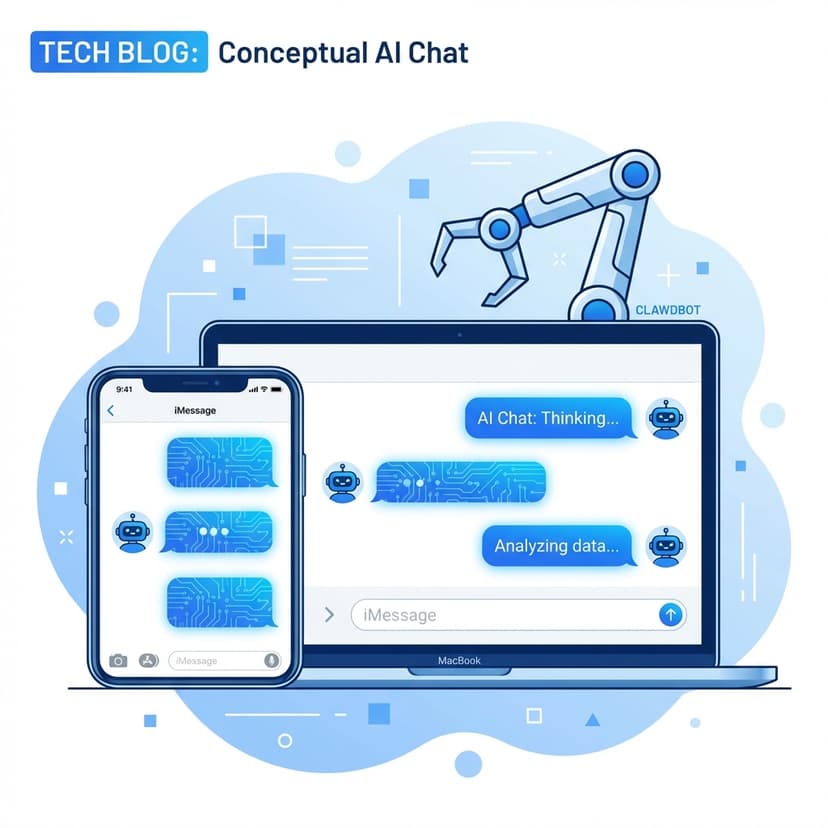
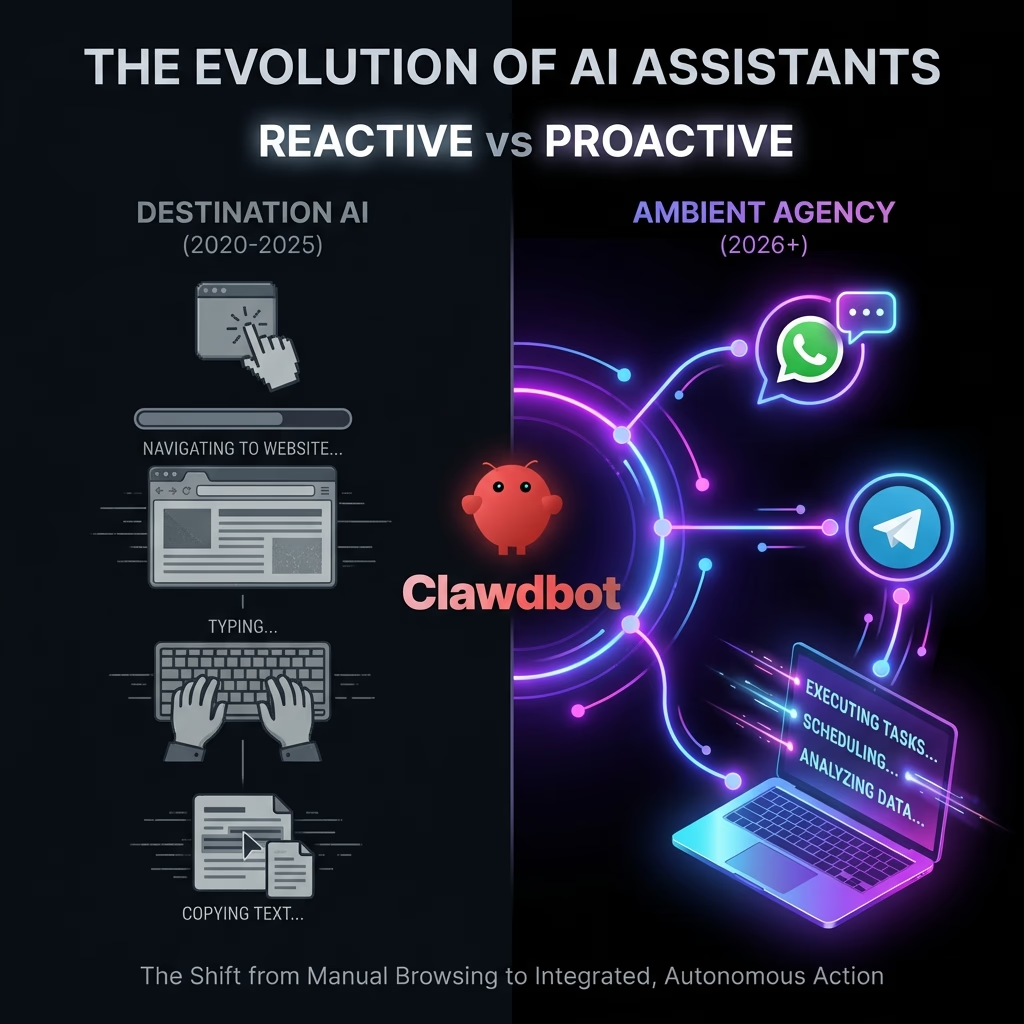
Clawdbot is a self-hosted "Personal AI Gateway" that turns your existing messaging apps (WhatsApp, Telegram, Discord, iMessage) into a command center for autonomous agents. Unlike chatbots that wait for you to visit a website, Clawdbot lives on your own hardware (Mac Mini, VPS) and proactively acts on your behalf—managing emails, executing code, and running workflows—while keeping your data completely private.
What Can Clawdbot Do?
At its core, Clawdbot is a "Personal AI Gateway". It connects three things: your chat app (the interface), an LLM (the brain), and your local machine (the hands). This combination allows for workflows that are impossible with web-based AI.
The "Lobster" Engine: How It Works
Under the hood, Clawdbot runs on an event-driven engine nicknamed "Lobster" (LOcal Background SERvice). Unlike linear chatbots that simply reply to a prompt, Lobster maintains a continuous event loop that monitors multiple data streams simultaneously. It watches your filesystem, your email inbox, RSS feeds, and even system logs. When a specific trigger condition is met—say, a server CPU spike or an urgent email from your boss—Lobster wakes up the "Agent" layer to decide on a course of action.
This architecture allows for complex, multi-step workflows that feel like magic. For example, a "Flight Check-in" workflow doesn't just remind you to check in. It monitors your email for the airline's notification, extracts the check-in link, uses Puppeteer to navigate the site, selects your preferred seat based on your stored preferences (Aisle, front of wing), generates the boarding pass, crops it to the perfect size for your phone screen, and messages it to you on Telegram. This entire sequence happens while your phone is in your pocket.
Core Capabilities & Use Cases
- Full System Agency (The "God Mode" risks): Unlike ChatGPT, Clawdbot can run shell commands. You can text it: "Check disk usage on the server," or "Git pull and restart the docker container." It executes these via a secure, sandboxed shell environment. Power users have reported using it to debug production incidents from a dinner party simply by texting their server.
- Persistent Memory (The "Elephant" Protocol): It remembers context indefinitely. Because the history is stored in your local chat logs (and its own SQLite database), it doesn't "forget" instructions from last week. If you tell it "I hate sushi" on Tuesday, it won't suggest a sushi restaurant for your Friday date night. This long-term memory allows it to build a "User Profile" that gets more accurate over months of usage, effectively "learning" your life.
- Proactive Nudging (Ambient Agency): This is the killer feature. Most AI waits for you to speak. Clawdbot messages you. It can ping you in the morning with a summary of the Hacker News top stories that match your specific interests (filtering out the noise). It can warn you to leave 10 minutes early for your meeting because it detected a traffic accident on your usual route. It shifts the AI paradigm from "Tool" to "Executive Assistant."
- Local "Whisper" Integration: By utilizing the OpenAI Whisper model locally (especially performant on Apple Silicon), Clawdbot can process voice notes sent via WhatsApp or Telegram instantly. It doesn't just transcribe them; it understands the intent. You can ramble for 3 minutes about a project idea while driving, and Clawdbot will transcribe, summarize, and file it into your Notion "Ideas" database automatically.
The Mac Mini Myth & Docker
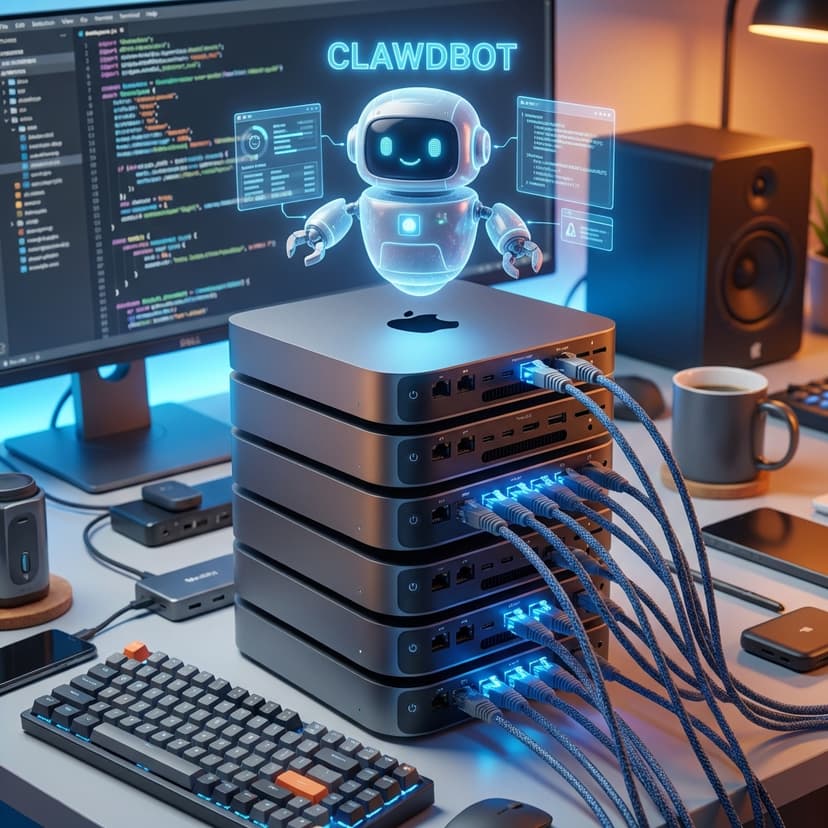
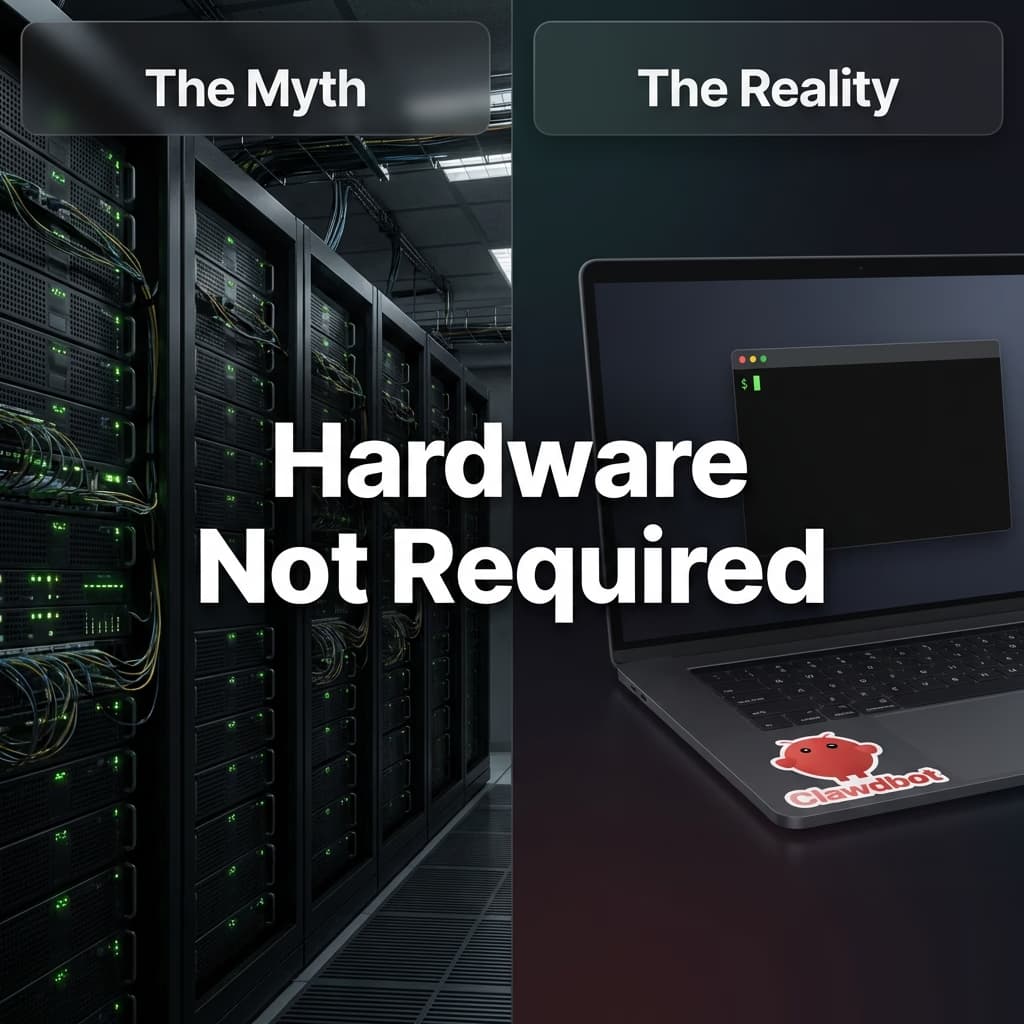
A common misconception is that Clawdbot requires expensive Apple hardware. While the "Clawdbot Mac Mini" setup has become a status symbol on Twitter—with users posting photos of "headless" Mac Minis stacked in server racks—the software itself is platform-agnostic. However, the obsession with the Mac Mini isn't entirely aesthetic; there are distinct technical advantages to the Apple Silicon architecture for local AI.
The Apple Neural Engine (ANE) on M4 and M5 chips provides a specific hardware acceleration path for running "Small Language Models" (SLMs) and audio transcription models like Whisper with extreme energy efficiency. A Mac Mini can listen to your customized wake word, transcribe voice notes, and run a quantized 8-billion parameter "Thinking Model" locally while consuming less than 15 watts of power. For an "always-on" agent that lives in your home 24/7, this power-to-performance ratio is difficult to beat with a traditional x86 desktop or a power-hungry GPU rig.
Deployment Options: From Pi to Pro
While the Mac Mini is the "Luxury" route, the "Pragmatic" route is often a simple Docker container. The Clawdbot architecture is surprisingly lightweight because the heavy lifting—the actual intelligence—is usually offloaded to an API (like Anthropic's Claude 3.5 Sonnet). The local instance acts merely as the "Gateway" or "Router."
The Mac Mini Route (The 'Purist')
Popular for a reason. Apple Silicon allows for running local quantized models (like Llama 3) efficiently and offers deep integration with iMessage and Apple Shortcuts. Total privacy, high upfront cost ($600+). Ideal for users who want full local control and Apple ecosystem integration.
The Docker / VPS Route (The 'Hacker')
The pragmatic choice. You can deploy Clawdbot via Docker on a $5/month Hetzner VPS or a Raspberry Pi 5 at home. This is ideal for 24/7 uptime without keeping your personal laptop running. It relies more on APIs than local inference but is significantly cheaper to start.
The "Headless" Lifestyle
Running a "Headless" Clawdbot means your computer has no monitor, keyboard, or mouse attached. It sits in a closet or on a shelf, connected only to power and Wi-Fi. You interact with it exclusively through your phone. This creates a distinct separation of concerns: your laptop is for your work, while the Headless Node is for the Agent's work. This prevents the agent from stealing focus on your main machine or slowing down your video rendering.
Users searching for "Clawdbot docs" will find extensive guides on the GitHub repository for deploying via docker-compose, which is often the cleaner way to manage the dependencies (Node.js, SQLite, Puppeteer). The community has also built specific "One-Click Deploy" templates for Railway and Render, allowing non-technical users to spin up an instance in minutes.
Is Clawdbot Safe?
"There is no 'perfectly secure' setup."
Running Clawdbot involves granting an AI agent significant access to your system. The FAQ acknowledges this is "spicy" and warns that "Clawdbot is both a product and an experiment."
Threat Model
- Prompt injection: Attackers could try to trick your AI into doing harmful things.
- Social engineering: Bad actors could attempt to gain access to your data.
- Infrastructure probing: Adversaries may probe for system details.
- Content poisoning: Malicious instructions hidden in emails, documents, or web pages the AI reads.
Detailed Threat Models
Security researchers have identified additional categories of risk that users should understand before deploying:
- Context Poisoning: Carefully crafted documents or messages might alter the AI's behavior over time by introducing false information into its memory. If an attacker knows you use Clawdbot, they might send you a "Project Spec" PDF that subtly trains your agent to distrust your other team members.
- Session Hijacking: Because Clawdbot trusts your Telegram or WhatsApp account ID, compromised messaging accounts become critical vulnerabilities. If an attacker gains access to your Telegram, they implicitly gain shell access to your server. Two-factor authentication (2FA) on your messaging app is mandatory for safety.
- Malware Targets (The "Honey Pot"): Memory files stored in plaintext (SQLite/JSON) present targets for malware designed to steal sensitive information. Your agent knows everything about you—your schedule, your contacts, your preferences. This makes the database file (
memory.sqlite) a high-value target for exfiltration. Encrypting your disk is essential.
Clawdbot vs. Alternatives
Understanding how Clawdbot compares to existing solutions helps clarify its unique position in the AI assistant landscape. Most tools fall into two buckets: "Smart Chatbots" (ChatGPT) or "Dumb Automation" (Zapier). Clawdbot sits in the empty middle ground: "Smart Automation."
vs. ChatGPT & Claude (The "Sandbox" Limitation)
The primary difference is environment. ChatGPT and Claude are "Sandboxed" AI. They exist on a server owned by OpenAI or Anthropic. They cannot see your desktop, read your local files, or execute 'real' code on your machine.
When you ask ChatGPT to "organize my files," it literally can't. It can write a Python script for you to run, but it can't run it itself. Clawdbot removes this friction. Because it runs locally with a shell interface, when you ask it to "Process the images in my Downloads folder," it sees the folder, writes the script, executes it, and reports back "Done. I moved 45 PNGs to the 'Screenshots' folder."
The second difference is initiative. Web-based LLMs are passive; they only generate tokens when you hit enter. Clawdbot's event loop allows it to be proactive. It can wake up at 6:00 AM, check the weather and your calendar, and text you "It's raining and you have a 9 AM standup, you should leave 15 minutes earlier today."
vs. Siri & Alexa (The "Intents" Trap)
Traditional voice assistants are built on "Intents"—hardcoded pathways like turn_on_lights or play_music. If you say something slightly outside the script, they fail ("I didn't catch that").
Clawdbot uses an LLM for its reasoning engine. It doesn't rely on hardcoded intents. If you message it "The vibe is too bright in here, make it moody," it infers you mean the lighting. It checks your Home Assistant integration, sees what lights are available, and dims them to 20% warm white. It understands nuance and context in a way that rigid voice assistants cannot.
vs. Zapier & Make (The "Fragility" Problem)
Zapier is fantastic for linear automation: "If New Gmail -> Then Slack Message." But it is also brittle. If the email format changes, the "Zap" breaks. It requires strict, deterministic logic.
Clawdbot introduces "Fuzzy Automation." Because the logic is handled by an LLM, it can handle messy inputs. You can forward it an email from a client that is formatted completely differently than usual, and say "Add this into the CRM." It reads the text, figures out which name is the client and which number is the budget, and inputs it correctly via the CRM API. It adapts to chaos in a way that traditional automation tools cannot.
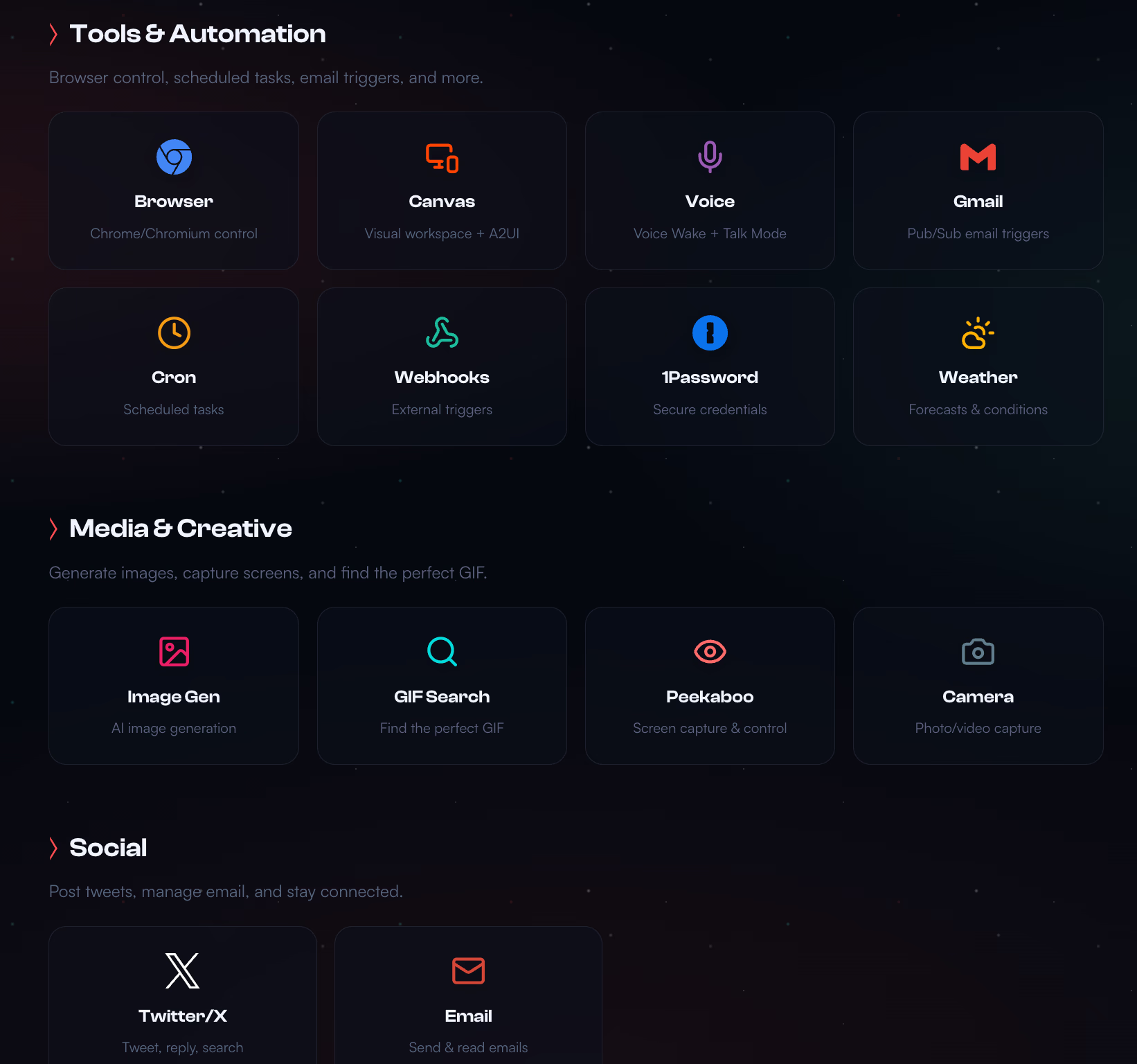
Integrations & Connections
Clawdbot isn’t a single feature—it’s a modular hub. It connects the "Brain" (the LLM) to the "Body" (Tools & APIs) via the "Mouth" (Chat Interface). This modularity is what makes it so powerful. You can swap out the Brain (upgrade from GPT-4 to Claude 3.5 opus) without breaking your tools.
The platform currently supports over 50 officially maintained "Skills" (plugins), covering everything from smart home control to GitHub management. Because it runs on Node.js, any NPM package can theoretically be wrapped into a Clawdbot skill in about 20 lines of code. This low barrier to entry has led to an explosion of community integrations.
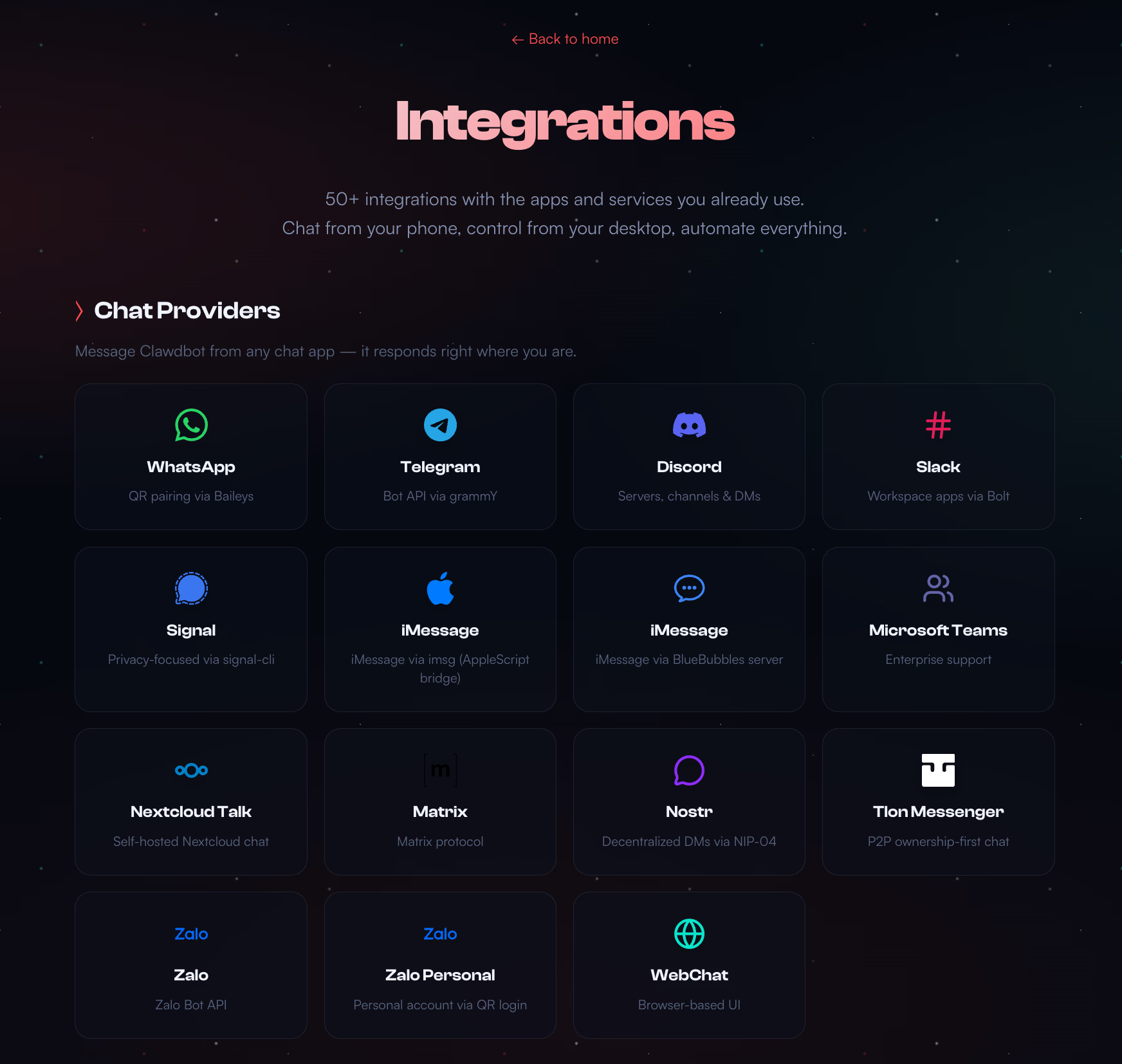
Chat Providers (The Interface)
You don't need a new app. Clawdbot meets you where you already are.
- • WhatsApp: Uses the Baileys library for direct connection without the Business API cost.
- • Telegram: The most popular choice due to its rich bot API and fast sync.
- • Discord: Excellent for multi-user channels where the bot acts as a team member.
- • iMessage: (Mac Only) Uses local database reading to reply natively as "You".
AI Models (The Brain)
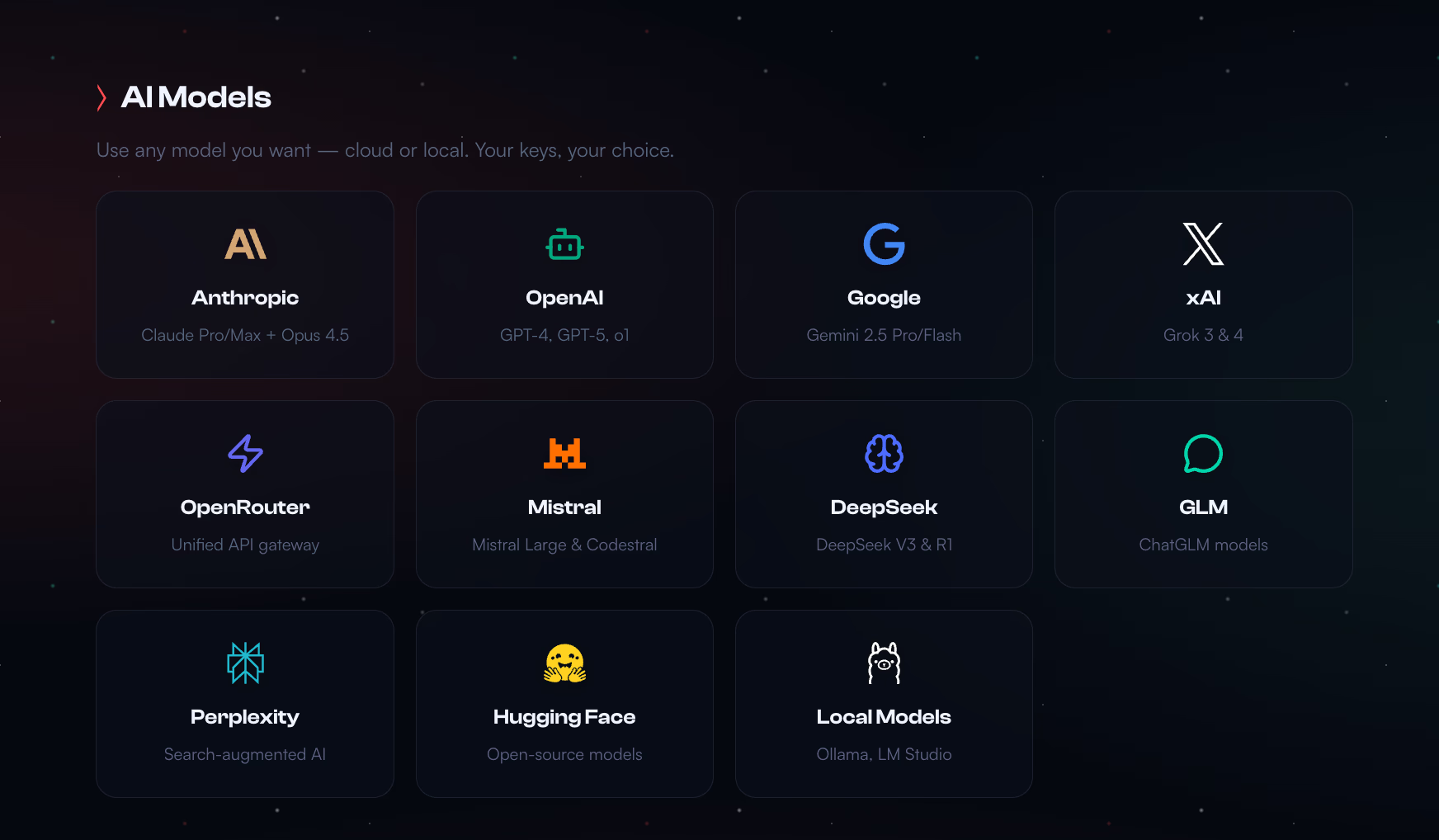
Agnostic model support allows you to balance cost vs intelligence.
- • Anthropic Claude 3.5 Sonnet: The current "Gold Standard" for coding and reasoning tasks.
- • OpenAI GPT-4o: Excellent for fast, multimodal vision tasks.
- • Google Gemini Pro: High context window for analyzing large documents.
- • Ollama (Local): Zero data leakage. Great for sensitive PII processing.
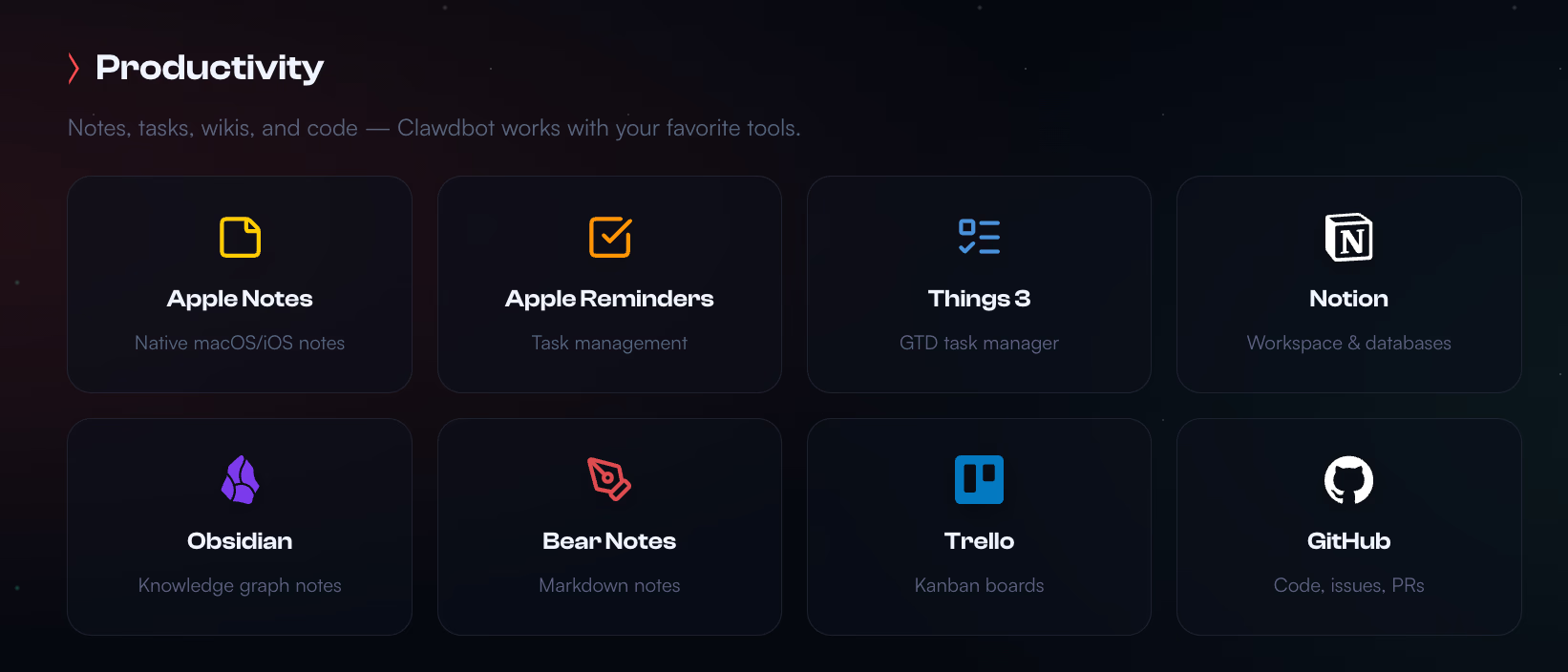
Productivity Skills
Turn your chat into a command line for your life.
- • Calendar Agent: "Reschedule my 3pm to 4pm" (Handles invite emails automatically).
- • Notion/Obsidian: "Save this thought to my 'Ideas' database."
- • Gmail/Outlook: "Draft a reply efficiently declining this invite."
IoT & Browser
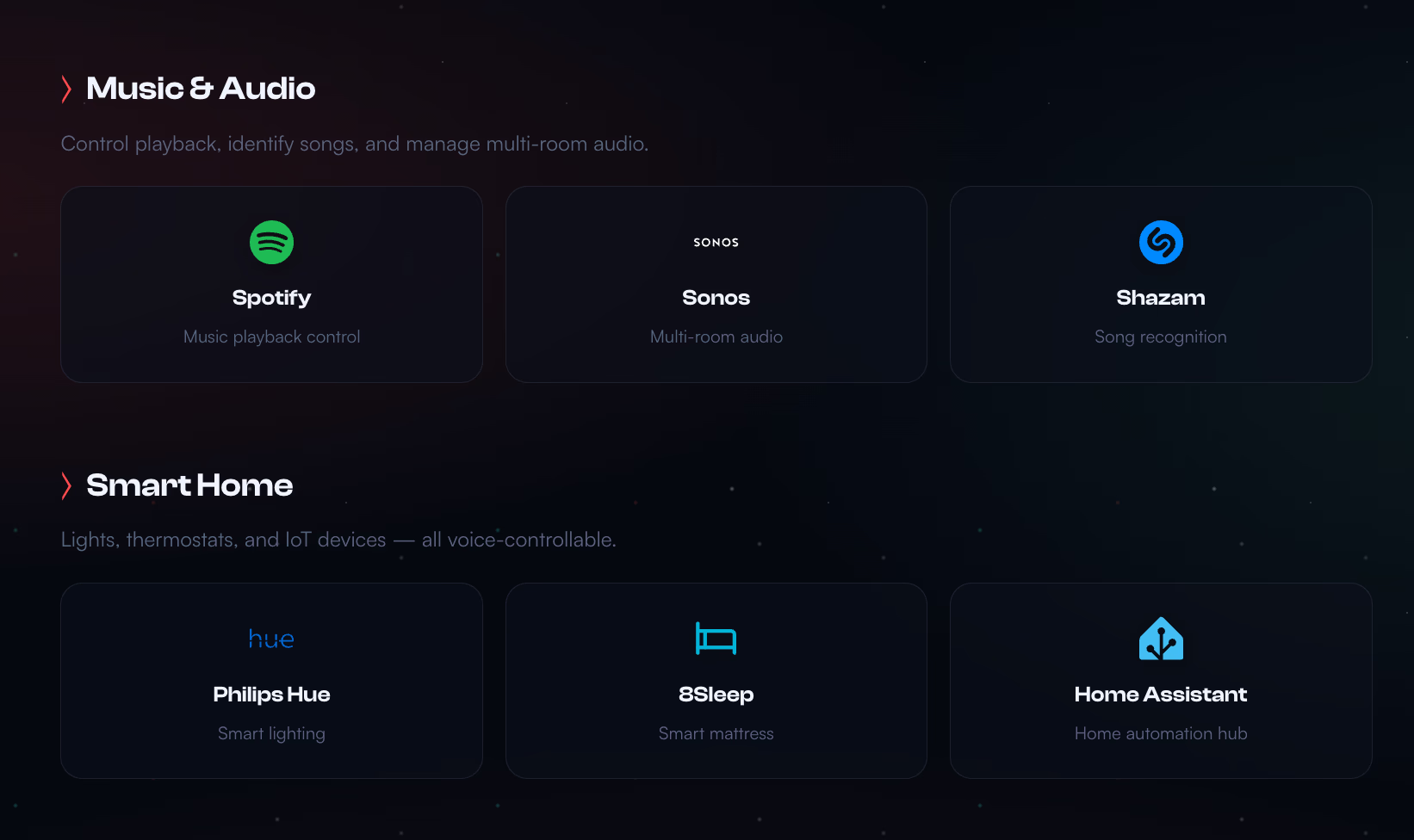
The ability to affect the real world.
- • Home Assistant: Full control over Zigbee/Z-Wave devices.
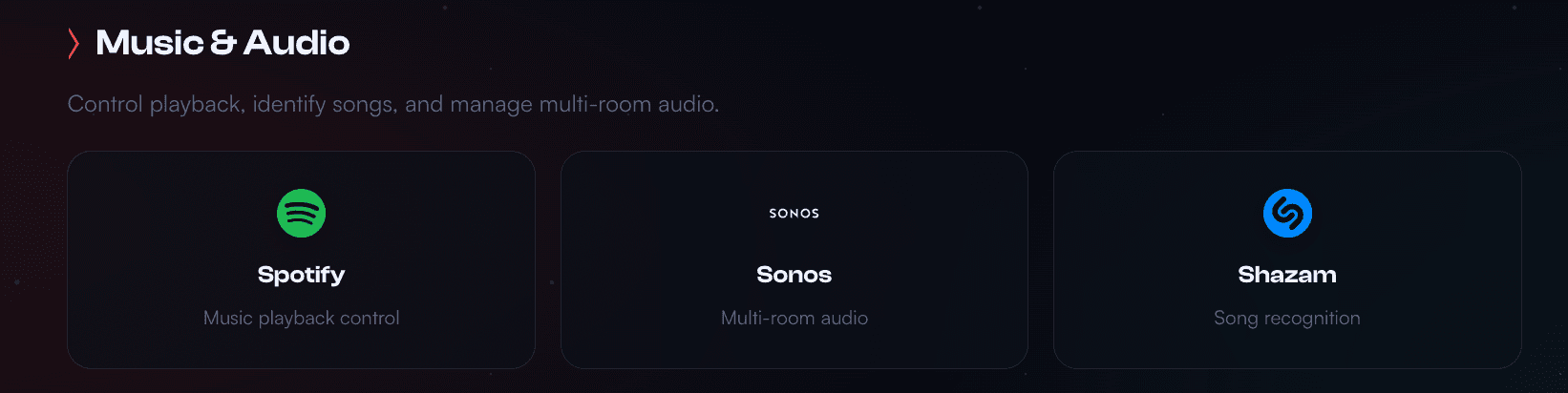
- • Spotify: "Play something that sounds like 90s coffee house jazz."
- • Puppeteer: Headless browser automation for sites without APIs.
The Economics of Agency
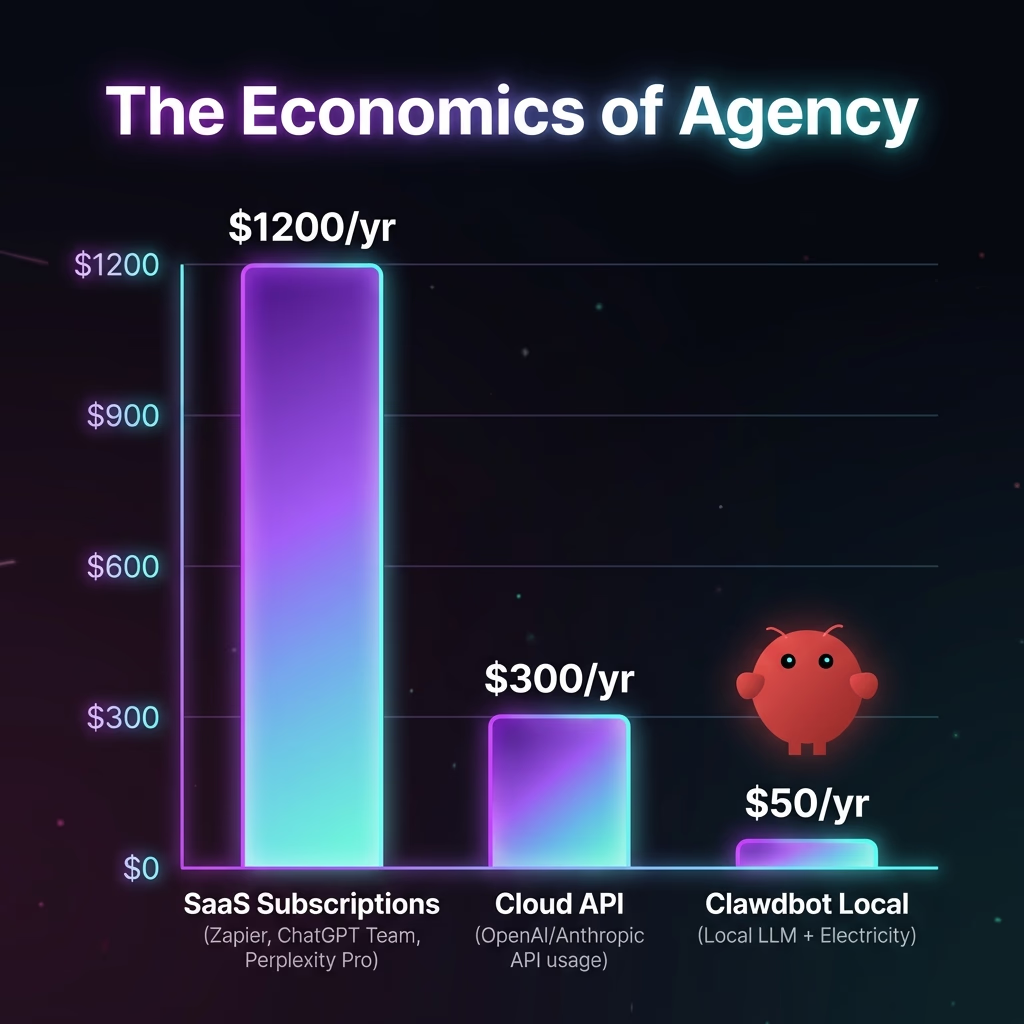
Is Clawdbot free? The software itself is open-source (MIT License) and always will be. However, "free" code rarely means zero operation cost. When replacing a SaaS subscription with an AI agent, you are shifting the cost structure from a fixed monthly fee to a "Utility Bill" model. You pay for the Intelligence (API Tokens) and the Power (Electricity/VPS).
This shift often results in massive savings for moderate users. If you have a subscription to an SEO tool for $99/mo but only use it twice a week, you are overpaying. With Clawdbot, you might spend $2.50 in API credits to replicate those specific SEO tasks on-demand, resulting in a 97% reduction in cost for the same outcome.
The "Token Tax" vs. Subscriptions
The biggest fear new users have is "runaway API costs." The reality is often surprisingly low. A typical day of heavy usage (checking emails, sending 20 messages, summarizing 3 PDFs, controlling lights) consumes roughly 200,000 input tokens and 10,000 output tokens. On Claude 3.5 Sonnet, this costs roughly $0.75 per day.
Clawdbot optimizes this further using RAG (Retrieval Augmented Generation). It doesn't feed your entire history into the model every time. It searches its local SQLite database for relevant context, only sending what is necessary. This "Compression" strategy keeps costs predictable.
Cost Breakdown (Annual Estimates)
| Cost Model | Approx Annual Cost | Pros | Cons |
|---|---|---|---|
| SaaS Stack (Zapier + ChatGPT + Notion AI) | ≈£1,200/yr | Polished UI, Zero Setup | Data Privacy Risks, Locked-in functionality |
| Clawdbot (Cloud API + VPS) | ≈£300/yr | Pay-for-what-you-use, High Flexibility | Requires Configuration, Variable Pricing |
| Clawdbot (Local LLM + Existing Hardware) | ≈£40/yr | Total Privacy, Negligible Cost | Requires Expensive Hardware Upfront, Slower Inference |
*The £40/year estimate for Local LLM primarily covers the electricity cost of running a Mac Mini 24/7 (approx 10-15W idle load).
Community & Ecosystem
Clawdbot has developed a vibrant community that contributes significantly to the project's growth. The Discord server hosts thousands of active members sharing skills, troubleshooting issues, and developing creative workflows. It has become a hub for the "Local AI" movement, where users trade tips on quantization quantization levels for Llama 3 or how to optimize Whisper for different accents.
ClawdHub: The "App Store" for Agents
One of the most significant recent developments is the launch of ClawdHub, a community registry for sharing skills. Similar to the Chrome Web Store but for agent capabilities, it allows developers to publish "Skills" that anyone can install with a single command (e.g., /install skill-flight-tracker).
Some standard community skills include:
- The "Sous Chef": Scans your fridge photos (via vision model), matches against your Notion recipe database, and suggests dinner.
- The "Network Monitor": Watches your home Wi-Fi for new devices and pings you if an unknown MAC address joins.
- The "Stock Watcher": Doesn't just track price, but reads quarterly earnings call transcripts and summarizes the sentiment for your portfolio.
The project represents a significant shift in how personal AI assistants might evolve. It demonstrates that open-source, community-driven development can produce AI tools competitive with or superior to offerings from major technology companies. The local-first architecture challenges assumptions that AI must be cloud-based. The self-improving nature points toward a future where AI agents continuously adapt to user needs, potentially disrupting traditional application development paradigms.
Should You Use It Now—Or Wait?
You Should Try It If...
- • You want an assistant that remembers context across weeks. If you want your AI to know your kids' names and your dietary restrictions without being reminded every chat.
- • You are tired of copy/pasting between ChatGPT and your real tools. You want the AI to do the work, not just describe how to do it.
- • You like the idea of proactive notifications. You want an intelligence that watches your back.
- • You are comfortable running a simple terminal command. Requires at least "Junior Developer" level confidence.
You Should Wait If...
- • You need a perfect, polished enterprise product today. Clawdbot is beta software. Aspects of it will break.
- • You don't want to touch any setup steps or config files. There is no ".exe" installer yet.
- • You are uncomfortable with the security risks of an agent having shell access. If "Root Access" sounds scary, stick to the web.
- • You rely 100% on iOS. Apple's ecosystem restrictions make it harder for background agents to run effectively on iPhone without a Mac server.
The Verdict: Agency is inevitable. Whether it's Clawdbot today or Apple's eventual implementation in 2027, the future of AI is "doing things." Clawdbot offers a glimpse into that future right now, for free, provided you are willing to get your hands a little dirty with the setup. For power users, there is simply no going back to a dumb chatbot.
FAQ
What makes Clawdbot different from ChatGPT?
Unlike ChatGPT's sandboxed browser environment, Clawdbot runs locally with full system access. It can execute files, browse the web, control devices, maintain persistent memory, and proactively reach out to you.
Is Clawdbot secure?
Clawdbot includes security features like DM pairing, allowlists, and sandbox modes. However, running any AI agent with system access carries inherent risks requiring careful configuration.
Is it free?
Clawdbot itself is free and open-source (MIT). However, using it requires a subscription to an AI service like Anthropic or OpenAI, or you must run local AI models yourself.
What hardware do I need?
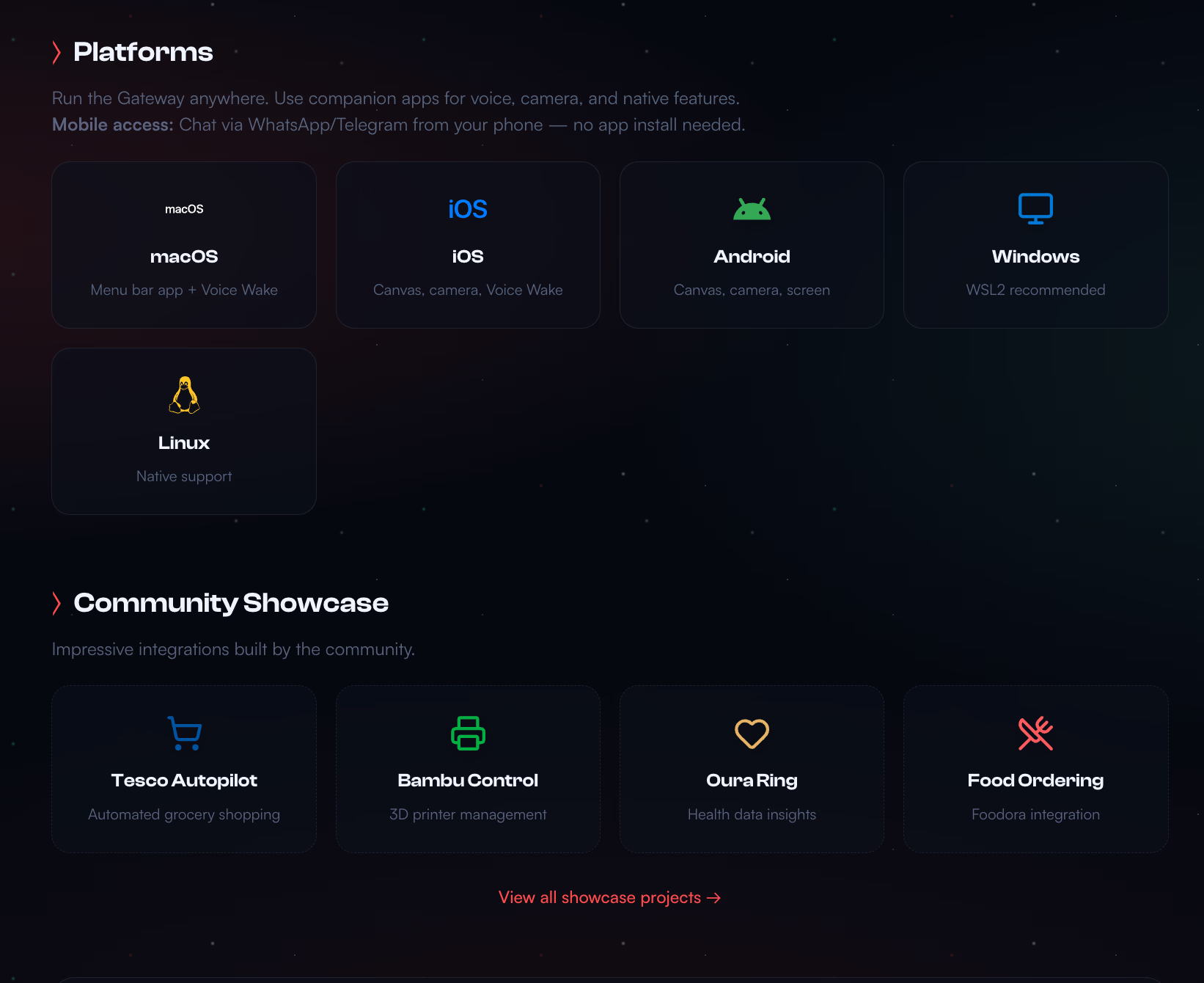
Any device running Node.js 22 or higher works, including Mac, Windows via WSL2, Linux, Raspberry Pi, or cloud servers. Many use dedicated Mac Minis, but a cheap VPS works too.
Where can I get help?
The Discord community has thousands of members. Documentation is at docs.clawd.bot. The GitHub repository hosts discussions.