 AI Tools Review Editorial Team
Quick Answer:
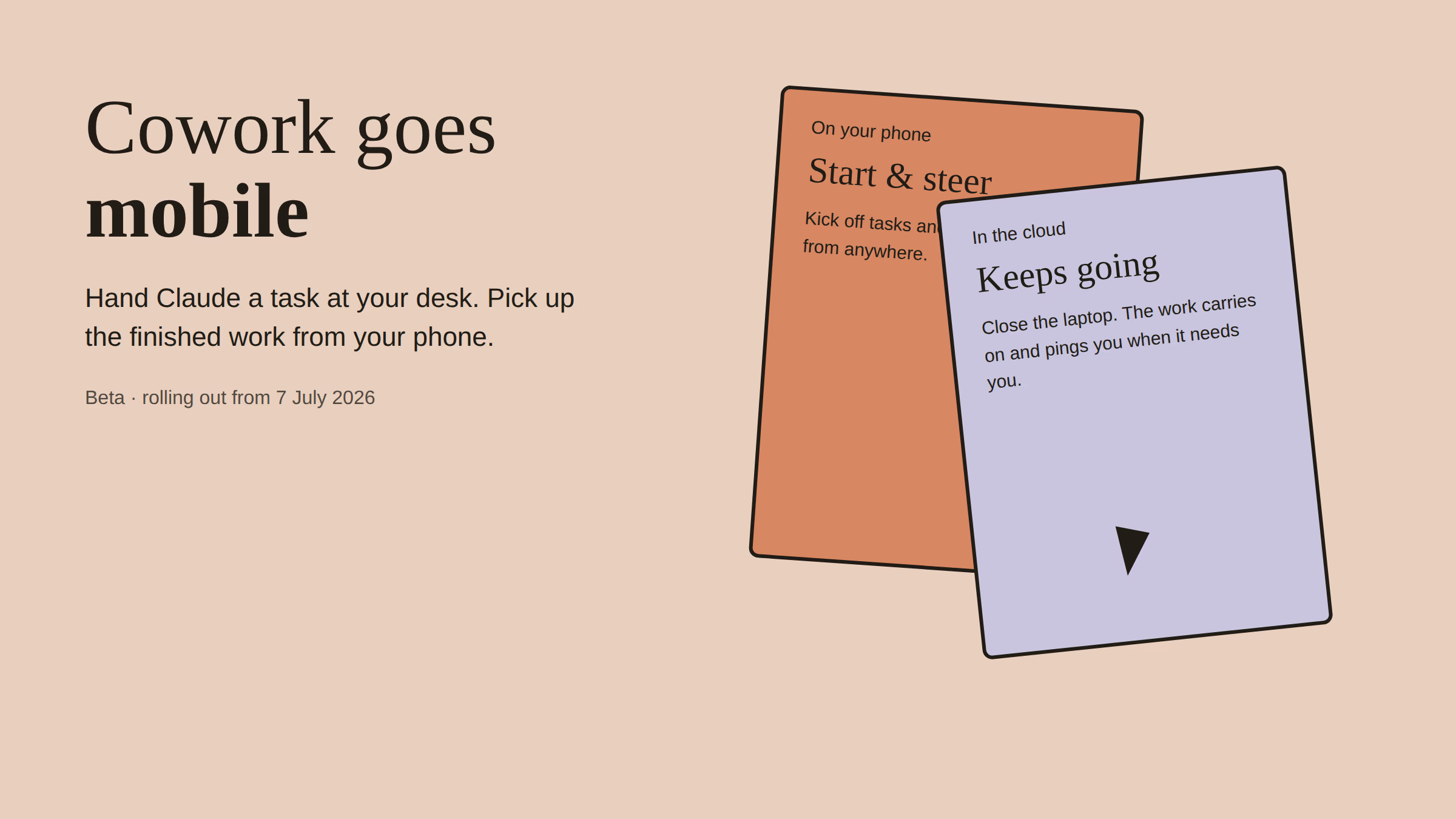
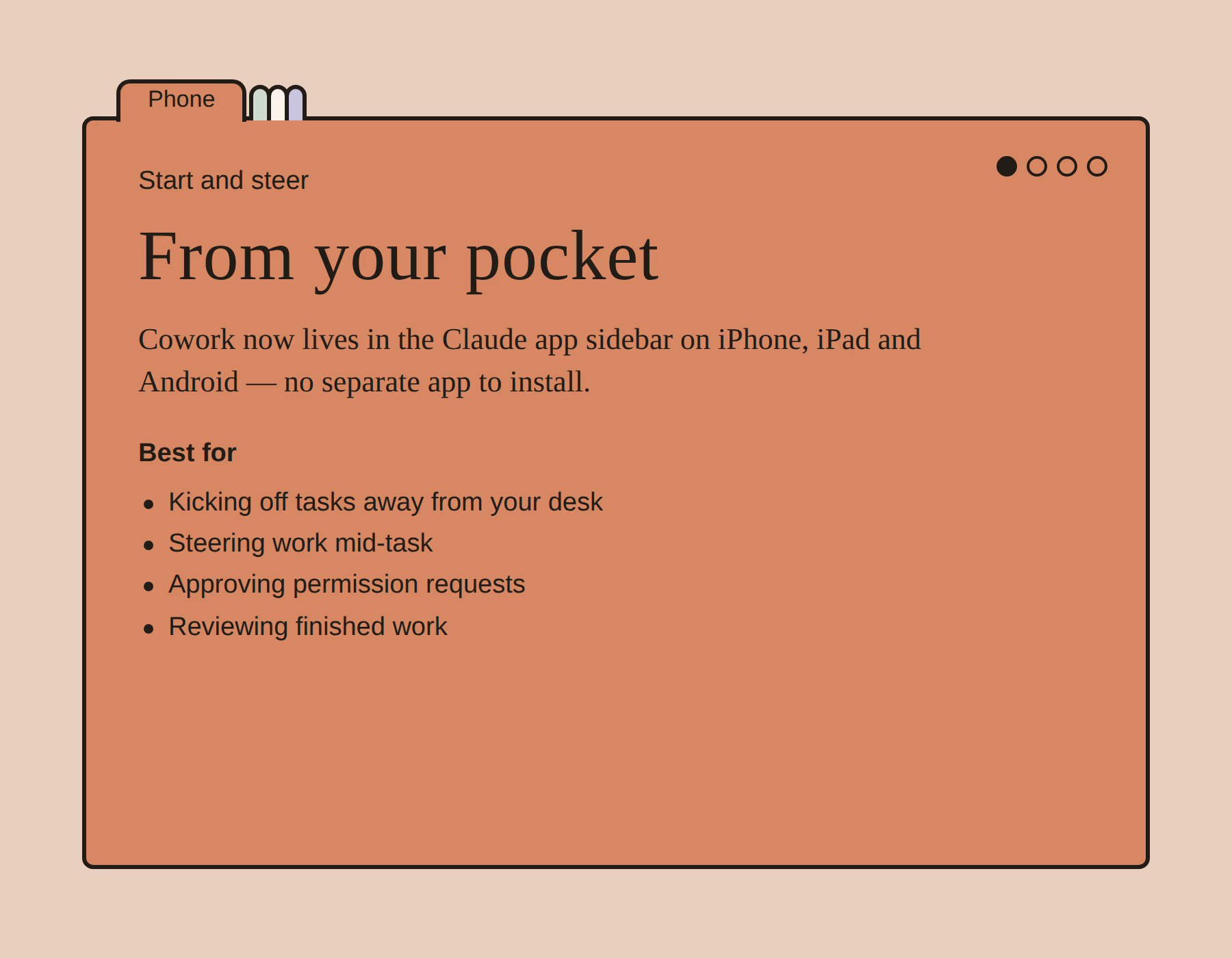
Claude Cowork now works away from your desk. On 7 July 2026 Anthropic began rolling out a beta that puts Cowork (its agentic workspace where Claude works through tasks autonomously with your files and connected tools) into the Claude app on iPhone, iPad and Android, plus claude.ai on the web. There is no separate app: Cowork appears in the existing app's sidebar. Sessions now run in the cloud, so a task started at your desk keeps going after you close the laptop, and Claude pings you when it needs a decision. The beta reaches Max subscribers first, with more plans to follow, and doubled Cowork usage limits run until 5 August 2026.
The most useful thing about a colleague is that they keep working when you leave the room. Until this month, Claude Cowork failed that test: close the laptop and the work stopped with it.
The July beta fixes exactly that, and in doing so, quietly changes what the Claude app on your phone is for.
Summary
Claude Cowork launched as a desktop-first idea: give Claude a task, access to local files and connected tools, and let it work through the job autonomously while you watch. The announcement Anthropic published on 7 July 2026, “hand off work anywhere”, removes the desk from that equation. Cowork tasks can now be started, steered and collected on the web, the desktop app, and the Claude mobile apps, and the session itself has moved to the cloud, untethered from any one machine.
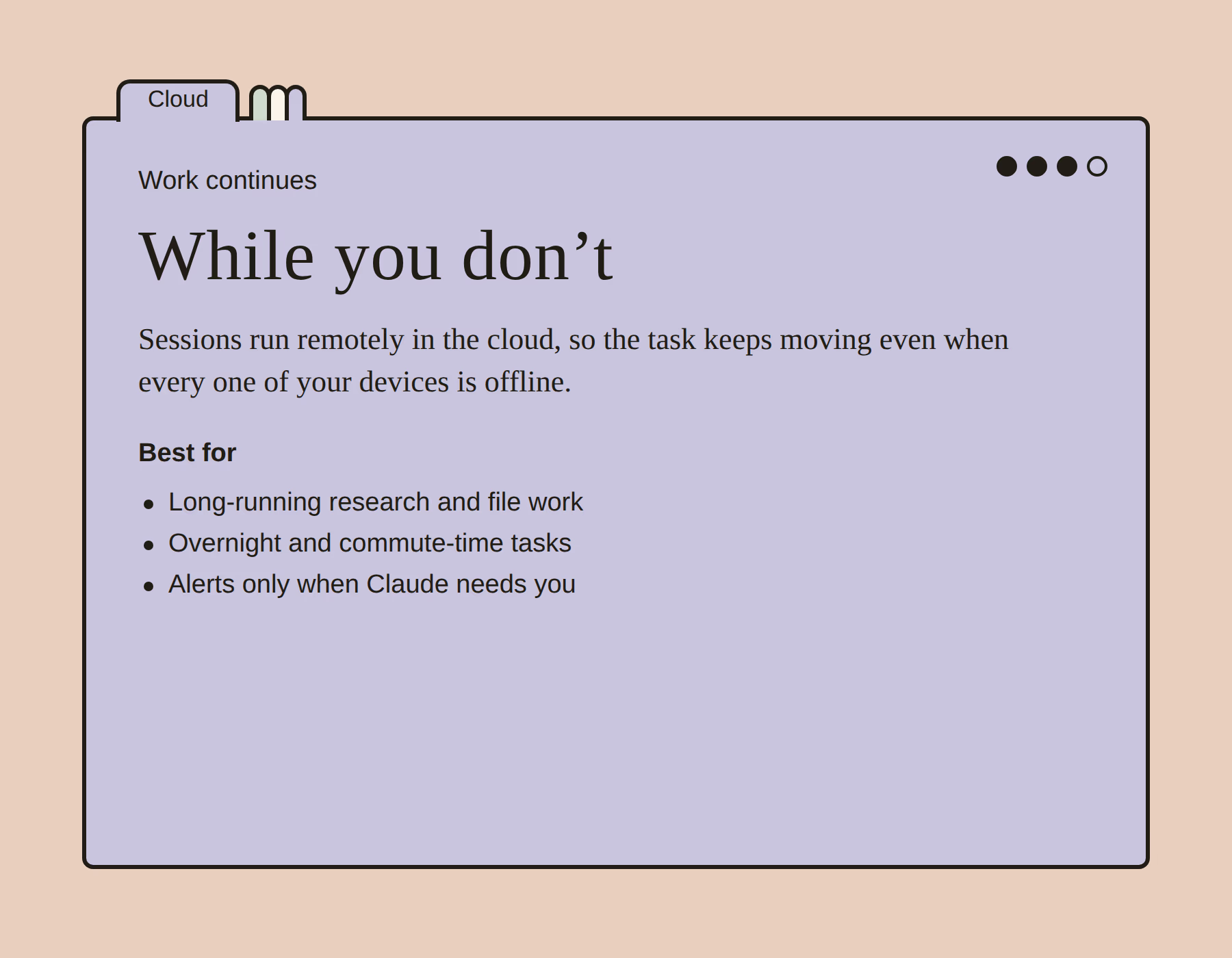
Three details matter most. First, there is no new app: Cowork simply appears in the sidebar of the Claude app you already have. Second, work continues when you disconnect: the session runs remotely even when every one of your devices is offline, and Claude sends an alert when it needs permission to proceed. Third, the rollout is staged: Max first over several weeks, other plans to follow, with doubled usage limits extended to 5 August as a launch incentive.
What Launched on 7 July
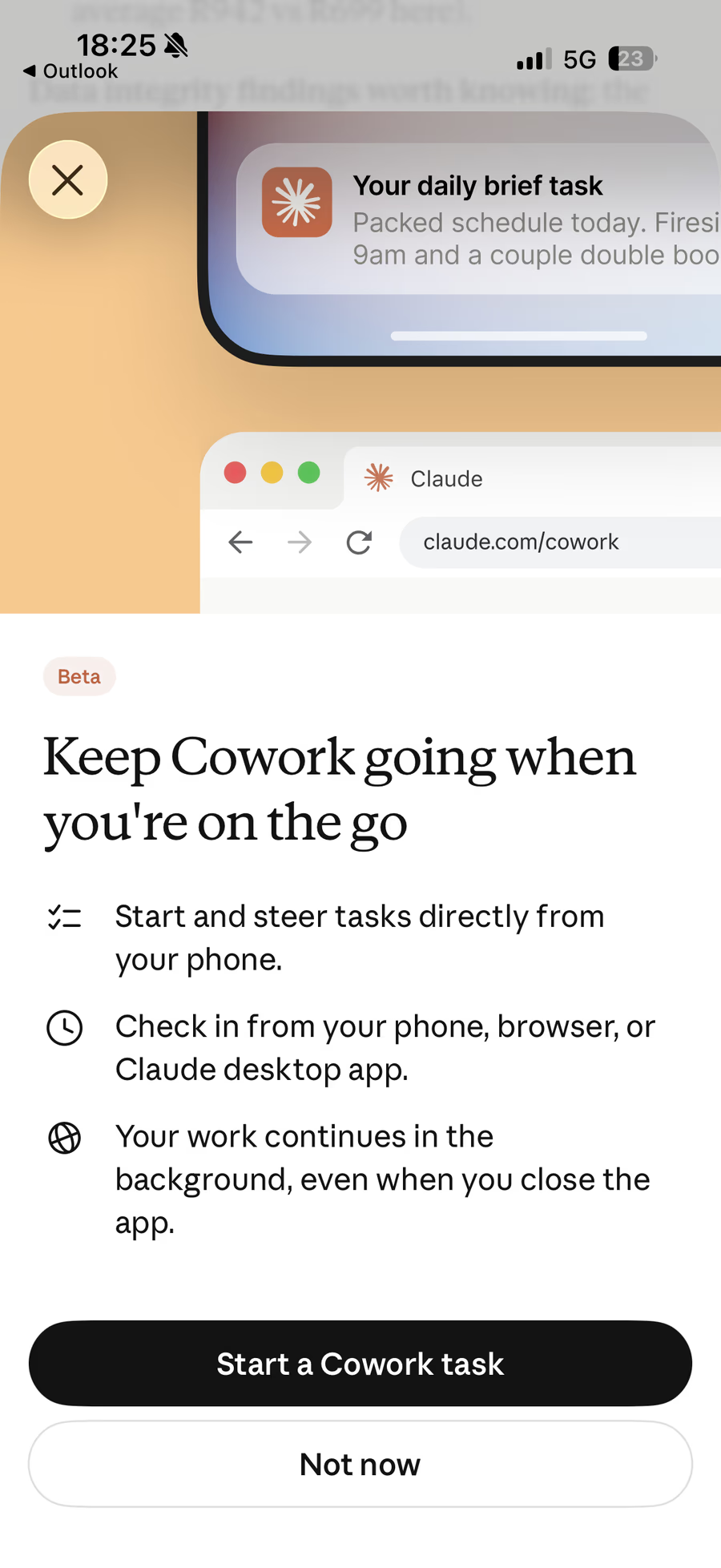
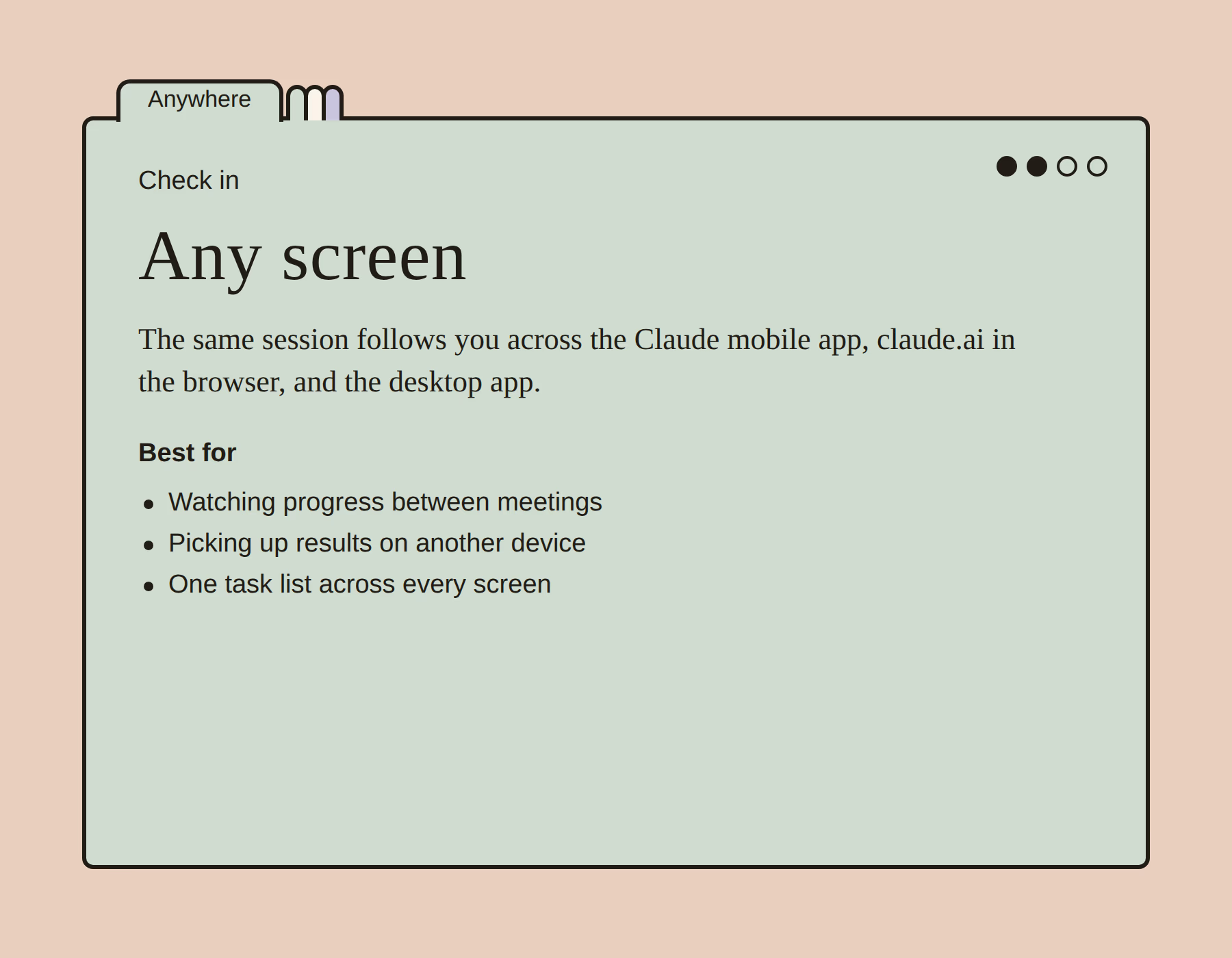
The beta does three things, and Anthropic's own in-app announcement, the “Keep Cowork going when you're on the go” sheet that greets eligible users at claude.com/cowork, lists them plainly: start and steer tasks directly from your phone; check in from your phone, browser or the Claude desktop app; and let the work continue in the background even when you close the app.
Each of those three promises deserves unpacking, because together they redefine where Cowork fits in a working day.
How the Cloud Hand-Off Works
Before this beta, a Cowork session was anchored to the machine it started on. Now the model of use is a relay: you brief Claude wherever you are, the session executes remotely, and whichever device you pick up next becomes the review surface. Anthropic's launch line captures it, “Hand Claude a task at your desk and pick up the finished work from your phone. Close the laptop and Claude keeps going.”
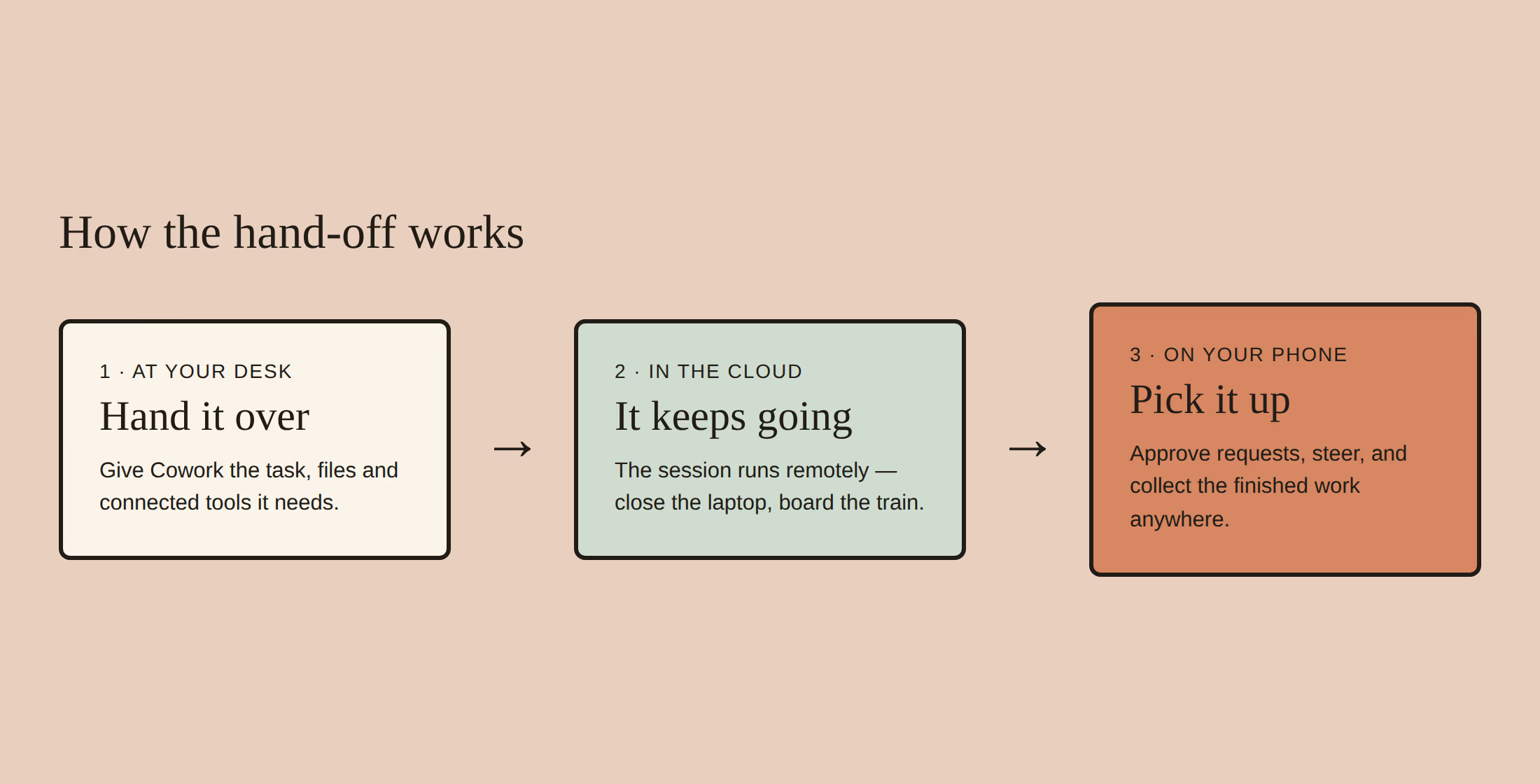
The permission model is the part worth internalising. Cowork doesn't barrel through a task unsupervised: when it hits a step that needs authority (connecting a tool, deleting files, sending something), it pauses and notifies you. On mobile, that notification is the product: instead of watching a progress spinner at a desk, you get a ping, approve or redirect in ten seconds, and put the phone back in your pocket. The core Cowork workflow is unchanged: what's changed is that the checkpoint can find you anywhere.
Rollout: Who Gets It, When
Anthropic is staging the release rather than flipping a switch. The beta began rolling out on 7 July 2026 to Max subscribers, continues “over the next several weeks”, and other plans follow after that. If you're weighing up whether Max is worth it for this, our Cowork pricing guide covers the plan-by-plan picture.
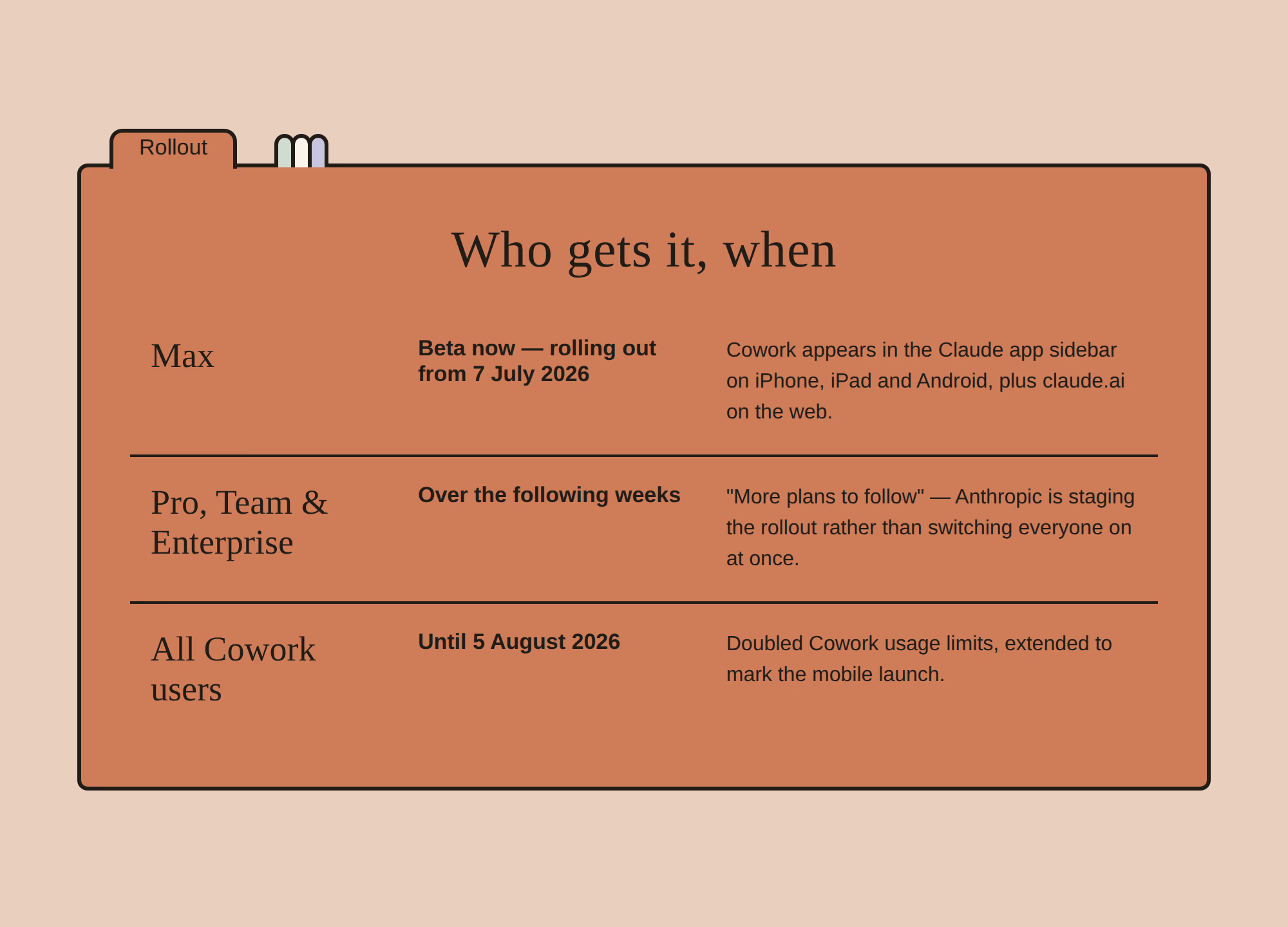
The doubled usage limits deserve a footnote: Anthropic had already been running boosted Cowork limits, and extending them through 5 August alongside the mobile launch is a fairly transparent invitation to build the habit: start tasks from your phone for a month and see whether you stop going back.
What to Actually Run From Your Phone
Mobile Cowork rewards a particular shape of task: meaty enough that you don't want to do it yourself, self-contained enough that Claude can run with it, and asynchronous enough that you genuinely don't need to watch. The screenshot above hints at Anthropic's own favourite, a daily brief, compiled and pushed to your lock screen before you've opened the laptop.
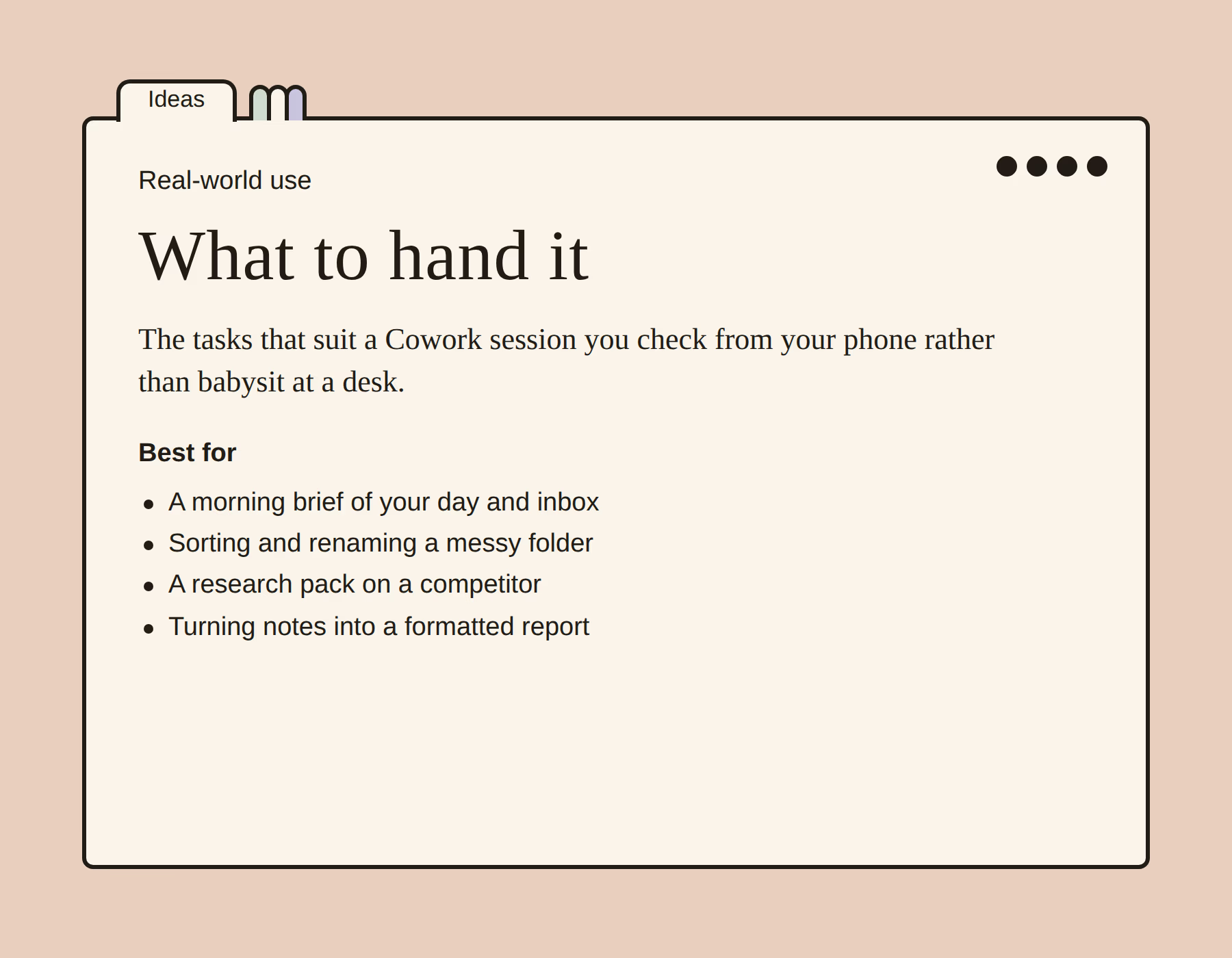
The anti-pattern is equally clear: tightly coupled back-and-forth work (drafting where you want to react to every paragraph) still belongs in an ordinary Claude chat. Cowork on mobile shines when the right mental model is delegation, not conversation. Our hands-on Cowork test is a good calibration for what it handles well unattended.
Why It Matters
The frontier labs spent the first half of 2026 competing on benchmark scores. The second half is shaping up as a different contest: whose agent fits into your day with the least friction. OpenAI has pushed Codex toward always-available coding agents; Google is threading Gemini through Workspace. Anthropic's answer is to make its agentic workspace ambient: the task doesn't care which device you're holding.
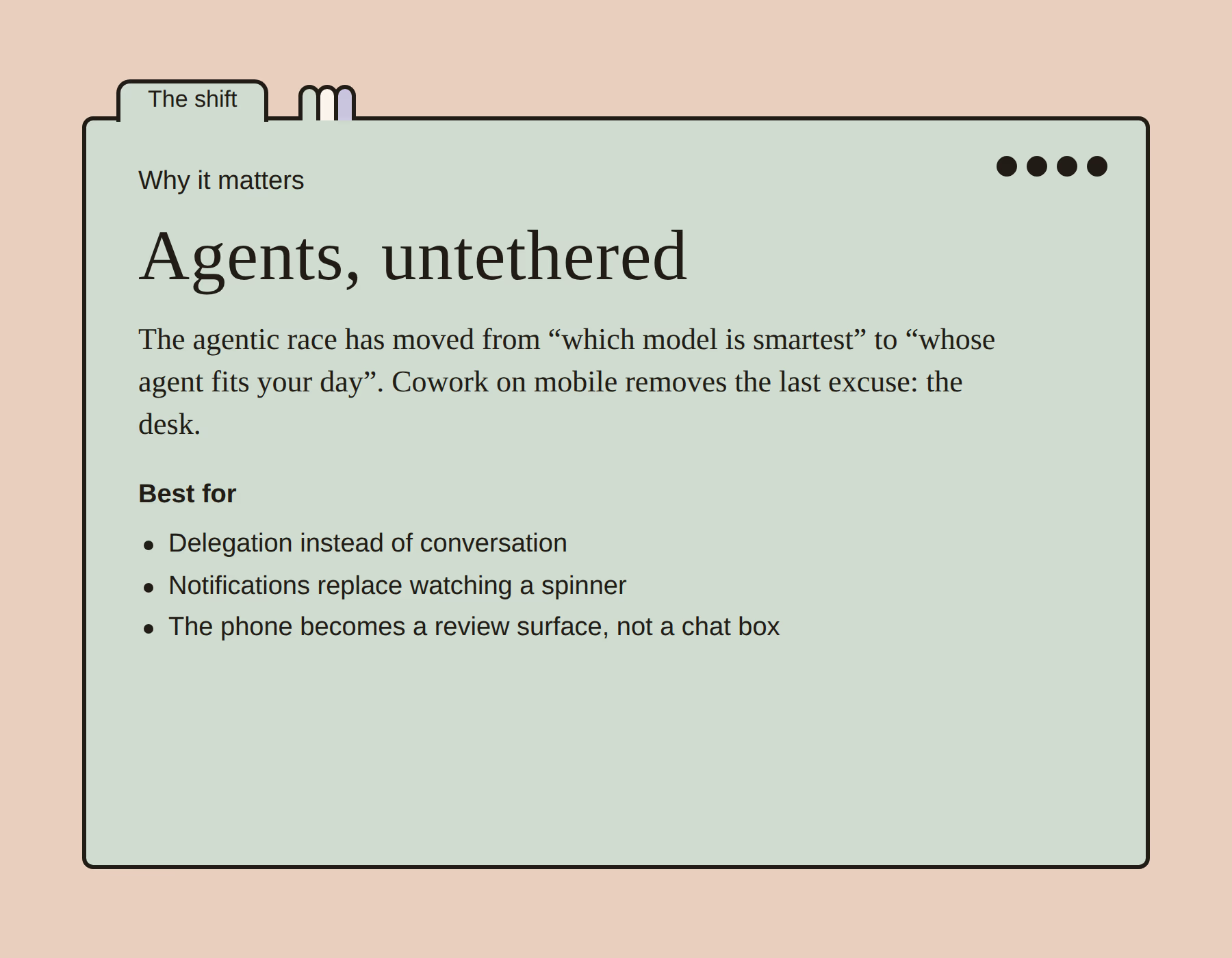
There's also a subtler shift in what “using Claude on your phone” means. The mobile app has historically been the junior sibling, fine for a quick question, wrong for real work. Cloud-run Cowork inverts that: the phone becomes the management surface for work happening elsewhere, which is precisely how people already use email and Slack. For how Cowork stacks up against the incumbent in that role, see Cowork vs Microsoft Copilot.
The Bottom Line
Cowork going mobile is not a big-bang feature launch: no new model, no new benchmark, no new price. It's something quieter and probably more consequential: the removal of the last structural reason to treat Claude's agentic mode as a desk-bound tool. Hand over a task, close the laptop, and the work genuinely continues: with your phone as the checkpoint.
If you're on Max, the beta is likely already in your sidebar: the doubled limits through 5 August make this the cheapest month there will ever be to find out what you'd actually delegate. If you're on another plan, the queue is moving; Anthropic says more plans follow over the coming weeks. Either way, the direction of travel is set: the interesting question about AI agents in 2026 is no longer what they can do, but where they can meet you. As of this month, for Claude, the answer is: anywhere.
Last updated: 15 July 2026. Sources: Anthropic's announcement “Claude Cowork on web and mobile: hand off work anywhere” (claude.com, 7 July 2026), the @claudeai launch post, and contemporaneous reporting by MacRumors and 9to5Mac. Section graphics are our own illustrations in the style of Anthropic's model-guide campaign; the beta screenshot is an original capture.
Get the free guide: Claude vs ChatGPT, Gemini & Grok
A 20-page playbook covering everything you need to choose and use the big four AI models in 2026, full cost and feature comparisons, what each is best (and worst) at, and how-tos for images, vectors, building a website, Claude Code and more.