 AI Tools Review Editorial Team
Quick Answer:
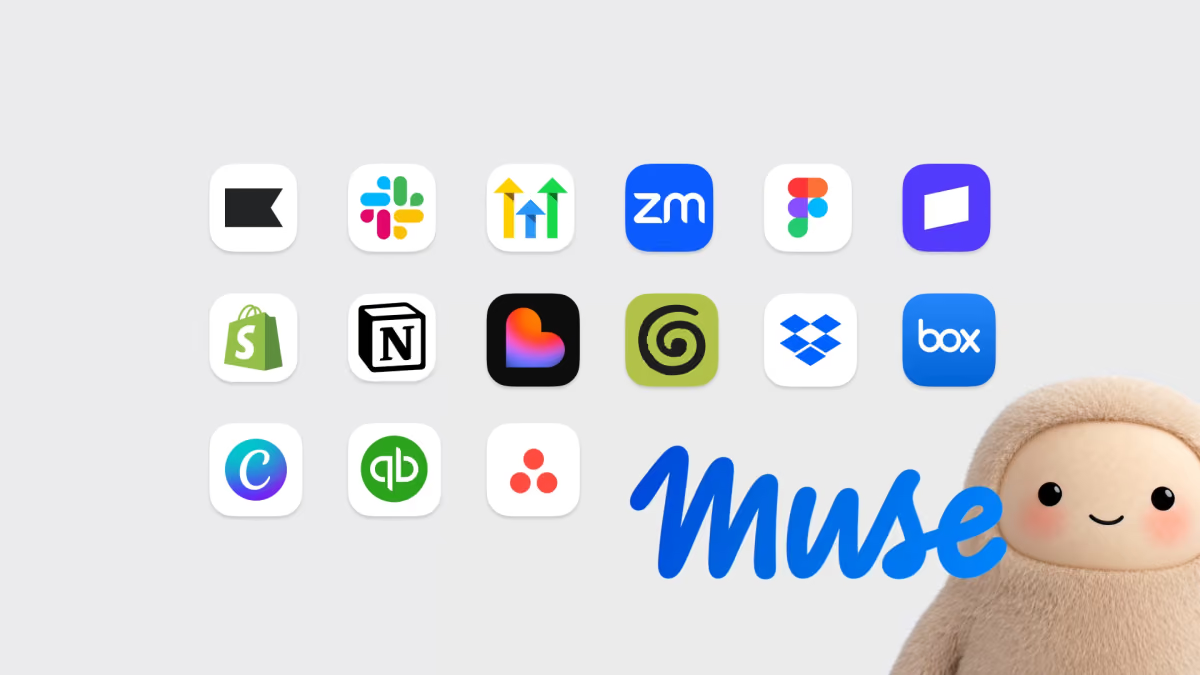
On 29 September 2026 Meta launched Muse for Small Business, adding business skills and connectors to its Muse personal AI agent. It can link to Facebook and Instagram business accounts, Meta ad accounts and 15 third-party apps including Shopify, QuickBooks, Stripe and Slack. Meta's safety promise is that nothing publishes, sends or spends without the owner's approval. It is available in the US and Canada, free for most uses with paid plans for more.
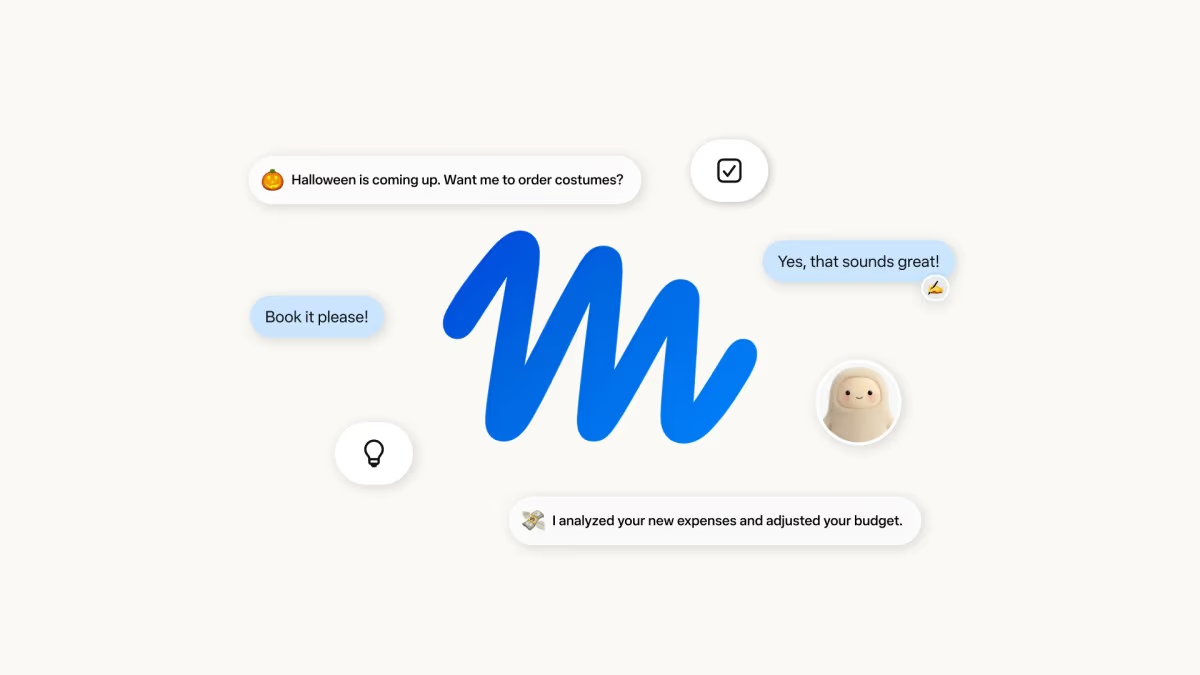
A personal assistant that can text you back is one thing. A personal assistant that can read your ad account, look at your Shopify orders and check your accounting before it tells you what to do next week is something else. That is the leap Meta made on 29 September, when it extended Muse from a consumer agent into a tool aimed at the owners of small businesses.
This guide sets out what Meta actually announced, which parts come from Meta and which from creators and reviewers, what the safety model does and does not cover, and how a cautious owner could test it without putting the business at risk. Two creators have covered the story this week, and we embed both below.
Julian Goldie SEO covers Muse for Small Business: the connectors, five jobs to hand over and the one setting to change first.
Executive Summary
What happened: Meta published Muse for Small Business on 29 September 2026. It builds on Muse, the personal AI agent Meta introduced on 8 September 2026 and which we reviewed in our Muse Secure VM and Sentinel review.
- Connectors: Instagram professional account analytics, Facebook Pages, Meta ad accounts and 15 third-party apps, plus custom connectors.
- Skills: ad and content analysis, growth plans from sales history, inbox and calendar management, monthly financial reviews and proactive suggestions.
- Control: Meta says nothing publishes, sends or spends without the owner's approval.
- Availability: US and Canada. Free for most uses; subscription plans for expanded business access, with no price disclosed.
Our view: this is a credible, well-scoped move because it gives the agent real business data to work on. It is also where the risks concentrate, since a business agent sees money, customers and ad budgets. The approval promise is the key safeguard, and the gaps in what Meta has said, such as whether Muse can alter ad bids, are exactly the questions to ask before connecting anything.
From Personal Agent to Business Agent
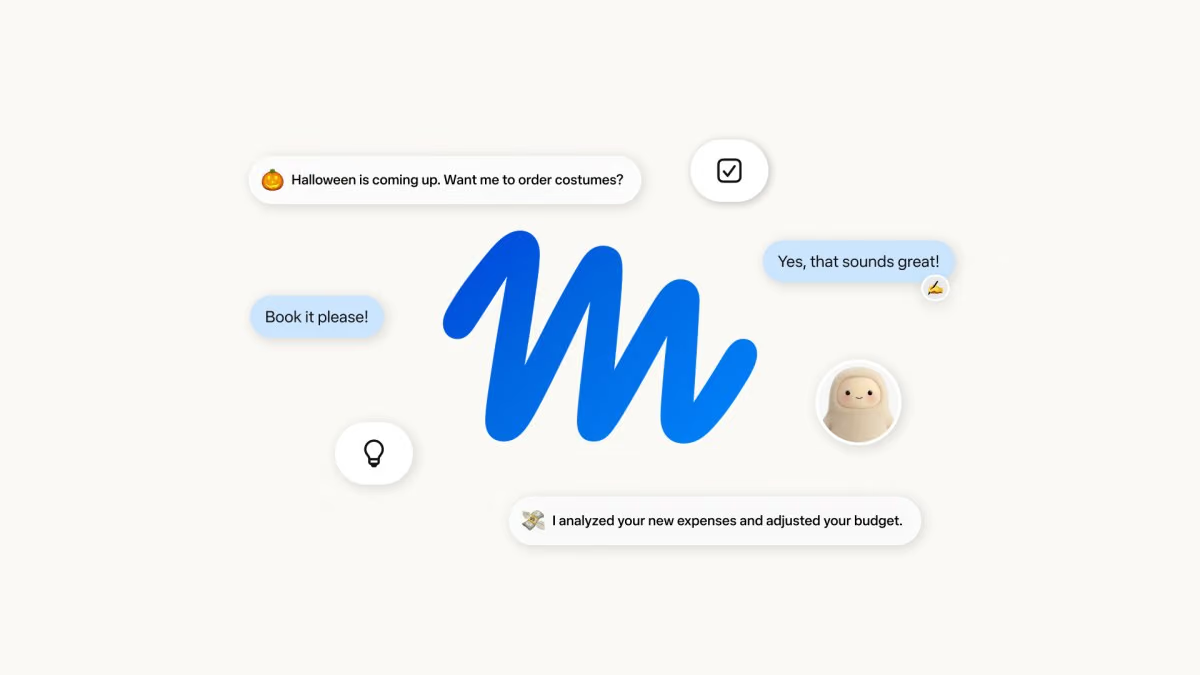
Meta introduced Muse on 8 September 2026 as "a secure, private personal AI agent that proactively helps with people's goals and suggests ideas". Powered by Muse Spark, which Meta calls its most capable model, it runs on iOS, Android and the web, with AI glasses support described as coming. It can send emails, book travel, open a browser, fill in forms and negotiate on a user's behalf, and it keeps working after the app is closed, returning for approval before sensitive actions. Our Muse Spark 1.3 article covers the underlying model line.
The small-business version is the obvious next step. A consumer agent is limited by how much of your life it can see. A business agent can be pointed at a specific, valuable and structured set of data: sales, campaigns, invoices and customer messages. For Meta, there is also a strategic fit. Its own platforms host the ad accounts, Pages and Instagram profiles that many small firms already depend on, and the announcement quotes executive Dina Powell McCormick describing "200 million small business owners on our platform", according to reporting on the launch.
Matthew Berman's video below shows the consumer side of the same product: texting Muse to plan meals, build a grocery list or work through a to-do list. The description states it is sponsored by Meta, so read it as a demonstration, not an independent test.
Matthew Berman (sponsored by Meta) demonstrates Muse handling everyday tasks by text, including meal planning and a to-do list.
The Connectors: What Plugs In
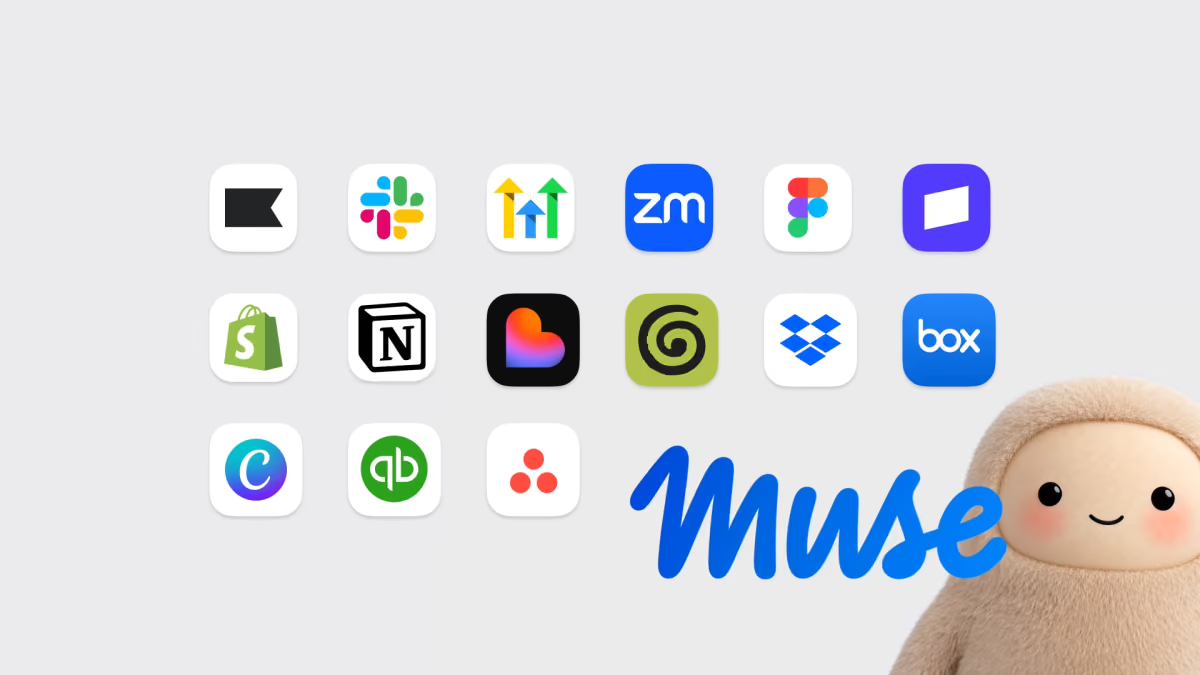
Meta lists the following connections at launch. Everything in this table is taken from the announcement and reporting on it.
| Area | Connectors |
|---|---|
| Meta platforms | Facebook Pages and business accounts, Instagram professional accounts, Meta ad accounts |
| Commerce and payments | Shopify, Stripe |
| Finance | Intuit QuickBooks |
| Marketing and CRM | Klaviyo, HighLevel |
| Collaboration and meetings | Slack, Zoom, Granola, Asana, Notion |
| Files and design | Box, Dropbox, Canva, Figma, Lovable |
Meta also supports custom connectors for services it does not list, and points to muse.ai/platform for further integrations. Reporting on the launch adds that Intuit said it is bringing its Intuit Intelligence agentic workflows into Muse, covering cash flow, invoicing and business intelligence through QuickBooks.
The practical significance is how many separate systems a small firm uses to run itself. A typical owner has orders in Shopify, money in Stripe and QuickBooks, customers in an email tool, plans in Notion or Asana and conversations in Slack. An agent that can read across them can answer questions no single dashboard can, such as which campaign produced the customers who actually paid. That cross-system view is the real product here, and it is the same ambition Google pursues for Workspace, as we covered in Gemini in Workspace: 5 agentic features.
The Business Skills
Meta describes goal-based skills rather than a menu of tools. You state an outcome, and Muse uses whichever connected sources it needs. The announcement and coverage list the following:
- Business growth planning: analyse sales, campaign and social metrics and build a plan from the history.
- Priority management: organise email and calendar so the important items surface.
- Ad and content analysis: review which creative and posts perform, identify trending topics and draft campaign proposals.
- Financial review: a monthly look at performance and detection of unusual expenses.
- Proactive ideas and drafting: suggest next actions unprompted and draft the copy for them.
Notice the verbs: analyse, organise, draft, review and suggest. Almost every skill is advisory or produces a draft. That is a deliberate and sensible design choice for a first release, and it fits the approval rule. The skills that would change money or public reputation, publishing a post, sending a message or spending on ads, all pass through the owner.
A quote in the announcement from Tom Mulholland of Mulholland Grocery captures the intended effect: "I work about 65 hours a week... Muse is taking over a few of them." It is one testimonial chosen by Meta, so it indicates the pitch rather than typical results. Canva co-founder and chief product officer Cameron Adams is also quoted calling Muse "an exciting leap towards agents that genuinely help us work, create and make our lives easier".
Five Jobs Worth Handing Over First
The Julian Goldie SEO video suggests five starter jobs. Based on Meta's listed skills, here is our version, ordered from lowest to highest risk.
- Weekly summary of ad and Instagram performance. Read-only, easy to check against the dashboards you already trust.
- Inbox and calendar triage. Ask for a prioritised list and drafts only; do not let anything send.
- Monthly financial review. Have Muse flag unusual expenses from QuickBooks and explain each, then verify the flagged items yourself.
- Campaign drafting. Let it propose copy and creative briefs, with you publishing manually.
- Growth plan from sales history. Ask for a plan based on Shopify and Stripe data, and sanity-check the assumptions before acting.
What to avoid early is anything where a wrong action costs real money: spending ad budget, issuing refunds or contacting customers in bulk. The approval gate should stop these, but a gate you have never tested is a gate you should not rely on.
Approvals, Secure VM and Sentinel
Meta's statement is short and absolute: "Nothing publishes, sends, or spends without your approval." The underlying architecture, described in the original Muse launch, adds several layers:
- Muse Secure VM: each user gets a dedicated virtual machine, isolated from other users.
- Sentinel: a separate agent that approves outbound actions before they happen.
- Credential handling: credentials are stored securely, and Meta says Muse cannot view passwords or payment methods.
- Audit trails and permissions: sensitive actions require approval, with logs, and users choose which apps Muse can reach and at what level.
- Payments: purchases go through Link by Stripe using one-time-use cards with purchase protections.
- Data use: Meta says it does not share Muse data with its ad systems, and users can opt out of training.
These are strong statements, but they are statements. The critical open question for an owner who runs Meta ads is whether Muse can change bids, budgets or targeting. In the coverage we reviewed, Meta had not said. If an agent can edit a live campaign, the approval step needs to cover each edit, not only publication of new creative. Ask before you connect an ad account, and until you have an answer give Muse read-only access.
There is a further issue that applies to every agent that reads your messages and files: prompt injection. A customer email, a supplier invoice or a shared document can contain instructions aimed at the agent rather than at you. Approvals are your protection, so read what Muse proposes rather than clicking through. We cover the wider problem in our guide to AI browser automation agents.
A Safe Setup Checklist
- Start with one connector. Connect Instagram analytics or a single Shopify store before anything involving money.
- Prefer read-only permissions. Grant write access only to the specific actions you want automated.
- Check the data settings. Look at the training opt-out and which apps each permission covers before you link anything.
- Use a test period. Run a week of low-stakes tasks and compare every output with the source system.
- Keep a human on every outbound action. If you are asked to approve something you do not understand, reject it.
- Review the audit trail weekly. Confirm that actions match what you asked for.
- Keep a rollback. Know how to disconnect each service and revoke access in the third-party app.
A 30-Day Pilot Plan and How to Measure It
Agent tools are easy to try and hard to judge, because the time they save is spread across many small tasks and the mistakes they make are quiet. A simple, written pilot gives you a decision at the end rather than a vague impression. This plan assumes you have access, which today means being in the US or Canada, and it is deliberately conservative.
Week 1: baseline and read-only
Before you connect anything, write down how long your recurring tasks take now. Typical candidates are the weekly sales review, the monthly expense check, inbox triage and the first draft of social posts. Then connect one source in read-only mode and ask Muse for the weekly summary. Compare each figure with the original dashboard. Count the errors, however small. The goal of week one is to learn whether the agent reads your data correctly, not whether it saves time.
Week 2: drafts with approvals
Move to drafting. Ask for three social posts, a short customer email and a campaign idea. Approve nothing automatically. Track how many drafts you publish unchanged, how many need light edits and how many you discard. That ratio is a more honest measure of usefulness than any demo, and it also tells you how much of the saved time is returned as editing time.
Week 3: financial and operational review
Connect your accounting tool only if the first two weeks went well. Ask for the monthly review and the list of unusual expenses. Check every flagged item against receipts. A model that flags ten items of which nine are routine is annoying but safe. A model that misses a genuinely odd transaction is a bigger concern. Record both.
Week 4: decide
Compare your baseline with the pilot. Useful numbers include minutes saved per task, drafts accepted without edits, errors found per week and the number of approvals you rejected. Add a short qualitative note: did the agent surface anything you would not have noticed yourself? If the answer is yes and the error rate is low, expand carefully. If the time saved is mostly eaten by checking, keep Muse for the one or two tasks where it clearly wins.
- Time saved: measured in minutes per task, before and after.
- Accuracy: number of factual or numerical errors per week.
- Edit rate: share of drafts you publish with no changes.
- Rejection rate: approvals you declined, and why.
- Incidents: anything that ran without your approval or touched data you did not expect.
Data Protection and Customer Trust
Connecting a business account to an AI agent is a data-processing decision, even when the product is friendly and free. Customer names, addresses, order histories and messages flow through whatever you connect. Muse for Small Business is currently offered in the US and Canada, but the same questions apply wherever you operate, and they will matter to UK and EU owners when the product reaches them.
- Know what you are sharing. List the customer data in each connected app. Shopify and Klaviyo typically hold personal details; Stripe and QuickBooks hold financial records.
- Read the data-use terms. Meta says it does not share Muse data with its ad systems and lets users opt out of training. Confirm that these settings apply to business accounts and check them yourself in the app.
- Tell your team. If staff share inboxes or channels with Muse, they should know what the agent can read.
- Keep sensitive material out. Do not connect folders that hold contracts, HR records or health information unless you have a clear need and a lawful basis.
- Plan for departures. When someone leaves, revoke their connectors and review which tools they linked.
Customer trust is the other side of the same coin. If Muse drafts a message to a customer, you remain the sender and the accountable party. Read it as though you wrote it, and avoid claims about stock, delivery times or refunds that you have not checked. An agent that sounds confident can make a wrong promise very smoothly.
The Bigger Picture: Why Every Platform Wants the Back Office
Muse for Small Business belongs to a wider pattern. Google is pushing Gemini across Workspace and Chrome, as we covered in our review of Google Conductor. OpenAI is promoting always-on assistants. Standalone agent companies are courting the same buyers with delegated spending. What they share is the realisation that a model is only as useful as the systems it can reach, and the most valuable systems are the unglamorous ones: accounting, inventory, calendars and customer inboxes.
That has two consequences for small firms. First, the choice of agent will increasingly follow the choice of platform. If your customers find you on Instagram and your stock is in Shopify, Meta's connectors may be the shortest path. If your documents live in Google Workspace, Google's may be. Second, switching costs will grow, because an agent that has learned your brand voice, your products and your customers is not easily replaced. Keep your own records of prompts, brand guidelines and decisions in a neutral place so you can move later.
It also changes what good data hygiene means. A clean product catalogue, consistent naming and tidy categories used to be nice to have. When an agent reads your systems to write your plan, they become part of the quality of the output. The firms that benefit most from tools like Muse are likely to be those who already keep orderly books and records.
Pricing and Availability
Meta says Muse is free for most users, with subscription plans for expanded capabilities, and reporting describes a freemium model with usage limits. We found no published price for the business tier. Muse for Small Business is available in the United States and Canada only, and Meta has not given a date for other regions, so UK businesses cannot assume access. Reports also say Muse topped app-store charts in the US and Canada ahead of ChatGPT, a claim we have not independently verified.
For UK owners the practical advice is to watch for a regional announcement and to use the time to tidy the data an agent would read: consistent product names, clean categories in QuickBooks and well-organised Drive or Notion folders. Agents amplify the quality of whatever they are given.
How It Compares
| Product | Approach | Best for |
|---|---|---|
| Meta Muse for Small Business | Personal agent with business skills and connectors, approval-gated | Owners who already run ads and sales on Meta platforms |
| Gemini in Workspace | Cross-app features inside Docs, Sheets, Slides, Gmail and Chat | Teams whose work lives in Google Workspace |
| Manus 2.0 and Cue | Standalone agent with delegated spending | Users who want an independent agent |
For the Google approach see Gemini in Workspace and the model behind Google's latest push in our Gemini 4 Argon review. For a standalone agent, read Manus 2.0 and Cue. We have not run benchmark comparisons between these products, because none of the vendors has published comparable task-completion figures for small-business work.
Limitations and Open Questions
- No independent tests. Most coverage so far is Meta's own material, sponsored content or early commentary. The Julian Goldie SEO video itself notes a gap Meta has not explained in early tester results.
- Ad controls unclear. Whether Muse can modify bids, budgets or targeting has not been stated.
- Pricing hidden. No figures for the paid tiers.
- Regional limits. US and Canada only.
- Platform dependence. The deepest connections are to Meta's own ecosystem. If you advertise mainly on other platforms, the value is lower.
- Draft-heavy. Because actions need approval, time savings come from better drafts and analysis, not from unattended operation.
Who Should Use It
- US and Canadian shop owners on Shopify and Instagram: the best fit, because the connectors match your stack.
- Solo operators drowning in admin: inbox triage and weekly reviews are low-risk and useful.
- Agencies managing client ad accounts: hold off until Meta clarifies edit permissions and client data handling.
- UK and EU firms: wait for regional availability and check data-protection implications first.
- Regulated or high-value businesses: pilot on non-sensitive data and involve whoever owns compliance.
The Bottom Line
Muse for Small Business is a sensible, carefully scoped step from chatbot to colleague. It gives an agent access to the systems where a small business actually lives, keeps the owner in the approval loop and starts with analysis and drafting rather than autonomy. That is the right order of operations.
The caution is equally clear. A business agent is only as safe as its permissions, and several important details, ad edit rights, paid pricing and regional rollout, are still unanswered. Test it narrowly, read every proposed action and keep your own records. We will update this article as Meta publishes more detail and as independent reviewers report real results.
Last updated: 02/10/2026. Sourced from Meta Newsroom (8 and 29 September 2026) and reporting on the launch. Features and availability may change; one embedded video is sponsored by Meta.
Get the free guide: Claude vs ChatGPT, Gemini & Grok
A 20-page playbook covering everything you need to choose and use the big four AI models in 2026, full cost and feature comparisons, what each is best (and worst) at, and how-tos for images, vectors, building a website, Claude Code and more.