 AI Tools Review Editorial Team
Quick Answer:
Google announced on 9 September 2026 five agentic capabilities that let Gemini work across Workspace apps: build presentations from Google Chat, spreadsheets from Drive, team emails from Docs, briefs from long email threads, and branded decks from written proposals. They are rolling out to Business Standard and Plus, Enterprise Standard and Plus, Google AI Pro and Ultra, and Google AI Pro for Education. Google has not published separate pricing for them.
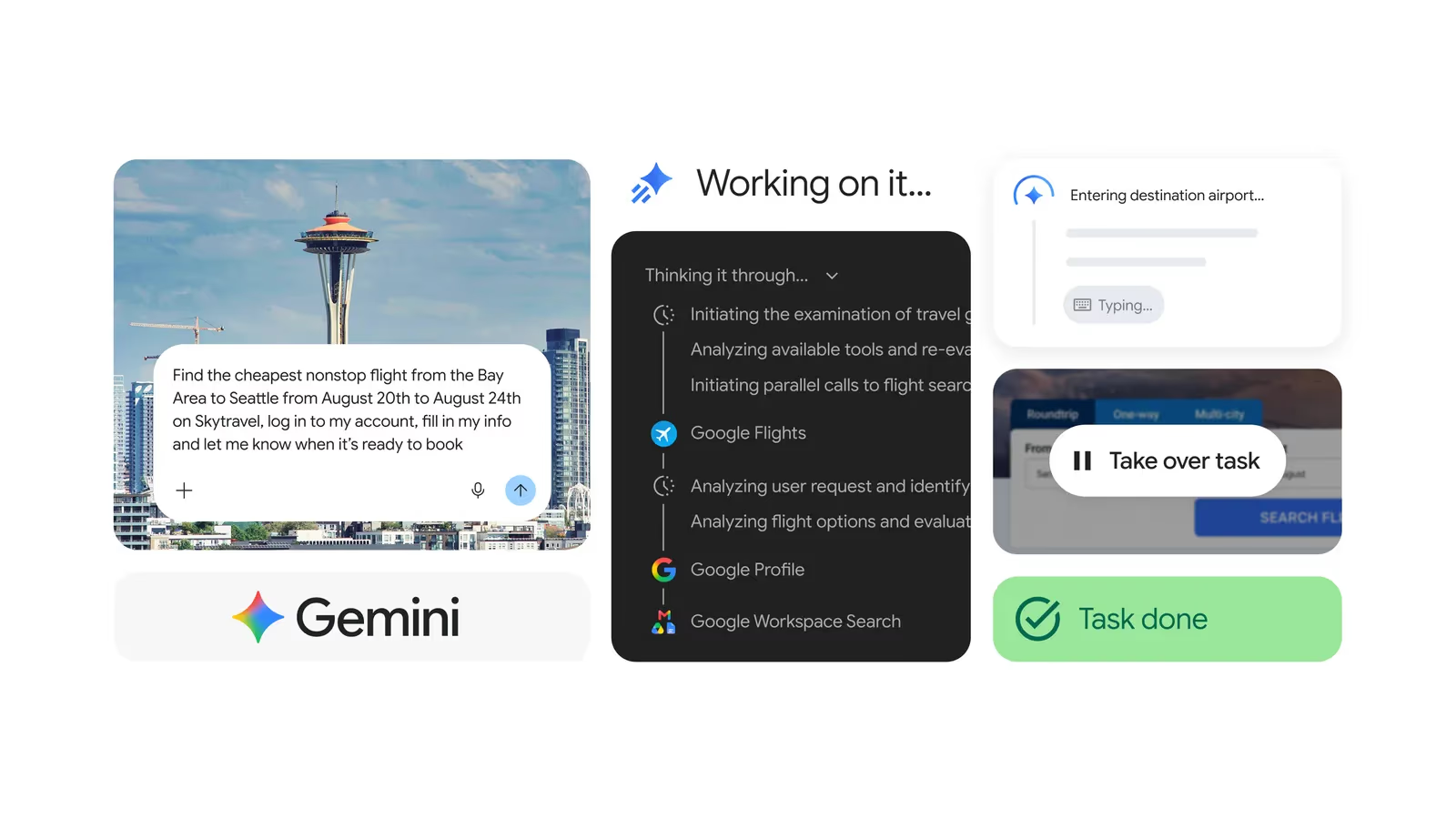
Google has quietly changed what Gemini does inside Workspace. Instead of answering a prompt inside the app you happen to have open, it can now pull context from a different app, produce a finished file and, in one case, send the email for you.
That is a bigger shift than it sounds, and it is the subject of a video from Julian Goldie SEO titled "Google Just Turned Workspace Into an AI Agent". This guide goes back to Google's own announcement to separate what is confirmed from the hype, explains how it fits into the wider Workspace agent strategy and gives you a practical way to test it before you rely on it.
Julian Goldie SEO walks through the new cross-app Gemini features in Google Workspace and what they mean for everyday work.
Executive Summary
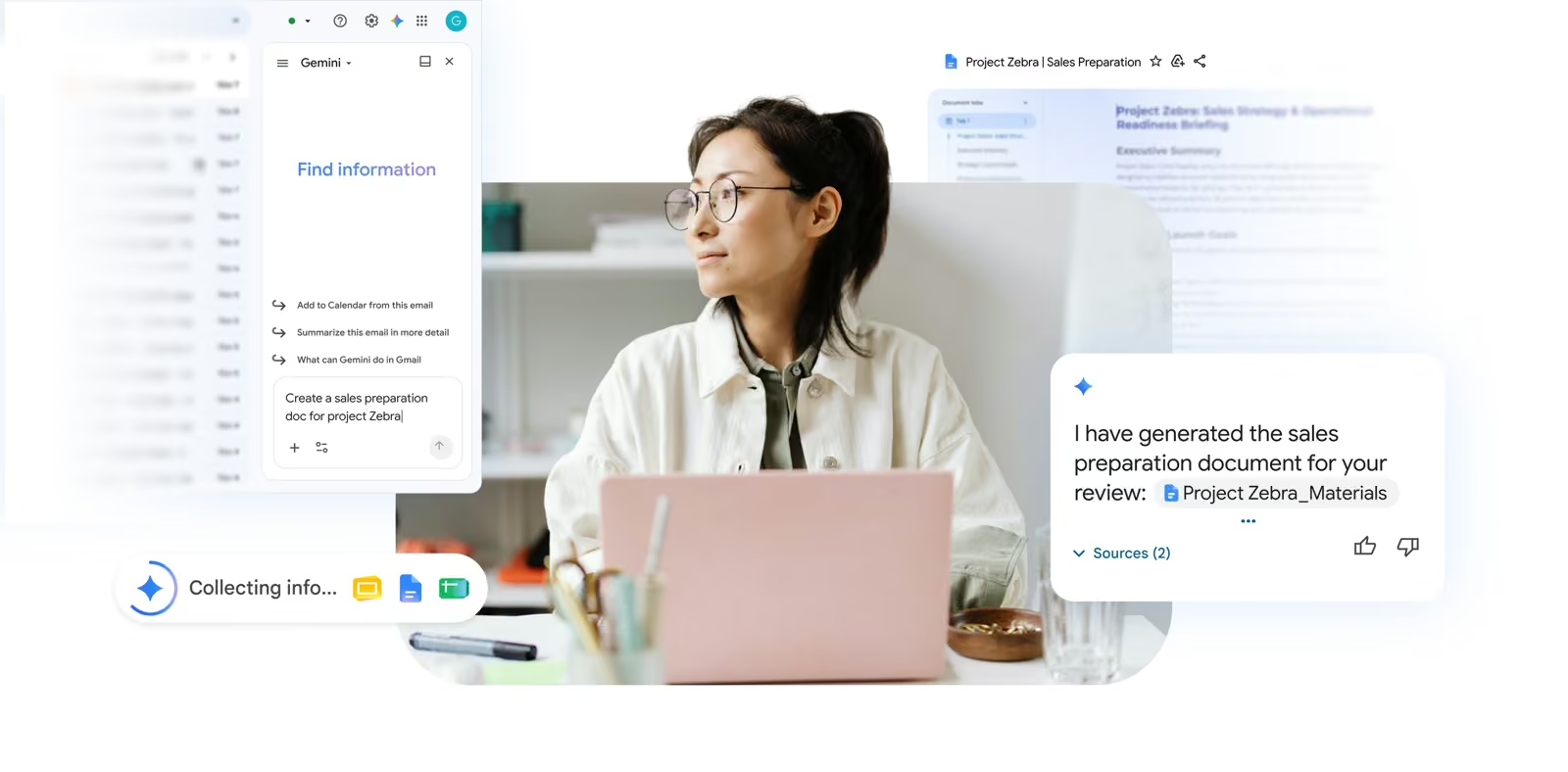
What happened: on 9 September 2026 Google published a post titled "Less switching, more flow" announcing five new agentic capabilities across Workspace apps (Google Workspace blog). The central idea is that Gemini acts as an orchestrator: you describe an outcome, and it gathers material from other Workspace apps and produces a formatted Doc, Sheet or Slides deck, without you copying anything between tabs.
- Chat to Slides: generate a multi-slide presentation from Chat conversations, project data and email context.
- Drive to Sheets: build a structured spreadsheet, with formulas, from the contents of a Drive folder and related data sources.
- Docs to email: draft a contextual team email summarising a document in your voice, with an option to send it from Docs.
- Email thread to brief: turn a long thread into a document with goals, targets and next steps.
- Proposal to deck: convert a written proposal in Docs into a visual deck that applies your brand guidelines and templates.
Availability: rolling out from the announcement date to Business Standard, Business Plus, Enterprise Standard, Enterprise Plus, Google AI Pro and Ultra personal plans and Google AI Pro for Education. Access is through the Gemini side panel in Workspace apps, and Ask Gemini in Drive. The Chat capability was described as arriving in the weeks after the announcement.
Our view: none of the five is a new model. They are workflow features that join up apps that were already good individually. The value is real but depends on how clean your Drive, Chat and email are, and on whether you check what Gemini produces before it goes anywhere. The rest of this article covers each feature, the strategy behind it, the risks and a test plan.
What Google Actually Announced
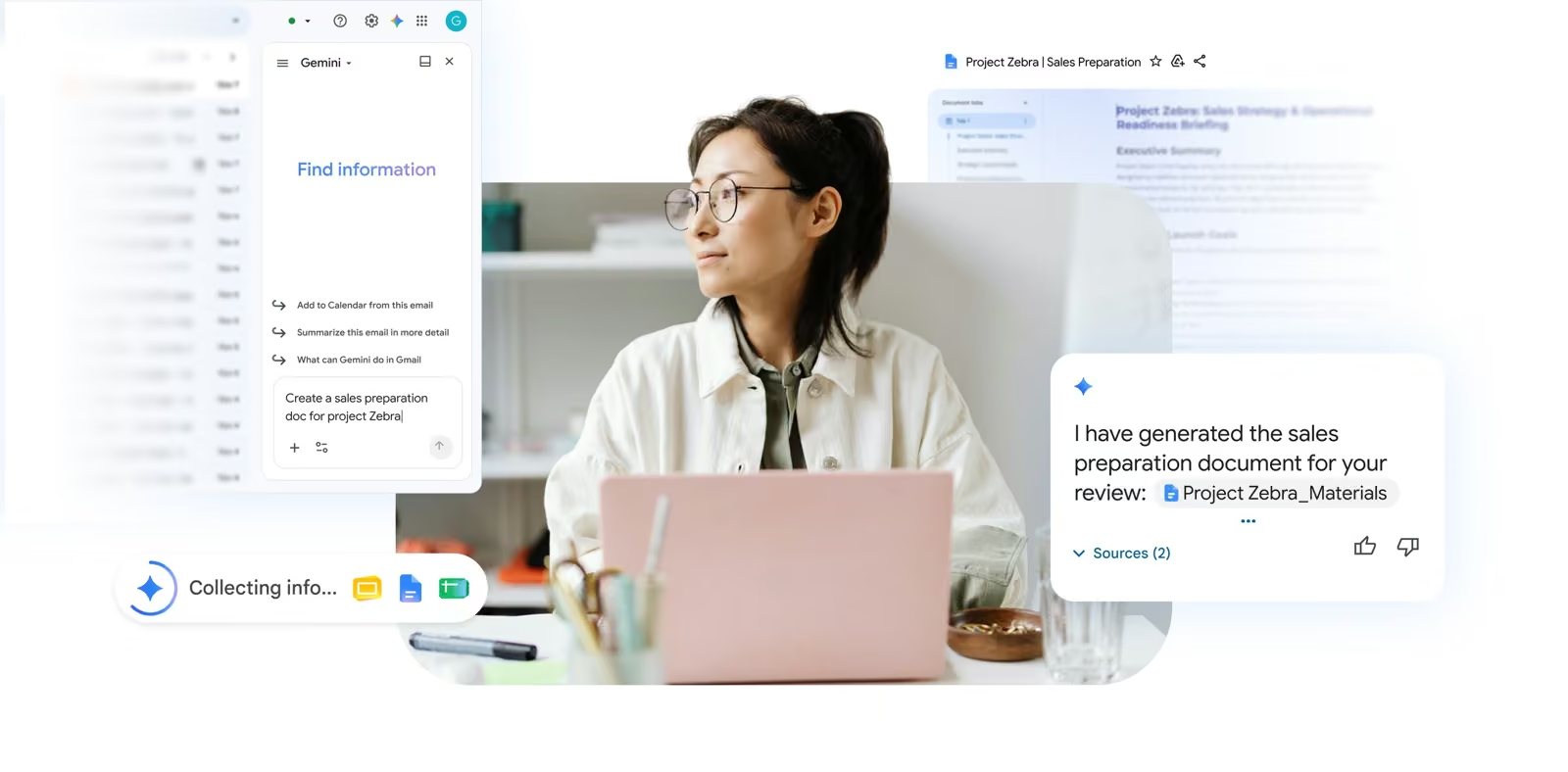
Google's post frames the problem plainly: "Jumping between tabs and apps interrupts your concentration. It slows down your momentum." The five features are its answer, and the common thread is that each one starts in one app and ends with a finished output in another (Google Workspace blog).
1. Presentations from Google Chat
Gemini can generate a multi-slide presentation from a Chat conversation, drawing on project data and email context. The practical use is the end-of-sprint or end-of-week update that currently means scrolling a Chat space, copying the key points and building slides by hand. The input quality matters here: a Chat space full of decisions and status updates will produce a useful deck, whereas a space full of social chatter will not.
2. Spreadsheets from Google Drive
From Drive, Gemini can analyse the contents of a folder and relevant data sources to produce a structured spreadsheet with formulas and organisation. Ask Gemini in Drive is the entry point. Typical jobs include consolidating a folder of project files into a tracker, or pulling figures from several documents into one table. Treat the formulas as a first draft: spot-check totals against the source files before anyone relies on them.
3. Team emails from Google Docs
Gemini can compose an email that summarises a document in your voice, and you can choose to send it directly from Docs. This is the only one of the five that can take an outward-facing action, so it is the one that deserves the most care. Read the draft, check the recipients and confirm that nothing in the summary exposes content the recipients should not see.
4. Briefs from long email threads
Gemini can synthesise a long email thread into an organised document that extracts goals, targets and next steps. Anyone who has joined a project late knows the value of this. The risk is omission: a summariser can drop a caveat or a dissenting voice, so for contentious threads read the original as well.
5. Branded decks from written proposals
A proposal written in Docs can be converted into a visual deck that applies custom brand guidelines and templates automatically. Google says this works with your own brand assets, which is the important detail for agencies and in-house teams that care about consistency.
Google also mentions Deep Research and help with scheduling, tasks and calendar conflicts across Workspace apps as part of the same push, though the five features above are the headline items.
Who Gets It, and What Is Not Stated
| Plan | Included |
|---|---|
| Business Standard / Business Plus | Yes |
| Enterprise Standard / Enterprise Plus | Yes |
| Google AI Pro (personal) | Yes |
| Google AI Ultra (personal) | Yes |
| Google AI Pro for Education | Yes |
| Business Starter | Not listed in the announcement |
The announcement lists the eligible plans and describes the rollout as under way as of 9 September. It does not give regional restrictions, a per-feature rollout schedule or any separate price, so assume the features arrive in stages and check your own admin console or Gemini side panel rather than assuming everyone sees everything on the same day. Because rollouts of this kind are usually phased, the sensible expectation is that your account may get some of the five before others.
If you administer Workspace for an organisation, the key question is not whether the features exist but whether they are switched on for your users, and what your policy says about AI generated content leaving the organisation by email. Our guide to Google Gemini Spark, the 24/7 AI agent covers a related always-on agent from the same company and is a useful comparison for how far Google intends to go.
The Strategy: Workspace Studio, Skills and the Agent Platform
These five features do not stand alone. At Google Cloud Next 2026, reported by The Next Web on 22 April 2026, Google presented Workspace Studio, a no-code platform that lets business users build AI agents across Gmail, Docs, Sheets, Drive, Meet and Chat by describing automations in plain language (The Next Web). The example given was typing "every Friday, ping me to update my tracker" and having Gemini create the automation. Workspace Studio connects to third-party applications including Asana, Jira, Mailchimp and Salesforce.
A separate Workspace post from the same event listed ten more announcements (Workspace blog). Several are the plumbing that the September features sit on:
- Skills for agentic automation: build an automation, such as an invoice review, in Workspace Studio and invoke it anywhere Gemini is available.
- Workspace MCP server: programmatic access so developers can connect Workspace to AI applications, with an official Workspace command line tool described as coming soon. It was listed as a preview.
- Agent governance controls: an AI control centre, agent management and Studio controls for monitoring what data agents can access.
- Sovereign controls and client-side encryption: options to keep data processing in the US and EU, with more countries planned.
- Auto Browse in Chrome Enterprise: multi-step task automation across web and apps with user checkpoints, listed for US customers.
Read together, the picture is consistent. Google wants Gemini to be the layer that sits across your documents, mail, chat and calendar, with Studio for building repeatable automations, the September features for ad hoc cross-app tasks and the governance tools to keep administrators in control. Google Cloud chief executive Thomas Kurian is quoted as saying competitors are "handing you the pieces, not the platform", which is a fair summary of the pitch: one vendor owns the data, the apps and the agent.
For context on how Google's browser side of this strategy works, see our deep dive on Google Conductor, the agentic browser.
How It Works in Practice
Google's post describes Gemini as an intelligent orchestrator that stays focused on the task in front of you. In practice you will meet it in two places: the Gemini side panel inside Docs, Sheets, Slides, Gmail and Chat, and Ask Gemini in Drive. You write a request in plain language and Gemini decides which sources to read.
What Gemini needs to do a good job
- Access: it can only use what your account can already see. If a file is not shared with you it should not appear, and if the folder is a mess the output will be too.
- A specific outcome: "Build a project tracker with owner, due date and status columns from the files in this folder" beats "organise this".
- A named audience and format: say who the email or deck is for and how long it should be.
- Source pointers: where possible name the folder, document or thread, so the model is not guessing which material is relevant.
A worked example: the weekly update
Imagine a team that keeps decisions in a Chat space, plans in a Drive folder and a proposal in Docs. On Friday you ask Gemini in Chat for a five-slide update for leadership. It pulls the decisions, the figures and the open risks, produces a deck and applies the brand template. You then spend ten minutes correcting two numbers rather than ninety minutes assembling slides. That is a plausible saving, though we have not independently timed it and Google has not published figures, so treat it as an illustration rather than a benchmark.
Risks and Governance
Cross-app agents change the risk profile of Workspace in three ways.
- Oversharing becomes visible. If permissions on a Drive folder are too wide, an assistant that reads the folder can surface material to people who technically had access but never looked. Audit sharing before you roll the features out.
- Outbound actions. Sending an email from Docs means an AI drafted message can leave your organisation. Keep a human review step and consider limiting who can use the send option.
- Hallucinated or stale figures. Spreadsheet formulas and summaries can look authoritative while being wrong. Spot-check against sources.
- Data residency and encryption. Google's Next announcements include sovereign controls and client-side encryption, but confirm with your admin what applies to your plan and region.
Google's governance announcements, including an AI control centre and agent management tools, are aimed at exactly these concerns, and they were listed as rolling out in the weeks after Next. Check whether they are enabled on your domain before you encourage staff to use cross-app features widely.
A 60-Minute Test Plan Before You Roll It Out
The features are easy to try and easy to over-trust. A short, structured test tells you where they are strong. Use real but non-sensitive material.
- Minutes 0 to 10: pick one recent project with a tidy Drive folder, a Chat space and an email thread. Confirm you can see the Gemini side panel in each app.
- Minutes 10 to 25: ask Gemini to build a tracker spreadsheet from the folder. Check every formula and ten random cells against the source files.
- Minutes 25 to 40: turn the email thread into a brief. Compare it against the thread for omissions, especially objections and deadlines.
- Minutes 40 to 50: create a deck from the Chat space and from a written proposal. Judge layout, brand adherence and factual accuracy.
- Minutes 50 to 60: draft an email from a document but do not send it. Check tone, recipients and any content that should not be included.
Score each output for accuracy, completeness and time saved against doing it by hand. If accuracy is high and the time saving is material, expand to a pilot group. If not, restrict use to drafting where a person always owns the final version.
How It Compares
| Product | Approach | Strength | Caveat |
|---|---|---|---|
| Gemini in Workspace | Orchestrator inside the apps you already use | Native access to Gmail, Drive, Docs, Sheets, Slides, Chat | Only as good as your data hygiene and permissions |
| Microsoft 365 Copilot | Equivalent assistant inside Microsoft apps | Strong fit if you are already a Microsoft shop | Not covered in this announcement; check Microsoft for current details |
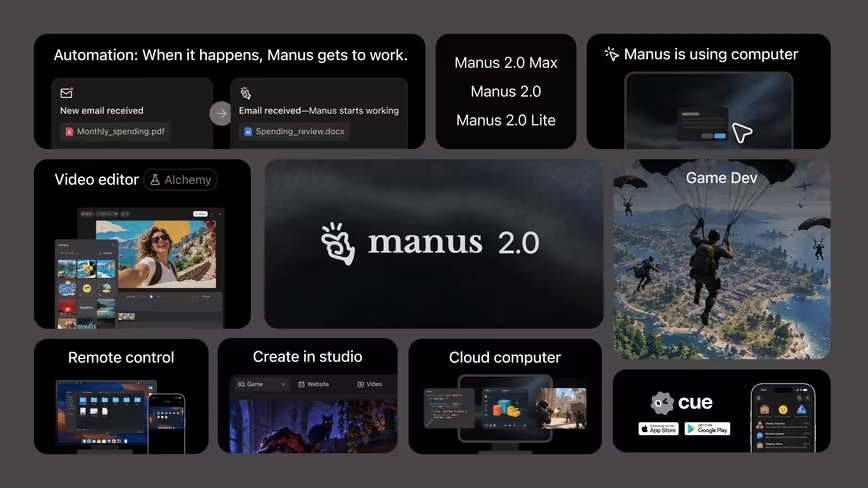
| Standalone agents such as Manus | Separate agent with its own computer and tools | Flexible, works across any web service | Needs access granted and sits outside your document permissions |
We have deliberately not claimed benchmark comparisons here, because Google did not publish any for these features. If you want to see how standalone agents differ, read our piece on Manus 2.0 and Cue, and for how a different workspace-style agent is positioned, see Buzz, the AI agent workspace and Genspark AI Workspace 6.0.
What It Means for Marketing and SEO Teams
The channel behind the video that prompted this article is an SEO channel, and the use case for content teams is clear. Briefs, content calendars, reporting decks and client updates are all assemblies of material that already lives in Workspace.
- Content briefs: turn a thread of stakeholder feedback into a structured brief with goals and next steps.
- Reporting: build a spreadsheet from a Drive folder of exports, then a deck from the sheet.
- Client proposals: convert a Docs proposal into a branded deck that matches your agency template.
- Internal updates: summarise a Chat space into a weekly note.
For wider context on how AI tooling is changing content workflows, our guide to the best AI models will help you decide which underlying model suits which job, and our best AI coding agents roundup covers the developer side of the same trend.
Limitations and Unanswered Questions
- No published benchmarks. Google gave no accuracy or time-saving figures for the five features.
- No separate pricing. The post lists eligible plans, not a price or usage cap. Check whether heavy use is limited.
- Staged rollout. The Chat capability was described as coming weeks after the announcement, so not everyone will see everything at once.
- Plan gaps. Business Starter is not listed, which matters for small teams.
- Model not named. The announcement does not say which Gemini model powers each feature, so quality may change as Google updates the underlying model. See our Gemini 4 release date guide for what is known about future models.
Who Should Use It
- Teams that already live in Workspace: try it now on low-risk tasks such as internal updates.
- Administrators: audit sharing and decide on the email-send option before enabling widely.
- Agencies and consultancies: test the proposal to branded deck flow, because brand consistency is the hardest part of deck work.
- Mixed Microsoft and Google organisations: wait and compare, since much of the value depends on all the data being in one suite.
- Regulated industries: pilot with compliance involved and use the governance tools.
The Bottom Line
Google's 9 September update is not a new model and not a revolution, but it is the clearest sign yet that Gemini is becoming the working layer of Workspace rather than a chatbot beside it. Five specific features, each starting in one app and ending in another, make the idea concrete.
The right response is neither hype nor dismissal. Test each feature on real, non-sensitive material, check outputs against sources, keep a person in charge of anything that is sent externally and tidy your sharing settings first. If the results hold up, the time saved on assembly work is likely to be worth it, and Workspace Studio gives you a route to automate the repeatable parts. If you want to keep up as this develops, browse our latest Insights articles for follow-ups.
Last updated: 01/10/2026. Sourced from Google's Workspace blog (9 September 2026 and Cloud Next 2026 posts) and The Next Web. Rollout timing varies by account; check your admin console for what is enabled.
Get the free guide: Claude vs ChatGPT, Gemini & Grok
A 20-page playbook covering everything you need to choose and use the big four AI models in 2026, full cost and feature comparisons, what each is best (and worst) at, and how-tos for images, vectors, building a website, Claude Code and more.