 AI Tools Review Editorial Team
Quick answer:
OpenAI launched ChatGPT Images 2.5 on 8 September 2026, rolling out to all ChatGPT, ChatGPT Work and Codex users, alongside two new API models: GPT-Image-2.5 Flare (up to 50% lower latency than GPT Image 2) and GPT-Image-2.5 Sunburst (built for precision editing). Pricing is unchanged from GPT Image 2 — from $0.006 per low-quality 1024x1024 image up to $0.211 at the new "max" quality tier. Every image carries C2PA metadata plus a new invisible SynthID watermark, and OpenAI's published safety card reports unsafe images slip through in roughly 1.1-1.4% of adversarial tests. No independent benchmark existed at launch, but hands-on creator testing broadly supports the fidelity and multi-turn editing claims.
Image generation has been the most iterated-on corner of OpenAI's product line all year, and ChatGPT Images 2.5 is the latest step rather than a reinvention: faster defaults, a precision-editing sibling model, a genuinely new drawing input, and a safety stack OpenAI has, unusually, published hard numbers for.
This review draws on OpenAI's official announcement and developer-community post, its published deployment safety card, and independent hands-on testing from a tracked AI creator who ran the model through sketch-to-layout, multi-turn editing and reference-photo workflows on launch day.
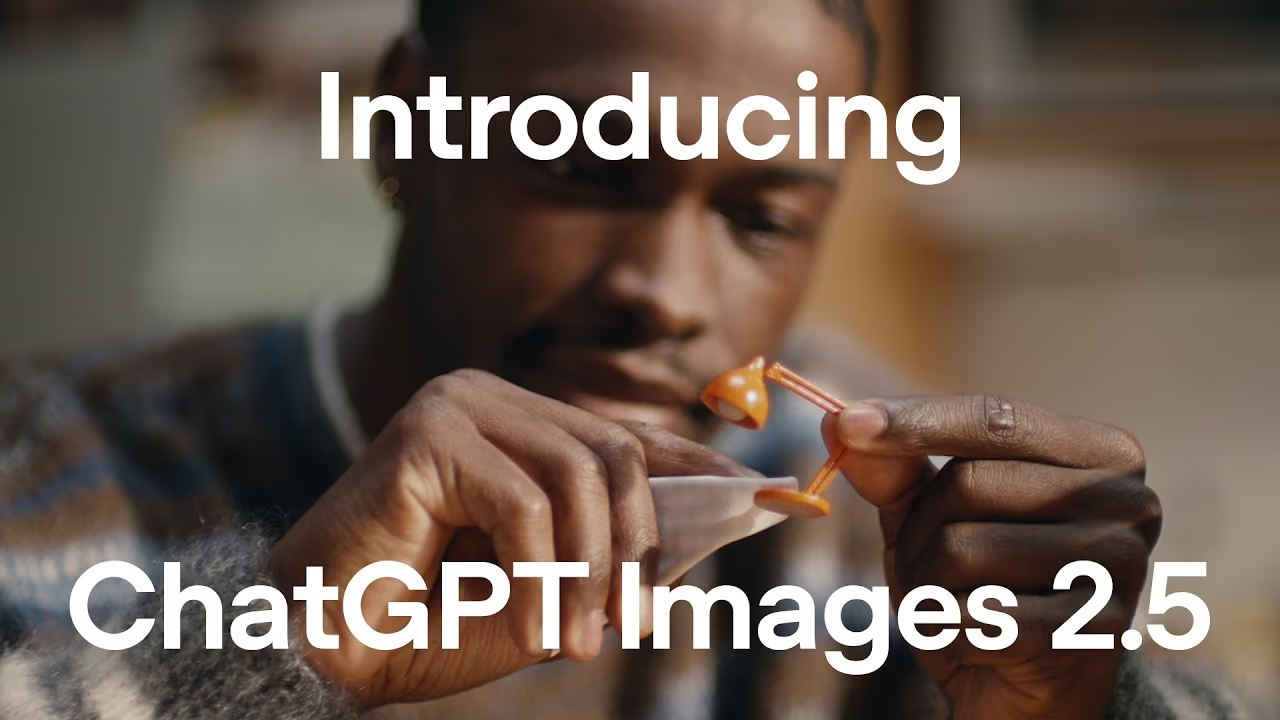
Hands-on test of sketch-to-3D layouts, precision multi-turn edits, composite reference photos and a full website build using ChatGPT Images 2.5.
Executive Summary
ChatGPT Images 2.5 is OpenAI's successor to the Images 2.0 generation stack that powered a reported 3 billion-plus images per week across ChatGPT and the API. Rather than a single new model, OpenAI shipped a pair: Flare, the fast default, and Sunburst, a slower model tuned for detailed editing precision, both available through the API alongside the consumer-facing ChatGPT rollout.
- Best fit: anyone doing iterative creative or marketing work in ChatGPT — product mockups, poster templates, multi-turn edits — who wants targeted changes without regenerating the whole image.
- Headline result: up to 50% lower generation latency (Flare), sharper detail and better reference-photo fidelity, and a new Sketch tool that turns a rough drawing into a generation reference.
- Honest caveat: OpenAI published no head-to-head benchmark numbers against rivals at launch — the performance claims are qualitative and self-reported.
- Main gap: pricing is identical to the outgoing GPT Image 2, so this is a quality and workflow upgrade rather than a cost improvement.
What's New: Flare and Sunburst
The two-model split is the clearest structural change from GPT Image 2. GPT-Image-2.5 Flare is the default: OpenAI says it cuts generation latency by up to 50% compared with GPT Image 2 while keeping the same quality, editing and consistency improvements as its sibling. GPT-Image-2.5 Sunburst trades that speed for precision, running roughly 1.5-2x slower than Flare in independent timing comparisons, and is pitched specifically at detailed creative work where exact control over the output matters more than turnaround time.
Both models add two new quality tiers, xhigh and max, on top of the existing low/medium/high/auto settings, plus support for arbitrary output resolutions up to 3840x2160 and an opaque background option alongside the existing transparent-background mode. Neither model introduces a new pricing tier: OpenAI has kept token costs identical to GPT Image 2 across both Flare and Sunburst.
Rollout and availability
The consumer-facing update reached all ChatGPT, ChatGPT Work and Codex users simultaneously on 8 September 2026 across desktop, mobile and web, rather than a staged tier-by-tier rollout — a contrast with some past OpenAI launches that started with paid tiers before reaching free users weeks later. On the API side, Flare and Sunburst are both available immediately as distinct model IDs, so developers already calling GPT Image 2 can switch by changing the model string rather than rewriting integration code, since the input/output contract is unchanged.
Capabilities Deep Dive
Sketch: drawing as a prompt
Sketch is the most genuinely new interaction model in this release. Instead of describing a composition in text, a user can draw a rough layout directly inside ChatGPT and use it as a generation reference — OpenAI's own framing is "some ideas are easier to draw than describe". In hands-on testing, this extends usefully to spatial layout tasks: sketching a rough floor plan and having the model turn it into a rendered room layout, a workflow that is awkward to specify purely in text.
Precision, multi-turn edits
OpenAI's stated goal for this release is edits that "change only what you asked" across repeated turns, rather than the composition drifting with every regeneration — a common failure mode of earlier image-editing models where a fifth edit in a chain barely resembled the first. Comment-based editing is the ChatGPT-side feature built around this: users can annotate specific regions of an image and have the model apply just that change.
Reference-photo fidelity
OpenAI claims better preservation of "distinctive features from reference images" alongside more natural lighting and richer textures — relevant for anyone maintaining a consistent character, product or person across a set of generated images. Hands-on testing of composite scenes built from multiple reference photos found the model generally holds faces and product details together more reliably across edits than earlier versions, though it is not flawless on complex multi-subject composites.
Templates
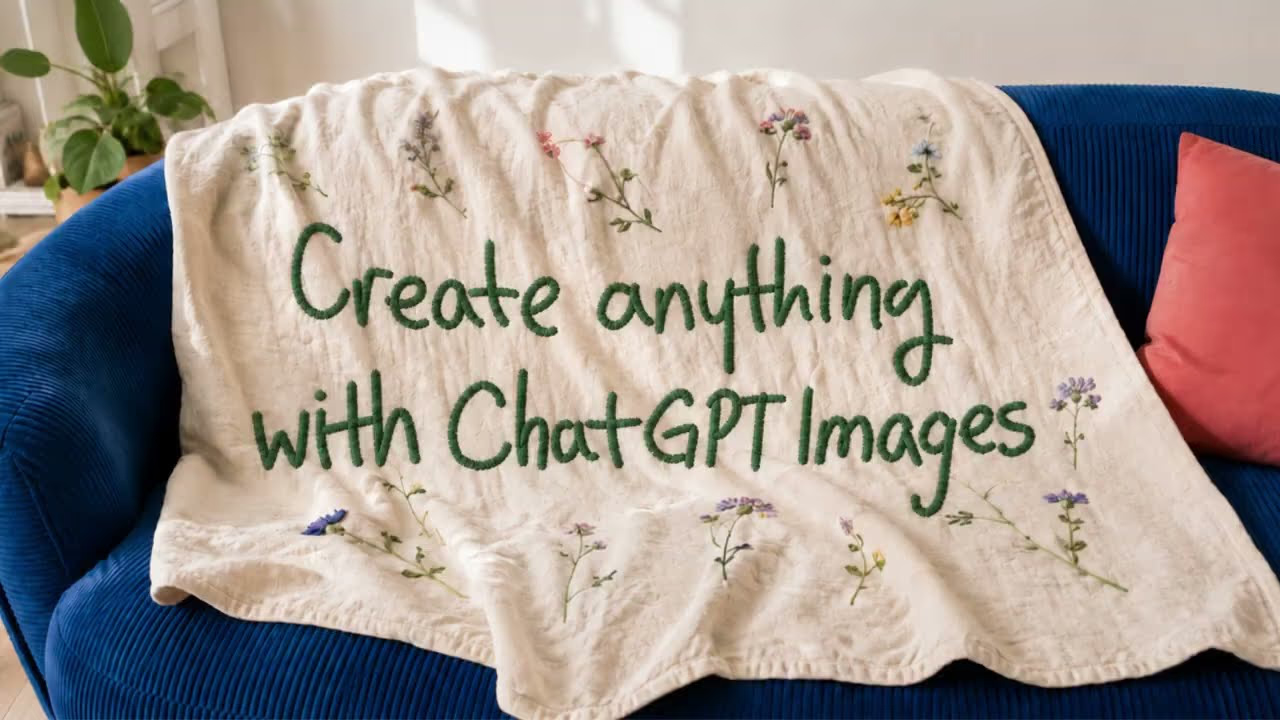
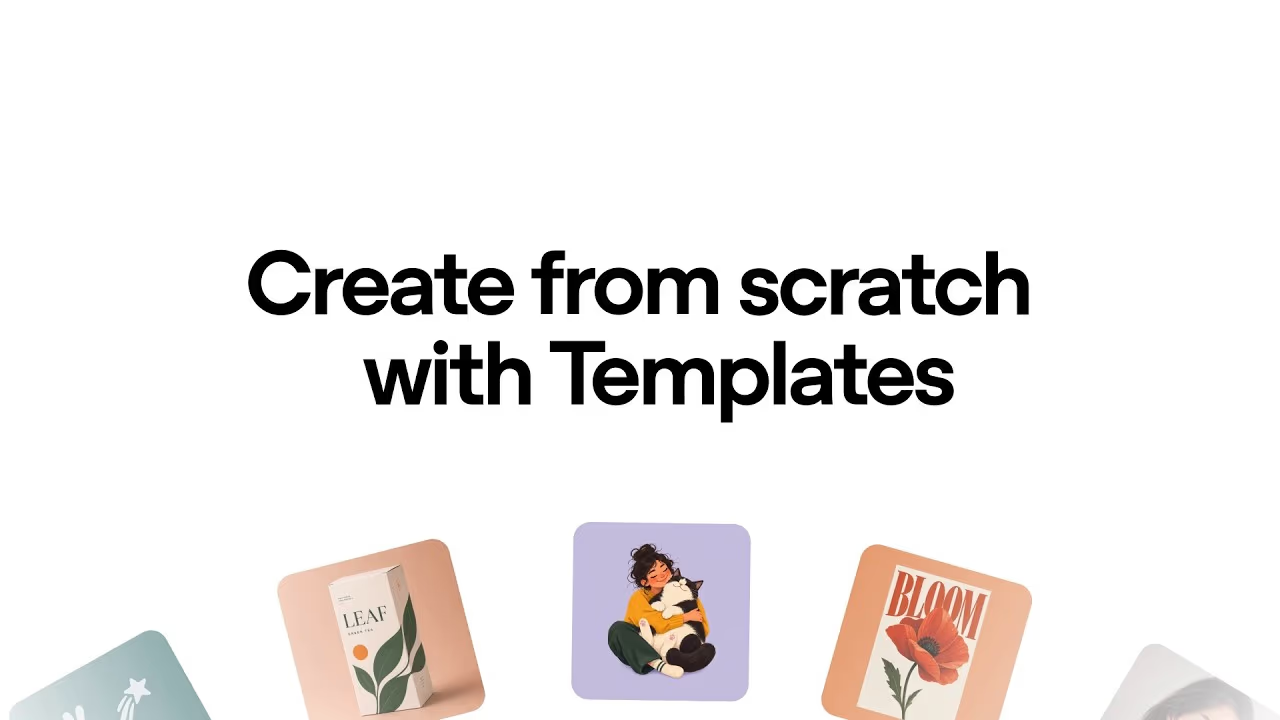
ChatGPT now offers built-in templates for common formats — posters, merchandise mockups, social packaging — as starting points a user can restyle rather than building a composition from a blank prompt. It is a lower-effort on-ramp aimed at users who know roughly what output shape they want but not how to describe it precisely.
Resolution, backgrounds and output control
Beyond the two new quality tiers, ChatGPT Images 2.5 supports arbitrary output resolutions up to 3840x2160 rather than a fixed set of preset sizes, which matters for anyone generating assets destined for a specific print or display format rather than a generic square thumbnail. The new opaque background option sits alongside the existing transparent-background mode, and OpenAI specifically calls out better handling of transparent backgrounds inside complex, multi-layer compositions — historically a weak point for diffusion-based image models, where transparency masks tend to fray at fine edges like hair or foliage.
Developer integration
For teams already building on GPT Image 2, the API migration path is close to a drop-in swap: Flare and Sunburst share the same request and response shape as GPT Image 2, so switching model IDs is enough to start using either variant, with the quality-tier and background parameters extended rather than replaced. There is no separate rate-limit tier announced for the new models at launch, and no batch-processing discount, so cost planning for high-volume pipelines should assume the same per-image maths as the pricing table below.
Safety, Watermarking & Provenance
OpenAI published a deployment safety card alongside this release, and it is unusually specific for an image-model launch. Every generated image continues to carry C2PA provenance metadata, and this release adds an invisible SynthID watermark licensed from Google DeepMind, applied consistently across ChatGPT, Codex and the API. OpenAI is explicit about why: higher realism "absent safeguards" raises the risk of more convincing deepfakes, including political, sexual or otherwise sensitive imagery of real people.
The moderation pipeline OpenAI describes runs in four layers: an LLM-based policy check that refuses violative requests before generation starts, a multimodal safety-reasoning model that screens both text and image inputs, a review pass on generated output before it reaches the user, and a separate biological-risk monitoring layer adapted specifically for image generation and applied at both input and output stages. Tracked risk categories include sexual content, hate speech, violence and gore, extremism, self-harm, political imagery, abuse, and depictions of religious figures or satire.
| Model | Safe generation | Blocked | Unsafe presented |
|---|---|---|---|
| GPT-Image-2.5 Flare | 79.4% | 19.2% | 1.41% |
| GPT-Image-2.5 Sunburst | 77.0% | 21.9% | 1.09% |
Those figures come from OpenAI's own automated adversarial evaluation, not an independent audit, and should be read with that caveat — but publishing an "unsafe presented" rate at all is more transparent than most image-model launches. OpenAI also reports improved extremism-content detection specifically, up to 84.6% from a 76.9% baseline. Enforcement outside the generation pipeline combines automated monitoring with human review, and persistent misuse can lead to account suspension.
Why Image Models Keep Iterating
ChatGPT Images 2.5 lands in the middle of an unusually fast release cadence across the whole image-generation category. Google has pushed Nano Banana through multiple iterations aimed at on-device speed, Alibaba's Qwen Image line has kept pace on the open-weight side, and video-adjacent players like Seedance and Seedream continue blurring the line between still-image and video generation tooling. Against that backdrop, a incremental, safety-forward release like this one is arguably the more sustainable strategy than chasing a single headline benchmark: OpenAI is protecting an installed base already generating more than 3 billion images a week, where reliability and workflow fit matter more to existing users than winning one leaderboard.
That also explains the unusual transparency in the safety card. As image realism climbs across every lab's models, not just OpenAI's, regulatory and platform-trust pressure around synthetic media has climbed with it — the EU AI Act's transparency requirements for synthetic content, and platform-level provenance requirements from services adopting C2PA, are pushing labs toward publishing watermarking and moderation detail rather than treating it as a footnote. Whether SynthID-style invisible watermarking meaningfully reduces real-world misuse, given that watermark-stripping tools already exist and are trivially discoverable, is a separate and still-open question the industry has not resolved.
Real-World vs Launch Claims
Launch-day creator testing broadly tracked OpenAI's own framing rather than contradicting it. In a hands-on walkthrough, tracked AI creator Bart Slodyczka ran the model through sketch-to-room-layout generation, precision multi-turn edits, combining multiple reference photos into a single composite scene, and — as a stress test — using a generated mockup as the actual visual basis for a working website build. The sketch-to-layout workflow and the multi-turn consistency test were the two areas that most clearly matched OpenAI's stated improvements: edits held up across repeated turns without the composition drifting, and the rough spatial sketch translated into a coherent generated layout.
The composite reference-photo test, combining several source photos into one scene, was the more mixed result: fidelity to individual reference photos held up well for the primary subject but became less reliable as more reference images were layered into a single composition, an expected limitation given no image model has fully solved multi-subject reference consistency. The overall pattern from independent testing supports treating this as a genuine, incremental quality and workflow upgrade rather than a step-change, which matches how OpenAI itself pitched the release — four bullet points of improvement, not a new model generation.
The most demanding stress test in that walkthrough went beyond image generation entirely: using a ChatGPT Images 2.5 mockup as the literal visual basis for a working website build, then translating the generated layout into real, functioning markup. That kind of test surfaces a different failure mode than static image quality — it checks whether the model's output is precise and structured enough to survive being handed to a second process rather than just looking good in isolation. The layout precision from the multi-turn editing improvements carried through reasonably well into that translation step, which is a more practical signal for design-to-code workflows than any single generated image on its own.
Pricing
API pricing is unchanged from GPT Image 2 and identical across both Flare and Sunburst: £4 ($5) per million text input tokens, £6.40 ($8) per million image input tokens (£1.60 / $2 per million for cached image input), and £24 ($30) per million image output tokens.
| Quality (1024x1024) | Approx. cost per image |
|---|---|
| Low | $0.006 |
| Medium | $0.013 |
| High | $0.053 |
| Xhigh (new) | $0.094 |
| Max (new) | $0.211 |
Consumer access is included in existing ChatGPT and ChatGPT Work subscriptions with no separate add-on fee reported at launch. There is no published batch-pricing discount for either Flare or Sunburst.
Limitations
- No independent benchmarks at launch: OpenAI's performance claims (sharper detail, 50% lower latency) are self-reported and qualitative rather than backed by a published head-to-head benchmark table.
- No pricing improvement: token costs are identical to GPT Image 2 — this is a quality and feature upgrade, not a cost reduction.
- Multi-subject composites are still imperfect: reference-photo fidelity degrades as more source images are combined into one scene, per independent hands-on testing.
- Realism raises deepfake risk: OpenAI itself flags that higher fidelity increases the risk of convincing synthetic imagery of real people absent the safeguards described above.
- Safety figures are self-reported: the published 1.1-1.4% unsafe-output rate comes from OpenAI's own automated evaluation, not an external audit.
How It Compares
Against Google's Nano Banana 2, which prioritises on-device speed, ChatGPT Images 2.5 leans the opposite direction: a cloud-hosted model split into a fast option (Flare) and a slow, precision-first option (Sunburst), rather than one model optimised purely for latency. Against Qwen Image 3, an open-weight alternative, ChatGPT Images 2.5 remains closed and API-metered, trading openness for OpenAI's tighter integration with ChatGPT's chat interface, Sketch and template tooling.
The practical decision point for most teams is workflow fit rather than raw quality: choose ChatGPT Images 2.5 if the work already lives inside ChatGPT or Codex and benefits from comment-based multi-turn edits and templates; choose a specialised or open-weight alternative if the priority is either on-device speed or licensing flexibility that a metered API model can't offer.
It's also worth weighing against the broader field of diffusion-based generators such as Midjourney and Stability's Stable Diffusion line, which remain stronger defaults for purely artistic, stylised output where photorealism and reference-photo fidelity matter less than aesthetic control and fine-tuned custom styles. ChatGPT Images 2.5's advantage is specifically in structured, iterative, chat-native workflows — a marketer refining one asset across ten comment-based edits, or a developer generating and then coding against a layout — rather than one-shot artistic generation.
Who Should Use It
Use it if you already work inside ChatGPT or Codex for creative or marketing image tasks and want faster iteration on multi-turn edits, sketch-based layout work, or template-driven asset production. Reach for Sunburst specifically when a single edit needs to be surgically precise and the extra generation time is acceptable. Look elsewhere if you need independently verified benchmark superiority before committing, open-weight licensing, or a lower per-image cost than GPT Image 2 already offered.
The Bottom Line
ChatGPT Images 2.5 is a solid, unglamorous upgrade: faster generation by default, a genuinely useful new precision option in Sunburst, a drawing-based input that fills a real gap in text-only prompting, and — notably — a safety card with actual numbers in it rather than boilerplate reassurance. None of it is revolutionary, and OpenAI did not publish the kind of head-to-head benchmark table that would let buyers compare it rigorously against rivals.
For teams already inside the ChatGPT/Codex ecosystem, it is an easy, no-cost-increase upgrade worth adopting immediately. For teams choosing an image model from scratch, it is a strong contender rather than an obvious default, and worth weighing against Nano Banana 2 and Qwen Image 3 on the specific axis — speed, openness, or ChatGPT-native workflow — that matters most for the task at hand.
Last updated: 10 September 2026. Sources: OpenAI's official ChatGPT Images 2.5 announcement and developer community post, OpenAI's published deployment safety card, and independent hands-on testing from Bart Slodyczka.
Update 13/10/2026: Compare it with the open-weights Qwen-Image-2.1, which scores 60.28 on Qwen’s own chart against 67.01 for GPT Image 2.5 Sunburst.
Get the free guide: Claude vs ChatGPT, Gemini & Grok
A 20-page playbook covering everything you need to choose and use the big four AI models in 2026, full cost and feature comparisons, what each is best (and worst) at, and how-tos for images, vectors, building a website, Claude Code and more.