 AI Tools Review Editorial Team
Quick Answer:
Anthropic moved Claude Code cloud sessions out of research preview on 23 September 2026 and is giving existing subscribers a one-time credit: $250 (about £185) on Max and $100 (about £75) on Pro. It only covers cloud sessions, needs a linked GitHub account, must be claimed by 7 October 2026 (use /claim-credit), and expires in early November. It sits alongside, not inside, your normal usage limits.
If you saw a message today offering $250 to code in GitHub projects, it is real: it is Anthropic's launch promotion for Claude Code cloud sessions, the mode where Claude works on your repository on Anthropic's servers while your laptop is closed.
The credit is a trial, not a permanent allowance, and the details matter: what it covers, what it does not, when it disappears and which jobs are worth spending it on. This guide covers the confirmed terms, how to claim, the best use cases, the security questions to ask first and the points on which sources disagree.
Julian Goldie SEO explains cloud sessions, the one-time bonus and how to claim it with /claim-credit before 7 October.
Executive Summary
What happened: on 23 September 2026 Anthropic took Claude Code cloud sessions out of research preview and offered existing Pro and Max subscribers a one-time promotional credit to try them (gHacks). Pro receives $100 and Max receives $250. Anthropic's own framing, quoted in coverage, is: "If you hit a limit locally, keep going in the cloud until your credit runs out."
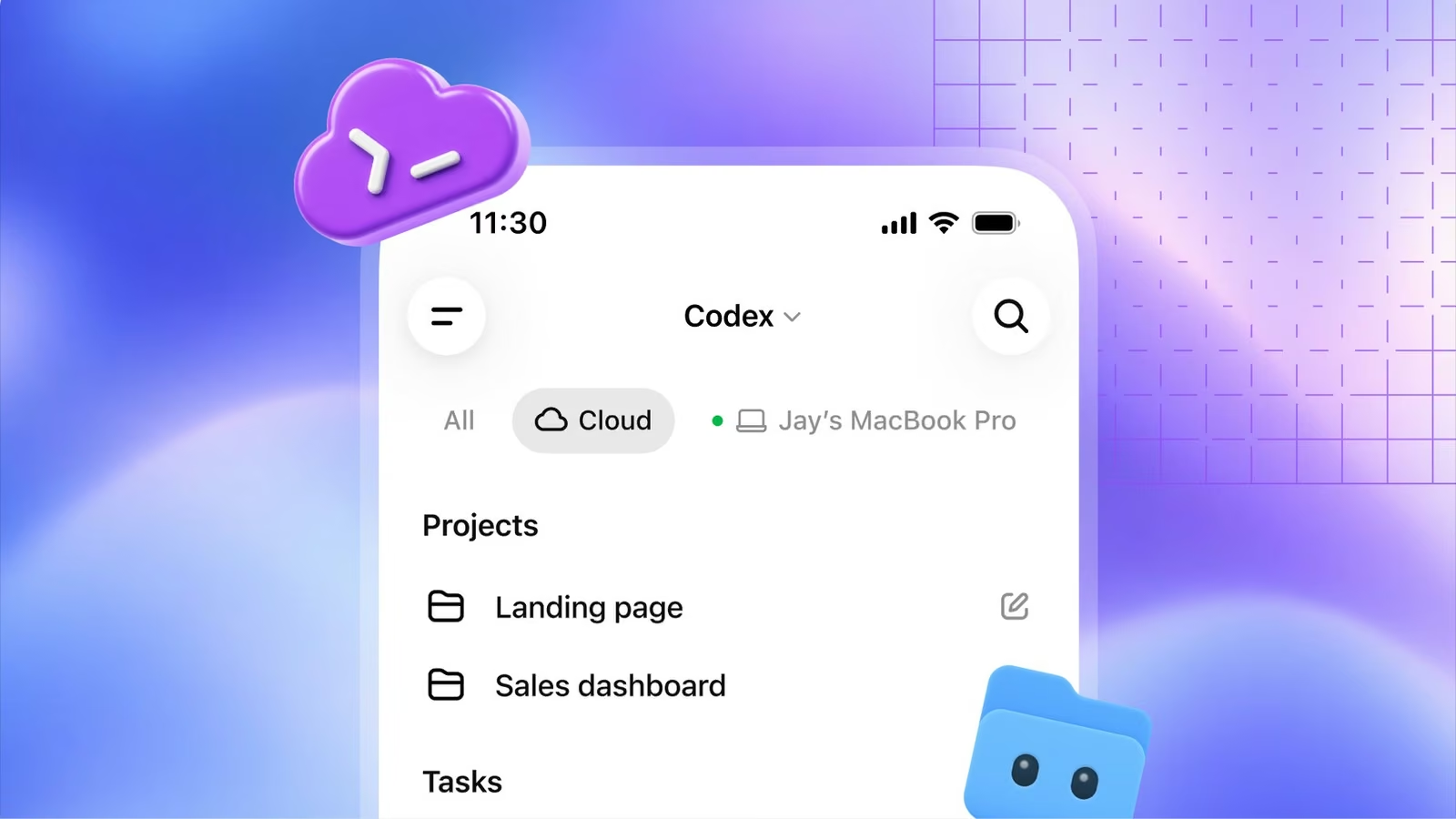
What a cloud session is: per Anthropic's documentation, "a Claude Code session that runs on cloud infrastructure instead of on your machine". It keeps running after you close your laptop, and you can check on it or steer it from the web, the mobile app, the desktop app or the terminal (Anthropic docs).
- Amounts: $250 on Max, $100 on Pro, one time.
- Deadline to claim: 7 October 2026. Unused credit expires in early November (sources say 4 or 5 November; treat 4 November as the safe date).
- How to claim: run /claim-credit in Claude Code, or use the link in Anthropic's announcement, with a connected GitHub account.
- Covers: cloud sessions only, not local Claude Code, chat or the API.
- Best for: long refactors, migrations, dependency upgrades, test loops, overnight work and overflow when you hit local limits.
- Not covered by the promotion: Team and Enterprise plans, and people who subscribed after 23 September, according to gHacks.
The Offer: Confirmed Terms
Most of what is written about this promotion agrees on the core terms, and disagrees on a few dates. The table below separates what is consistent from what is not.
- Announced: 23 September 2026, when cloud sessions left research preview. One source dates general availability to 24 September (ExplainX).
- Amounts: Pro $100, Max $250, promotional credit for trying cloud sessions.
- Who qualifies: individual Pro and Max subscribers with an active subscription on 23 September. gHacks reports it is not extended to Team or Enterprise plans, or to people who joined after that date (gHacks).
- Claim deadline: 7 October 2026 (one source specifies 11:59 pm Pacific).
- Expiry: unused balance expires in early November. gHacks and ExplainX say 4 November; another report says 5 November. Assume the earlier date.
- Scope: cloud sessions only. Local Claude Code sessions are excluded.
- Interaction with limits: the credit is separate from normal usage limits and is applied automatically when a cloud session starts.
- Requirement: a connected GitHub account.
Several points remain unconfirmed, and one independent analysis lists them plainly: the order in which promotional credit and your plan allowance are consumed, what happens when the credit runs out, whether Max 5x and Max 20x get different amounts, and how it converts to purchased usage (SmartScope). Until Anthropic clarifies, do not plan around anything beyond the headline terms.
How to Claim It Before 7 October
There are two routes. The simplest, per the coverage, is to run /claim-credit in Claude Code. The alternative is Anthropic's claim link from the announcement, signed in to the account that holds the subscription. Either way you need a connected GitHub account, because cloud sessions work on GitHub repositories.
- Step 1: confirm you are on an individual Pro or Max plan and were subscribed on 23 September.
- Step 2: connect GitHub, either by installing the Claude GitHub App during web onboarding or by running /web-setup in your terminal to share your gh CLI token (Anthropic docs).
- Step 3: claim the credit before 7 October.
- Step 4: start a cloud session from claude.ai/code, the Code tab in the mobile app, the desktop app (choose Cloud instead of Local) or the terminal with claude --cloud.
- Step 5: put the expiry date in your calendar, because the balance is not permanent.
Claiming is separate from spending. If you are unsure you will use it, claim anyway, since the deadline for claiming is earlier than the deadline for spending.
How Cloud Sessions Work
Understanding the mechanics tells you what the credit is actually good for. According to Anthropic's documentation, a cloud session runs in an isolated, Anthropic-managed virtual machine. It clones your GitHub repository, works on its own branch and can open a pull request when it finishes. Organisations can instead route sessions to their own self-hosted environment.
Where you can start a session
- Browser: claude.ai/code, also called Claude Code on the web.
- Mobile: the Code tab in the Claude app.
- Desktop app: pick Cloud rather than Local when you start.
- Terminal: claude --cloud "your task", which creates a new cloud session for the current repository.
- Routines: scheduled or triggered runs each execute as a cloud session.
Environments, network access and setup
Every cloud session runs in an environment, a saved configuration for network access, environment variables and setup scripts. New users get a Default environment with Trusted network access, meaning traffic is limited to an allowlist of domains by default. An independent summary puts the hosted VM ceilings at roughly 4 vCPUs, 16 GB of RAM and 30 GB of disk (SmartScope); check Anthropic's current documentation before relying on those figures.
Moving work between cloud and terminal
You can push a task from the terminal to the cloud and pull a cloud session back with --teleport, which fetches the session's branch and loads its conversation history locally. The documentation notes the handoff is one-way from the CLI: you can pull cloud sessions into your terminal, but not push an existing terminal session up. You can also send follow-ups to a running session with claude -p "message" --cloud followed by the session ID.
Auto-fix pull requests
Claude can watch a pull request and respond to CI failures and review comments automatically, pushing a fix when one is clear and asking you when a comment is ambiguous. It needs the Claude GitHub App installed on the repository, and it is switched on per pull request. The documentation warns that replies are posted under your GitHub account (labelled as Claude Code) and could trigger comment-driven automation such as deployment bots, so review your repository's workflows first.
Use Cases: What to Spend the Credit On
The credit is finite and the promotion has an expiry, so the sensible question is which work gains the most from running in the cloud. Anthropic's documentation and the independent coverage point to the same categories.
1. Long-running refactors and migrations
Large mechanical changes, such as renaming an API across a monorepo, moving from one test framework to another or upgrading a framework version, are the classic cloud job. They take a long time, produce a reviewable diff and do not need you watching. Start the session, close the laptop and review the pull request later.
2. Dependency upgrades and test loops
Upgrading dependencies and then fixing whatever breaks is an iterate-until-green task. A cloud session can run the tests, read the failures and try again without occupying your machine. Give it a clear finish line, such as all tests pass and no new lint errors.
3. Overnight and travel work
Because the session persists after you disconnect, you can hand off a task at the end of the day and check the branch in the morning, or steer it from your phone while travelling. That is the main behavioural change from local Claude Code.
4. Parallel exploration
Each claude --cloud command creates its own independent session, so you can run several tasks at once: a flaky test fix, a documentation update and a logger refactor, say. The documentation notes that parallel work consumes rate limits proportionately, so parallelism is not free. It is well suited to trying two approaches to the same problem and keeping the better one.
5. Overflow when you hit local limits
This is the use Anthropic itself highlights. If a local session runs into a usage limit, continue the work in the cloud on the promotional credit instead of waiting for the window to reset. For heavy users on Pro this is the most immediately valuable use of the $100.
6. Pull request babysitting
Turn on Auto-fix for a pull request and let Claude respond to CI failures and review comments while you do something else. It is a good fit for small, well-tested changes where most review comments are mechanical. See our own workflow notes in Claude Code cross-session messaging for how multiple sessions can pass findings between each other.
7. Scheduled work with routines
Routines run on a schedule, through an API call or in response to GitHub events, each as a cloud session. Typical candidates are a weekly dependency check, a nightly review of open issues or a triage pass on new pull requests. Confirm whether routines draw on the promotional credit before you rely on it; that is one of the points still unconfirmed.
8. Online and non-GitHub projects
If your project lives outside GitHub, the documentation says you can send a GitLab, Bitbucket or other repository to a cloud session as a local bundle by setting CCR_FORCE_BUNDLE=1, but the session cannot push results back to that remote. Bundles must be under 100 MB and exclude untracked files. Useful for analysis and generating patches, less so for a smooth pull-request workflow.
How to Get Value From Each Session
An unattended session has no one to ask when it is unsure, so the quality of the brief decides whether the credit is well spent. Guidance in the coverage and in Anthropic's own tips converges on a few habits.
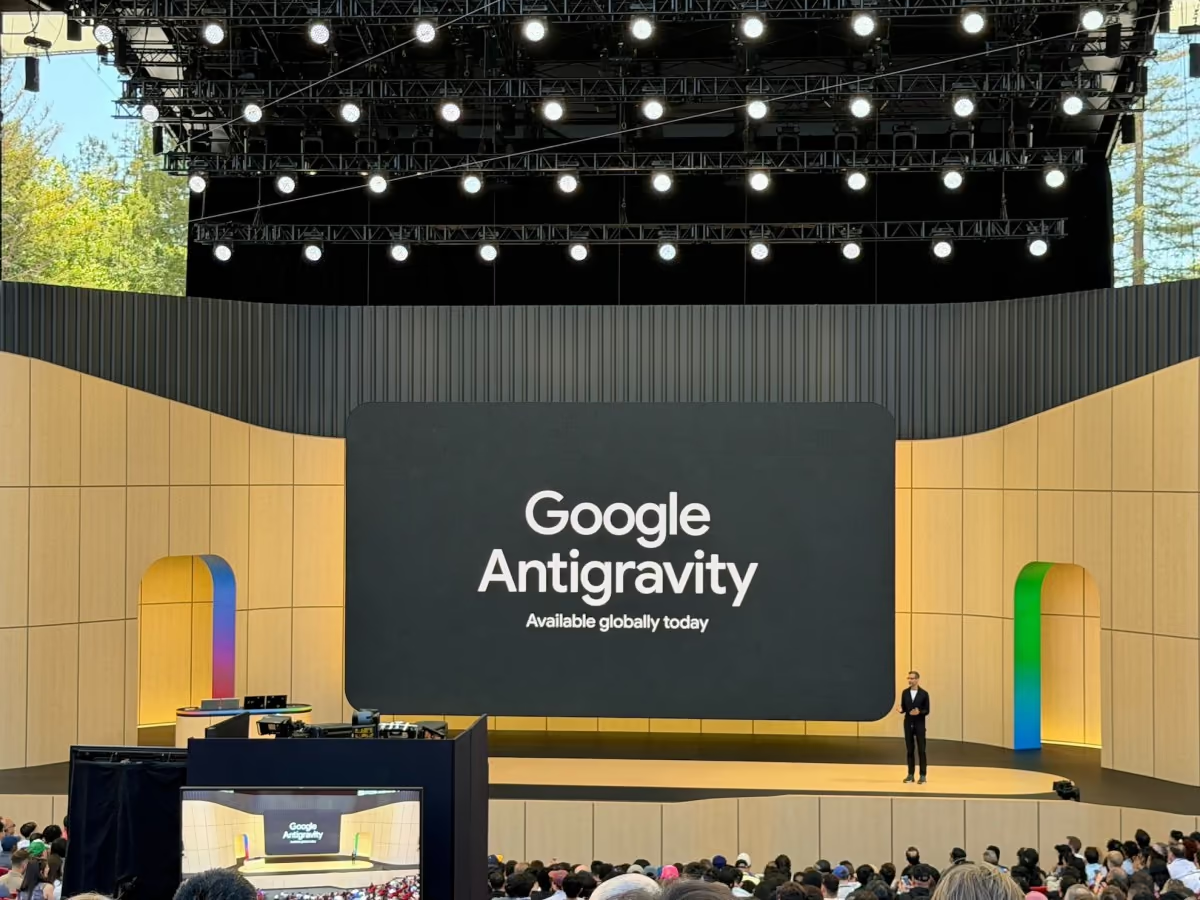
- Plan locally, execute in the cloud: Anthropic suggests exploring the approach in plan mode, saving the plan to the repository, pushing, and then starting the cloud session to execute it. Our look at Antigravity's plan review shows the same pattern in a rival tool.
- Define done: state the completion criteria, such as tests passing, and a stopping rule.
- Bound the scope: name the directories that are in and out of scope.
- Ask for evidence: request test output and a summary of what changed, not just a claim of success.
- Keep the sessions small first: run a modest task to learn how quickly credit is used before launching a large migration.
Because the announcement did not publish a cost per task, the only reliable way to learn how far $100 or $250 goes is to watch your balance across your first few sessions.
Security and Data Questions to Ask First
Sending code to hosted infrastructure is a decision, not a default. Anthropic's documentation describes several protections: each session runs in an isolated VM, network access is limited by default and can be disabled, and GitHub credentials stay encrypted on Anthropic's servers and are attached by a proxy rather than entering the VM. Even so, sensible checks apply.
- Company policy: does your organisation allow source code on external infrastructure? Organisations with Zero Data Retention enabled cannot use cloud sessions at all.
- GitHub scope: which repositories have you granted access to? Limit the Claude GitHub App to the repositories you need.
- Secrets: do not put production credentials in a cloud environment. When a repository is uploaded as a bundle, files that look like credentials are left out on macOS, Linux and WSL, but inspect what is being sent rather than assuming.
- Sharing: on Pro and Max, a session can be made public to anyone signed in to claude.ai. Sessions may contain code and credentials from private repositories, so check before sharing.
- Review the output: treat the pull request like any other. Required reviews, branch protections and CI still apply.
Limitations and Catches
- Shared rate limits: the documentation states that cloud sessions share rate limits with your other Claude and Claude Code usage, and there is no separate charge for the cloud VM. The promotional credit is the exception, being separate from those limits.
- GitHub first: repository cloning and pull request creation require GitHub, with GitHub Enterprise Server supported on Team and Enterprise.
- Local dependencies: work that needs a local database, private network or specialised hardware is a poor fit.
- Interactive steering: if you want to guide every step, local sessions are better.
- Idle expiry: sessions stop after a period of inactivity and the VM is reclaimed, for example while waiting on an approval. You can reopen the session and history is restored, but running background processes are not.
- Time limits: commands and setup scripts have default timeouts.
- Terms are thin: post-credit pricing, credit consumption order and coverage of routines are not fully documented.
- Not for API users: cloud sessions require a claude.ai account and are unavailable when Claude Code is configured for Amazon Bedrock or other third-party providers.
How It Compares
Cloud coding agents are becoming standard. OpenAI's cloud agents are covered in our OpenAI Dots article, and Google's answer, with an emphasis on plan review and multi-agent orchestration, is in Antigravity 2.0 plan review. Our best AI coding agents guide compares the wider field, and Claude Code desktop and browser covers the local side of the same product.
What distinguishes Anthropic's offer is the credit itself. It is a straightforward customer-acquisition move: it lowers the cost of trying the mode, and it nudges users who hit local limits towards the cloud. It also pairs with the model line-up, since Claude Sonnet 5.5 is aimed squarely at agentic coding work. For price context, see Claude API pricing.
Who Should Claim It
- Max subscribers: claim it. $250 of free cloud usage is enough to run a real migration or a batch of parallel tasks as a trial.
- Pro subscribers: claim it, and use it as overflow when local limits bite.
- Teams and Enterprise: the promotion does not appear to apply, but cloud sessions are available on those plans, so ask your admin about the organisation settings.
- Developers on other hosts: you can test with a bundle, but you will not get the full pull-request flow.
- Anyone with sensitive code: get the policy answer first, and start with a low-risk repository.
The Bottom Line
The $250 is a well-timed trial offer for a genuinely useful mode. Cloud sessions change the shape of AI coding by decoupling the work from your machine, and a free balance is a low-risk way to find out whether that suits your projects.
Act in the right order: claim before 7 October, choose one or two well-defined tasks with clear finish lines, run them in the cloud, review the pull requests as you would any other, and watch how quickly the credit is used. If the results are good, you will know before the balance expires whether cloud sessions are worth building into your routine, and what they will cost afterwards. Anthropic has not published that yet.
Last updated: 30/09/2026. Sourced from Anthropic's Claude Code cloud documentation, gHacks, SmartScope, ExplainX and AlphaSignal coverage. Dates differ slightly between sources and are noted above; check Anthropic's announcement for the latest terms.
Get the free guide: Claude vs ChatGPT, Gemini & Grok
A 20-page playbook covering everything you need to choose and use the big four AI models in 2026, full cost and feature comparisons, what each is best (and worst) at, and how-tos for images, vectors, building a website, Claude Code and more.