 AI Tools Review Editorial Team
Quick Answer:
On 17 August 2026, Anthropic brought Claude Design's artboard workflow directly into Claude Code as a research preview: type /design mid-session, get several editable UI options, pick and tweak one on an inline canvas, then have Claude implement it as real code in the same session. It runs on Pro, Max, Team and Enterprise plans, shares usage limits with the rest of Claude, and closes the loop that /design-sync started in June 2026 - the actual creative step now happens inside Claude Code itself, not just the syncing of design tokens between two separate tools. Early coverage flags it as genuinely useful but noticeably token-hungry in this preview stage.
Ask most developers what breaks their flow worst when building a UI with an AI coding agent, and the answer is usually the same: describing what you want in words, getting code back, realising it's not quite right, and either re-prompting blind or opening a separate design tool to sketch what you actually meant. Anthropic's answer, three months after launching Claude Design as its own standalone product, is to remove the separate tool from that loop entirely.
This review works through exactly what shipped on 17 August, the five-step workflow in Anthropic's own words, where it sits relative to Claude Design proper and June's /design-sync bridge, the honest limitations flagged in early hands-on coverage, and how it compares to the design-in-the-loop features other agentic coding tools have been building at the same time.
Sources checked for this article include Anthropic's official Claude Design launch announcement, the Claude Design product page, Anthropic's Help Center guide, and independent coverage from explainx.ai and pasqualepillitteri.it covering the 17 August Claude Code integration specifically. Anthropic had not published a dedicated blog post for the /design Claude Code integration itself at the time of writing, so details of that specific rollout are cross-checked against the independent coverage cited, separately from the officially-sourced Claude Design background.
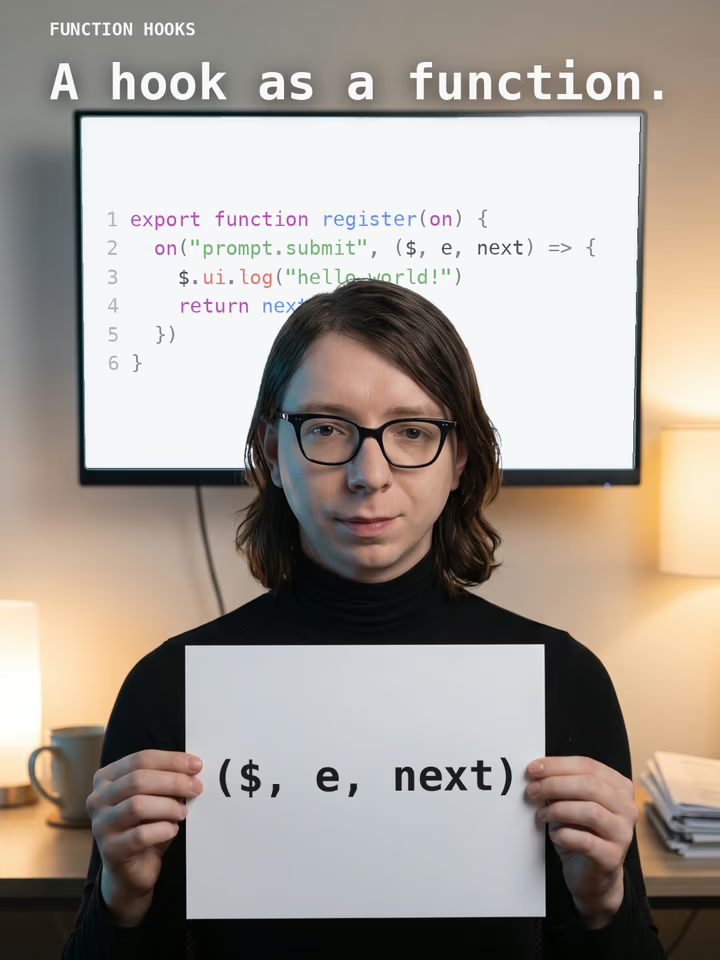
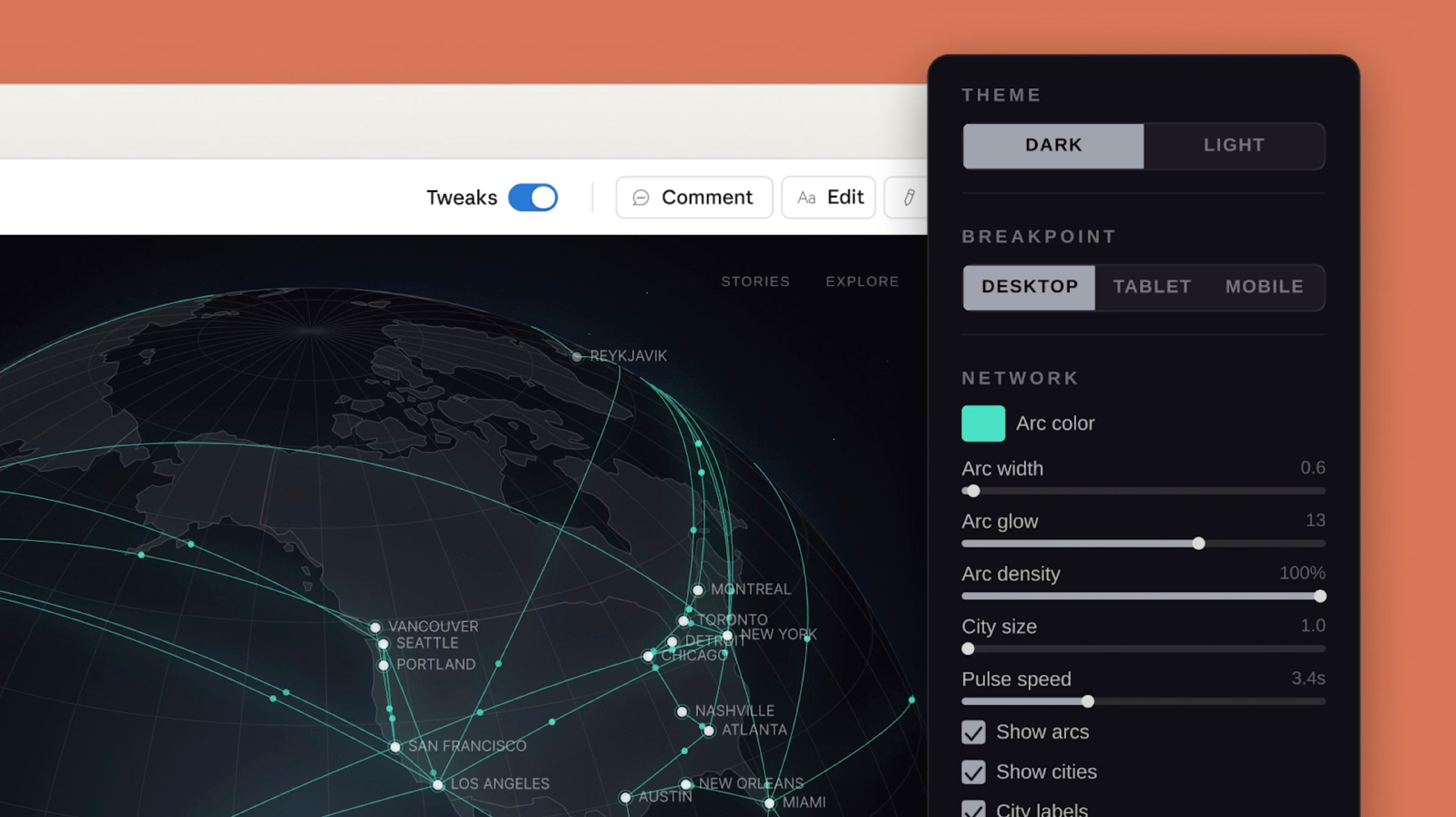
A walkthrough of the /design skill inside Claude Code, from generating artboard options through to implementation.
Executive Summary
- Shipped 17 August 2026 as a research preview, bringing Claude Design's artboard-based UI workflow directly into Claude Code, on the CLI and Desktop.
- Five-step loop: prompt with intent, Claude generates multiple editable artboards, you pick one, edit it inline on the canvas, Claude implements the result as code in the same session.
- Built on Claude Design, which launched separately on 17 April 2026, powered by Claude Opus 4.7, and is in beta on Pro, Max, Team and Enterprise plans.
- Closes the loop /design-sync started: June 2026's
/design-synccommand let developers pull a design system into their repo or push code changes back to Claude Design, but the actual design step still happened in a separate browser tab until this release. - Genuinely token-hungry in preview: independent hands-on coverage specifically flags this as a real cost consideration, not just a theoretical one, before reaching for it on small changes.
- Doesn't auto-detect your design system yet: in this preview phase, matching an existing component library or house style requires the developer to reference it manually rather than Claude picking it up automatically.
- No separate quota: usage counts against the same shared Claude allowance as chat, Claude Cowork and the rest of Claude Code, not a standalone design-specific limit.
Lineage: From Claude Design to /design
To understand what actually changed on 17 August, it helps to place it in Anthropic's own release sequence for this product line. Claude Design launched as its own standalone Anthropic Labs product on 17 April 2026, positioned for designers turning static mockups into shareable interactive prototypes, product managers sketching feature flows to hand off to engineering, and teams wanting Claude to apply a shared design system automatically across every project. It runs on Claude Opus 4.7, Anthropic's description of its most capable vision model at the time, and launched in beta on Pro, Max, Team and Enterprise plans, accessible directly at claude.ai/design.
In June 2026, Anthropic shipped /design-sync, described as a two-way bridge between Claude Design and a developer's actual codebase: pull an existing design system - colours, spacing, component patterns - out of a repository and into Claude Design for a new project, or push design decisions made inside Claude Design back out as code-level tokens. That closed part of the gap between "designing" and "building", but the creative step itself still lived in a separate tool and a separate browser tab from wherever the actual coding was happening.
The 17 August 2026 /design skill is the piece that actually closes that loop, rather than just syncing between the two sides of it: it brings Claude Design's artboard-based creative workflow directly inside a Claude Code session, running on the same Artifacts runtime infrastructure that already powers Claude Design's canvas. A developer no longer needs to leave their terminal or IDE, describe the feature to Claude Design in a separate tab, wait for a result, then bring it back - the whole loop, from "I need a UI for this" to shipped code, can now happen without switching tools at all.
The /design Workflow
The five-step loop
Independent hands-on coverage of the 17 August rollout describes a consistent five-step process. First, a developer prompts with feature intent rather than a pixel-level spec - something like "/design a few options for a member dashboard" - deliberately closer to how you'd brief a human designer than how you'd write a detailed UI ticket. Second, Claude generates multiple distinct, editable artboards for that feature through the Artifacts runtime, rather than committing to a single interpretation upfront. Third, the developer picks whichever option best matches what they had in mind. Fourth, that chosen artboard can be edited directly and visually on the canvas - moving a block, widening a gap, changing a colour - using the same inline, WYSIWYG editing Claude Design introduced with its own June 2026 update, rather than describing the change in a follow-up prompt and hoping Claude interprets it correctly. Fifth and finally, once the draft is right, the developer asks Claude to implement it, and Claude generates the corresponding real code inside the existing project, in the same session that started with the original prompt.
/design vs /design-sync vs claude.ai/design
With three related but distinct tools now in the Claude Design family, the practical distinction independent coverage draws is about where you are, not what you're building. Use claude.ai/design directly for anything that needs a fuller review process: sharing a prototype with non-technical stakeholders for feedback, working across multiple screens as a connected flow, importing an established design system from scratch, or exporting to a format like PPTX, PDF or a Figma-style handoff. Use /design inside Claude Code specifically to avoid a context switch when you're already mid-coding-session and want to explore a UI option without leaving the terminal. /design-sync sits underneath both, as the mechanism that keeps a design system consistent between whichever surface you happen to be using and the actual code in your repository.
What You Can Actually Build
Because /design is built on Claude Design's existing artboard system rather than a separate, narrower tool, it inherits that product's general scope: interactive prototypes that can be tested with a click-through rather than a static image, wireframes and rough mockups for early exploration, design explorations that generate several directions from one brief, and full one-pagers or dashboards, not just isolated components. Artboards are described as "working canvases similar to design tools like Figma" rather than static images - the point being that you can adjust a specific property (a colour, a spacing value, a breakpoint) directly, and only once the draft genuinely convinces you do you ask Claude to turn it into real project code, rather than treating every visual tweak as a fresh, separate prompt to the model.
In practice, that means the kind of feature this is aimed at is one with real layout ambiguity - a settings screen with several plausible arrangements, a dashboard where the right information hierarchy isn't obvious from a one-line description, an empty state or onboarding flow where tone and visual weight matter as much as the underlying markup. It is a poorer fit for changes with only one sensible answer, like adjusting an existing button's padding or fixing a colour contrast issue, where a normal text prompt to Claude Code remains the faster and cheaper path - a distinction that matters more once the token-cost point below is taken into account.
Token Cost & Known Rough Edges
Anthropic labels /design a research preview explicitly, and the caveats independent hands-on coverage has surfaced so far match that framing. The most concrete one is cost: generating and iterating on visual artboards is described directly as "still way too token hungry" compared with a normal text-based Claude Code prompt, which matters in practice because /design shares the same overall Claude usage allowance as the rest of a subscription rather than drawing from a separate design-specific quota - reaching for it on a minor visual tweak carries a real opportunity cost against the same budget used for actual coding work in the same session.
The second flagged limitation is that, in this preview phase, /design does not automatically detect or apply an existing project's design system or component library on its own - a developer needs to manually reference their own components for Claude's implementation step to stay visually and structurally consistent with the rest of the codebase, rather than the tool inferring house style from the surrounding project automatically. That is a meaningful gap for teams with an established design system, and one where /design-sync's explicit import step is currently the more reliable path for keeping generated UI on-brand.
Availability & Plans
/design is available now inside Claude Code on both the CLI and Desktop app, on Pro, Max, Team and Enterprise plans - the same eligibility as Claude Design itself, with no confirmed access on a free tier at the time of writing. There is no separate design-specific usage limit: /design draws from the same shared Claude allowance that covers chat, Claude Cowork and the rest of Claude Code, which is the direct cause of the token-cost caveat above rather than an unrelated concern.
As with any feature explicitly labelled a research preview, Anthropic's own framing is to expect changes and rough edges rather than a finished, stable feature - the workflow, the artboard editing controls, and the token cost profile described in this article should all be expected to evolve as the preview matures.
Limitations
- Research preview status: Anthropic has explicitly flagged that behaviour, the workflow and its rough edges should be expected to change before a general-availability release.
- Meaningfully token-hungry compared with plain-text Claude Code prompting, drawing from the same shared usage allowance as the rest of a Claude subscription rather than a separate quota.
- No automatic design-system detection in this preview - matching an existing component library or house style requires manually referencing it, rather than Claude inferring it from the codebase.
- No dedicated Anthropic announcement post found for the Claude Code integration specifically at the time of writing; details of the exact 17 August rollout in this article rely on independent hands-on coverage cross-checked against Anthropic's official Claude Design documentation for the underlying technology.
- Model version unconfirmed for this specific integration. Claude Design itself launched on Claude Opus 4.7 in April 2026; Anthropic has not published which specific model version powers the August /design skill inside Claude Code.
- No Free-tier access confirmed, and usage requires a Pro, Max, Team or Enterprise subscription.
How It Compares
Anthropic is not alone in pulling visual design closer to an agentic coding loop this year. Google's Antigravity platform has built its own agent-first development environment with a skills system, covered in our Antigravity Skills guide, though its emphasis has leaned more toward agent orchestration and task management than a dedicated multi-artboard visual canvas. The broader pattern across the industry - AI coding tools trying to shorten the distance between "describe a UI" and "ship a UI" - is the same one driving /design, even where the specific implementation differs.
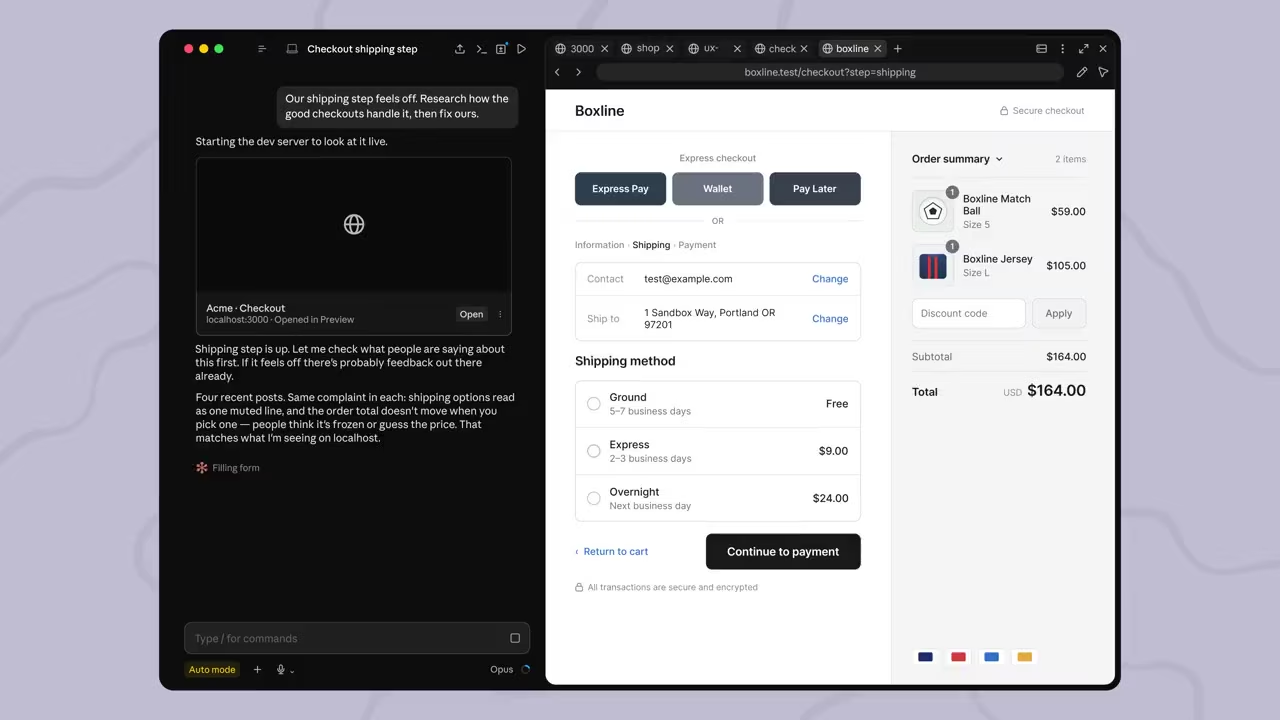
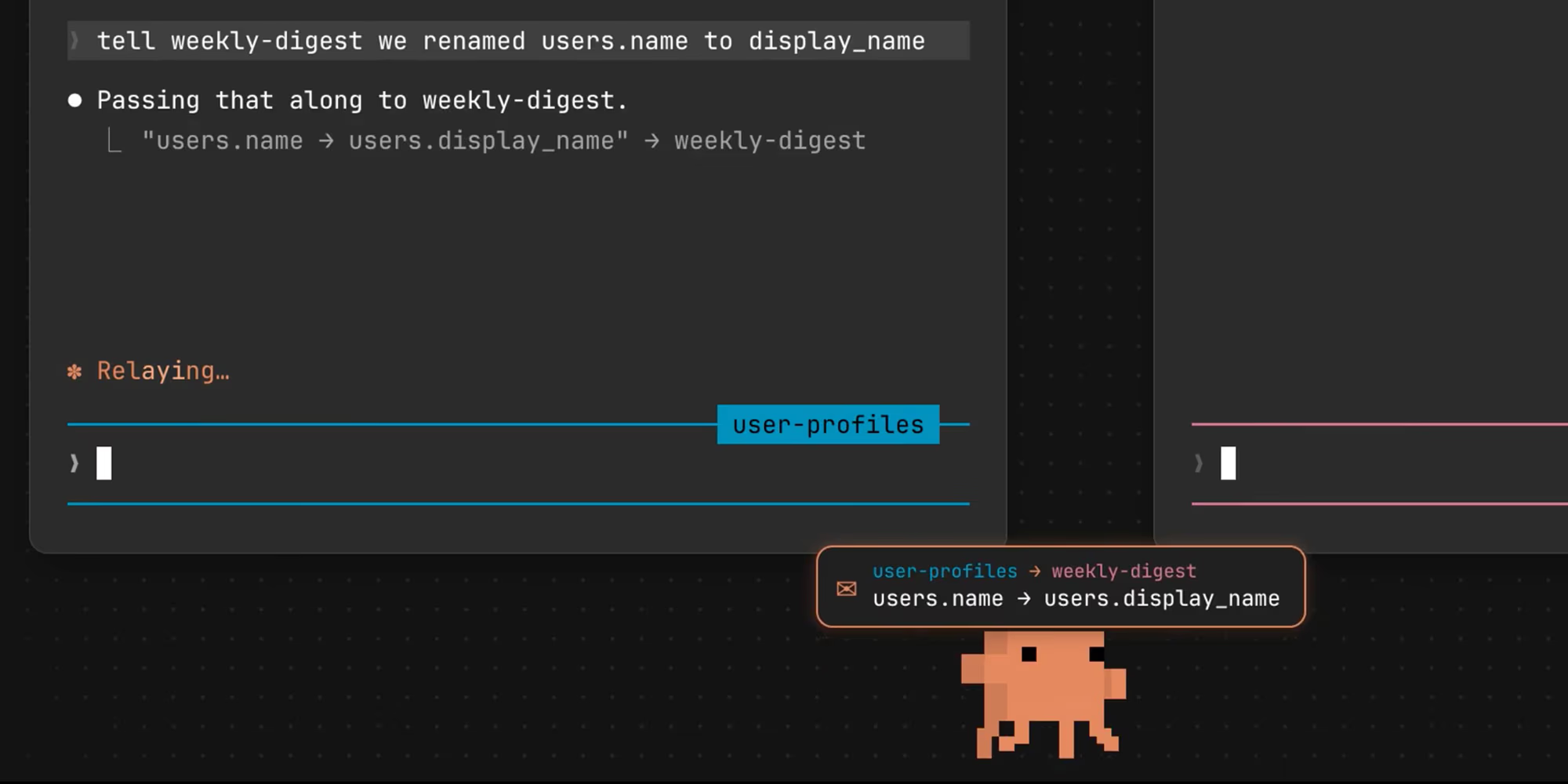
Within Anthropic's own product line, /design sits alongside rather than replaces the other Claude Code capabilities covered on this site: the built-in browser for testing what gets built, cross-session messaging for coordinating longer-running agent work, and the broader Skills API and computer use capabilities that reached general availability the week before this preview shipped. /design is specifically the visual-design piece of that expanding toolkit, not a standalone product competing with it.
It is also worth being precise about what /design is not: it does not replace a dedicated design tool for a team that already has one, and it makes no claim to production-grade visual polish out of the box the way a trained designer's output would. Its actual value proposition is narrower and more specific than either of those - removing the tool-switching cost for a developer who would otherwise be guessing at layout in plain text, or skipping visual exploration altogether and shipping whatever the first text-only prompt produced.
Who Should Use It
Worth trying now: developers on Pro, Max, Team or Enterprise plans already building UI-heavy features inside Claude Code who want to explore a few visual directions without breaking their session to open a separate design tool - particularly for early-stage exploration where seeing two or three genuinely different options matters more than pixel-perfect fidelity to an existing system on the first pass.
Better to use claude.ai/design directly, or wait: teams that need to share a prototype for non-technical stakeholder review, work across a genuinely multi-screen flow, or export to PPTX, PDF or a Figma-style handoff, since those remain squarely Claude Design's territory rather than the in-session /design skill's. Teams with a strict, established design system may also get more consistent results from an explicit /design-sync import first, given /design's current lack of automatic design-system detection - and anyone on a tight token budget should weigh the confirmed token-hungry cost of visual generation against a normal text-based prompt before reaching for /design on minor tweaks.
The Bottom Line
/design is a logical, well-sequenced next step for Anthropic's design tooling rather than a surprise pivot: Claude Design shipped the artboard technology in April, /design-sync connected it to real codebases in June, and this release finally puts the creative step itself inside the same session as the code it produces. The workflow Anthropic and independent reviewers describe - multiple options, inline visual editing, one-click implementation - genuinely shortens a loop that used to mean switching tools and losing context.
Treat it, as Anthropic itself frames it, as a research preview rather than a finished feature: real and useful for early UI exploration inside a coding session today, but with a confirmed token-cost premium and a design-system gap worth planning around until the preview matures.
Last updated: 23 August 2026. Sourced from Anthropic's official Claude Design announcement, product page and Help Center documentation, plus independent coverage of the 17 August Claude Code integration from explainx.ai and pasqualepillitteri.it. This article will be revised if Anthropic publishes a dedicated announcement for the Claude Code /design integration or moves it out of research preview.
Get the free guide: Claude vs ChatGPT, Gemini & Grok
A 20-page playbook covering everything you need to choose and use the big four AI models in 2026, full cost and feature comparisons, what each is best (and worst) at, and how-tos for images, vectors, building a website, Claude Code and more.