 AI Tools Review Editorial Team
Quick Answer:
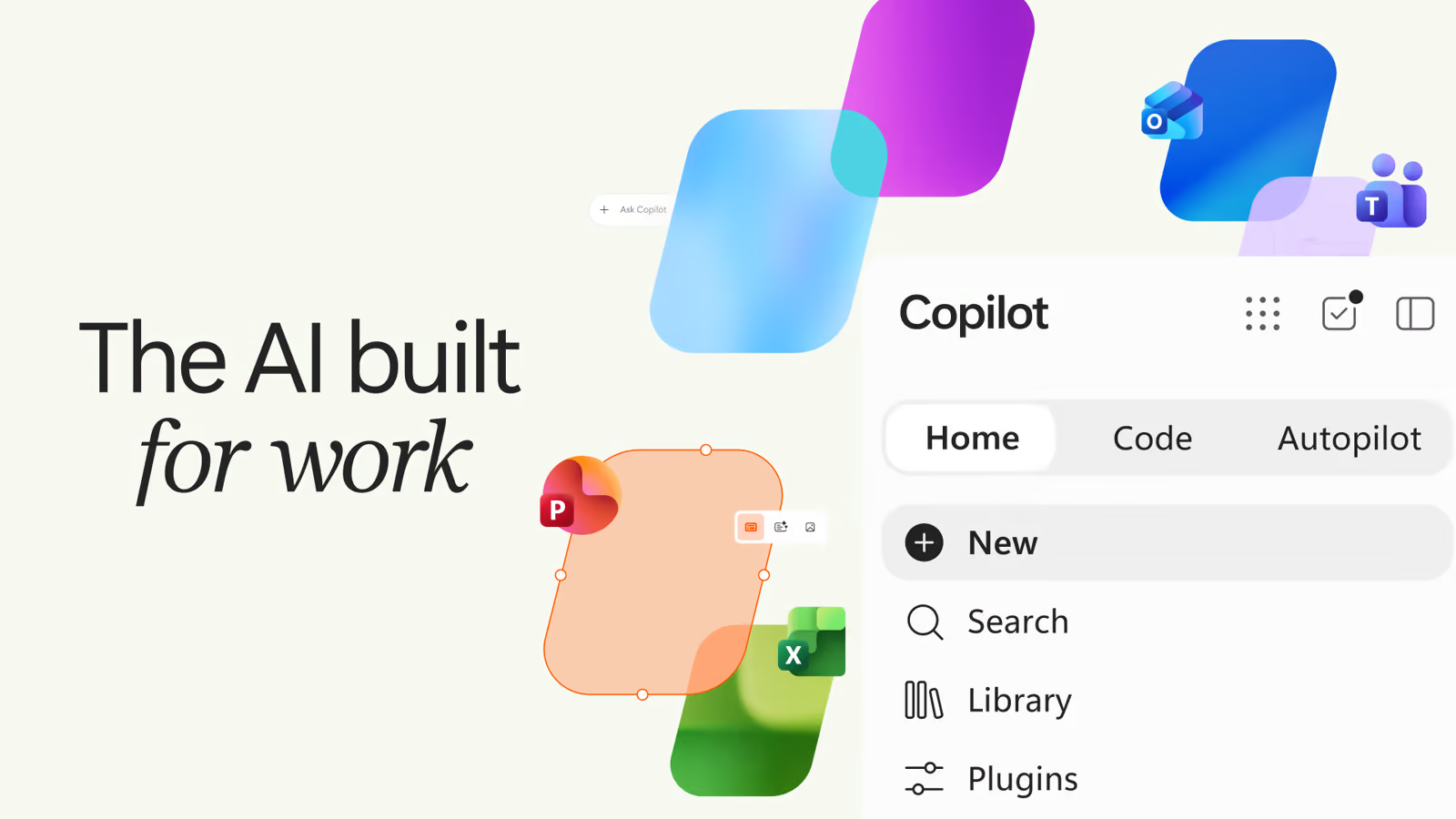
On 25 September 2026 Microsoft relaunched Copilot with three sections: Home (Chat plus Cowork and Office), Code and Autopilot. Autopilot is a persistent cloud agent with its own Microsoft Entra identity, memory and workspace. You give it a name, a role and a goal, and it watches Teams, Outlook and documents, chases open items and resumes projects after days. It bills through usage-based Copilot Credits on top of the roughly £22 ($30) per user per month licence, and it is in private preview from the end of September, not generally available.
For two years the pitch for workplace AI was a helper that waits for you to type. Microsoft's 25 September launch flips that. Autopilot does not wait. You assign it a job, it gets an identity of its own inside your tenant, and it carries on working after you close the laptop.
This guide sets out what Microsoft actually announced, which claims come from Microsoft and which from reviewers and creators, how the identity and billing model work, what we still do not know, and how an IT lead or a small team could pilot Autopilot safely. Nate B Jones's video, embedded below, is the clearest creator take on why this matters for ordinary employees.
Nate B Jones on Copilot Autopilot, its OpenClaw lineage and five habits for getting more from the AI your company allows.
Executive Summary
What happened: On 25 September 2026 Satya Nadella announced what Microsoft called its biggest Copilot update to date. The new Copilot app is organised around three destinations: Home, Code and Autopilot. The announcement is in Microsoft's official blog post by Jared Spataro.
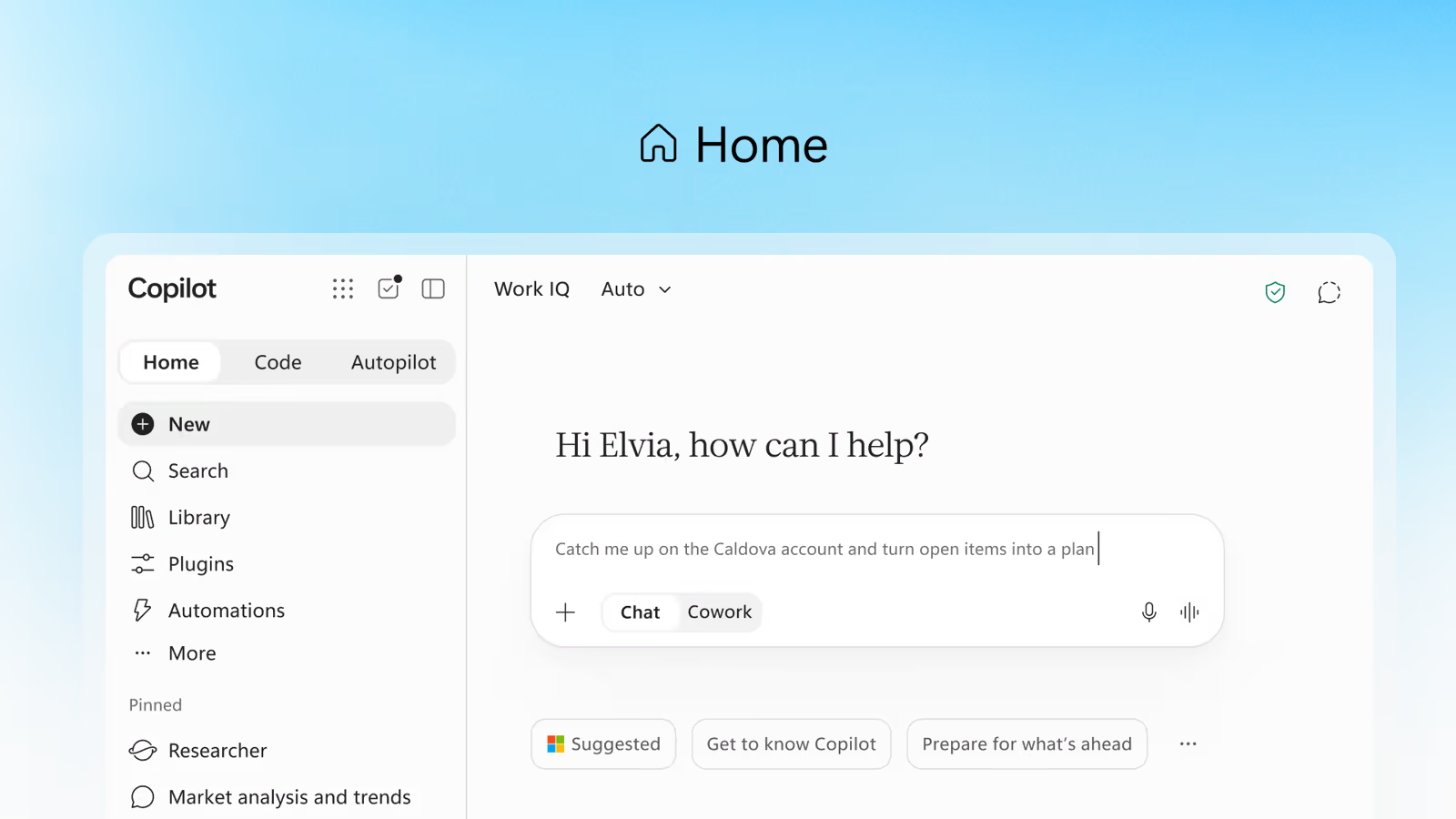
- Home combines Chat and Cowork and embeds Word, Excel and PowerPoint inside Copilot, with shared files and tracked revisions.
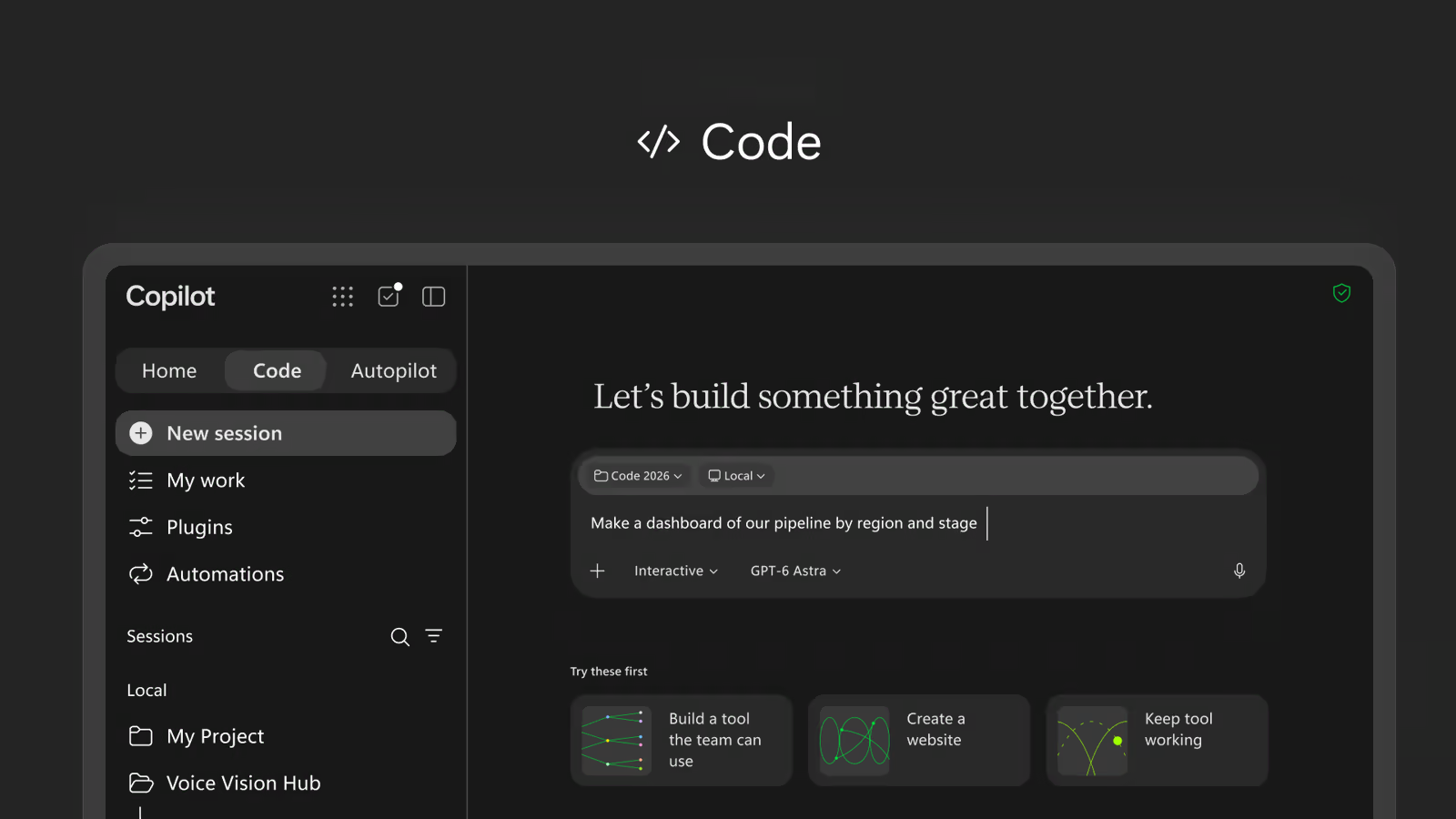
- Code lets people describe an app, tracker, dashboard or automation in plain language, using the same underlying technology as GitHub Copilot, and host it on a Microsoft-run runtime.
- Autopilot is a persistent, proactive agent with its own identity, memory, computing environment and workspace inside the organisation's Microsoft 365 environment.
- Governance comes from Agent 365 (permissions, audit records, controls) and Microsoft Entra (identity). Nadella's line: "Every agent has to have an identity. Everything it does needs to be observed."
- Billing keeps the per-user licence but moves agentic work to usage-based Copilot Credits.
Our view: the interesting part is not the interface, it is the model of work. A named agent with a role, a goal and a memory is closer to a junior colleague than a chatbot. That is also why the controls matter more than the features. The honest summary is that this is a serious enterprise move with real governance thinking, but Autopilot is still a private preview with limited public detail on what it can and cannot do unsupervised.
What Autopilot Actually Is
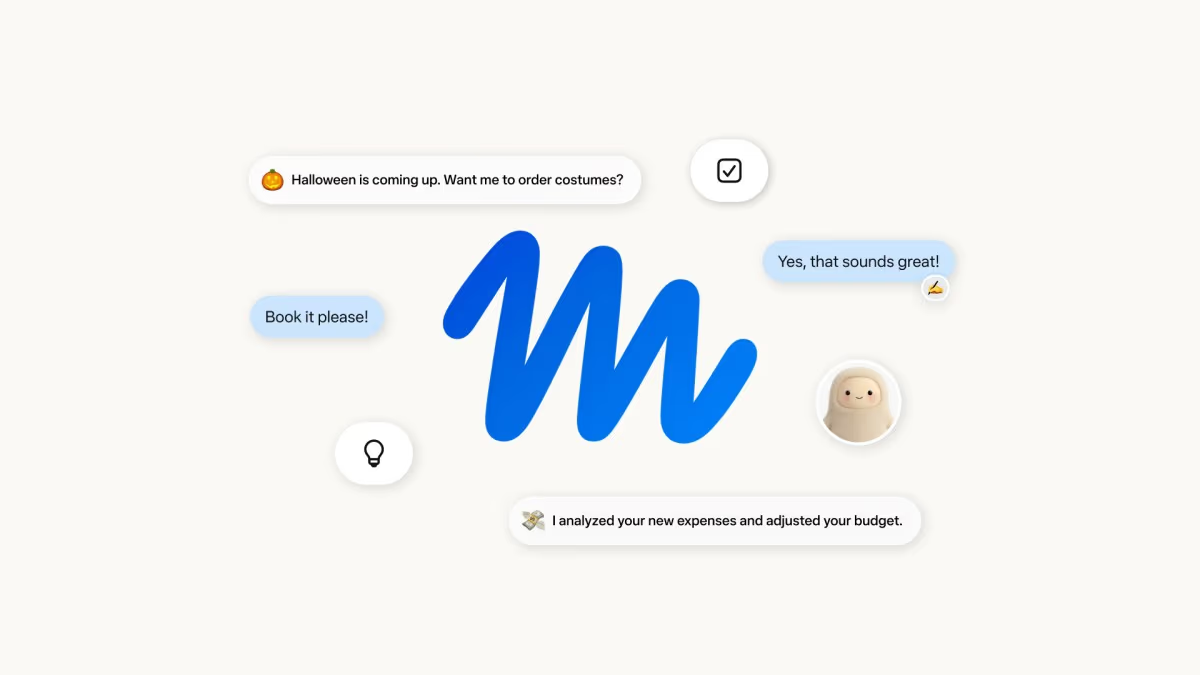
Microsoft describes Autopilot as a persistent, proactive and personal agent that keeps working when you are not. Reporting says it was previously known as Scout, an earlier personal-agent initiative, and was renamed for launch. You configure it with three things: a name, a role and a goal. From there it can watch channels and conversations, chase open issues, schedule follow-ups and pick a project back up after several days without a fresh prompt.
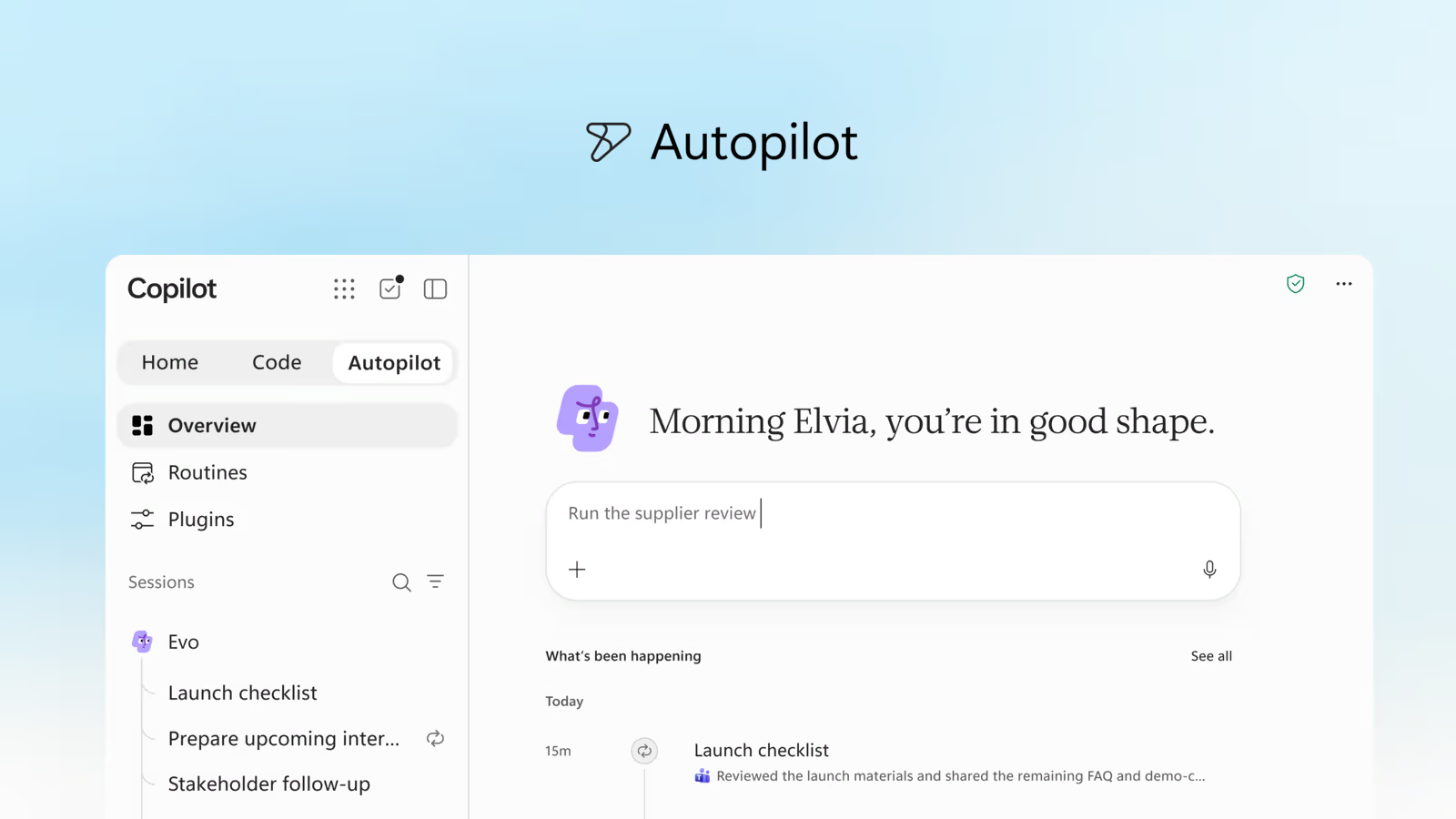
In Microsoft's launch demonstration, an Autopilot agent named "Dot" monitored retail preparations for Black Friday and spotted a shipment problem affecting 18 stores. The example is deliberately mundane, and that is the point. The value case is not a clever one-off answer. It is a dull recurring responsibility that a person would otherwise forget to check.
How you talk to it
Employees interact with Autopilot through Teams, Outlook and shared documents, including by @mentioning it as they would another participant. That choice of surface matters. Instead of asking people to learn a new app, Microsoft puts the agent where the work already happens, and makes it a visible participant with a name that colleagues can see.
What it is not
It is not a general permission to act as you. Reporting on the architecture says the agent's base identity does not automatically include email, calendar or file access; those require a separate Entra user account. Sensitive actions can require human approval. And full collaboration features, including mailbox and calendar access, are limited to Frontier preview tenants for now.
The OpenClaw Connection
The reason this launch drew attention from the agent community is the lineage. Microsoft has said the agent is powered by OpenClaw, the open-source always-on agent framework with a very large following on GitHub. Nadella told investors as much in July, according to the reporting we reviewed. If you are new to the project, our explainer on what OpenClaw is and our write-up of OpenClaw 2.0 give the background, and OpenAI's acqui-hire of OpenClaw talent shows how quickly the big platforms moved on the idea.
Here is the nuance worth keeping. Independent analysts point out that Microsoft did not simply ship the open-source code. The architecture resembles OpenClaw's, but it is built on Microsoft Graph, Copilot Studio and Microsoft Foundry, a cloud-orchestrated system under Microsoft's identity and compliance stack. In practice that means the *pattern* came from the open-source world (a persistent agent with memory, tools and a heartbeat that acts without being prompted) while the *implementation* is a conventional enterprise product.
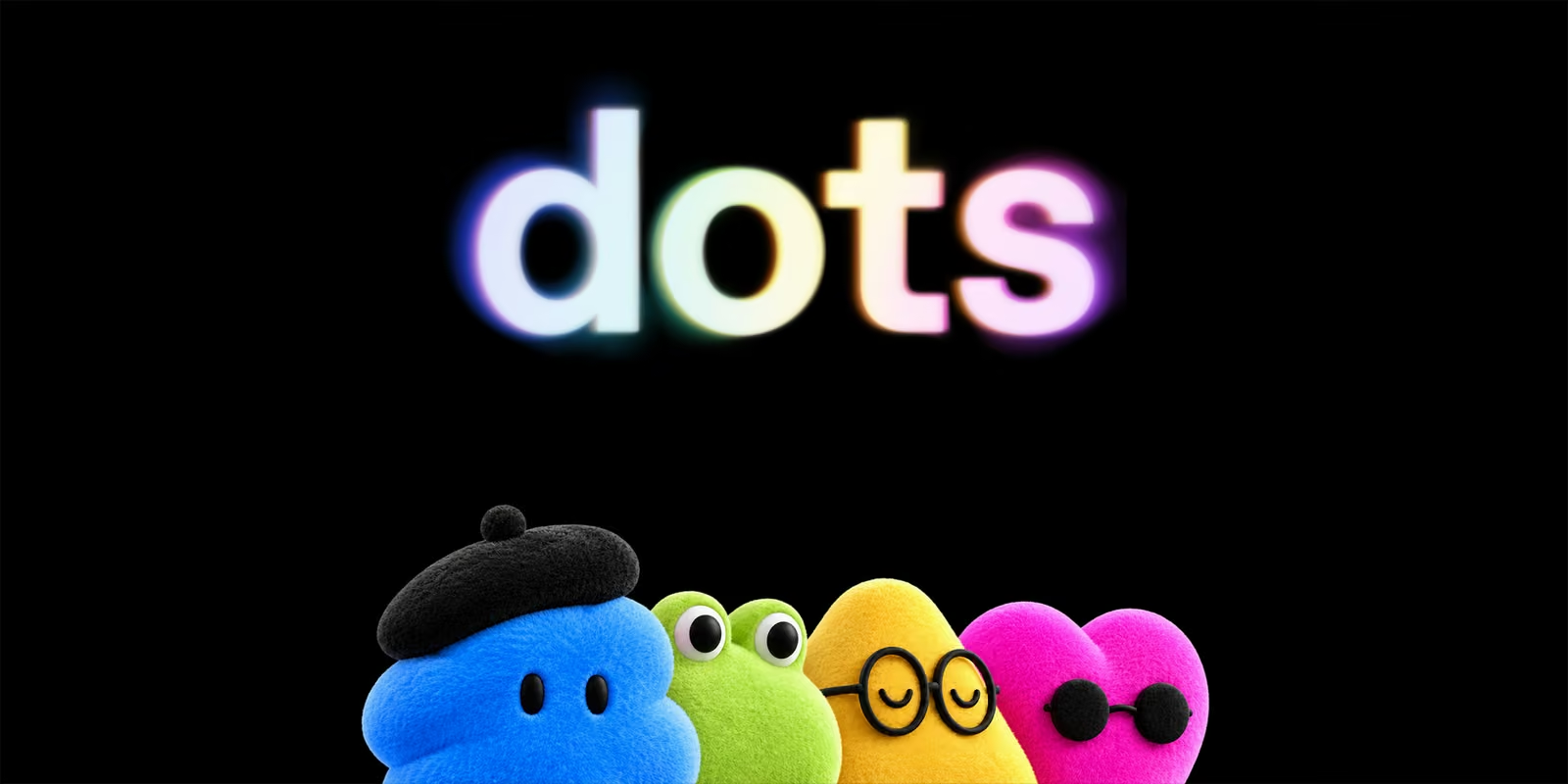
Nate B Jones's video title captures the irony: Microsoft was once critical of the OpenClaw approach, with the video framing the earlier comparison to a virus, and is now bringing a governed version to employers. We cannot verify the earlier comparison from the sources we reviewed, so treat that as the creator's framing. What is verifiable is the direction of travel. The same pattern appears in OpenAI Dots, Meta Muse and the Grok Bot agent. Always-on agents have moved from hobbyist tool to platform feature in a matter of months.
Identity, Governance and the Security Model
Microsoft's security argument rests on a simple rule: an agent is a principal like any other. Each Autopilot instance gets its own governed identity in Microsoft Entra ID, runs in an isolated environment, and has its actions traced to known directory actors. Agent 365 supplies permissions, audit records and administrative controls. Administrators decide which data connections and endpoints an agent may use, and Git tracks source code and versions for anything built in Code.
Why identity first is the right instinct
The failure mode for always-on agents is not usually a dramatic hack. It is quiet over-reach: an agent that inherits its owner's full permissions, takes an action nobody reviewed and leaves no useful trail. Giving the agent a separate identity breaks that inheritance. You can scope it, log it, revoke it and put it in a group with a policy, exactly as you would a contractor account.
Questions to put to your IT team
- Does each Autopilot agent get its own Entra account, and who owns it when the creator leaves?
- Which actions require human approval by default, and can we raise that bar?
- Where are agent memory and workspace stored, and how long is it retained?
- Can we export the audit trail to our existing monitoring tools?
- Which models can the agent call, and can we restrict model families by group?
Microsoft says administrators can restrict model access by group through Microsoft Graph APIs, beginning with Cowork, and that agents can use OpenAI, Anthropic and xAI models, with an auto-router choosing per request on accuracy, speed and cost.
The wider safety picture
Microsoft's controls address *access*. They do not by themselves address *judgement*. Research we cover in our AI containment failures roundup and Anthropic's multi-agent safety research shows that agents given broad goals can take surprising routes to them. An identity and an audit log let you see what happened. Approval gates are what stop it happening. Use both.
Home and Code: The Rest of the Launch
Autopilot is the headline, but the launch is a platform change.
Home
Home puts quick chat and longer delegated jobs (Cowork) on one screen, and brings Word, Excel and PowerPoint into Copilot so people can create and edit documents alongside colleagues and the AI without switching apps. A Today feature, entering private preview in October, gathers signals from email, calendars, discussions and assignments and prepares follow-up drafts. The model picker includes an auto-router, and our readers comparing assistants may want to see how this stacks up against ChatGPT Work and Claude Cowork in the browser.
Code
Code generates applications from written instructions and, per Microsoft's Jacob Andreou, makes hosting and sharing "literally as simple as saving and sharing a Word document". It runs on Copilot Managed Runtime, a Microsoft-operated hosting platform with Git version management, an SDK for third-party tools and command-line deployment. Administrators get a consolidated inventory of applications covering access, activity, health and policy. That inventory is the quiet but important feature: it addresses shadow IT before it starts. Code reaches the Frontier programme first, and later in 2026 reaches Microsoft 365 Premium and Pro subscribers.
For the underlying models, see our reviews of GPT-6 Astra and Claude Fable 5.1, both of which Microsoft names as metered advanced models.
Pricing: Licences, Credits and the FinOps Controls
Microsoft kept the headline seat price and moved the new, expensive work to a meter.
| Item | Price (USD) | Approx. sterling |
|---|---|---|
| Microsoft 365 Copilot licence (annual billing) | $30 per user per month | about £22 |
| Copilot Business | $21 per user per month ($18 with annual billing until 31 December 2026) | about £16 ($18 is about £13) |
| Microsoft 365 E7 (annual billing) | $99 per user per month | about £73 |
| Agent 365 standalone | $15 per user per month | about £11 |
| Copilot Credits | $0.01 each | about 0.7p |
Autopilot, Code and Cowork need the subscription plus Copilot Credits. Microsoft's worked examples put 15 everyday tasks at the $30 licence cost and 20 everyday plus 5 complex tasks at roughly $69 to $73 in total. Annual credit commitments earn discounts of 5 to 20 per cent. Advanced models such as GPT-6 Astra and Claude Fable are metered.
The FinOps controls
- Metered services are off by default until an administrator creates a spending policy.
- Budgets, limits and alerts can be set at tenant, group and user level.
- Employees can see credits consumed, allowance remaining and activity history.
- Everything is administrable through Microsoft Graph APIs.
What the pricing tells you
Usage-based billing changes the buying conversation. A fixed seat price rewarded light use. A meter rewards well-scoped, high-value use and punishes vague, chatty or looping agents. Budget accordingly: a runaway agent now has a cost as well as a risk. The sensible approach is to start with a small credit allowance per pilot group and review spend weekly.
The Adoption Context
Reporting on the launch cites Microsoft 365 Copilot reaching 30 million paid seats by July 2026, roughly 7 per cent of about 450 million commercial seats. Read that two ways. It is a big number in absolute terms, and it also shows that 93 per cent of the commercial base has not paid for Copilot. Autopilot is partly an answer to that gap: chat alone did not convince every buyer, so Microsoft is betting that delegated, ongoing work is the thing that justifies the spend.
This is the same logic driving rivals. Google's Gemini in Workspace agentic features and Gemini Spark, OpenAI's Dots and Meta's Muse for Small Business all make the same pitch. For the broader picture on how these roles are changing, see our guide to the agentic future of work and what jobs AI may replace by 2030.
How Autopilot Compares
| Product | Where it lives | Identity and control | Best for |
|---|---|---|---|
| Microsoft Copilot Autopilot | Teams, Outlook, documents; cloud | Own Entra identity, Agent 365 audit, admin spend policy | Organisations already on Microsoft 365 |
| OpenAI Dots | ChatGPT; own cloud computer | Per-Dot settings and approvals in ChatGPT | Individuals and teams standardised on ChatGPT |
| Meta Muse | Meta apps; Secure VM | Sentinel approval agent, owner approvals | Consumers and small businesses on Meta platforms |
| OpenClaw (open source) | Self-hosted | You build the controls | Technical teams wanting full control |
The honest differentiator is governance. Microsoft's strength is that it sits inside the identity, compliance and audit stack large organisations already run. Its weakness is that this strength comes with licensing complexity and a preview-stage feature set.
A Four-Week Pilot Plan
If your organisation gets Autopilot preview access, resist the urge to switch it on for everyone. A structured pilot gives you evidence.
Week 1: choose boring, repeatable jobs
Pick two or three recurring responsibilities with clear success criteria: chasing a weekly status update, monitoring a shared inbox for a specific request type, preparing a Monday summary. Avoid anything touching money, contracts or customer commitments.
Week 2: narrow permissions, read-only first
Create the agent with the smallest data access that lets it do the job. Keep sensitive actions behind human approval. Confirm the audit trail records what you expect.
Week 3: measure
Track time saved per task, number of corrections a human had to make, credits consumed per completed task and any action the agent took that nobody expected.
Week 4: decide
Keep, widen or stop. A good outcome is a small number of agents with clear owners and a known cost per task. A bad outcome is a growing list of agents that nobody owns. Write the ownership rule before the pilot, not after.
- Owner: one named human per agent.
- Review cadence: weekly spend and activity review.
- Retirement rule: an agent with no owner or no activity for 30 days is switched off.
Five Habits for Working With Workplace AI
Nate B Jones's accompanying post focuses on five habits for getting more from the AI your company allows. We have not reproduced his list; read it in his newsletter post. Our own short version, based on how agent products behave:
- Write the goal as an outcome with a deadline, not a task list.
- Give context once, in writing, so the agent's memory starts with accurate information.
- Review the first five outputs closely, then sample.
- Keep approvals on for anything outward-facing.
- Ask the agent to report what it did, not only what it found.
Limitations and Open Questions
- Preview status. Autopilot is expanding to private preview at the end of September. There is no general availability date, and public hands-on testing is thin.
- Frontier gating. Mailbox and calendar collaboration is limited to Frontier preview tenants.
- Cost unpredictability. Credit-based pricing is transparent per credit but hard to forecast for agents that run unprompted.
- Memory and data retention. The sources we reviewed do not detail how long agent memory is kept or how it is exported.
- Reliability. Microsoft's Black Friday demonstration is a launch demo, not an independent benchmark. We have not seen published accuracy or task-completion rates.
- Vendor lock-in. An agent whose memory and routines live in Microsoft's tenant is harder to move than a self-hosted one.
Who Should Pilot It
- IT and security leads in Microsoft 365 shops: yes, request preview access and design the governance rules now.
- Operations and project teams: good candidates for recurring follow-up and status-chasing jobs.
- Small businesses: wait for general availability and clear pricing, or look at lighter options such as Meta Muse for Small Business.
- Developers who like control: look at OpenClaw or Hermes Agent.
- Anyone processing regulated or personal data: involve your data protection officer before connecting a mailbox.
The Bottom Line
Autopilot is Microsoft's answer to the question every platform is now asking: what does AI at work look like when it does not wait to be asked? The answer is a named, identified, budgeted agent that lives in Teams and Outlook, and the strongest thing about the design is that it treats the agent as an employee-like principal with an audit trail rather than as a feature. The weakest thing is how little is publicly proven. Pilot it carefully, keep humans in the approval loop, watch the meter, and revisit when general availability and independent testing arrive.
*Last updated: 3 October 2026. Facts are drawn from Microsoft's official announcement of 25 September 2026 and the reporting cited. Sterling figures are approximate conversions at about 74p to the dollar; check your own licensing agreement for exact prices.*
Get the free guide: Claude vs ChatGPT, Gemini & Grok
A 20-page playbook covering everything you need to choose and use the big four AI models in 2026, full cost and feature comparisons, what each is best (and worst) at, and how-tos for images, vectors, building a website, Claude Code and more.